Category: Amateur Radio

Testing WSPR HF Propagation with a Raspberry Pi 3B+ and TAPR Shield Running WsprryPi

Thank you to Simone Spadino (SWL ID I8926BA), who wrote in to share his low-cost WSPR setup. WSPR (Weak Signal Propagation Reporter) is an amateur radio mode designed to test propagation paths using very low-power transmissions, with receiving stations reporting spots in real time to the WSPRnet map.

Simone's setup consists of a Raspberry Pi 3B+, which can be made to modulate a square wave RF signal on one of its GPIO pins via the WsprryPi software. Because a square wave generates many harmonics, he used the 20m WSPR shield from TAPR, which provides a low-pass filter to remove them. A dipole made from simple electrical monopole wire was connected to the shield via 50 ohm coax, and the signal was transmitted at 14.0971 MHz.

Transmitting from his rooftop in the center of Bari in southern Italy, Simone had his beacon received in England, Finland, Cyprus, and the Canary Islands, all more than 3100 km away. He repeated the experiment a week later with similar results. This is a reminder of how far low-cost hardware can transmit with a resilient protocol like WSPR.

Simone's WsprryPi Setup
WSPR Range with the Raspberry Pi 3

HamDash: A Free Real-Time Ham Radio Dashboard with a Browser-Based RTL-SDR Receiver

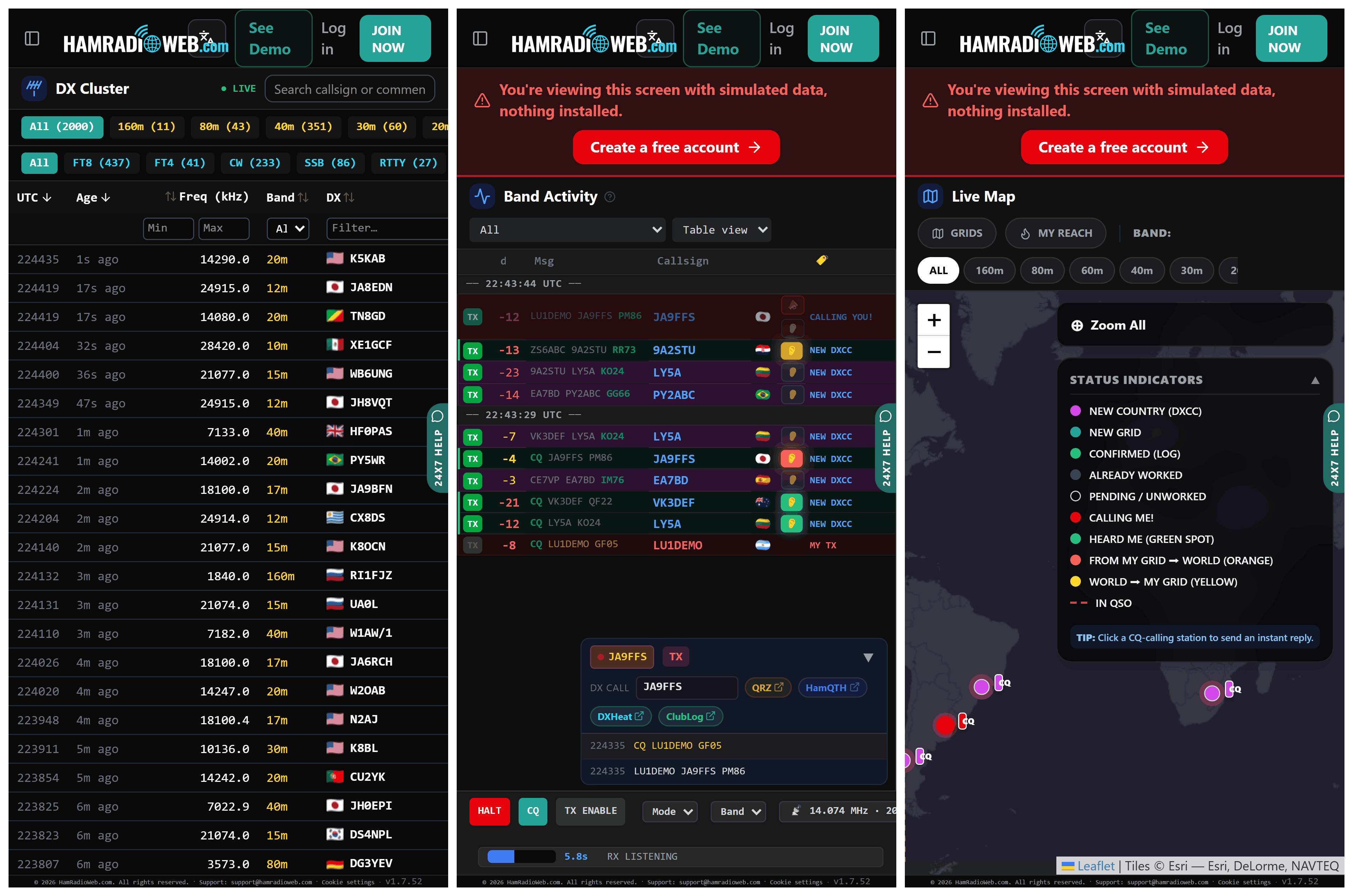
Thank you to several readers who have pointed us to HamDash. HamDash is a new free real-time ham radio dashboard that aims to be the always-on monitor for your radio shack. Built by Peter (G0LIW), the web-based app combines HF propagation, space weather, DX cluster spots, POTA and SOTA activations, a contest calendar, and a greyline map into a single customizable view. There's no account or subscription, and it runs in any browser, making it a good fit for a dedicated second monitor, a tablet, or a Raspberry Pi sitting in the shack. We note that despite being free, the project doesn't appear to be open source, as we could not find any public source code repo.

The dashboard includes live solar flux, K-index, X-ray flare, and aurora data so you can tell when the bands are open, plus VOACAP-based propagation predictions and Met Office/MeteoAlarm weather alerts useful for portable operating. A Visual Layout Builder lets you arrange modules into rows and slots exactly how you want, and a touchscreen-friendly on-screen keyboard makes it usable on a mouse-only or kiosk-style setup.

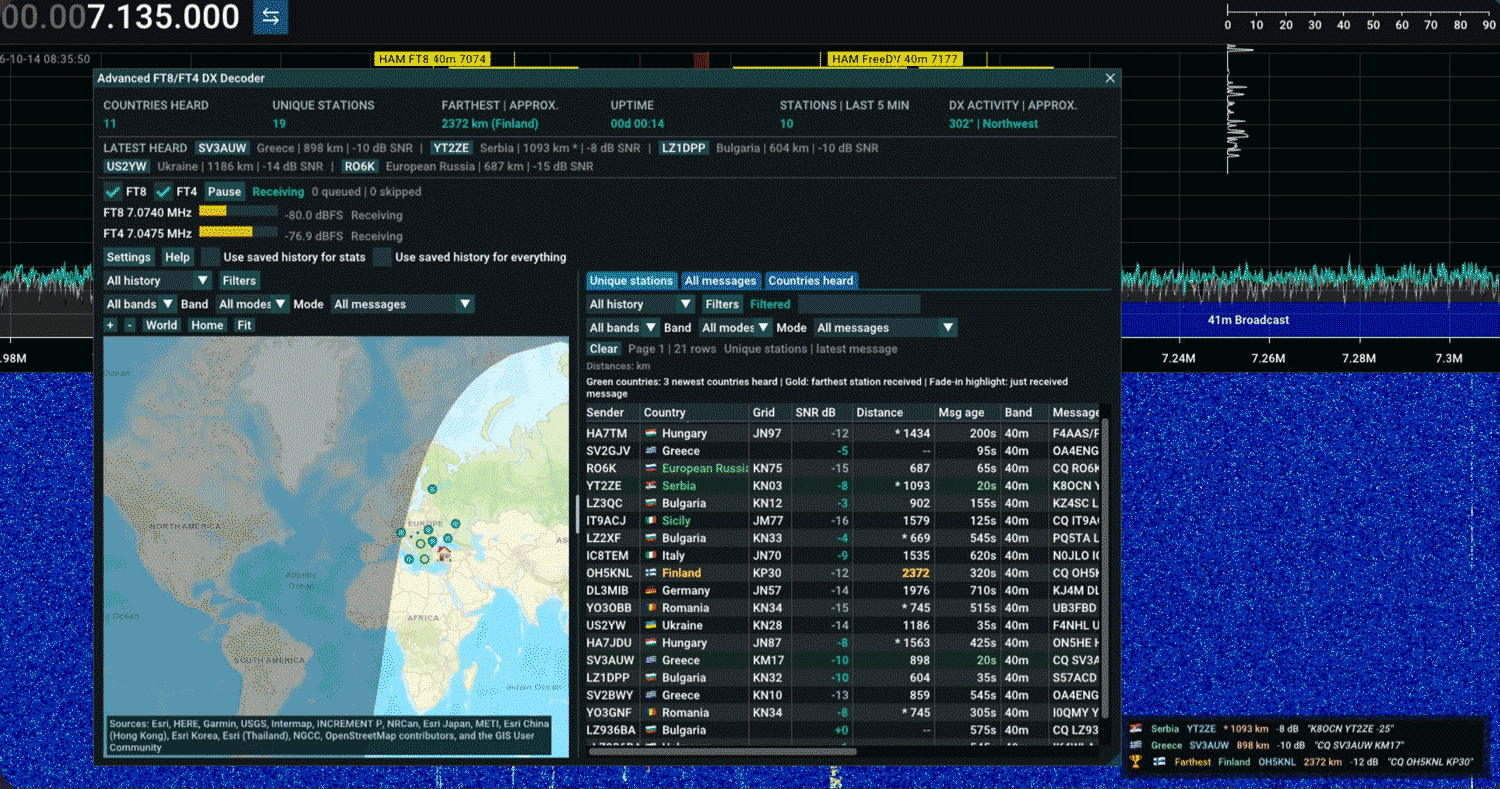
Of interest to RTL-SDR users, HamDash includes a browser-based SDR receiver called SDRCOM that works with an RTL-SDR V3 or V4 dongle over WebUSB, so you can run it in Chrome or another Chromium browser like Edge or Opera directly. The free SDRCOM Lite edition is included with HamDash and covers AM/FM/SSB/CW tuning, a waterfall display, an FT8 decoder, a basic 3-band EQ, and a 100-slot memory bank. There's also a paid SDRCOM Pro edition for a one-year license with no auto-renewal $9.99 fee that adds enhanced waterfalls, FT8 and FT4 decoders, an ADS-B engine with 3D aircraft tracking, 4-band noise-reduction DSP, an auto-lock band scanner, a WAV recorder with scheduler, and a 1000-slot memory bank.

AI-Disclaimer: While not advertised as AI-coded, the author's company, Nemeta AI Software Services LLC, and the UI-style hints at AI development tools having being used.

HamDash SDR Web App Running an RTL-SDR

AirPulse Desktop: Turn an RTL-SDR into an Amateur Radio Repeater Activity Reporting Station

Thank you to the team at Feedline Labs for writing in and sharing news of their new project called AirPulse Desktop. AirPulse is a Windows desktop application that turns an RTL-SDR into a small repeater activity monitoring station.

The software continuously scans the output frequencies of nearby amateur radio repeaters, detects when a signal exceeds an activity threshold, and reports those hits to Feedline Labs' live "Greyline Fabric" system. The idea is to build a real-time map of which repeaters are actually in use, rather than relying on static directories that are often outdated or filled with abandoned systems.

For the launch, Feedline Labs is granting free lifetime AirPulse Desktop licenses to the first 75 users who get set up and begin contributing activity reports. The installer is not being posted publicly for now, so interested RTL-SDR owners will need to request access through feedlinelabs.com. A short video demonstrating the concept, the desktop app, and the scanning and reporting process is available below:

Own an SDR? Help Build the Greyline Live RF Intelligence Fabric | AirPulse Desktop Beta

AI Disclaimer: We note that this project appears to make heavy use of AI-generated images. We do not know if AI-generated code is used as the code appears to be closed source.

GopherTrunk: A New Pure-Go Trunked Radio Scanner Supporting P25, DMR, TETRA, NXDN and More

Thank you to Matt Cheramie, who wrote in to let us know about his new software called GopherTrunk, a new RTL-SDR compatible radio scanner that follows digital trunked-radio voice calls and decodes them into audio. Gopher Trunk runs on a pool of RTL-SDR dongles and ships as a single ~10 MB static binary for Linux, macOS, and Windows. There are no C dependencies, so neither librtlsdr nor libusb are required at build or runtime, which makes deployment on a fresh machine or Raspberry Pi very straightforward.

On the protocol side, GopherTrunk handles control-channel decoding for P25 (Phase 1 and 2), DMR, TETRA, NXDN, Motorola Type II, EDACS, LTR, MPT 1327, dPMR, D-STAR, and YSF. The voice path is written in pure-Go and implements IMBE and AMBE+2 vocoders directly, removing the dependency on external DVSI or mbelib. The interface is terminal-based, but also includes a full browser-based operator console. There is also a configuration importer that parses RadioReference.com PDF exports and CSV bundles straight into the daemon config.

Matt notes that while the engine is running end-to-end, he is looking for SDR enthusiasts to test it against real-air captures to help refine the on-air FEC layers and vocoder audio levels. Prebuilt releases and the quick start guide are available at gophertrunk.org/downloads, and the full source is on GitHub. Feedback and bug reports are very welcome if you give it a try.

Gopher Trunk: A New Digital Trunking Scanner for RTL-SDR written in Pure-Go
GopherTrunk: A New Digital Trunking Scanner for RTL-SDR written in Pure-Go

Open.Space: An Open Source SDR Based Phased Array for Bouncing Signals off the Moon

Open.space is an upcoming open-source project aiming to unlock affordable earth-moon-earth (EME) bounce communications for the amateur radio public. To achieve this, they have designed a software-defined radio-based tiling system that allows people to easily create phased arrays.

EME (Earth–Moon–Earth) bouncing is a part of the amateur radio hobby that typically involves using (~1m - 3m diameter) high-gain dish antennas to transmit a signal toward the Moon, reflect it off the Moon’s surface, and have it received by a distant contact on Earth with similar hardware.

A phased array consists of a grid or lattice of many small antennas working together in sync. By applying tiny delays between elements and combining their signals, the array can make radio waves add up in one chosen direction and cancel in others. This lets software steer the receive/transmit beam electronically (no motors or moving parts), improving sensitivity and reducing interference. Compared to a dish antenna, it can scan and track targets much faster, form multiple beams if needed, and is compact and low-profile without physically turning. A common phased-array antenna many may have used before is a Starlink antenna.

A single open.space tile consists of a 4x4 MIMO SDR and four antennas. The SDR's frequency range covers 4.9 - 6.0 GHz, and it has 40 MHz of bandwidth via an 8-bit ADC. The tiles can be used on their own as a general SDR, for radio direction finding, as an Open-Wi-Fi router, as a 4G/5G basestation, or for drone HD links and robotics communications.

Multiple tiles can also be combined in a lattice shell to form the "Mini" starter phased array, which consists of 18 tiles. With the Mini phased array, you can achieve 60 degrees of beam steering, up to 34 dBi of gain, and 52.6 dBW of EIRP transmit power. The Mini is not large enough for EME, but upgrading to "Moon", which consists of 60 tiles, makes EME possible. "Moon" gets you 60 degrees of beam steering, up to 39.3 dBi gain, and 63.1 dBW transmit power.

This sounds expensive, but each tile is actually slated to cost only US$49-US$99. The Mini is priced at US$899 - US$1499, and the "Moon" at US$2,499 - US$4,999.

The Open.space hardware has not yet been released for sale, but the website indicates March 2026 as the expected shipping date. You can sign up to their email list on their website for updates.

Open Space. Left: EME Concept, Middle: Single Tile, Right: Moon Phased Array consisting of 60 tiles.
Left: EME Concept, Middle: Single Tile, Right: Moon Phased Array consisting of 60 tiles.

SignalsEverywhere Android Project Updates: Satellite Tracker, HackTV NTSC Transmitter, OBS To HackTV, PacketShare and More

Recently, Sarah Rose Giddings (aka SignalsEverywhere) has been actively developing several radio and SDR based projects for Android, and she would like to provide an update on them.

First, as mentioned in a previous post, Sarah has been developing APRS.chat, an online mailbox system for APRS messages sent over RF. She has also been making progress on various other projects, including various useful Android apps, which she has updated interested people on in her latest livestream.

Hangout Chat | Linux | HackRF NTSC Transmission | Android APPS and More!

Some of the links to the Android software she's working on have been provided below:

Works with Benshi Protocol Radios (VR-N76 UV-PRO etc)

Stuff Created After The Livestream

Help beta test Play Store Releases (Benshi Dash, Benshi Commander, APRS Chat): https://docs.google.com/forms/d/e/1FAIpQLSfNTrCBofQYam6f6CrZ8XxTxZw2vlOiaD6ehGs5NBOAbKkHWw/viewform?usp=header

Screenshots from Sarah's HackTV NTSC Transmitter

Understanding Single Sideband Modulation Through GNU Radio and RTL-SDR

Thank you to Paul Maine for writing in and sharing his latest tutorial video, which explains how Single Sideband (SSB) modulation works. In the video, Paul explains the concept and mathematical principles behind SSB by showing how to create an SSB receiver using GNU Radio and an RTL-SDR.

Paul writes:

Paul Maine “ The SDR Guy” recently released a video about Single Side Band (SSB). 

The SDR Guy shows how to create a single sideband receiver using GNU Radio and an RTL-SDR. He also shows how to modulate SSB signals. Paul collaborated with Gary Schafer in the production of this video. Gary has created a must read blog post on SSB.

Paul answers the question: What is SSB and what’s the advantage when compared to Amplitude Modulation. He used SDR++ to capture an IQ file using an RTL-SDR and his HF antenna and is included in his resources. This allows you to use the resources he has provided to demodulate SSB even if you don’t have an HF antenna.

In fact, you don’t even need to have an SDR. A GitHub link is provided in the video description to all flowgraphs and IQ files discussed in the video. Lastly, The SDR Guy has included a complete Upper and Lower Side Band receiver that’s implemented in GNU Radio using an RTL-SDR!

Be sure to look at his YouTube Channel (paulmaine6433). He has many other SDR related videos.

E17 Create Single Sideband Receivers with GNU Radio and RTL-SDR

An SSB receiver in GNU Radio

ARPS.Chat – Send and Receive APRS Messages Globally

Thank you to Sarah Rose Giddings (aka Signals Everywhere) for submitting to us her latest project called aprs.chat. This is a web service that allows ham radio operators to have all of their incoming APRS (Automatic Packet Reporting System) messages (regardless of SSID) saved in history on the web platform. This will enable operators to never miss a message, even when their radios are turned off. The service works over the APRS-IS (APRS Internet Service) network, which bidirectionally connects APRS radios to the internet.

Sarah notes that the service currently works through the website, but an Android app is planned for release in the near future. Patreons of Sarah/Signals Everywhere can get early access to the Android app on request.

More information about the service can be found on this post on the Signals Everywhere blog.

aprs.chat website
aprs.chat website