Tagged: beamforming

SDR– Updated to V2.2: Many New Decoders, Tools and KrakenSDR Direction Finding and Beamforming Support Added

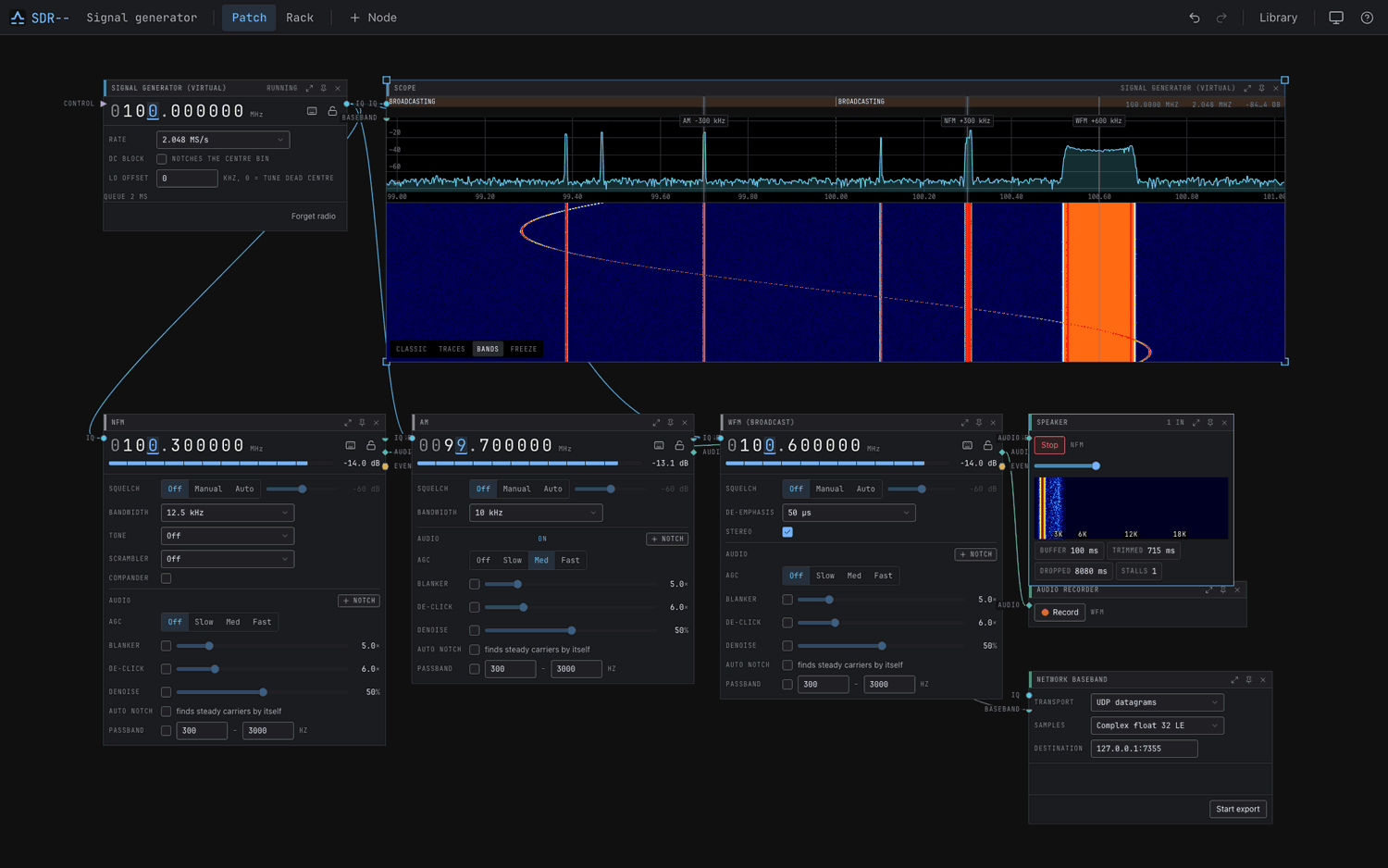
Last month we posted about the release of SDR-- (SDR minus minus), an open-source app that lets you visually wire together a receiver on a canvas. Since that time, Julian, the developer of SDR--, has been busy adding support for many decoders, various tools, and improving performance. Julian has also added KrakenSDR support, with radio direction-finding and beamforming blocks. Julian shares the following update for SDR-- V2.20:

New Decoders

  • Aviation and satellite: VDL2, HFDL, Inmarsat Aero and STD-C, Iridium, Drone Remote ID, 406 MHz beacons
  • Voice: TETRA, Tetrapol, GSM downlink, DECT, D-STAR, FreeDV, NXDN, dPMR
  • Data: LoRa (LoRaWAN, Meshtastic, MeshCore), ISM sensors, End-of-Train, DSC, BLE, Wi-Fi survey
  • Weather: NOAA APT, Meteor LRPT, WEFAX, radiosondes with landing forecast
  • Broadcast: DVB-T/T2, DVB-S2X, DAB packet mode, DRM with xHE-AAC

Coherent and mobile

  • Direction finding, beamforming and passive radar on the KrakenSDR
  • An iOS app with CarPlay for DF while driving is in TestFlight. Android is coming soon.

Hardware

  • Native Support: KrakenSDR, RTL-SDR Blog V4 Lite, AntSDR, PlutoSDR, SDRplay, Airspy, bladeRF and ESP-SDR
  • NanoVNA and antenna rotators
  • rtl_tcp and ADS-B Beast output for other apps

Tools

  • A satellite node with Doppler correction, plus a map with footprints and tracks
  • A spectrum monitor that classifies signals automatically, and a scanner with priorities and lockouts
  • Antenna calculator, noise figure, PER tester, SID monitor
  • Audio denoise, call recording, and a decoder log grouped by station
  • Event outputs: CSV, desktop notifications, PostgreSQL, InfluxDB

App

  • A redesigned UI with a unified look for every node
  • Multi-user editing, remote access from a browser, built-in HTTPS
  • An MCP server, so an AI assistant can build and tune a canvas

Performance

All measured on an M4 Max, full results at https://sdrmm.com/benchmarks:

  • DSP against GNU Radio:
  • FIR is 3.5x faster
  • NCO is 3x faster
  • FM demod is 4x faster
  • DDC is 1.6x faster
  • A 4096-point FFT is 1.6x faster than FFTW
  • Decoding rate in noise (48 trials per decoder across an SNR range):
  • ADS-B: 68%, against 56% for readsb and 50% for dump1090-fa
  • POCSAG: 73%, against 50% for multimon-ng
  • DMR: 81%, against 60% for dsd-fme
  • NXDN: 67%, against 23% for dsd-fme

(feel free to verify yourself with cargo xtask compare dsp)

The speed comes from hand-written SIMD kernels (NEON, AVX2, AVX-512), one shared downconversion for all channels on a radio, and a DSP path that never locks or allocates. The noise gains come from decoding IQ directly with
coherent receivers and soft decisions.
SDR-- Screenshot
SDR-- Screenshot

AI Disclaimer: This software is likely to be AI-assisted or vibe-coded.

QuadRF: 4-Element Beamforming SDR Tile Coming to Crowd Supply

Back in January, we posted about open.space and their mission to unlock affordable open source earth-moon-earth (EME) bounce communications for the amateur radio public. Recently, we've seen that the project has been renamed to ScaleRF, with the EME system renamed to MoonRF, and the invisual tile renamed to QuadRF. They've also put out a new update post with a lot of interesting information and demonstrations. In the latest update, they also announced that the QuadRF 4-element tile will soon come to Crowd Supply for crowdfunding.

MoonRF is a software-defined radio-based tiling system that enables users to easily create large phased arrays by combining multiple smaller 'QuadRF' tiles consisting of four tile elements, a custom SDR, and a built-in Raspberry Pi 5. Although the ultimate goal is to produce a large system capable of working EME bounce communications, they show that a single QuadRF tile has considerable utility on its own.

An interesting application they show is the ability to visualize and track RF signals using a single QuadRF and their augmented-reality smartphone app. QuadRF appears to be limited to the C-band (4.9–6.0 GHz), but many modern devices, such as smartphones and drones, operate at these frequencies, and in the video, they are able to track these devices with perfect accuracy.

They also show that QuadRF has built-in web browser access to various programs, including a wireless camera decoder for drones.

Quad RF: A Closer Look

Using a PlutoSDR as a Monopulse Tracker

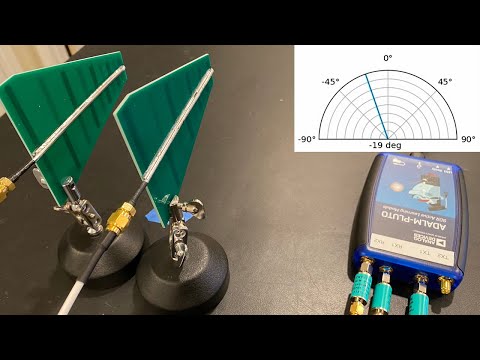
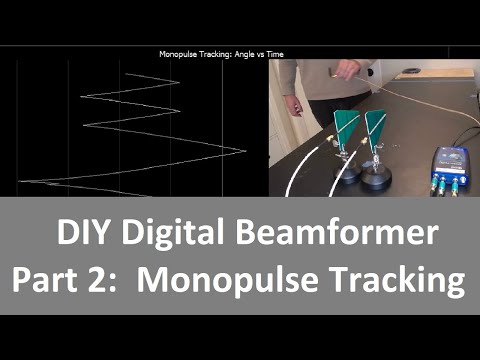
Over on YouTube Jon Kraft has been uploading videos explaining some interesting beamforming experiments he's been doing with his PlutoSDR. One experiment shows how to create a DIY monopulse tracker, which is a type of radio direction finding technique.

The PlutoSDR has two RX ports and two TX ports, and in this experiment he uses two directional antennas for the RX and one monopole antenna for the TX. Part 1 of this series explains standard phased array beam forming, and part 2 moves on to explain monopulse with adaptive tracking.

If you were interested in this, check out Jon's other videos on his channel. A recent video explains how time delays work in digital beamforming.

Build Your Own Phased Array Beamformer

Monopulse Tracking with a Low Cost Pluto SDR

Demonstrating Two Channel Coherent Spatial Filtering In a GNU Radio Simulation

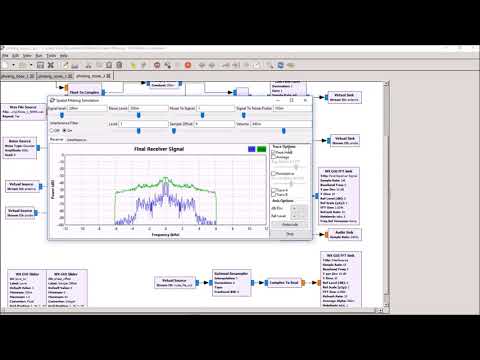
Over on YouTube VE6EY has uploaded a video that demonstrates spatial filtering (aka beamforming) working in a GNU Radio simulation. This is a technique that can be used with a 2-channel coherent SDR with to nullify local interference. One SDR is connected to an antenna for receiving the distant signal, and the second is connected to a noise probe that is designed to receive only the local noise source.

The demonstration is not performed with real SDRs, but with prerecorded signals, although it still shows the effectiveness of the technique. In the video VE6EY shows switch mode and powerline noise being nulled out from some AM music, and explains through a demo why phase coherence is required.

V36EY gives further information and a link to download the demo over on his blog post.

SDR Spatial Filtering Demo