Telive osmo-tetra-sq5bpf: An Experimental TETRA Decoder that Enables Voice Decryption (If You Have the Key)
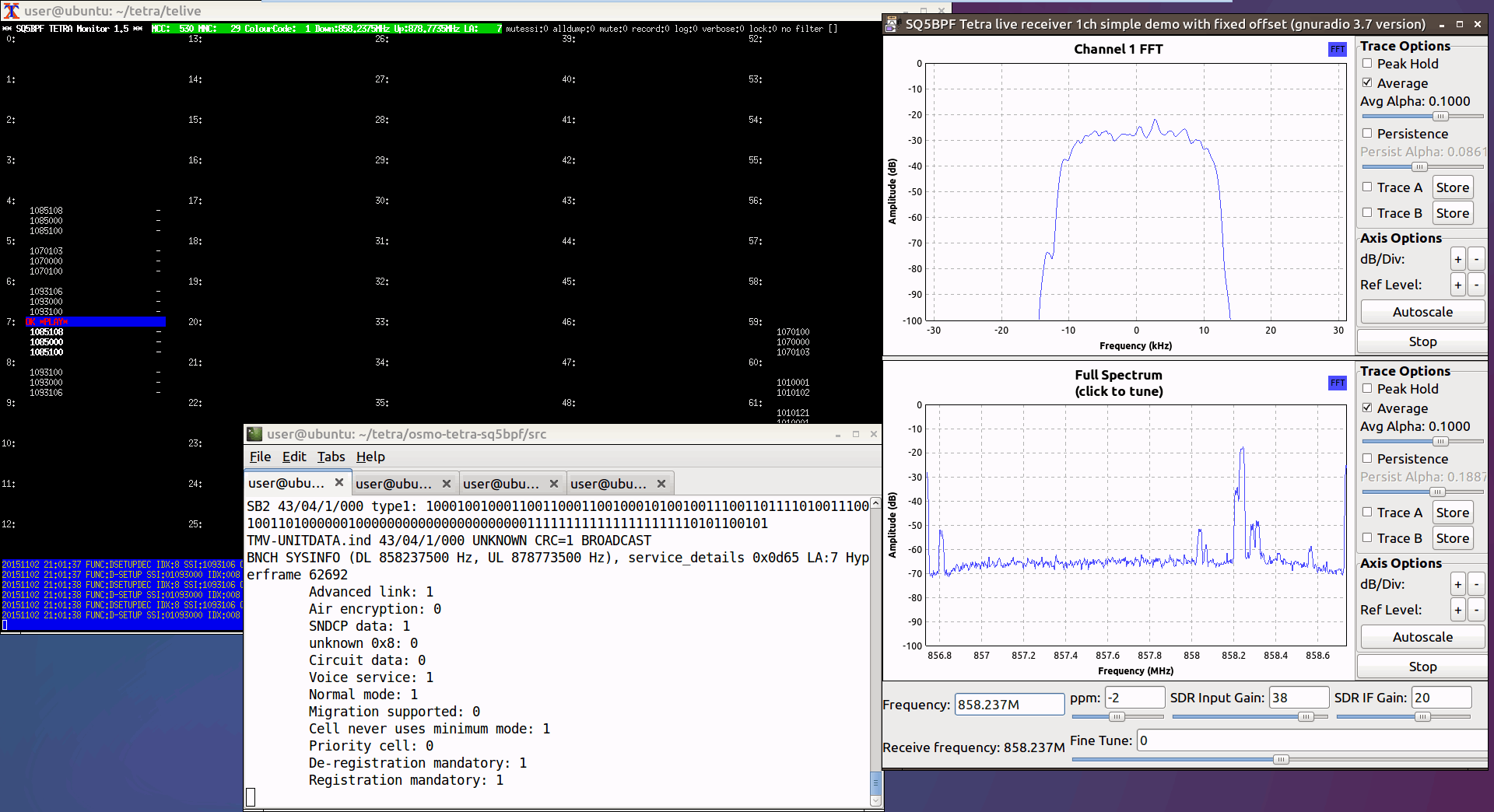
Thank you to Jacek / SQ5BPF for letting us know that he's recently released a modified version of the Telive TETRA decoder for Linux. The modification allows the user to listen to TEAx-encrypted voice signals if they have the decryption key. Typically, if a TETRA signal is encrypted, there is no way to listen to it, unless you have obtained the decryption key from the network operator, or extracted it from TETRA keyloader hardware.
But because the TEA1 encryption was broken due to a backdoor being discovered in 2023, he has also added support for using the 32-bit short key directly, which can be automatically recovered from TETRA traffic using his other software called teatime. TEA1 encryption is being phased out, but many deployments still use it.
The software is designed for advanced users to compile and run, so very little documentation is provided. However, there is a blog post here that explains the overall steps. Some additional information can be found on SQ5BPF's RadioReference post here.






























https://github.com/syrex1013/TetraEar
Oggetto: Inquiry regarding TetraEar installation on Linux (Debian) and Voice Codec compatibility
Testo:
“Hi syrex1013,
I’ve been following your TetraEar project and it looks like a fantastic leap forward for the TETRA community! I am currently working on a Debian 12 (bookworm) environment using an RTL-SDR.
I have a few technical questions regarding the Linux implementation:
1. Voice Codecs: Your documentation mentions cdecoder.exe and sdecoder.exe for ACELP decoding. Since I am on Linux, can these be run via Wine, or do you recommend a native Linux build for the ETSI codecs?
2. Resource Management: I am running on a virtualized environment with limited disk space. Does TetraEar perform heavy temporary logging, or is the -R dumpfile the main storage consumer?
3. Encrypted Networks (MNC 55): I am currently analyzing a network with MNC 55 and TEA2 encryption. Does your “Smart Decryption” feature handle key rotation or is it optimized for static key injection via keys.txt?
Thank you for your incredible work on this tool!
Best regards.”
TetraEar also works in DragonOS FocalX. After installing it if Qt error when launched, then run: sudo apt-get install libxcb-cursor0
“Hi! I wanted to let you know that I’ve successfully set up TetraEar v2.0 on Debian. The manual key loading and the auto-decryption for TEA1, TEA2, and TEA3 are working great. I can see the frames being decrypted in real-time. Thanks for this amazing tool!”
doesn’t work for me on Windows tells me its decrypting but doesn’t pipe audio anywhere? what gives is there a video of this? searched cant find anything, nothing works one of the Bin files opens then immediately closes
so you decrypted TEA 1,3, and 3 bullshit ,
Ho compilato tutto
La chiave l’ho recuperata dopo pochi secondi
Short how-to guide for the telive-2/telive
https://techcoderadio.blogspot.com/2026/02/telive-2-how-to.html
Interesting. I tried to install this (Oracle VirtualBox) into Debian 8 and Ubuntu 15 without success. Then I tried Linux Mint 17.3 (Oracle VirtualBox) and install_telive.sh executed without erros.
But it does explicitly say to install on debian 12.
I guess otherwise it might not work, the gnuradio-companion receiver flowgraphs are for gnuradio 3.10 or higher.
Document here raw.githubusercontent.com/sq5bpf/telive/master/telive_doc.pdf
says Debian GNU/Linux 8 or Ubuntu 15 or Linux Mint 17.2/17.3
Also tried to install in DragonOS FocalX but installer stopped with message: GNU Radio 3.10.10.0 is incompatible
What you mentioned is for old (stable) telive.
Author’s blog post about the new experimental version: https://lipkowski.com/2026/01/23/listening-to-tetra-encrypted-communications/
On Debian 12 (VirtualBox clean install) telive-2 installed ok. Hopefully the author further enhances telive-2 in the future