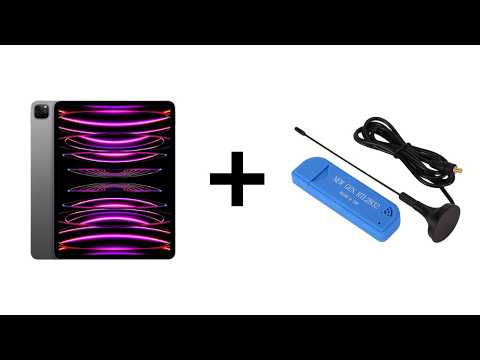
RTL-SDR Running Directly on iPad without Jailbreak TestFlight Invitation
Back in June, we posted about work from Arved (DK5AV/M0KDS) that enabled RTL-SDR to run directly on iPad devices without requiring a jailbreak. Previously, RTL-SDRs couldn't run directly on any iOS device. The only workaround was to run an RTL-SDR remotely and connect to it over a network via rtl_tcp.
Arved recently received distribution entitlement from Apple, which now opens the door to submitting to the Apple App Store. However, Arved notes that he would like feedback from Beta testers before that happens, so he has shared a TestFlight link at https://testflight.apple.com/join/jUDtSBmb.
We note that this currently will only work on iPad devices with a modern M-series chip. iPhones are not compatible because they use the A-series.
Arved also writes:
The host app also contains a few more features compared to last time. It has a diagnostics view to see if the driver talks to the SDR correctly. It also contains a built-in FM receiver (including stereo and RDS) for broadcast FM stations. But finally the most important feature on the iPad is probably the built in rtl_tcp Server which runs directly on the iPad itself. That way users can use any compatible rtl_tcp client already available on iOS with this driver. Examples would be CoronaSDR, VibeSDR etc.
In the driver I also added support for the V4 dongle (which didn’t work last time). Unfortunately I had to drop the FCxxxx tuners for now due to issues with the AppStore and its GPL license issues. The whole driver is now based on the open source GNURadio driver instead of librtlsdr due to licensing issues with the GPL. Maybe I can find a way to add the other tuners back at some point. The driver for the iPad is open source (same repo as last time). The API for this driver is also available as header so that other apps in the future can directly talk to this driver.