Tagged: rtl2832

ARMSDR.COM: Tracking Support for Windows 11 ARM64 Compatible SDR Applications

We've recently come across an X post by Jamie Vital who notes that he has created a site called armsdr.com which is dedicated to tracking which SDR-related software has support for Windows 11 on ARM64.

The Windows OS is most commonly run on x86 and X64 CPU hardware. However, in recent years Microsoft have been pushing to add support for ARM CPUs as well. ARM CPUs are generally lower performance, but significantly more efficient in terms of power use, so they are excellent for battery-powered devices, and so they are commonly used in devices like phones and single-board computers.

Linux is well supported on ARM CPUs, and recently Apple have begun selling computers with ARM CPUs, the Apple M1 and M2. However, Windows support for ARM is still quite lacking, and not very popular. This leaves people who unwittingly purchase a Windows 11 ARM64 laptop mostly out of luck when it comes to running common SDR programs, as programs written and compiled for x86/x64 CPUs will not run on ARM64.

armsdr.com notes that currently only one program, SatDump, has official Win11 ARM64 support. Other programs like rtl_433 and SDR++ have unofficial support, and pretty much every other program has no support, although some may work in emulation mode. But to complicate matters, for emulation mode to work without dropping samples, you need to use librtlsdr drivers that have RAW_IO enabled

Importantly, the armsdr.com site also provides a process for installing the WinUSB drivers on Win11 ARM64, as the typical process involving Zadig does not currently work. The process requires manually installing the drivers through device manager.

We note that some developers of programs like SDR++ are also refusing to add official Win11 ARM64 support due to the feeling that Windows on ARM has too many issues to be worth supporting. Combined with how low the Win11 ARM64 userbase is, this is most likely the attitude of most developers. Because of these reasons, we strongly suggest avoiding purchasing Win11 ARM64 machines if you want to run SDR software.

Screenshot of armsdr.com

Project H Line 3D: Beginners Guide to Hydrogen Line Antenna Fabrication, Reception, Software and Graphic Display

Thank you to Alex Petit Jr who wanted to submit 'Project H Line 3D' which is a collection of documents and programs designed to be a beginners guide to antenna fabrication, reception, recording, software processing, and graphic display of the 21 cm Hydrogen line. The project makes use of an RTL-SDR and LNA as the radio front end.

If you were unaware, the Hydrogen Line is an observable increase in RF power at 1420.4058 MHz that is created by natural hydrogen atoms. The Hydrogen line is most easily detected by pointing a directional antenna toward the Milky Way where neutral hydrogen is abundant. Properties of the hydrogen line curve such as its shape and Doppler shift can be used to measure the shape and properties of our galaxy.

Alex's project H Line build is designed to be cheap and easy for students to build and set up for drift scans which involve pointing the antenna towards the sky and letting the Earth's rotation drift the Milky Way into view of the antenna.

The project includes a design for a 13-element circular path feed Yagi that can be built using common materials available from a hardware store. Alex started with a Yagi design using circular director elements but found these difficult to find and fabricate. However, through NEC antenna analysis software he found that replacing the circular elements with more commonly found and easier-to-fabricate square elements had a negligible effect on the antenna's performance, unlocking a cheaper build. The 13-element Yagi results in about 15dBi gain and a 30-degree 3dB bandwidth.

Plate Yagi gives an almost identical Hydrogen line detection as the Disk Yagi

The software portion of the instructions uses the SDR# IF Average plugin, and uses that to record log files every few minutes. The log files are then converted by an included Java program by Jamison Adcock into a logarithmic dB scale and a format compatible with Rinearn 2D and 3D graphics packages.

Project H Line 3D
Project H Line 3D

mmng-ui: A Text User Interface for Multimon-NG

Thank you to Jason for writing in and sharing with his his recently released software "mmng-ui" which is a TUI (text user interface) for Multimon-NG. If you were unaware, Multimon-NG is multipurpose decoder software for the RTL-SDR and other SDRs which is capable of decoding pager protocols like POCSAG and FLEX, as well as other common protocols like EAS, AFSK, FSK9600 DTMF, CW and more.

mmng-ui is a front end for Multimon-NG that allows you to view pager messages in a clean-looking text interface. mmng-ui listens on a chosen UDP port for raw streams from software like SDR++, passes that to Multimon-NG, and then displays the results.

The mmg-ui Text User Interface

Updates to the Lego Pi Radio Project

Back in 2018 we first posted about JJ's Lego Pi Radio, which was an all-in-one RTL-SDR + Raspberry Pi based FM and internet radio system enclosed in Lego.

More recently JJ has written in again sharing with us some updates to his Lego Pi project. First, he notes that he has now created a webpage showing all his radio builds, most of which consist of an Arduino Nano + Raspberry Pi and RTL-SDR, with most enclosed in Lego builds.

JJ also wanted to highlight his latest build optimized for DAB reception, made from an old Android TV box, RTL-SDR the welle-cli software, and of course a Lego enclosure.

My latest build, a FM / DAB+ / INTERNET / MP3 radio, was not made with a Raspberry Pi but with an older Android TV box flashed with Armbian + Ubuntu.
 
This was cheaper and allowed me to recycle some hardware that was gathering dust. Besides the board needs less power and best of all, the whole system fits into internal eMMC storage, so no more messing with fragile micro SD card. The only problem I had was with the onboard audio so had to use an inexpensive USB audio dongle. I also connected an Arduino nano through USB to easily control a small LCD display and some LEDs.
 
The board's IR port works well under Linux so I can control the radio with any cheap infrared remote. But I also made a web interface for a fun way to drive the radio from a tablet, PC or even smartphone.
The Lego Android RTL-SDR Build
Lego Android RTL-SDR Build
Lego Android RTL-SDR Build Web Interface

DeepRad – Modular RTL-SDR System Now Crowdfunding on Crowd Supply

Back in May, we posted about the upcoming DeepRad, which is advertised as a modular RTL-SDR system, providing RTL-SDR PCB boards without USB and SMA connectors that are seated into a custom motherboard. A few days ago they released their crowdfunding campaign on Crowd Supply.

The individual DeepRad RTL-SDR units are priced at US$80 each, whereas the 'DeepRad Quad' which includes four units and a motherboard is priced at US$340 with free US shipping and $12 intl. shipping for both products. It appears that the idea behind the modular boards is to allow people designing a custom PCB to easily seat an RTL-SDR on their design.

The DeepRad Quad advertises 'Synchronize TCXO', which implies that the four units can run from the same clock. However, we don't see any noise source, distribution, or switching hardware, and no heat management, so we don't expect it to be useful for coherent projects like the KrakenSDR is.

Over on Reddit there has been some discussion about the system.

The DeepRad Quad

Receiving Weather Images from NOAA Weather Satellites with an RTL-SDR Blog V4 and Multipurpose Dipole Antenna Kit

Over on YouTube Baltic Lab has uploaded a video showing how he was able to successfully use an RTL-SDR Blog V4 and the included multipurpose dipole antenna kit to receive images from polar-orbiting NOAA weather satellites.

In the video, Baltic Lab shows how to orient the dipole antenna in a "V-Dipole" shape which optimizes it for receiving from satellites. He also shows how to use a VNA to confirm that the telescopic elements on the dipole are extended to the correct length, noting that he was able to achieve a VSWR of less than 1.2 between the target frequencies of 135 to 138.1 MHz, with a near perfect match at 136.5 MHz.

He then demonstrates receiving the NOAA APT signals with his laptop, and successfully recovering the weather satellite image.

Receive Live Weather Images from Space at Home

BSidesPGH 2024 Talk: Introduction to Software Defined Radio For Offensive and Defensive Operations

Over on the YouTube channel "SecPGH" a talk by Grey Fox titled "Introduction to Software Defined Radio For Offensive and Defensive Operations" has been uploaded from the BSidesPGH 2024 conference. BSidesPGH 2024 was a security conference held in Pittsburgh, PA, USA on July 25.

The talks are generally about network security, however, Fox's talk is all about RF security topics and software defined radio. In the talk, he introduces SDR, and devices like the Flipper Zero and demonstrates various basic examples such as receiving FM from a handheld radio and ADS-B.

Next, he goes on to demonstrate security topics such as showing how to capture and analyze signals from a 433 MHz security alarm using an RTL-SDR and Flipper Zero, and how to jam frequencies and replay captured signals. Finally, he demonstrates WiFi cracking with the help of Kali Linux and Flipper Zero with WiFi dev board attached.

BSidesPGH 2024 Track 2 Grey Fox Introduction to Software Defined Radio For Offensive and Def

Easvesdropping on HDMI with TEMPESTSDR and SDRplay

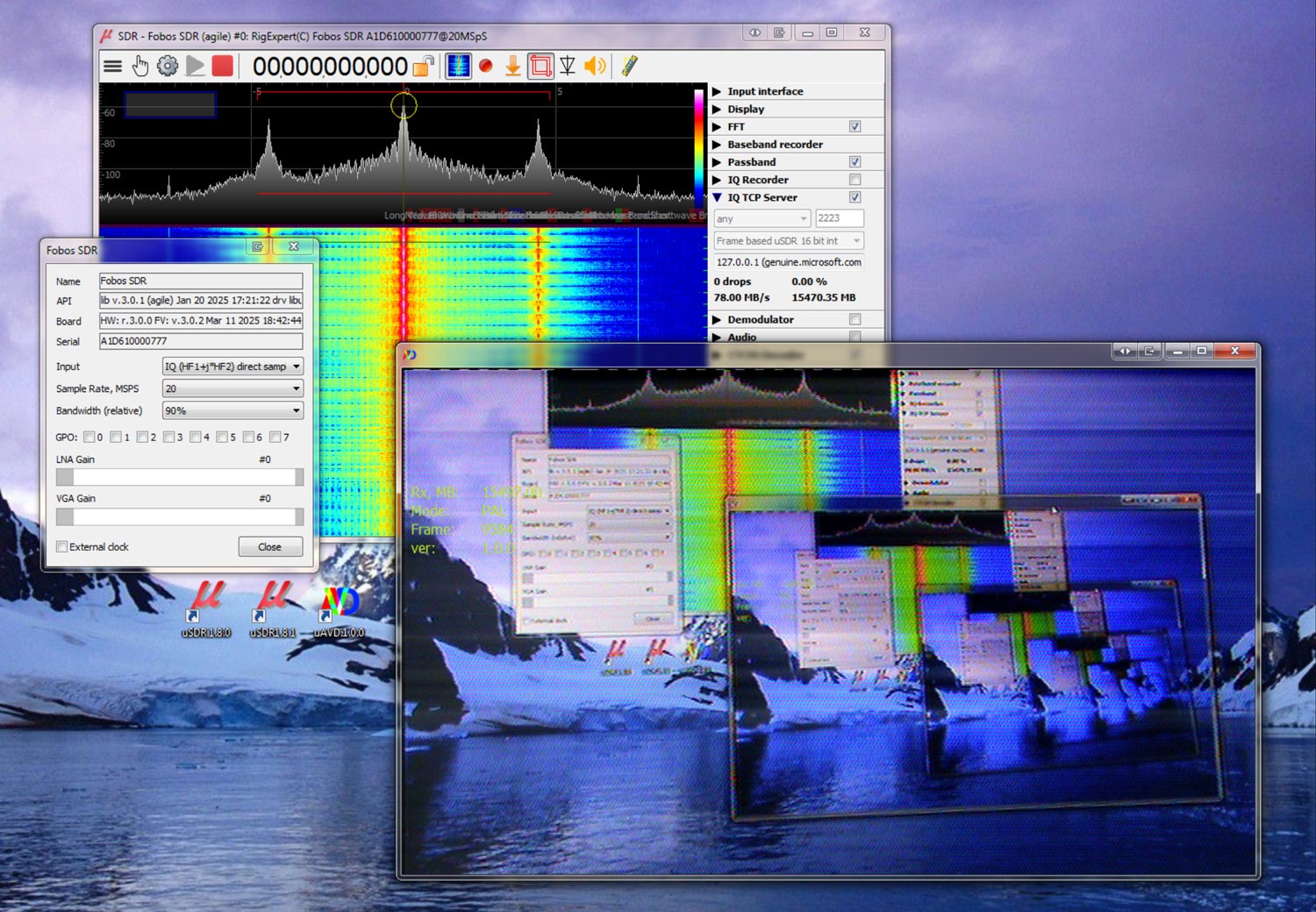
Over on YouTube "Sam's eXperiments logs" have uploaded a video showing how he was able to succeed when using TEMPESTSDR to eavesdrop on HDMI cables with his SDRplay. TEMPESTSDR software combined with a software defined radio allows a user to eavesdrop on TVs, monitors, and more by wirelessly receiving their unintentional RF emissions and recovering information from those emissions. In many cases it is possible to recover live images of the display, clear enough to read text.  

Sam's video explains the challenges he faced with signal strength due to the highly effective shielding of his HDMI cables. To get around this Sam shows how he unshielded his HDMI cables for the test. This is good news for privacy, as it shows how effective shielding can be at stopping these kinds of attacks. He then goes on to show the results he obtained which show text being read from his screen.

I Finally Succeeded: HDMI Signal Eavesdropping with TEMPESTSDR