Tagged: sdr#

Simple DMR Plugin for SDR# Now Available

Vasili from rtl-sdr.ru has recently released a simple DMR decoder plugin for SDR# to go along with his simple dPMR and TETRA decoders that we posted about earlier.

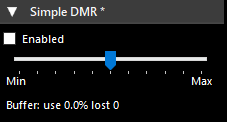
Simple DMR decoder. No external dependencies, no settings, uses SDR # audio path. Designed for listening to unencrypted DMR channels. The voice from both slots is mixed into one channel.

To install the plugin simply copy the dll's from the zip file into the SDR# folder, then copy the line from the magline.txt text file into the plugins.xml file which can be opened with any text editor.

Simple DMR Decoder Plugin for SDR#

Hack Chat: Learning SDR and DSP with Marc Lichtman

On Wednesday Nov 11 Noon Pacific time, Hackaday will hold a hack chat (group text chat session) with Marc Lictman, author of the free online book "PySDR: A Guide to SDR and DSP using Python". We posted about the release of this book last month, noting that it is probably one of the best books in terms of explaining DSP fundamental concepts in an easy to understand way. Hackaday write:

Join us on Wednesday, November 11th at noon Pacific for Learning SDR and DSP Hack Chat with Marc Lichtman!

“Revolution” is a term thrown about with a lot less care than it probably should be, especially in fields like electronics. It’s understandable, though — the changes to society that have resulted from the “Transistor Revolution” or the “PC Revolution” or more recently, the “AI Revolution” have been transformative, often for good and sometimes for ill. The common thread, though, is that once these revolutions came about, nothing was ever the same afterward.

Such is the case with software-defined radio (SDR) and digital signal processing (DSP). These two related fields may not seem as transformative as some of the other electronic revolutions, but when you think about it, they really have transformed the world of radio communications. SDR means that complex radio transmitters and receivers, no longer have to be implemented strictly in hardware as a collection of filters, mixers, detectors, and amplifiers; instead, they can be reduced to a series of algorithms running on a computer.

Teamed with DSP, SDR has resulted in massive shifts in the RF field, with powerful, high-bandwidth radio links being built into devices almost as an afterthought. But the concepts can be difficult to wrap one’s head around, at least when digging beyond the basics and really trying to learn how SDR and DSP work. Thankfully, Dr. Marc Lichtman, an Adjunct Professor at the University of Maryland, literally wrote the book on the subject. “PySDR: A Guide to SDR and DSP using Python” is a fantastic introduction to SDR and DSP that’s geared toward those looking to learn how to put SDR and DSP to work in practical systems. Dr. Lichtman will stop by the Hack Chat to talk about his textbook, to answer your questions on how best to learn about SDR and DSP, and to discuss what the next steps are once you conquer the basics.

Our Hack Chats are live community events in the Hackaday.io Hack Chat group messaging. This week we’ll be sitting down on Wednesday, November 11 at 12:00 PM Pacific time. If time zones baffle you as much as us, we have a handy time zone converter.

A Few More Demonstrations of the SDR# FM and AM Co-Channel Cancellers

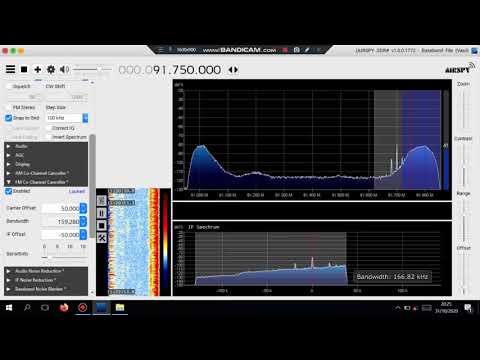
Over on YouTube a few more videos showing the new AM and FM co-channel cancelling algorithms available in recent versions of SDR# have been uploaded. In the first video YouTuber channel "Peter .DXChannel" shows an example of broadcast FM Sporadic E signals (temporary long range reception due to Tropospheric ducting) being recovered with the FM co-channel canceller.

A demonstration of the SDRsharp FM Co Channel Canceller with Es signals

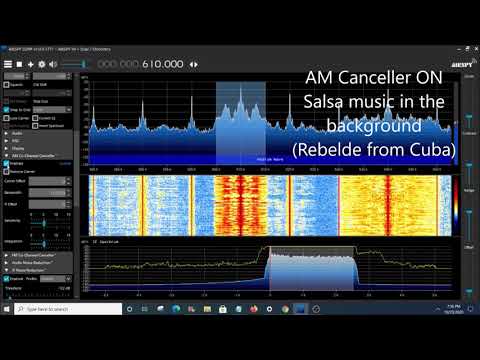
In the second video "icholakov" shows the AM co-channel canceller recovering a weaker signal being broadcast directly on top of a stronger one (zero carrier offset).

SDR Sharp Co-channel interference AM canceller. Several tests using Airspy HF+ Discovery

Running SDR# On Ubuntu 20.04 Linux via WINE

SDR# is a very popular Windows SDR program often used with the RTL-SDR and Airspy SDR. One drawback is that it lacks native Linux compatibility. In the past it has been possible to run SDR# via WINE, however some newer updates were thought to have broken that ability. WINE is a Windows emulator that allows some Windows programs to run under Linux.

However, recently on Twitter we've seen a Tweet by @albinstigo indicating that SDR# can indeed run on Ubuntu 20.04 via WINE 5.0. In a Tweet he explains the steps which are quite simple:

  1. Install WINE via apt.
  2. Install dotNET 4.8 via winetricks.
  3. Install the Verdana font via winetricks.
  4. Enjoy SDR

One limitation is that the emulated SDR# cannot connect to the SDR natively via the USB. So you will need to use TCP server software such as rtl_tcp or SpyServer to get it to work. Basically, run the server on the native Linux environment, then connect to it in SDR# running on the emulated Windows environment.

SDR# FM Co-Channel Canceller Added

A few days ago the developer of SDR# added a very useful AM Co-Channel canceller plugin, and just today he has also added a new FM Co-Channel canceller. A Co-Channel canceller allow a user to remove an interfering station, allowing a buried station to be received cleanly. This is especially useful for DXer's where strong local and weak distant overlapping stations are likely to be received at the same time. The plugin works with all SDR# compatible SDRs including the RTL-SDR.

On a related note, we wanted to point out that recently the Airspy website and downloads have been getting flagged by some antivirus software, however we believe these detections to be false positives caused by the very frequent update schedule of SDR#.

SDRSharp FM Co-Channel Canceller

Over on Twitter we've seen a couple of videos from @K7al_L3afta demonstrating how well the new FM Co-Channel canceller works.

Frugal Radio: SDR Guide Ep 5 – Software Primer

After a short break Frugal Radio's ongoing series of SDR beginners guide videos is back, and in the latest episode Rob provides part one of a two part overview of some software available to use with software defined radios such as the RTL-SDR.

In the video he demonstrates general Windows based receiver programs like SDR#, SDRUno, SDR-Console V3, HDSDR, as well as multiplatform software such as SDR Angel, GQRX and CubicSDR. He finishes up by explaining the options available for virtual audio cable programs, which are required to pipe audio from general receiver programs to decoders.

2020 SDR Guide - Episode 5 : Software Primer

Converting an Old Cable Modem into an SDR

Over on his github blog, user stdw has uploaded a comprehensive post explaining how he investigated and turned an old Motorola MB7220 cable modem that was sitting in his closet into a fully functional software defined radio.

To begin the investigation stdw first opened the case and looked for a serial UART port. After finding one he connected the UART up to a Raspberry Pi and was almost immediately able to connect to the device's terminal. From the information displayed during the boot process, stdw was able to determine that the modem was running the eCos operating system on a Broadcom BCM3383 SoC. Unfortunately after receiving that information the UART connection is dropped, preventing any further terminal investigation.

To get around this issue, stdw decided to dump the flash memory via an SPI memory chip he saw on the board. Again using the Raspberry Pi he was able to connect via SPI and use the flashrom tool to read the memory. Next using a tool called bcm2-utils, stdw was able to parse and actually modify the configuration information stored in the flash memory. With this he was able to modify the configuration so that the serial connection did not drop after boot. 

With terminal access gained, stdw was now able to reverse engineer the firmware, and after a lot of searching eventually find a console command which would perform a bandpower measurement for a given frequency range. He found that IQ data for this scan was stored in a buffer which he could then stream out via a TCP connection. With the IQ data finally available on another PC he was then able to use Python libraries to compute an FFT and actually visualize the scanned spectrum. Some further investigation yielded actually demodulated FM audio, and the realization that the usable bandwidth is 7.5 MHz.

Unfortunately there were some limitations. There is only enough RAM to store less than a second of data at a time at max bandwidth and precision, which meant that a lot of data needed to be dropped in between captures. Further investigation yielded methods to reduce the sample rate down to 464 kHz which meant that only 12% of data was ever dropped - enough to stream a wideband FM radio signal.

If you wanted to try investigating the modem yourself, the Motorola MB7220 is available second hand on eBay for prices ranging between US$15 - US$40, and new on Amazon for $46.99. Although the usability of the modem for any real SDR applications may not be great, further investigation may yield better results. And if not, following along with the process stdw took looks to be a great reverse engineering learning experience. Other modems that use similar Broadcom chips may also be worth investigating.

The Motorola MB7220 connected to a Raspberry Pi for reverse engineering

Testing Sharp Slicer: Multiple Spectrum Slices via SDR# with an Airspy SDR

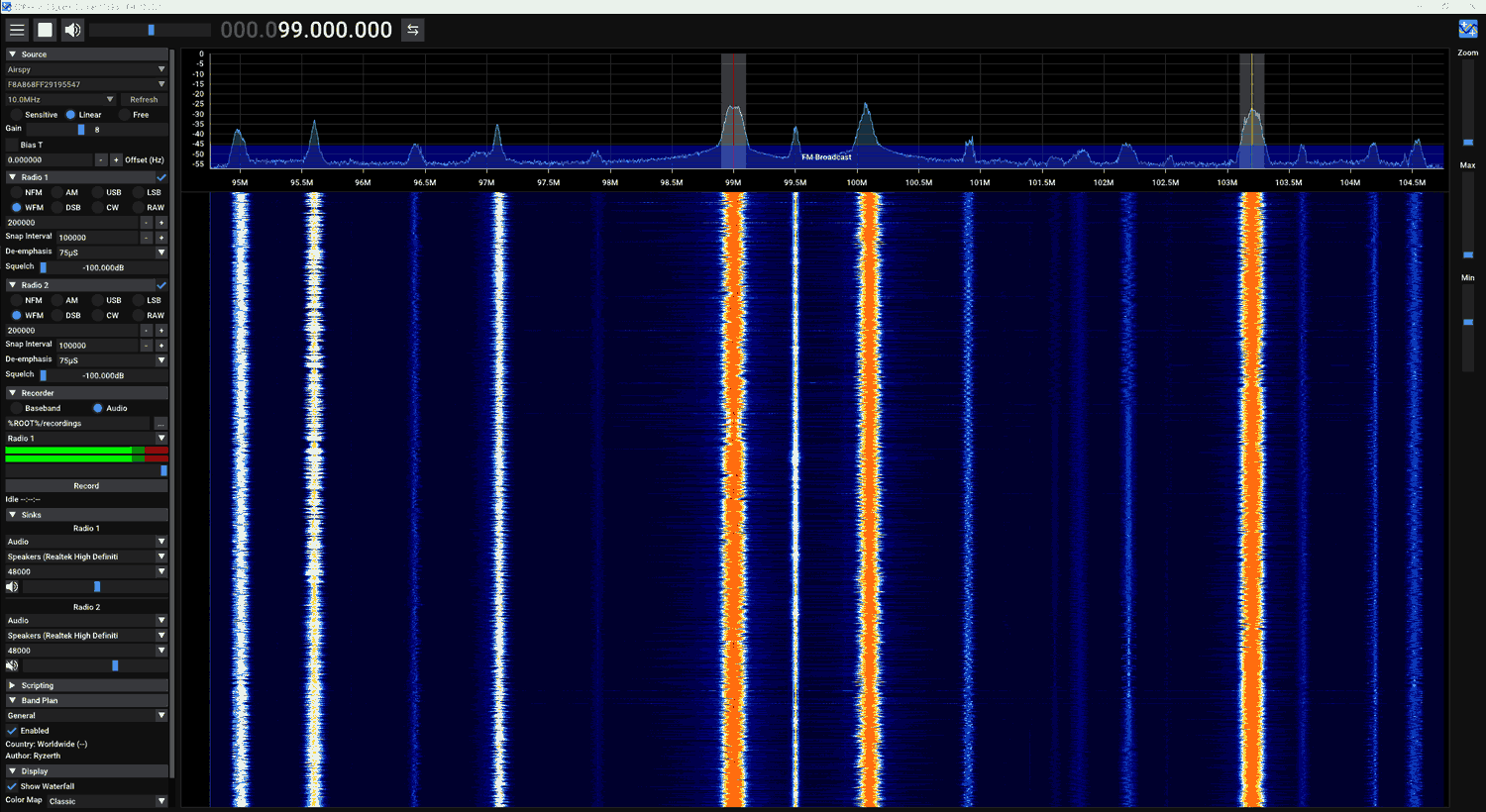
Youssef the author of SDR# has recently released an update which adds a feature called "Sharp Slicer". This feature allows Airspy SDR users to open multiple instances of SDR#, each able to tune to a seperate signal within the currently tuned frequency range of the SDR. This is somewhat similar to the old multi-VFO plugin from rtl-sdr.ru, however the advantage of Slicer is that you can have seperate spectrum and waterfall graphs for each signal. This could be especially useful for monitoring multiple narrowband HF modes with an Airspy HF+ Discovery. 

To use Sharp Slicer you must have an Airspy SDR, be it an Airspy Mini/R2 or HF+/Discovery. Unfortunately it will not work with RTL-SDR or other SDRs. Once the SDR is running in SDR#, simply press the "+" button on the top left to open a new Slicer instance. It seems possible to open as many instances as you want, and probably the only limitation is your CPU. On our Intel i7-6700 we tested up to 8 instances running at the maximum bandwidth of an Airspy Mini, and the SDR# CPU utilization was only at 50%.

A nice touch is that you can also see the location of each VFO on the master SDR# instance, and the color can be changed on each Slicer instance.

Over on Twitter @ea3ibc has also been testing: