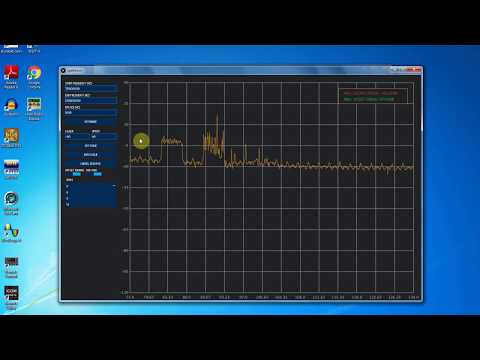
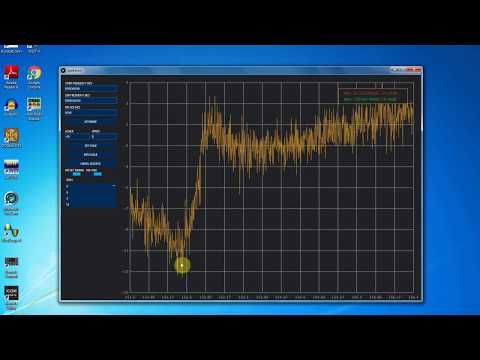
Over on YouTube channel Bootstrap Workbench has been running a series on using an RTL-SDR and noise source to create a poor man’s spectrum analyzer. So far he has three videos available. The first shows how to install and setup Spektrum, his preferred Windows based wideband scanner for the RTL-SDR.
The second video shows how the RTL-SDR, noise source and Spektrum can be used to tune a cavity duplexer. A cavity duplexer is an adjustable set of filters that allows you to use a single antenna for TX and RX at different frequencies. It can be tuned by adjusting screws on the unit body.
In the third video he shows how to examine the response of a dual ferrite isolator/circulator which is a device that can be used to ensure RF only travels in one direction. This could be use for example to prevent damage to a TX power amplifier from reflected signals due to high VSWR or other nearby powerful signals.
Poor Man's Spectrum Analyzer - Installing Spektrum and Testing an RTL-SDR com 88-108 Bandstop Filter
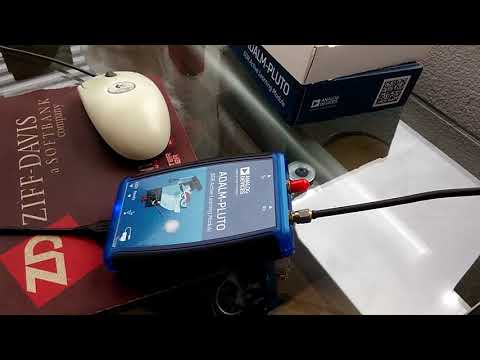
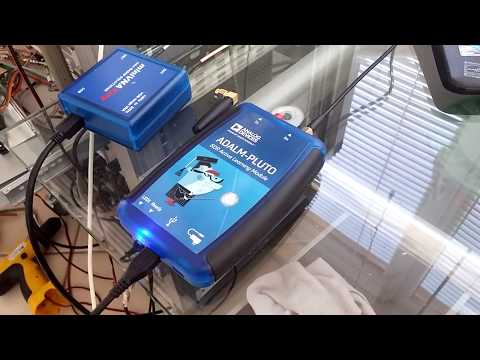
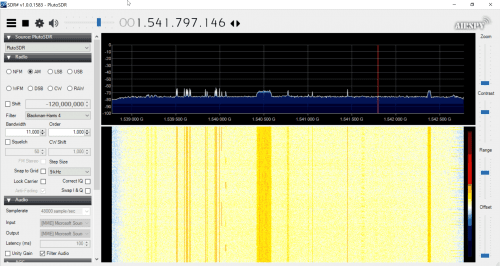
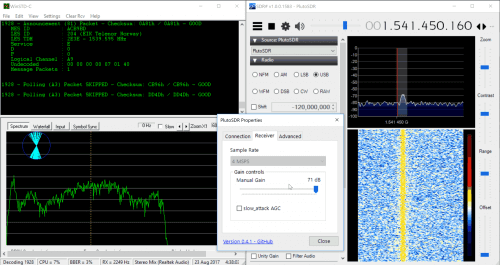
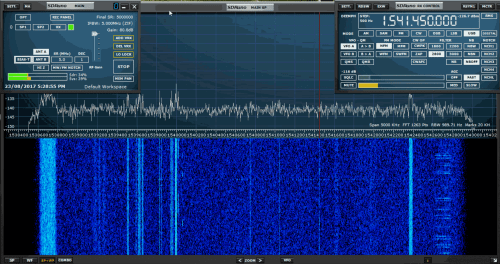
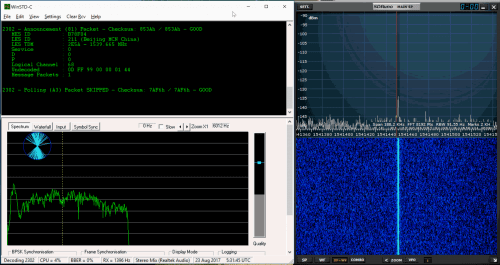
Over on YouTube Adam 9A4QV has uploaded two videos that show his tests with the ADALM-PLUTO SDR on the L-band and up at 6 GHz. In his first video the L-band test shows that the receiver is quite sensitive in this region, managing to receive L-band satellites without any LNA. Although he also tests reception with an LNA4ALL in the receive chain, and this still does improve reception even more.
In the second video Adam confirms that reception is available up to 6 GHz using a PlutoSDR with frequency extension hack enabled.
Salamandra is a tool to detect and locate spy microphones in closed environments. It find microphones based on the strength of the signal sent by the microphone and the amount of noise and overlapped frequencies. Based on the generated noise it can estimate how close or far away you are from the mic.
Salamandra can either be used in live mode, or can use data recorded from rtl_power. It seems that the software simply attempts to detect peaks in the spectrum that look like analog audio, and print out their frequencies.
We’ve also seen this somewhat related piece of software called rtlsdr-wwb-scanner which can be used with an RTL-SDR to scan for microphones as well. However, this software is mostly intended to be used with the Shure Wireless Workbench which is a professional program for managing multiple microphones used in conferences, theatre performance, concerts etc.
Apologies for the long out of stock period, we sold out of our remaining Amazon US stock almost immediately a few weeks ago due to a large Reddit thread which popularized the Reddit /r/rtlsdr forums (a big welcome to any new RTL-SDR users!). Amazon is currently processing the new stock and it should be ready to ship out in a few days.
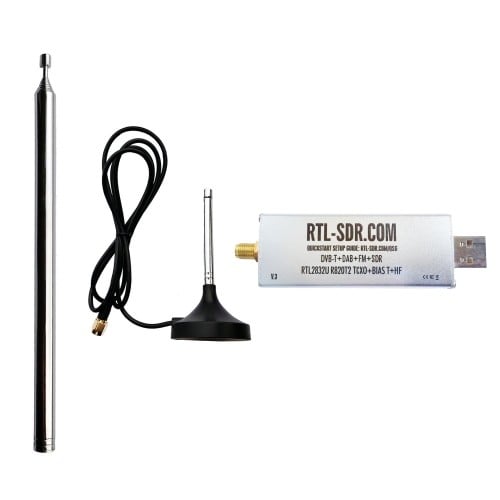
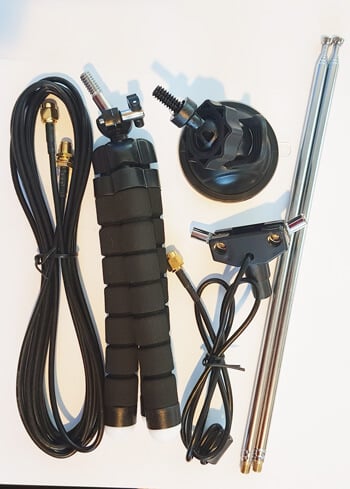
We also have a new antenna set in the works which should be ready for purchase in a few weeks. This antenna set is essentially a custom modified TV dipole with mounting kit. The kit will contain:
1x Telescopic Dipole Antenna base with 20cm RG174 cable
2x removable 22cm to 1M telescopic antennas
2x removable 5cm to 13cm telescopic antennas
1x 3M SMA RG174 extension cable
1x suction cup window mount
1x bendy tripod mount
Antenna Base
The telescopic antennas mount onto the antenna base via a screw, so they can easily be removed and interchanged between the large and small ones, or packed away for storage.
The dipole antenna base attaches to the suction cup or bendy tripod mounts using a 1/4″ camera screw. So any cheap camera mounting accessories like clamps, tripods etc can be used to mount the dipole as well.
The coax cable on the base also has a ferrite core choke on it to help decouple the feedline from the antenna, and there is a 100kOhm bleed resistor added to reduce static discharge.
Mounts
The included suction cup mount allows you to mount the dipole on a window (ideally outside) and orient it into a vertical, horizontal or V-Dipole position. The bendy tripod allows you to use the antenna on your desk, folded over a door, on a tree branch, pole, or anywhere that the tripod legs can be wrapped around.
Usage
The biggest problem that new RTL-SDR users face is the antenna. Most are starting off with a mag mount whip, and have no way to mount them outside where they should be for better reception. Keeping them inside can cause poor reception and increased pickup of local interference from electronics. Our dipole with the mounts aims to solve this problem.
Using a dipole generally results in better reception than with a mag mount whip, and also allows for easier outdoor mounting. The 3M coax extension cable allows you to get the antenna at least to a window in your room.
Note that although we recommend using the antenna outside, please remember to take the antenna back inside when not in use to avoid lightning/ESD/weathering problems. It is not designed for permanent outdoor mounting and please remember that any permanently mounted outdoor antenna should have good grounding to protect your radio against ESD and lightning.
For general use we recommend using the dipole in the vertical orientation as most signals are vertically polarized. The dipole can also be used in a V-Dipole configuration for excellent VHF satellite reception, such as for NOAA/Meteor weather satellites. Just extend the telescopic dipoles to be as close as possible to resonant at the frequency of interest using this calculator. Getting the length perfect is not critical, and actually using any length will still receive something.
Apart from NOAA we’ve also tested the dipole with L-band satellites. Together with an LNA and the smaller telescopic antennas it’s possible to receive Iridium and Inmarsat signals. Reception is not as good as a patch antenna, but you can still get the stronger AERO and Iridium signals quite easily. If you add a reflector made out of a small cookie tin the signals can be boosted further, and this is enough to receive the weaker STD-C and Outernet signals.
Eventually this dipole set will replace the mag mount antenna bundled with the dongles currently. Target price is between $9.95 – $14.95 for the antenna set by itself, and $25.95 for the dongle + antenna set. We expect the antenna set to be ready for shipping in 2-3 weeks, and about 3-4 weeks for the dongle + antenna set. More details and usage examples will be shown nearer to the release.
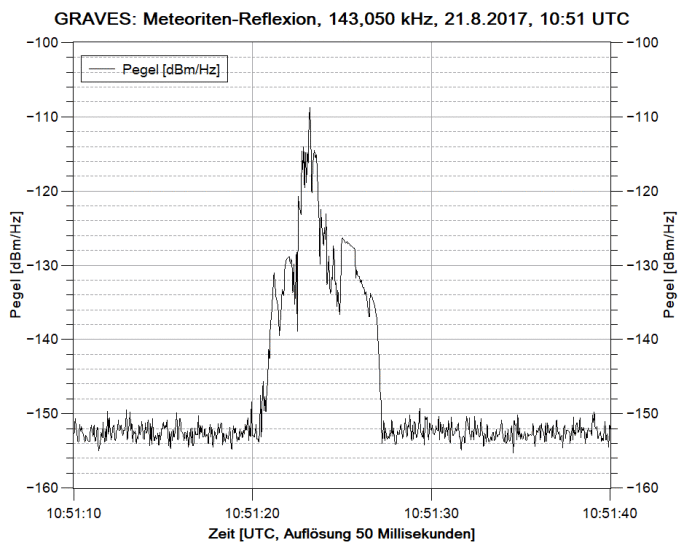
If you are in Europe you can also make use of the Graves radar simply by tuning to its frequency of 143.050 MHz and listening for reflections of its signal bouncing off things like meteors, planes and spacecraft. Since Graves points its signal upwards, it’s unlikely that you’ll directly receive the signal straight from the antenna, instead you’ll only see the reflections from objects.
DK8OK also explains in his post how you can use SDR-Console V3 to create a level diagram which shows power vs time, allowing you to count reflections and visualize the response of the reflection.
Any SDR that can tune to VHF frequencies such an an RTL-SDR can be used for monitoring reflections like this. If you aren’t in Europe you might consider looking for distant strong transmitters such as for TV/FM which you could also monitor for reflections.
Graves reflection of a meteor trail visualized in SDR-Console V3.
Erwin Rauh, DL1FY: Charly25 – SDR Transceiver Project – Community Development (Link)
Črt Valentinčič, S56GYC, Red Pitaya: HamLab (Link)
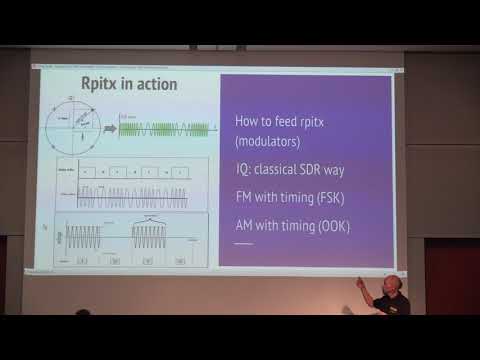
Evariste Courjaud, F5OEO: Rpitx : Raspberry Pi SDR transmitter for the masses
Low cost RTL-SDR democratize access to SDR reception, but is there an equivalent low cost solution for transmission : Rpitx is a software running on Raspberry Pi which use only GPIO to transmit HF. This presentation describes how to use it as a SDR sink but also describes details of how it is implemented using PLL available on the Raspberry Pi board. Warnings and limits of this simple SDR are also provided before going “on air”. Last paragraph shows what are potential evolutions of this system : low cost DAC and third party software integration.
Evariste Courjaud, F5OEO: Rpitx : Raspberry Pi SDR transmitter for the masses
Stefan Scholl, DC9ST: Introduction and Experiments on Transmitter Localization with TDOA
Time-Difference-of-Arrival (TDOA) is a well-known technique to localize transmitters using several distributed receivers. A TDOA system measures the arrival time of the received signal at the different receivers and calculates the transmitter’s position from the delays. The talk first introduces the basics of TDOA localization. It shows how to measure signal delay with correlation and how to determine the position using multilateration. It also covers further aspects and challenges, like the impact of signal bandwidth and errors in delay measurement, receiver placement and synchronization as well as the requirements on the network infrastructure. Furthermore, an experimental TDOA system consisting of three receivers is presented, that has been setup to localize signals in the city of Kaiserslautern, Germany. The three receivers are simple low-cost devices, each built from a Raspberry PI and a RTL/DVB-USB-Stick. They are connected via internet to a master PC, which performs the complete signal processing. The results demonstrate, that even with a simple system and non-ideal receiver placement, localization works remarkably well.
Stefan Scholl, DC9ST: Introduction and Experiments on Transmitter Localization with TDOA
Frank Riedel, DJ3FR: The HackRF One as a Signal Generator
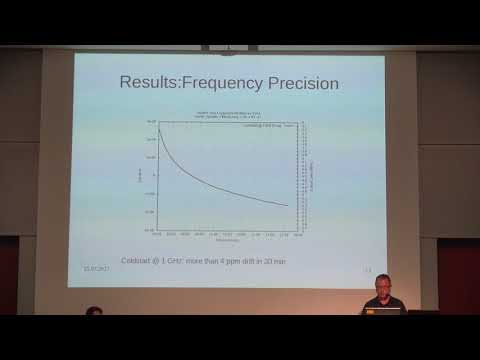
The usability and performance of the HackRF One SDR experimental platform as a signal generator up to 6 GHz is examined by means of an HPIB driven measurement system. The effective circuit of the HackRF One used in the CW TX mode is described and its components are linked to the parameters of the command line tool ‘hackrf_transfer’. The frequency accuracy of the HackRF One is measured against a frequency standard, output signal levels and spurious emissions are determined using a spectrum analyzer.
Frank Riedel, DJ3FR: The HackRF One as a Signal Generator
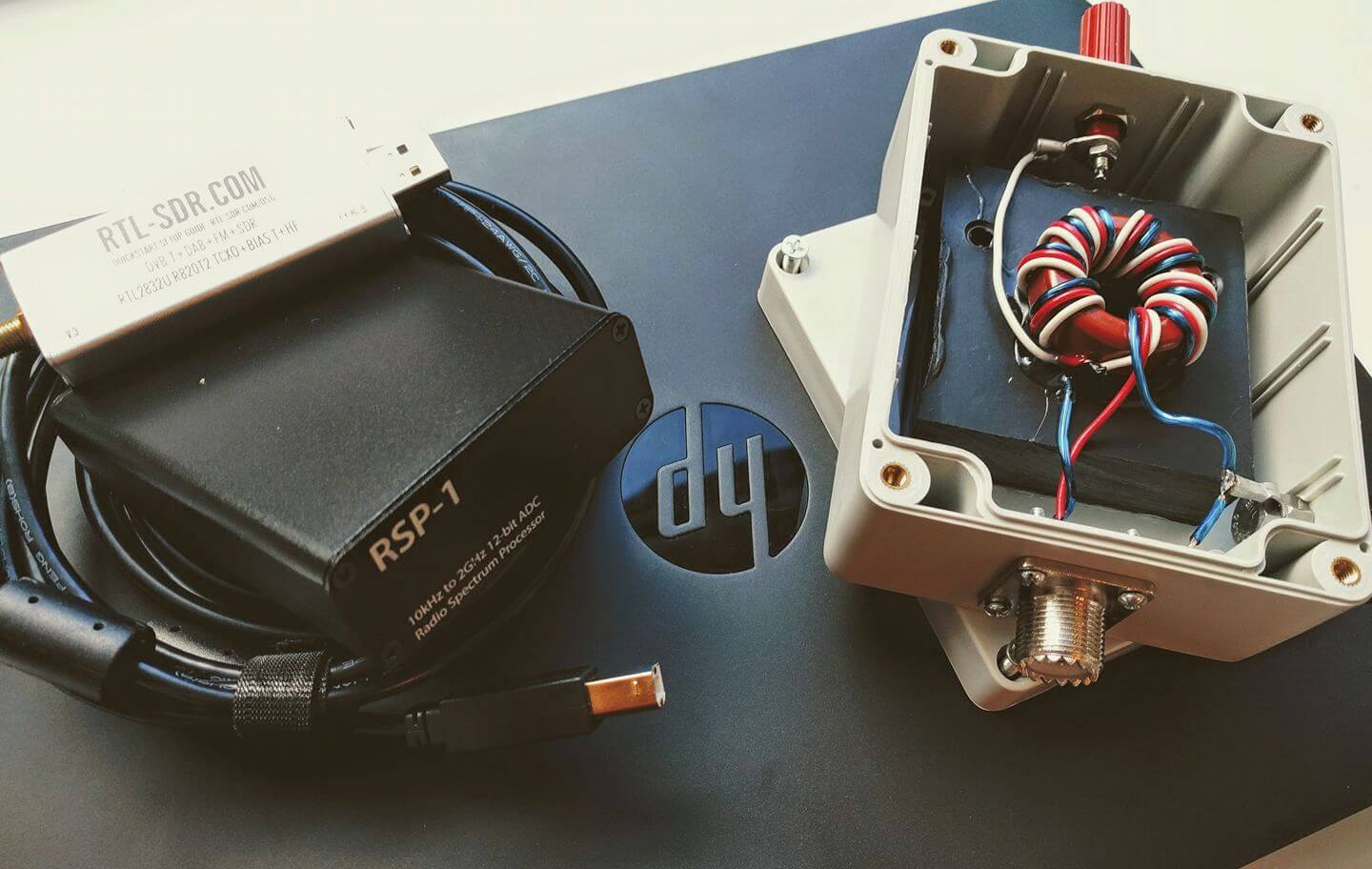
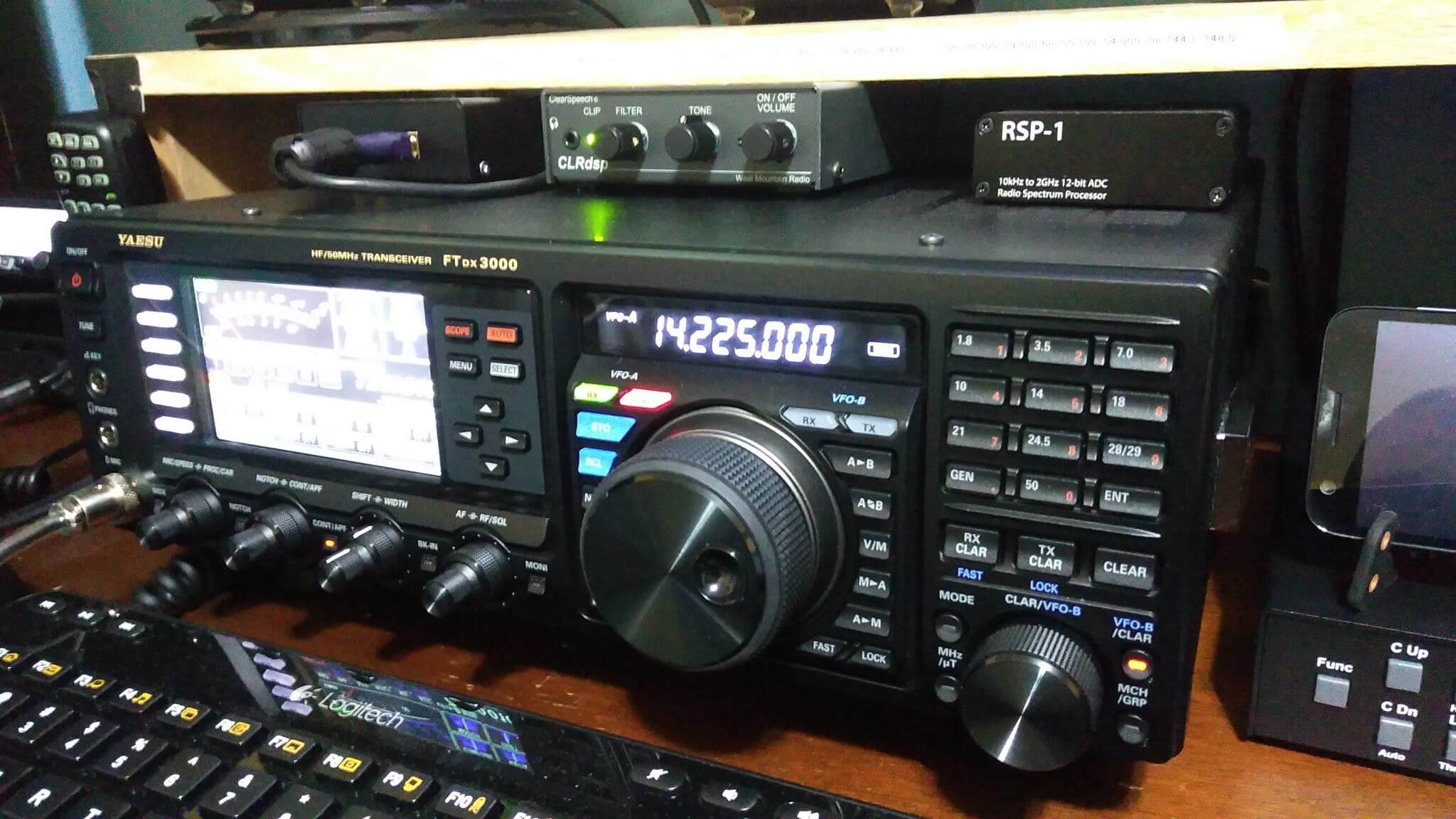
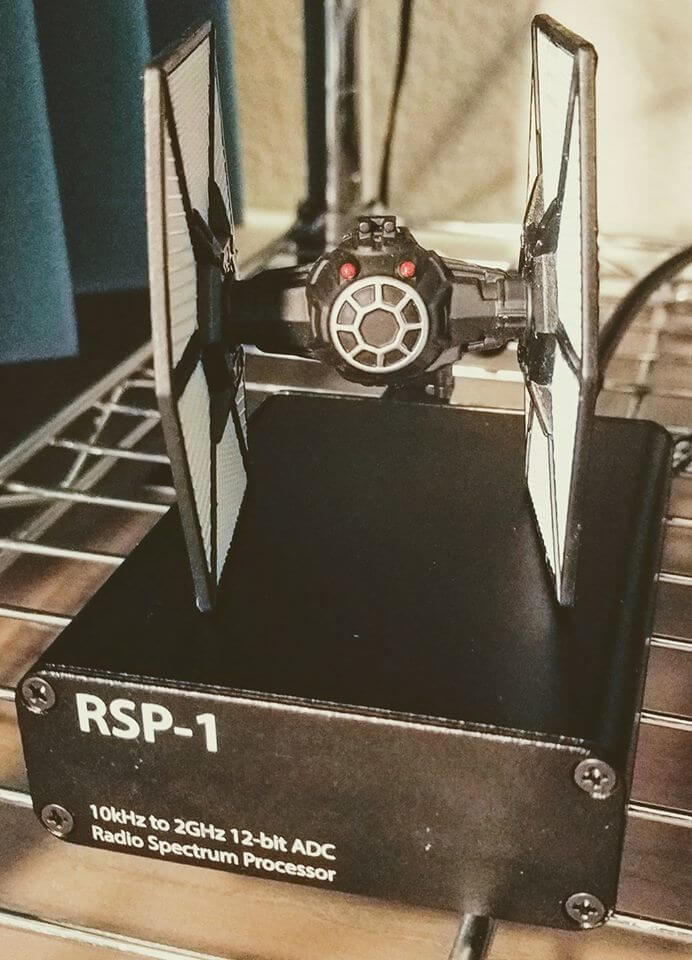
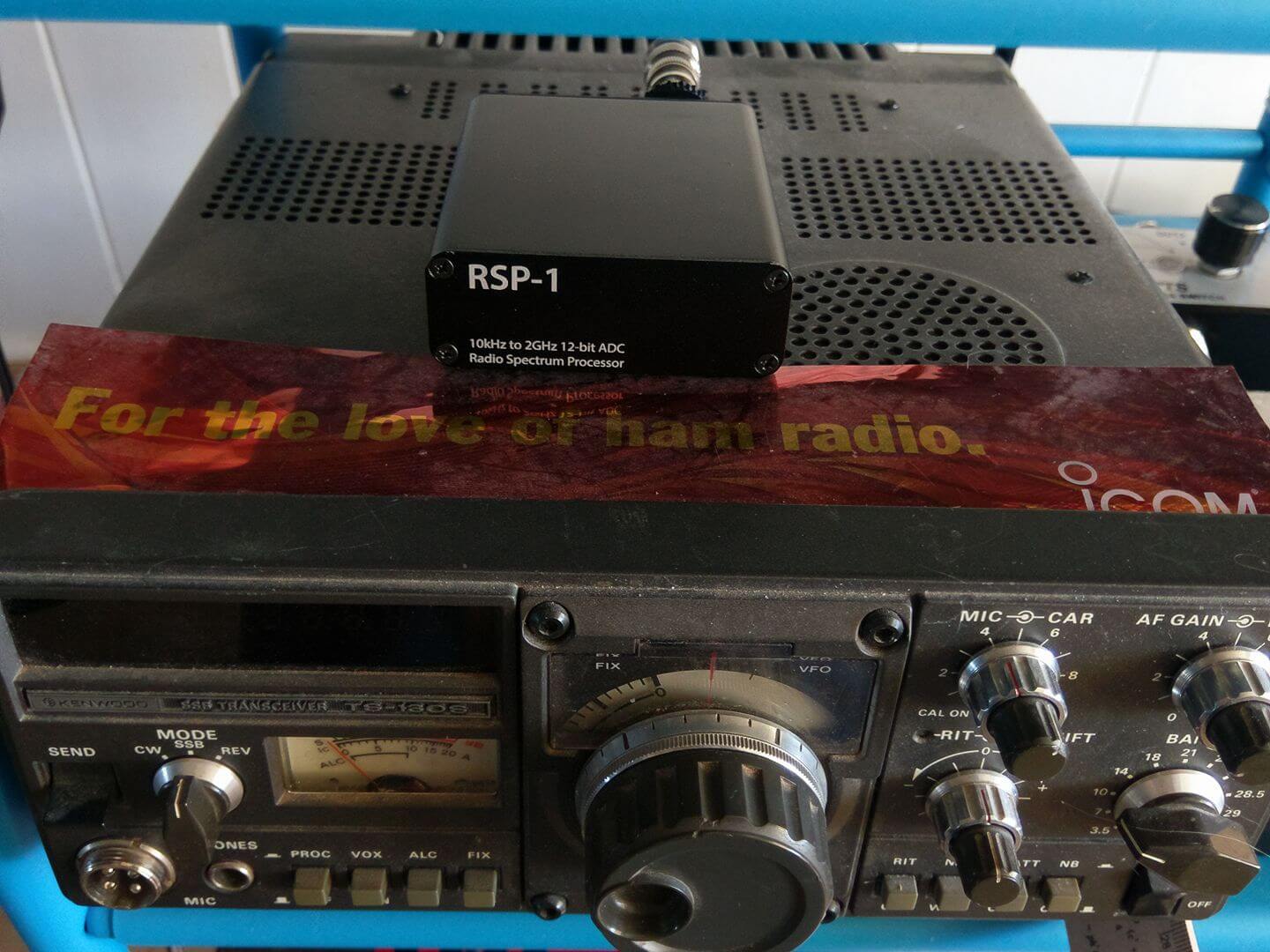
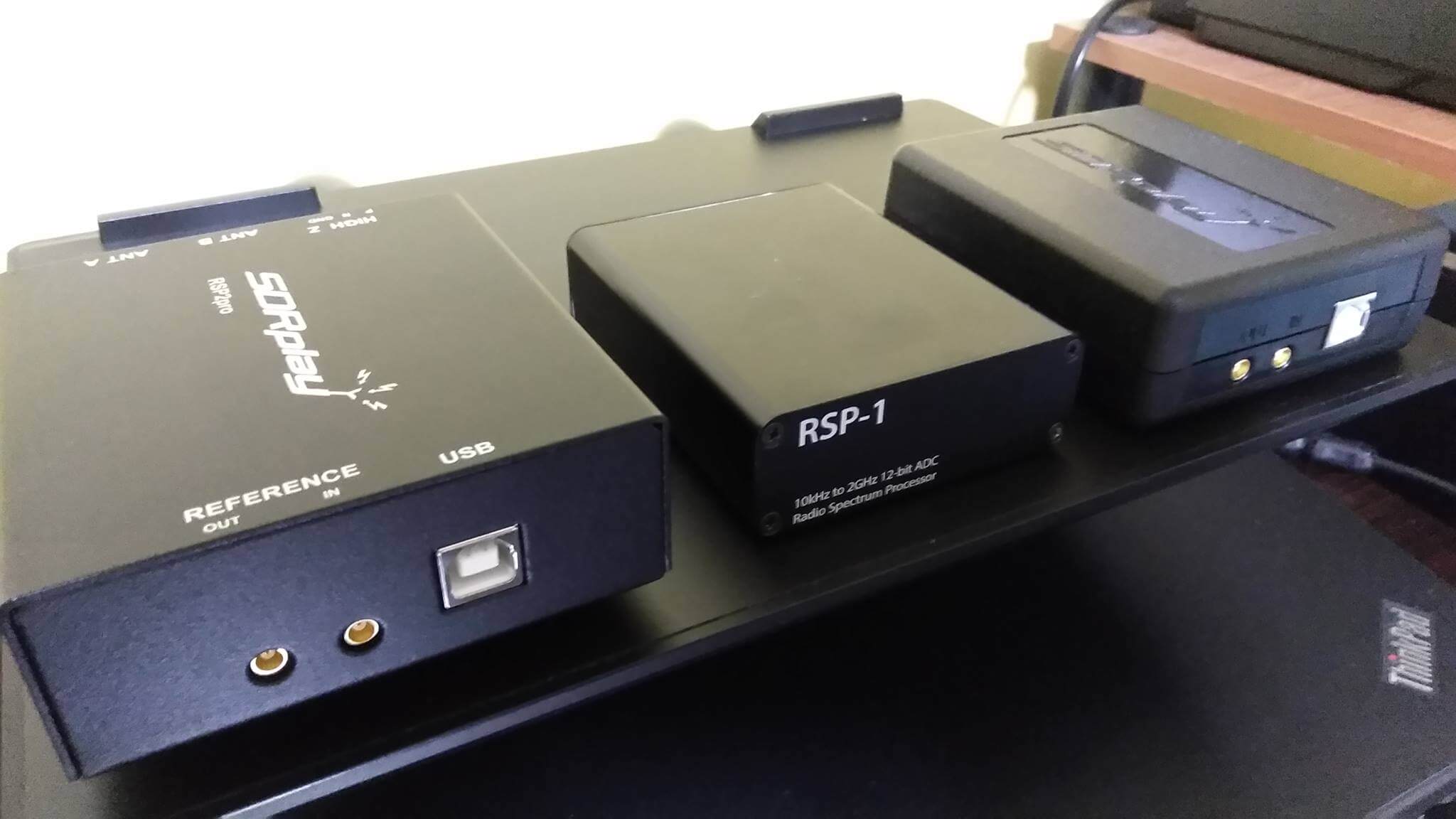
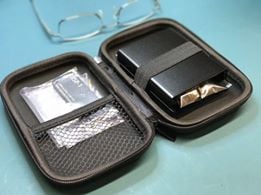
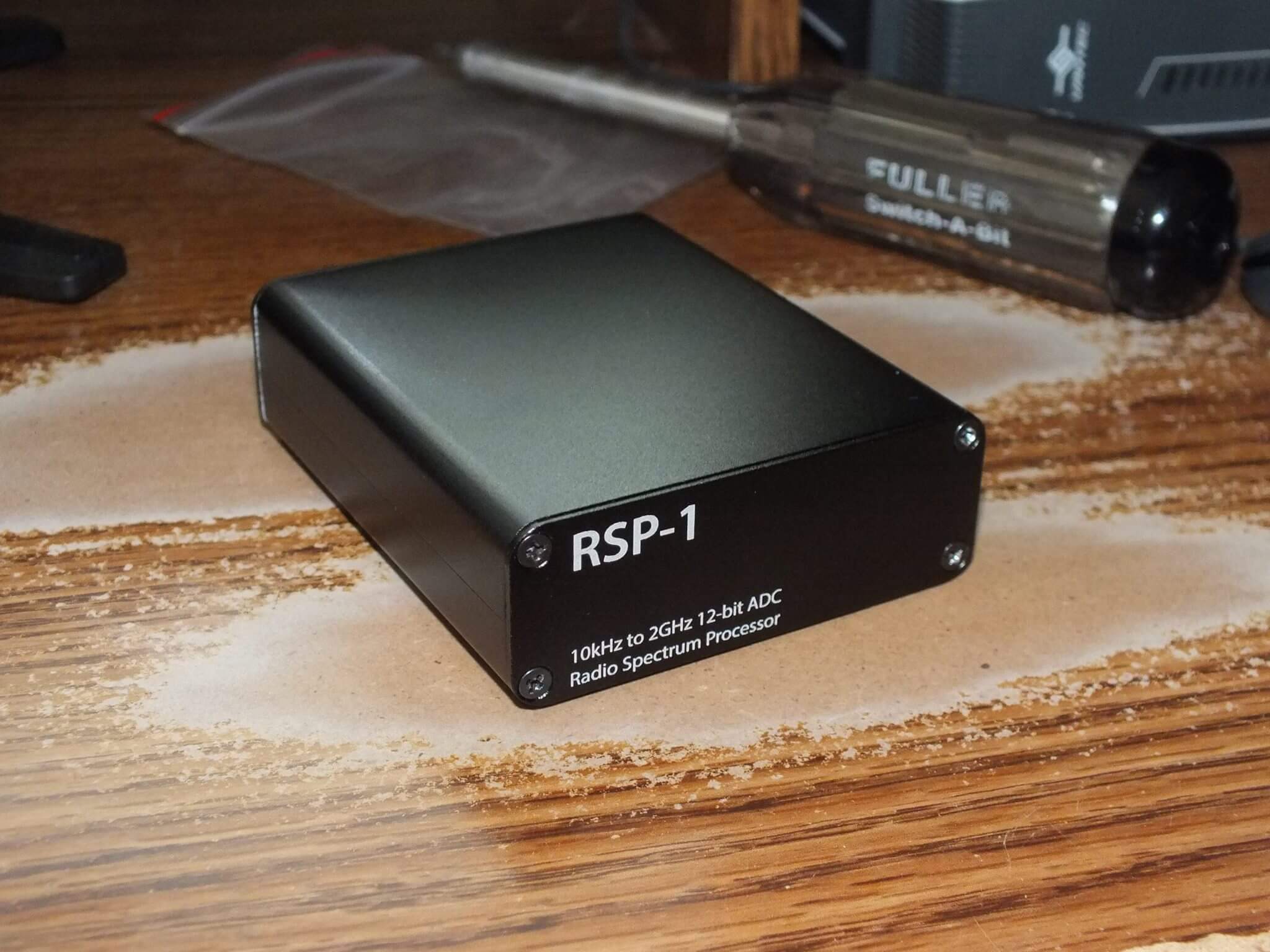
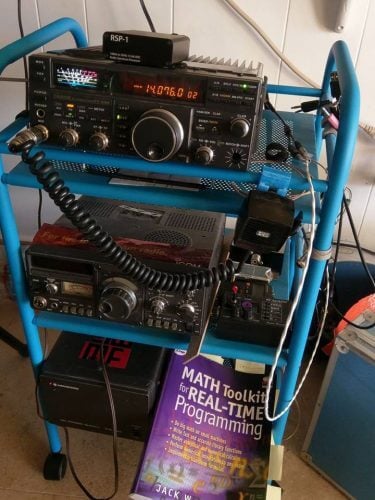
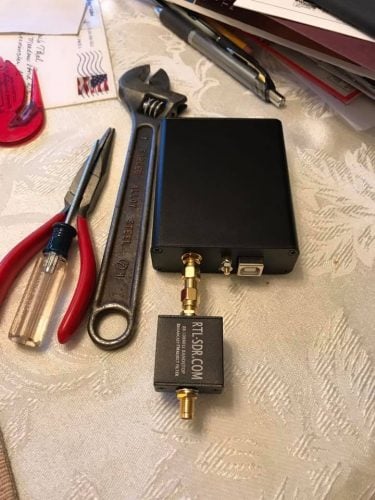
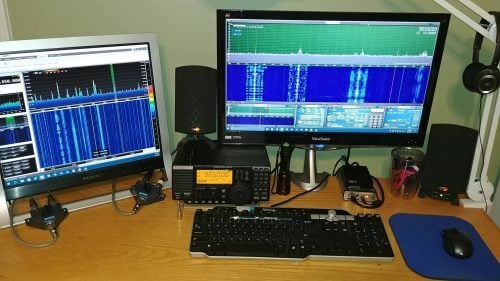
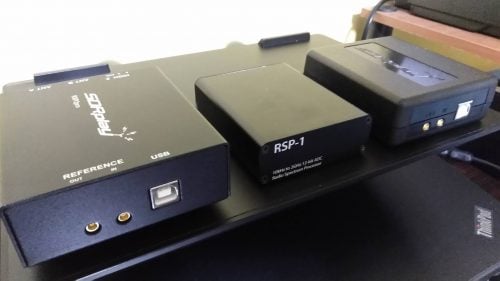
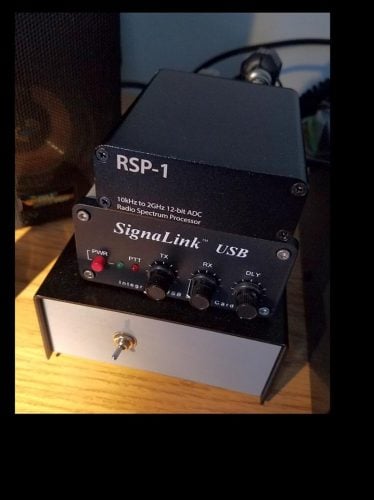
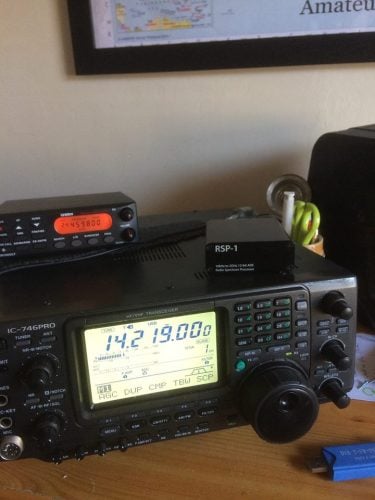
Back in March of this year together with Mike (KD2KOG) we brought out a metal enclosure for the SDRplay RSP1. The enclosure includes a BCFM filter as well as a nice carry case. We’ve been collecting a few images of users using this enclosure, and this is simply a picture showcase of those images.
If you’re interested in the enclosure we still have some limited stock remaining over on our store at www.rtl-sdr.com/store.
Last week we posted about the unboxing of the ADALM-PLUTO SDR as well as some information about a hack that can be used to increase the tuning and bandwidth range of the SDR. In this post we show some initial tests and first impressions of the the receive performance of the SDR.
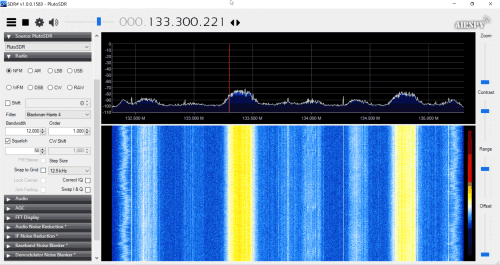
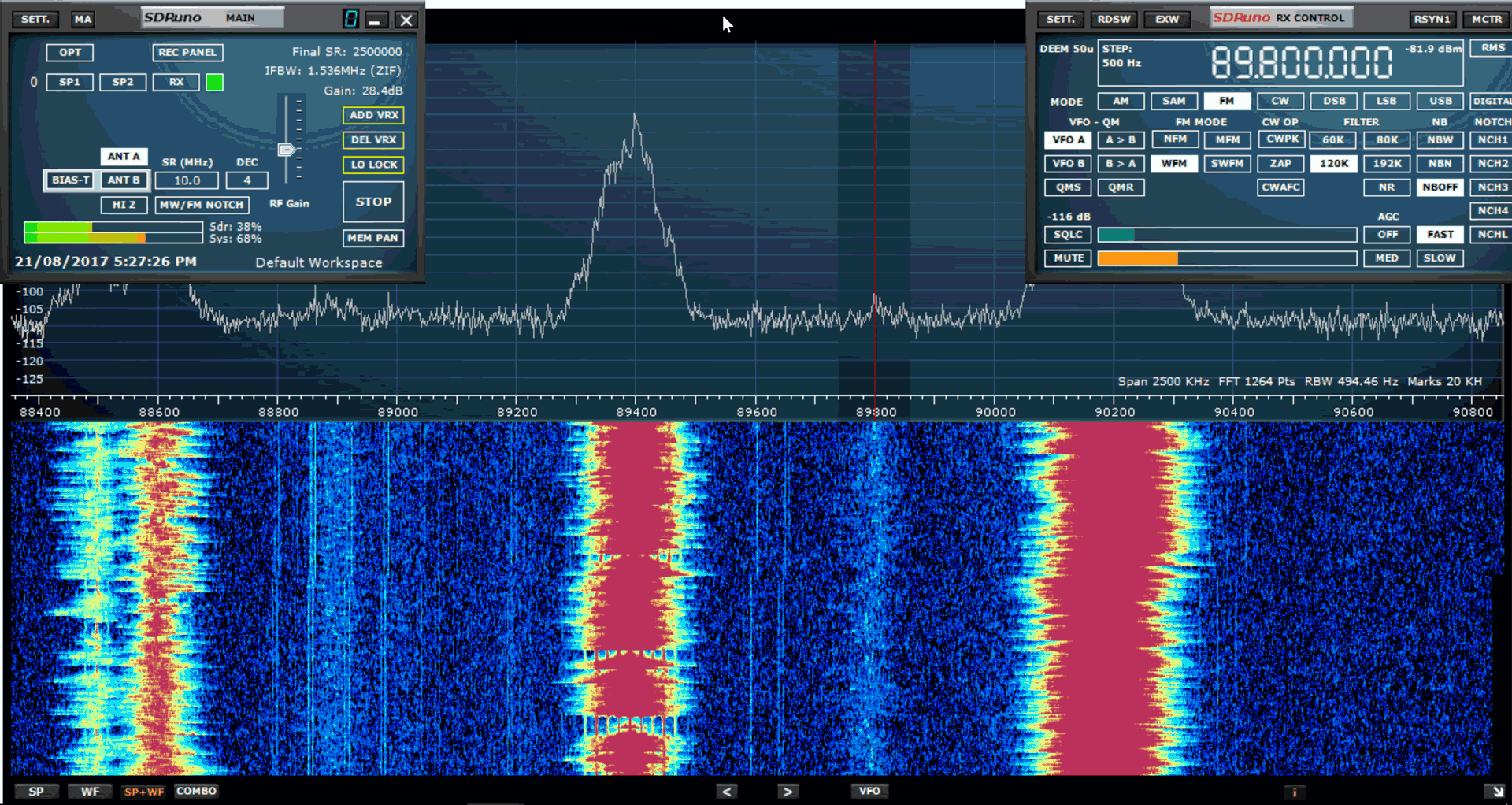
We tested the PlutoSDR on a number of frequencies, some in the default tuning range, and some in the frequencies enabled by the hack. In terms of sensitivity not much difference was noticed in the expanded frequencies. Sensitivity overall is decent and seems to be comparable to other SDRs. However, the PlutoSDR does suffer quite heavily from out of band imaging. Although there is a 12-bit ADC being used, filtering is still necessary for many signals. Broadcast FM, DAB, HDTV and GSM are all very problematic and images of these signals can be found all over the spectrum if they are strong. Above about 800 MHz two broadcast FM stations show up in the exact same place at all frequencies, no matter the gain setting.
Imaging is probably expected as the IIP3 spec of the AD9363 RF chip used in the PlutoSDR is not that great at only -18 dBm at max gain. Other SDRs like the Airspy Mini and RSP2 don’t have imaging anywhere as bad as the PlutoSDR as they have naturally high dynamic range in the case of the Airspy and filter banks built-in in the case of the RSP2.
Below are some example screenshots of the imaging we saw from strong signals. We used SDR# with the new PlutoSDR plugin, and set the sampling rate to 3 MSPS. On these screenshots we note that turning down the gain did not help, so these images were present in some way no matter the gain settings. There is probably still some optimization to go in the SDR# plugin, so it’s possible that imaging could be reduced with further work.
To test sensitivity we recorded audio on a few weak signals that did not have any images present, and we kept the gain at the highest it could go without the noise floor rising or images showing up.
Again we used SDR# with the PlutoSDR plugin, and set the sampling rate to 3 MSPS. We note that anything higher than 4 MSPS causes lost samples and thus jittery audio as this is the hardware limit of the PlutoSDR.
BCFM
This is a weak BCFM station. The PlutoSDR actually seemed to receive it better than the Airspy Mini. The RSP2 could not receive it, and the weak audio heard on the RSP2 is audio from an image.
PlutoSDR
Airspy Mini
SDRplay RSP2
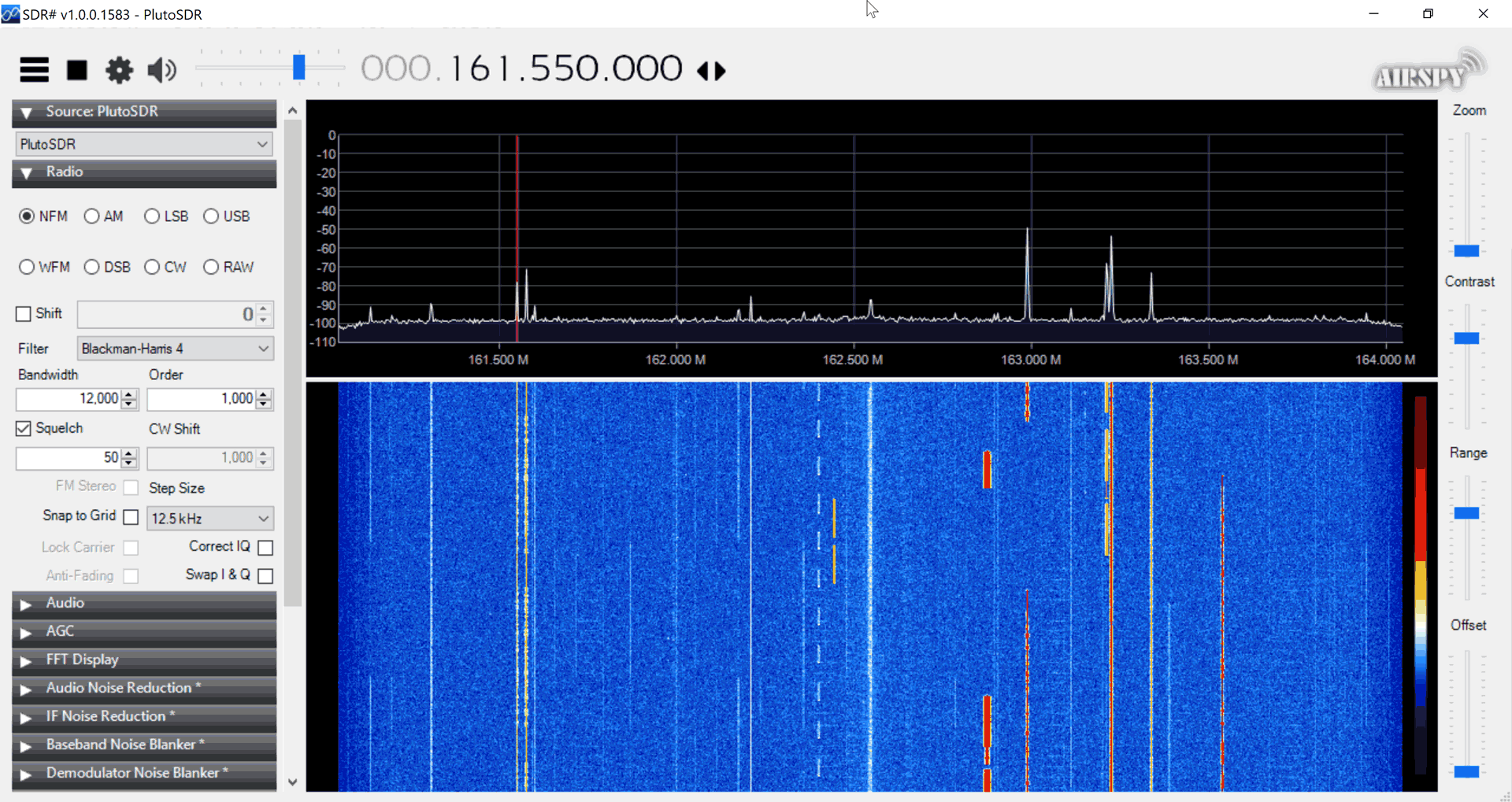
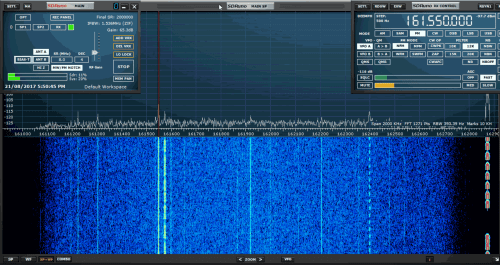
161 MHz
This is a voice weather station. Here the PlutoSDR was very comparable to the Airspy Mini and RSP2. Not much sensitivity degradation in the ‘hacked’ expanded frequency range.
PlutoSDR
Airspy Mini
RSP2
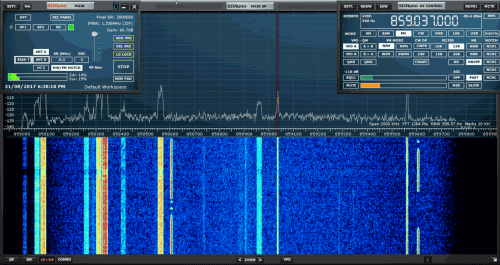
858 MHz
This is a digital trunking signal (there was no stable voice source this high to test with). Sensitivity is about the same as the other SDRs.
PlutoSDR
Airspy Mini
SDRplay RSP2
BCAM (Night)
A night time BCAM test. The PlutoSDR was coupled with a SpyVerter. Performance was quite good and on par with the Airspy Mini.
PlutoSDR
Airspy Mini
SDRplay RSP2
L-Band
Tested reception with a L-band patch antenna (no external LNA). Tested STD-C reception too. The PlutoSDR worked very well on L-band and had similar performance to the SDRplay. The Airspy is not good at L-band without an LNA and could not receive the STD-C channel by itself.
Conclusion
It’s clear that the PlutoSDR wasn’t made to be a general purpose high performance SDR, but rather a hackers/experimenters/learning SDR. Performance in terms of out of band imaging is not great, and for any real listening filters may be required. That said, the performance is overall still not bad and overall still a bit better than an RTL-SDR or HackRF. With filtering the performance could be comparable to something like the Airspy Mini or SDRplay RSP2. Performance on L-band is very good, assuming you can filter or use a directional antenna to attenuate strong blocking signals. It’s also possible that further tweaks to the filter settings of the SDR# PlutoSDR plugin could improve imaging problems.
It’s also a bit disappointing that the maximum sample rate available is only 4 MSPS without drops. So this is the highest rate that you can use if you want to decode a signal, or listen to audio. For wideband waterfalls or spectrum analysis or other applications tolerant to dropped samples it should be possible to go up to the full 61.44 MSPS.
All in all, if you are interested in a low cost wideband SDR that does almost everything including TX, and are not too concerned about strong signals, images and overload, then this is still a great purchase at $99 USD (Digikey out of stock now, available for $149 on the Analog.com store). This SDR should be especially interesting to you if you are an SDR hacker/experimenter/student or are a fan of cheap SDRs/RTL-SDR/HackRF etc. If you are a ham or DXer and want something that just works with your high performance antennas and strong signals then you might look elsewhere.
On Twitter others have come to similar conclusions.
AirSpy > PlutoSDR > RTL-SDR > HackRF in Terms of Signalquality.