Tagged: ads-b

Collecting private flight data on the World Economic Forum Atendees with an RTL-SDR

Every year politicians and business men meet at the “World Economic Forum” in the small mountain town of Davos, Switzerland to discuss various topics and create business deals. This year Quartz, an online newspaper/magazine sent a journalist to the forum. However, the journalist wasn’t tasked with writing a conventional story about the forum topics – instead he was asked to use an RTL-SDR to monitor the private helicopter traffic coming in and out of Davos using ADS-B data. They write that their reasoning for doing this as follows:

We went to all this trouble because there is perennial fascination with the flying habits of the 2,800 Davos delegates. Use of private aircraft, though often wildly overstated, highlights the vast wealth and power that descends upon this small skiing town in the Swiss Alps each year. And their transportation choices are frequently criticized for their environmental impact at a conference that seeks solutions to reducing carbon emissions, among other topics.

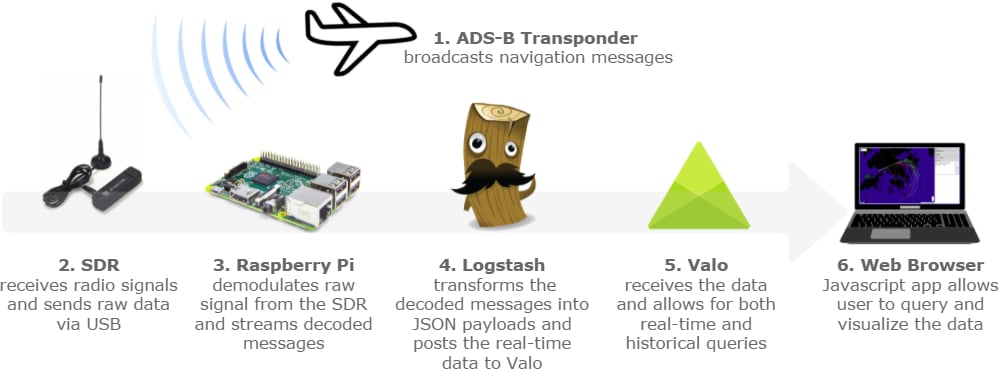
Using an RTL-SDR dongle, Raspberry Pi and ADS-B collinear antenna they monitored the flights over Davos. From the data they were able to determine the flight paths that many helicopters took, the types of helicopters used and the most popular flight times. They were able to identify 16 private helicopters that were used, although they write that some may not have had their ADS-B transponders turned on.

The RTL-SDR and various other components used to track the helicopters.
The flight path taken by the private helicopters.


A modified dump1090 with ADS-B Heatmap and Range Alititude View

Dump1090 is one of the most popular ADS-B decoders that is used together with the RTL-SDR dongle. ADS-B stands for Automatic Dependant Surveillance Broadcast and is a system used by aircraft that broadcasts their GPS positions. It is a replacement for traditional reflection based radar systems. We have a tutorial on using the RTL-SDR to decode ADS-B here.

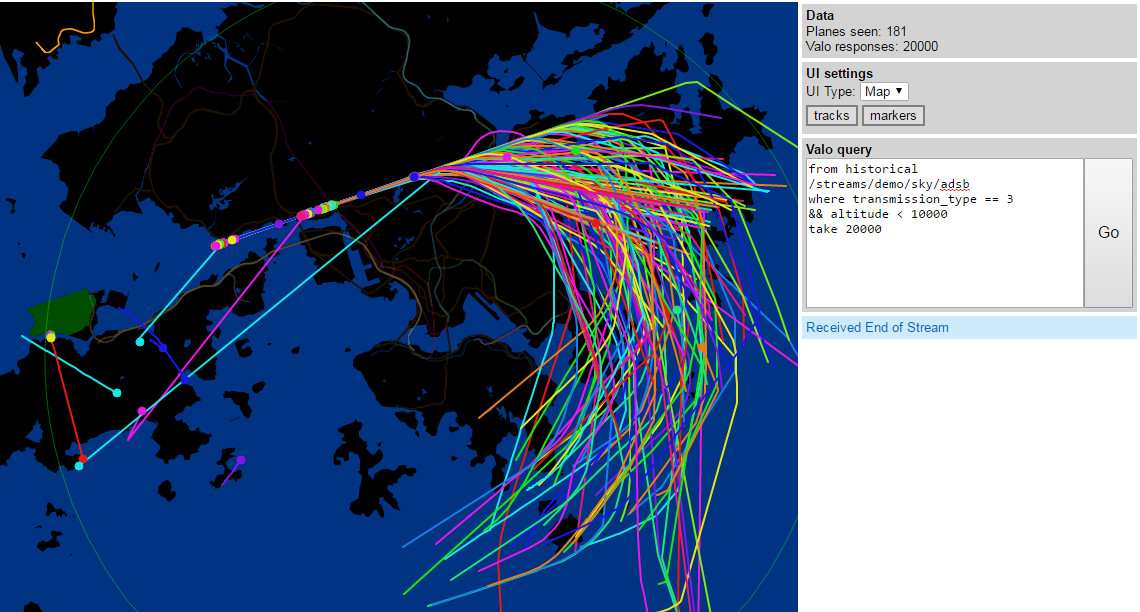
There is now a forked version of dump1090 by tedsluis that incorporates heatmap generation and range/altitude view. A heatmap will allow you to visualize where the most active aircraft paths in your area are and the range/altitude view allows you to see at what altitudes aircraft typically fly at in different locations. The software logs aircraft data in a CSV file, and then after collecting enough data a second program can be used to generate the heatmap. The full explanation of the software and instructions for installing and using it on a Raspberry Pi Linux system together with PiAware are posted on the flightaware.com forums.

A heatmap of aircraft flight paths.
dump1090-mutability with Heatmap ADS-B and range altitude view

An Unfiltered ADS-B co-op: ADSBexchange

Recently Dan, a reader of RTL-SDR.com wrote in to let us know about a new web project he’s started called adsbexchange.com. ADSBexchange is similar to services like FlightRadar24.com and FlightAware.com, but with one key difference. ADSBExchange explicitly states that they do not and will not filter ADS-B traffic for security reasons. Other similar services all filter FAA BARR (Block Aircraft Registration Request), military and other potentially sensitive ADS-B data. However, Dan argues that filtering the data is simply unneeded security theatre as anyone can build their own unfiltered receiver for very cheap. He writes:

I recently started a website that collects SDR ADS-B and MLAT data (typically from dump1090) worldwide, and displays it unfiltered – http://www.adsbexchange.com . This means that military, “blocked” and other “restricted” traffic is available to see, which is unique as far as I can tell.  We’ve recently tracked a U2 over the UK above 60,000 ft., Air Force One, and various diplomatic aircraft.  Additionally, there is a database of all previous aircraft “sightings” searchable on various parameters.

All of my research indicates this is legal, but perhaps “frowned upon” by local authorities.  The major flight tracking sites seem to not want to make any waves and voluntarily strip this data from their public feeds, even though they are typically fed “unfiltered” data from their volunteer participants.

The service is currently looking for RTL-SDR users who feed ADS-B data to join their feeding program so that they can expand their service coverage.

adsbexchange

ADS-B On Android App Now Supports 978 MHz FIS-B NEXRAD Weather and Traffic

The “ADS-B on Android” app has been updated and now supports the reception and display of 978 MHz UAT FIS-B Weather and Traffic data. The app also receives ADS-B data as per normal. To use the app you will need an RTL-SDR dongle and a USB OTG cable.

UAT stands for Universal Access Transceiver and is a protocol similar to ADS-B that is used mainly by smaller aircraft in the USA. UAT has some extra features for pilots compared to ADS-B. In addition to location information UAT provides a Traffic Information Service (TIS-B) which allows pilots in the air to see what ground control sees on their traditional RADAR system. It also provides a Flight Information Service-Broadcast (FIS-B) which includes NEXRAD weather data and other information. NEXRAD is an array of ground station weather radars that are used to provide pilots with accurate maps of precipitation and wind.

The free version of the app has ads and does not display NEXRAD weather radar on the default map. The pro version removes the ads and allows you to display a NEXRAD overlay on the map. It costs $2.50 USD.

Free Version: https://play.google.com/store/apps/details?id=com.wilsonae.android.usbserial

Pro Version: https://play.google.com/store/apps/details?id=com.wilsonae.android.usbserial.pro

NEXRAD FIS-B precipitation data displayed on map.
NEXRAD FIS-B precipitation data displayed on map on the pro version of “ADS-B On Android”


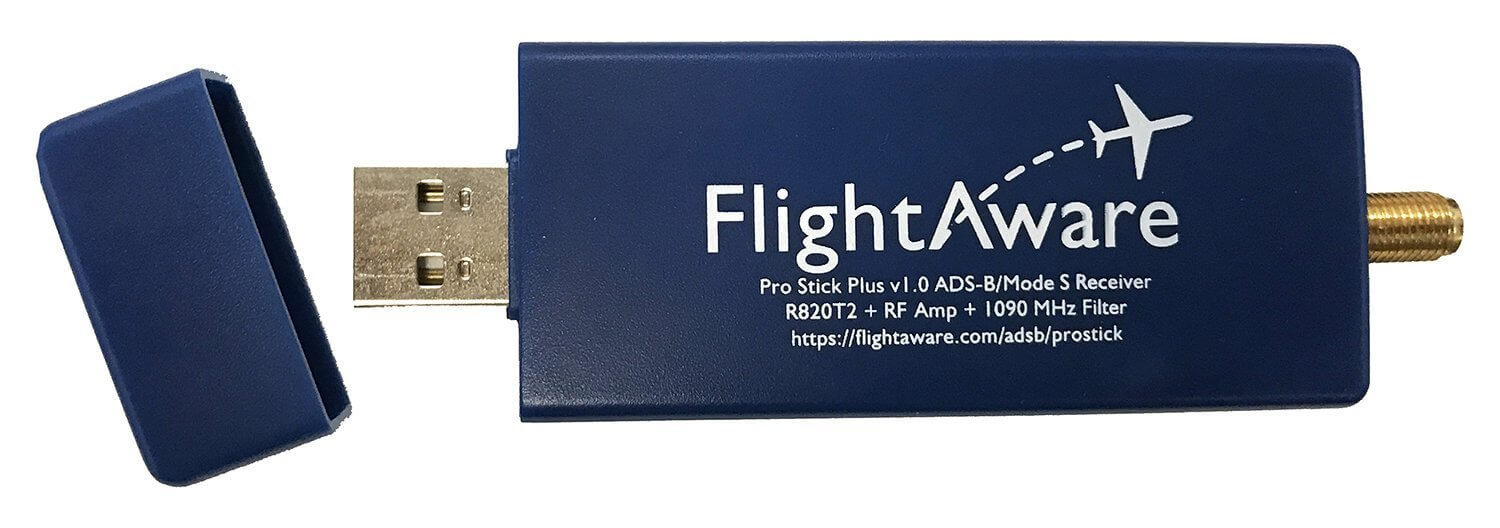
New product from FlightAware: A 1090 MHz Bandpass Filter for the RTL-SDR

FlightAware.com have released a new 1090 MHz bandpass filter that is intended for use with the RTL-SDR. FlightAware.com is a website that aggregates ADS-B aircraft location data from various contributors. The contributors are often users with RTL-SDR dongles running their PiAware software. By contributing to their service you gain access to their premium services for free.

The bandpass filter is available on Amazon for US customers for $19.95 USD and on eBay worldwide for $24.95 USD. This is the cheapest ADS-B filter we've seen yet. It comes in a metal case with SMA connectors, passes 980 MHz - 1150 MHz, has an insertion loss of about 1.65 dB at 1090 MHz and has about a 40dB drop outside the pass band. Over on their forums many users are reporting good results.

A bandpass filter blocks all frequencies apart from the range you are interested in, significantly reducing the effects of out of band interference. It is especially useful if you live near cell phone towers as these can easily interfere with the 1090 MHz frequency. 

FlightAware also sell an ADS-B antenna on Amazon for $44.95 USD and worldwide on eBay for $54.99 which may be of interest to some people.

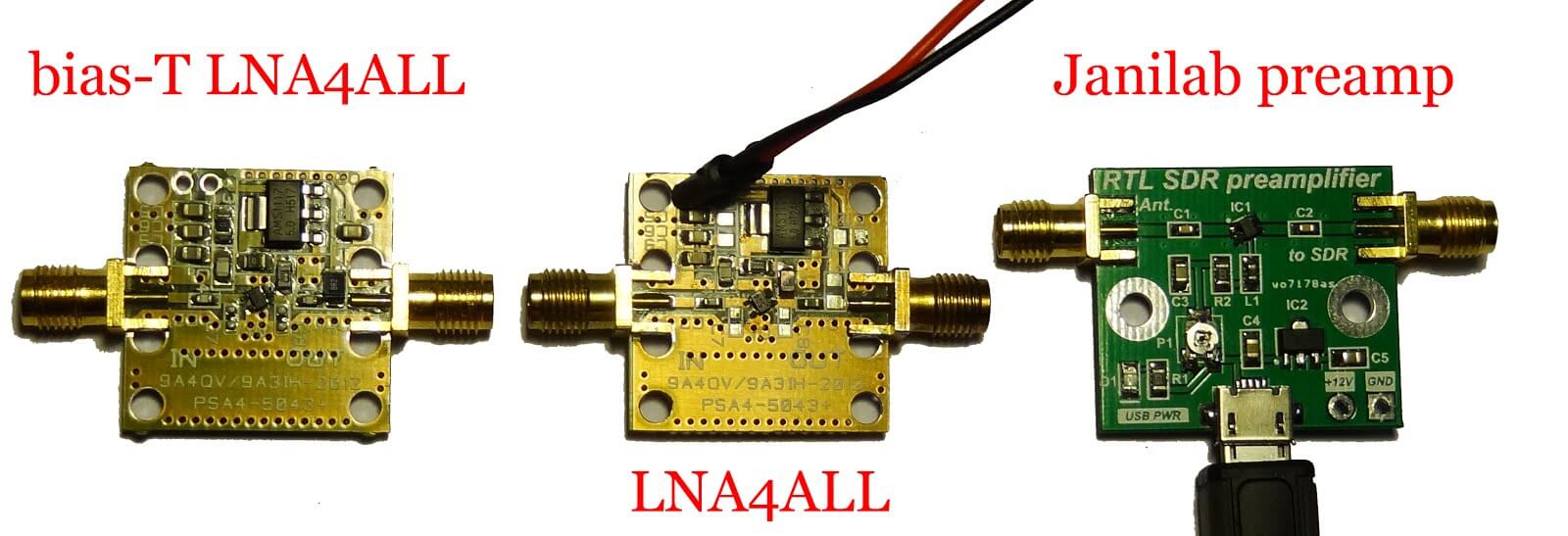
An alternative ADS-B filter for the RTL-SDR is the one made by Adam 9A4QV. Adams filter uses LTCC filter technology which gives lower insertion loss, but a less sharp cutoff.

The FlightAware 1090 MHz ADS-B Filter
Filter Reponse Test Data

Creating a FIS-B ADS-B Weather Information Receiver for Pilots with an RTL-SDR

Recently a pilot wrote in to let us know about how he’s been using his RTL-SDR to receive real time FIS-B ADS-B weather updates in ForeFlight while flying in his plane. ForeFlight is an iOS app for pilots that helps with flight planning and provides access to important information like charts, real time weather reports and airport information. However, to access real time weather information usually you need to buy a $549 – 899 Stratus receiver

Now it is possible to use an RTL-SDR to receive the FIS-B weather information that is transmitted on the 978 MHz UAT frequency which is available only in the USA. UAT stands for Universal Access Transmitter and is similar to ADS-B transmitted at 1090 MHz, however UAT has some extra features for pilots compared to ADS-B. In addition to location information UAT provides a Traffic Information Service (TIS-B) which allows pilots to see what ground control sees on their traditional RADAR system. It also provides a Flight Information Service-Broadcast (FIS-B) which includes weather and other information. UAT is commonly used on small aircraft due to it’s lower cost and additional features. 

To receive UAT FIS-B weather information the pilot used dump978 on a Raspberry Pi 2. Dump978 is a UAT decoder, similar in operation to dump1090. He has also created a program called “Stratux“, which together with a WiFi adapter allows the decoded FIS-B data to be transmitted from the Raspberry Pi by WiFi to an iPad running ForeFlight. Running the software is as simple as piping the 978 MHz signal from rtl_fm into dump978, and then piping the decoded output of dump978 into stratux. Foreflight can then connect to the WiFi signal and work like it is connected to an expensive Stratus receiver.

In the video example below you can see some weather radar animations from FIS-B data received from the RTL-SDR shown on the ForeFlight screen at around 4:29 and onwards.

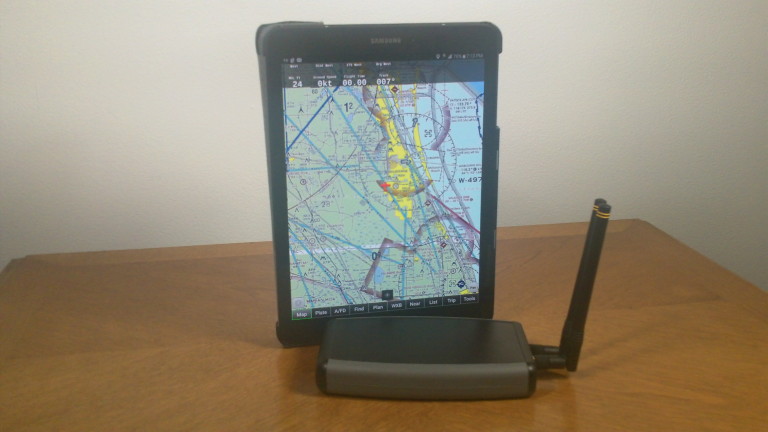
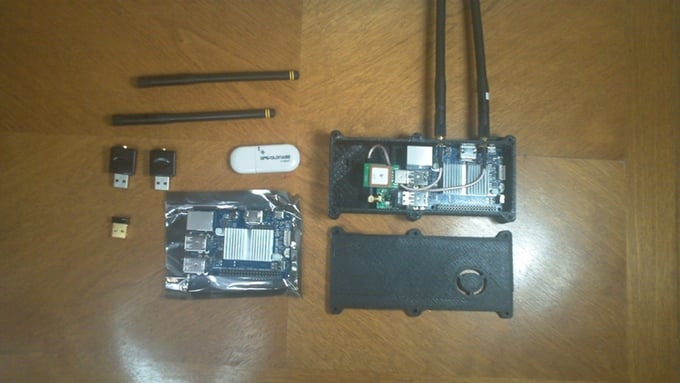
RTL-SDR, Rasperry Pi, WiFi dongle and portable battery pack for receiving UAT.
FIS-B UAT Weather Report received on Foreflight from a Raspberry Pi and RTL-SDR running dump978.

ADS-B Air Demo (ForeFlight)


Using a HackRF to convert ADS-B packets into Bluetooth packets for reception on your Smartphone/Tablet

HackRF experimenter Jiao Xianjun has recently posted about his new firmware which allows a single HackRF to receive an ADS-B data packet at 1090 MHz, and then retransmit it as a Bluetooth low energy (BTLE) packet at 2.4 GHz. A smartphone or tablet can then be used to view the ADS-B data. It appears that the system works by broadcasting several fake Bluetooth peripheral names as the received flight data, so there is no way to currently view the data on a map.

The firmware needs to be flashed into the HackRF RAM or ROM, and he provides instructions for this over on his post. The video below shows the HackRF and software in action on an iPad.

ADS-B to BTLE HackRF Relay
Air relay ADS-B to BTLE via single HACKRF in realtime

Tutorial on using an RTL-SDR for ADS-B on a BeagleBone Black from Make Magazine

Make magazine has recently released a tutorial and uploaded a video showing a nice overview on how to get an RTL-SDR set up for ADS-B decoding on a BeagleBone Black embedded Linux computer. In the tutorial and video they show you the parts you will need and show you how to compile and install the RTL-SDR drivers and dump1090 ADS-B decoder on the BeagleBone.

ADS-B decoding allows you to receive GPS and other information from aircraft in your vicinity. We also have a tutorial about ADS-B decoding available here.

The BeagleBone Black is a small embedded Linux computer, similar to the Raspberry Pi. It has enough computational power to run the RTL-SDR and ADS-B decoder.