Category: Applications

TechMinds: Using your RTL-SDR Locally with Just a Web Browser

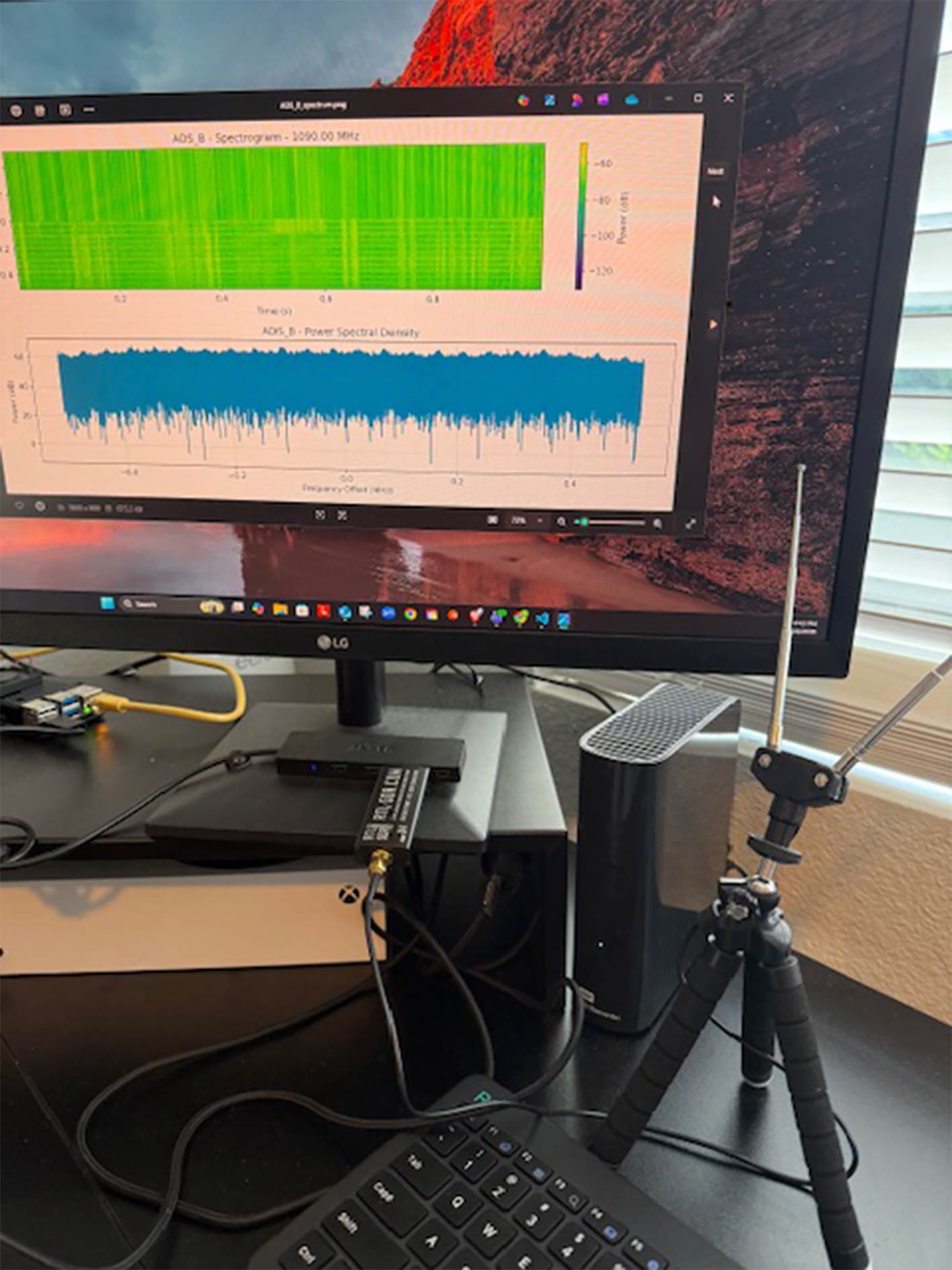
In the latest video on the TechMinds YouTube channel, Matt shows how an RTL-SDR can be used with a browser-based RTL-SDR web app at https://radio.ea1iti.es. We've featured EA1ITI's RTL-SDR web app a few times on the blog in the past, as it's a nice demonstration of what the HTML5 USB API is capable of.

In the video, Matt shows the software in action, receiving signals and he goes through the various settings available.

More information about the software can be found on the help page at https://radio.ea1iti.es/help.html, and the software is available on GitHub.

How To Use Your RTL-SDR Locally With Just A Web Browser

Khanfar Direction Finder: RTL-SDR and Directional Antenna Based Direction Finding Software

Recently, on Feb 21, we posted news about the release of some spectrum analysis and FM demodulator software from M. Khanfar. Now he has just released his latest software "Khanfar Direction Finder" (scroll to the end of the page), a Windows radio direction finding tool for RTL-SDR dongles.

Khanfar Direction Finder appears to work on the principle of power measurements through the use of directional antennas. Four directional antennas are connected to four RTL-SDR dongles positioned in the N/S/E/W directions.

The antenna pointing towards the signal source will receive it stronger and the antenna pointing away from it will receive it weaker. The two other antennas may receive the signal with some intermediate strength based on the angle. The software automatically combines the power information from all four antennas, resulting in a bearing.

The 'Quintet' version of the software also contains a map that can be used to plot the determined bearings.

Both versions of the software are free to download but not open-source. As mentioned in the previous post, antivirus software can flag M. Khanfar's software as suspicious. We suspect these are false positive results due to the PyInstaller system used to create the exe, but please take your own precautions just in case.

Khanfar Direction Finder Compass Screen
Khanfar Direction Finder Map Screen
Khanfar Direction Finder

RTL-SDR Jamming Detector Software

Over on GitHub, Alejandro Martín has recently released his open-source 'rtl-sdr-analyzer' software, which is an RTL-SDR-based signal analyzer and automatic jamming detector. The software is based on Python and connects to the RTL-SDR via an rtl_tcp connection.

Alejandro's software is advertised as having the following features:

  • 📊 Real-time Visualization: Advanced spectrum analysis with waterfall display
  • 🔍 Smart Detection: Automatic signal anomaly and jamming detection
  • 📈 Dynamic Analysis: Adaptive baseline calculation and threshold adjustment
  • ⚙️ Flexible Configuration: Fully customizable detection parameters
  • 🌐 Network Support: Built-in RTL-TCP compatibility for remote operation

The software works by continuously monitoring a frequency range, and creating a log whenever a signal is detected that exceeds a certain power value and duration. It can also monitor 'z-score', which determines if the current signal mean has deviated significantly from the baseline, which could indicate a jamming or interference event.

rtl-sdr-analyzer: An RTL-SDR Signal Analyzer & Jamming Detector

TechMinds: Building a Portable ADS-B Aircraft Tracker and VHF Airband Radio Receiver

Over on the TechMinds YouTube channel, Matt has uploaded a video demonstrating a portable ADS-B aircraft tracker with VHF airband radio reception as well. The build consists of a 7-inch screen, Raspberry Pi 4 and two RTL-SDR dongles.

In the video, Matt shows what hardware is required, how it's all put together, and how to install the OS and software and set it up. The software Matt uses for displaying aircraft is tar1090, a comprehensive web interface for ADS-B data. For receiving AM VHF airband communications, he uses an HTML5-based RTL-SDR receiver that can run directly in the Chromium browser and connect to a local RTL-SDR through the web interface.

Your Very Own Aircraft Tracker With VHF Airband Radio - RTL-SDR & PiADSB

calcRadio: A Casio FX-CG20 Calculator Front End Interface for RTL-SDR

In the past, RTL-SDR.COM reader JJ has shared with us his LegoPi project, which demonstrated a clever way to enclose a self-contained RTL-SDR build, as well as his multi-feature living room radio build, which combined an RTL-SDR for live radio and an internet-based radio system with MP3 player.

Recently, he submitted to us a new project called 'calcRadio' (information about the calcRadio can be found at the end of the linked page). The calcRadio project consists of a similar self-contained RTL-SDR build as seen in his previous projects (RTL-SDR with speakers and a single-board computer), but this time, it's controlled via an old Casio FX-CG20 calculator. The calculator's interface is programmed in C, and JJ has uploaded his open source code on GitHub.

JJ writes:

The front-end is made of an older CASIO calculator, the fx-CG20, which can be programmed in C thanks to the non-official CASIO SDK: https://github.com/Jonimoose/libfxcg/releases (the fx-CG20 built-in basic language was way too slow).

The back-end is same as last build, a Strong SRT 2023 TV box, flashed with Armbian + Ubuntu and a bash script to handle everything. Under Linux, the Android board is known as Amlogic Meson GXL (S905X) P212 Development Board. It has about the same CPU power as a Raspberry Pi 3 Model B+ but with less power consumption, built-in storage and infrared port.

The key to make it work was the presence of a cloning port on the calculator, which was connected to the UART port on the Android board, allowing serial communication to be established.

The calcRadio build

TechMinds: Building a DIY Standalone SDR with a Raspberry Pi, 5-Inch TouchScreen, SDRplay RSPdx and the PiHPSDR Software

Over on the TechMinds YouTube channel, Matt has uploaded a video showing how he created a DIY standalone SDR using an Elecrow 5-inch touchscreen display, Raspberry Pi 5 and an SDRplay RSPdx. The software he uses is PiHPSDR, which is compatible with the SDRplay and RTL-SDR dongles.

In the video, Matt shows how to set up the hardware, the Raspberry Pi OS, and the required software and drivers. He then shows the setup running PiHPSDR and the various settings and features available in the software.

Could This Be The BEST SDR Receiver? Using PiHPSDR & SDRPlay RSPdx

Khanfar Spectrum Analyzer: Signal Analysis Tools for the RTL-SDR

Thank you to M. Khanfar for submitting news about the release of his new spectrum analyzer, sweeper, and FM Radio demodulator tools for the RTL-SDR. The tools are freely released, however, they do not seem to be open source.

THIRD PARTY SOFTWARE VIRUS WARNING: We just want to note that Khanfar's software shows a few positive results for viruses on VirusTotal. These are most likely false positives, but please use this software at your own risk, especially as it is not open source.

The first tool M. Khanfar is releasing is the Khanfar Full Spectrum RTL-SDR Sweeper tool, a wideband spectrum analyzer for the RTL-SDR. It allows the RTL-SDR to produce a spectrum sweep over a large bandwidth by rapidly re-tuning the frequency and plotting each 2.4 MHz live sweep sequentially. This is the same concept used by previous tools like rtl_power and Spektrum.

Khanfar RTL-SDR Sweeper

The second tool released is the Khanfar Advanced Spectrum Analyzer. This tool allows you to view the live spectrum from an RTL-SDR in various visualization modes.

Khanfar Spectrum Analyzer

The third tool is Khanfar-FM-Radio, a text-based wideband and narrowband FM demodulator for the RTL-SDR.

Khanfar WFM-NFM Demodulator

M. Khanfar notes that all tools can open multiple instances of themselves, allowing them to be used use multiple RTL-SDR dongles on the same machine.

In the video embedded below, M. Khanfar shows his three software applications in action.

Khanfar Spectrum Analyzer

ESPARGOS: An ESP32 Phased Array for Seeing WiFi

Recently, Florian Euchner, a research assistant at the Institute of Telecommunications at the University of Stuttgart, has released information about a project called ESPARGOS that he has been working on. ESPARGOS is a phased array of many patch antennas, each connected to an ESP32 WiFi microcontroller. Phased arrays enable interesting things like radio direction finding.

Combined with a bit of code, Florian can not only determine the direction of arrival of WiFi signals but, with enough patch elements, also create a live heatmap of the WiFi source overlayed on top of the video. We note that ESPARGUS is not based on software-defined radio, however, the overall concept and implementation are quite similar to KrakenSDR.

In the video embedded below, Florian explains the system and demonstrates it in action. He shows how the WiFi signal from a device can be visualized, how it can be used to track movement of the device behind a wall, how reflections from a directional antenna can be seen, how a device can be triangulated with multiple arrays. Finally Florian also shows how a device can be located with a single array, even in a high multipath environment after a neural network is trained on the environment.

Florian writes:

More information is available on the project website of the ESP32 antenna array "ESPARGOS": https://espargos.net/

Source code for Python library + demos: https://github.com/ESPARGOS/pyespargos (directory "demos/camera" for "WiFi camera" demo)

As a research assistant at the Institute of Telecommunications at the University of Stuttgart, I work on multi-antenna systems like (distributed) massive MIMO, with a focus on wireless channel measurement platforms and algorithms for processing channel measurements (classical and deep learning-based).

One day, my (incredibly talented) colleague Marc Gauger suggested to use ultra low-cost ESP32 chips instead of software defined radios for channel measurements. I was highly sceptical at first, but when he showed me a minimalistic prototype he had soldered together, I was intrigued by the idea of being able to demonstrate my algorithms in real time using WiFi signals. In a series of Bachelor's / Research theses, my excellent students Tim Schneider, David Engelbrecht and David Kellner helped me develop the ESP32 antenna array "ESPARGOS".

Measured CSI dataset used for AoA / TDoA visualization: https://espargos.net/datasets/data/espargos-0005/
AoA / TDoA localization source code (needs some minor modifications to be applied to espargos-0005 dataset): https://github.com/Jeija/ToA-AoA-Augmented-ChannelCharting/
Channel Charting source code for the animation in the video: 
https://github.com/Jeija/Geodesic-Uncertainty-Loss-ChannelCharting
Tutorial on Channel Charting: https://dichasus.inue.uni-stuttgart.de/tutorials/tutorial/dissimilarity-metric-channelcharting/

This ESP32 Antenna Array Can See WiFi

We note that while the software is open source, the array hardware itself is not. Florian has noted in a comment on his YouTube video that he is preparing a manufacturing run for ESPARGOS.

I am now preparing a manufacturing run for ESPARGOS. This involves some PCB redesigns to make the design more mass-manufacturable and to get the cost further down, and to get it certified. This will obviously take some time, but I will make sure to keep you updated. You can use the button on the website https://espargos.net/ to sign up for email updates, and I will also post updates via YouTube community notes.