Category: SDRplay

Decoding ADS-C with a Cheap Aliexpress LNB and SDRplay RSP1B

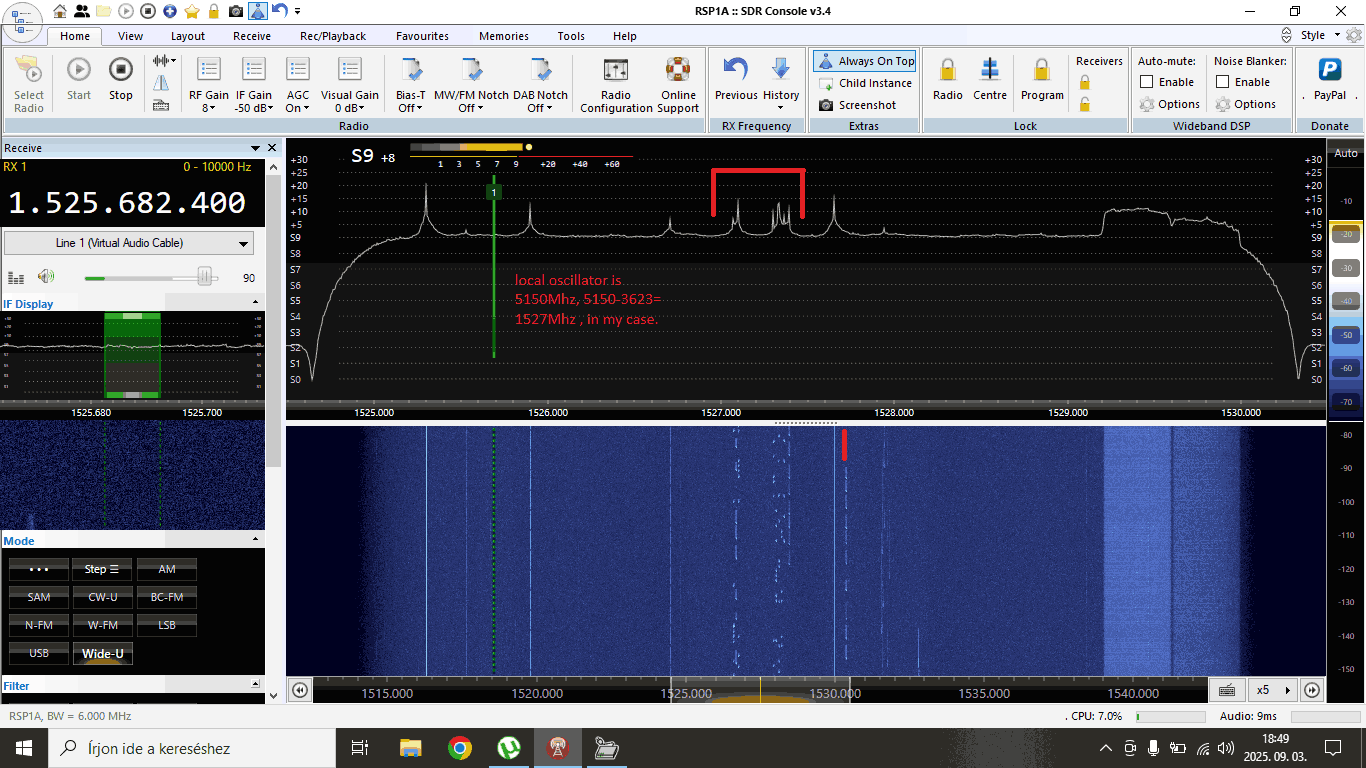
Thank you to Nagy István for sharing with us his setup for decoding ADS-C with a 180cm prime focus dish, a cheap Aliexpress LNB, an Aliexpress bias tee, and an SDRplay RSP1B.

István receives the ADS-C signal from the Inmarsat 4A-F4 satellite, which he can see from his home in Hungary. 

István also notes the following information about the Chinese LNB:

This LNB original for DVB reception, but it works on Inmarsat reception, 3.6Ghz where ADS-C signals are, without any modification... But sometimes you need correcting frequency because of LNB oscillator drifting. I don't use dielectric plate, I don't have any material for this, at the moment.

Compared to ADS-B, which continuously broadcasts an aircraft’s GPS position and velocity to any ground station or nearby aircraft, ADS-C instead sends position reports via satellite, and is especially used over oceans and remote areas without ADS-B ground receivers.

However, ADS-C is relatively complex for hobbyists to receive due to the need for a large satellite dish and LNB to convert the 3.6 GHz frequency down to a frequency receivable by most SDRs. However, fortunately, as István shows, the LNB can be obtained cheaply these days.

Inmarsat ADS-C decoding with Jaero and Virtual Radar

ADS-C Being Received with an 1.8m dish, cheap Aliexpress LNB and SDRplay RSP1B.

A YouTube Review of the SDRplay nRSP-ST Networked Receiver

Over on YouTube Baltic Lab has recently uploaded an unboxing and review video of the SDRplay nRSP-ST. The nRSP-ST is the latest offering from SDRplay, and it is a networked software defined radio (SDR). This means that the SDR is designed to be mounted remotely and accessed over a network connection.

The video Baltic Lab unboxes the SDRplay nRSP-ST and then shows the setup and it receiving a voice signal from the International Space Station's (ISS) amateur radio repeater. During the test, the nRSP-ST is set up outdoors, powered via a portable battery, and connected to the network over WiFi. This shows how versatile the unit can be, allowing you to set it up in whatever location is best, without worrying about long coax runs.

He goes on to show some advanced settings, such as enabling public access, and how you can access the SDR via the SDR Connect software or simply in a browser on a PC or mobile device.

This Networked SDR Receiver is Insanely Powerful | nRSP-ST Test

SkyRoof: New Ham Satellite Tracking and SDR Receiver Software

Recently VE3NEA has released a new Windows program called "SkyRoof". SkyRoof is both a satellite tracking and SDR receiver program. It supports the RTL-SDR as well as Airspy and SDRplay devices.

The software is designed for tracking and receiving ham radio satellites, and it can provide detailed information about all ham satellites, tracking them in real time, and provide pass prediction. It also shows a skymap and SDR waterfall display. The receiver software supports demodulation of SSB/CW/FM, and it automatically compensates for doppler. It can also interface with antenna rotators that support hamlib.

SkyRoof Satellite Tracking and SDR Receiver Software Screenshot

Over on YouTube Johnson's Techworld has also recently uploaded a video showing him testing out Skyroof, which may be of interest to some.

Brief review of SkyRoof, the latest satellite tracking software!

SDR Television: DATV TX and RX Software for the PlutoSDR

Recently, Simon Brown (G4ELI), best known for being the author of the popular SDR-Console software, has released a new program called "SDR Television (Beta 2)". SDR Television is a program designed for transmitting and receiving Digital Amateur TV (DATV) signals.

At the moment, the software supports DATV on the QO-100 satellite, but in the future, further terrestrial DATV support has been promised. The software is designed to be used with a PlutoSDR (or PlutoSDR clone or spinoff), but also supports Airspy or SDRplay for receive only.

Over on YouTube, Tech Minds has also posted a great video demonstrating the software's setup and use.

SDR TELEVISION V1.0 - Game Changing DATV Software From G4ELI!

TechMinds: Testing out the SDRBerry Software on a Pi 4 with Touchscreen

Over on the TechMinds YouTube channel, Matt has posted a video demonstrating the SDRBerry software, which can be used with many SDR devices, including the RTL-SDR, on a Raspberry Pi with a touchscreen.

The SDRberry software is designed to be used on a touchscreen. As Matt points out, it has an aesthetically pleasing user interface and is compatible with almost any SDR software via the Soapy interface. Combining an SDR with a Pi 4 touchscreen and SDRberry results in an excellent hand-held SDR system.

In the video, Matt demonstrates the features of SDRberry, showing its RX features as well as some of its TX features, such as speech transmission and FT8, via a built-in WSjtx tab. He then shows the optional web interface, which is still in the early stages of development. Finally, he shows how to install the software and dependencies onto a fresh Raspbian image. 

SDRBERRY - This User Interface Is Just GORGEOUS! AND IT USES SOAPY TOO!

TechMinds: Building a DIY Standalone SDR with a Raspberry Pi, 5-Inch TouchScreen, SDRplay RSPdx and the PiHPSDR Software

Over on the TechMinds YouTube channel, Matt has uploaded a video showing how he created a DIY standalone SDR using an Elecrow 5-inch touchscreen display, Raspberry Pi 5 and an SDRplay RSPdx. The software he uses is PiHPSDR, which is compatible with the SDRplay and RTL-SDR dongles.

In the video, Matt shows how to set up the hardware, the Raspberry Pi OS, and the required software and drivers. He then shows the setup running PiHPSDR and the various settings and features available in the software.

Could This Be The BEST SDR Receiver? Using PiHPSDR & SDRPlay RSPdx

TechMinds: Building an Automated NavTex Receiver using a Raspberry Pi and SDRplay

Over on the TechMinds YouTube channel, Matt has uploaded a video tutorial showing how to create an automated NavTex receiver using a Raspberry Pi and an SDRplay software- defined radio.

NavTex is a safety and navigational information radio text broadcast system for mariners, typically broadcast at 518 kHz and 490 kHz. On ships, it is typically received by dedicated hardware that prints out information on a piece of paper as it comes in. However, with an appropriate antenna and an SDR, it is possible to receive and decode NavTex signals at home. 

In his video, Matt shows how a Raspberry Pi loaded with a piece of software created by "boat-comm" can be combined with an SDRplay RSPdx to create a homemade automated NavTex receiver. Matt shows how to install the software and goes on to demonstrate it in action.

Currently, only SDRplay receivers are supported by boat-comms software, but it's possible that in the future, other SDRs may be supported, too.

Automated NavTex Receiver Using A Raspberry Pi & SDRPlay SDR

If you're interested, boat-comm also has a video about his software available on his YouTube channel and we've embedded his video below.

NAVTEX on raspberrypi for sailors

TechMinds Reviews the Recently Released SDRplay nRSP-ST Networked Software Defined Radio

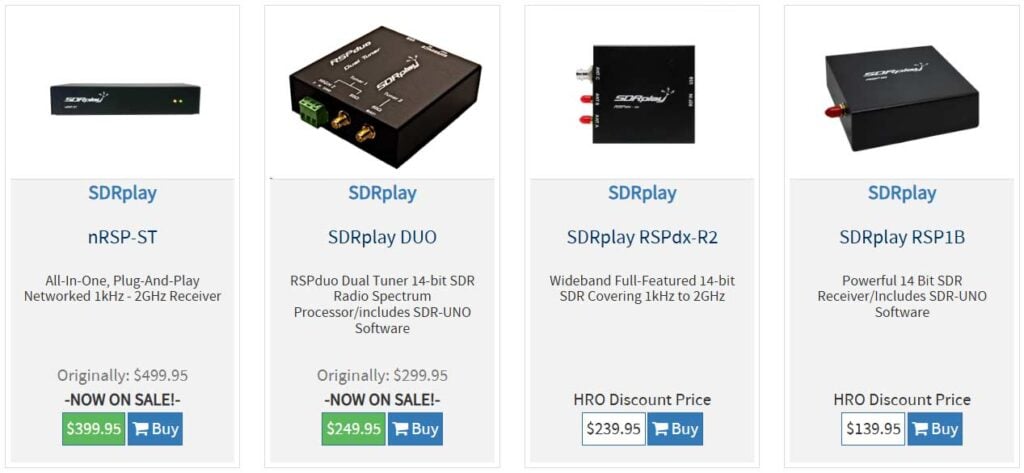
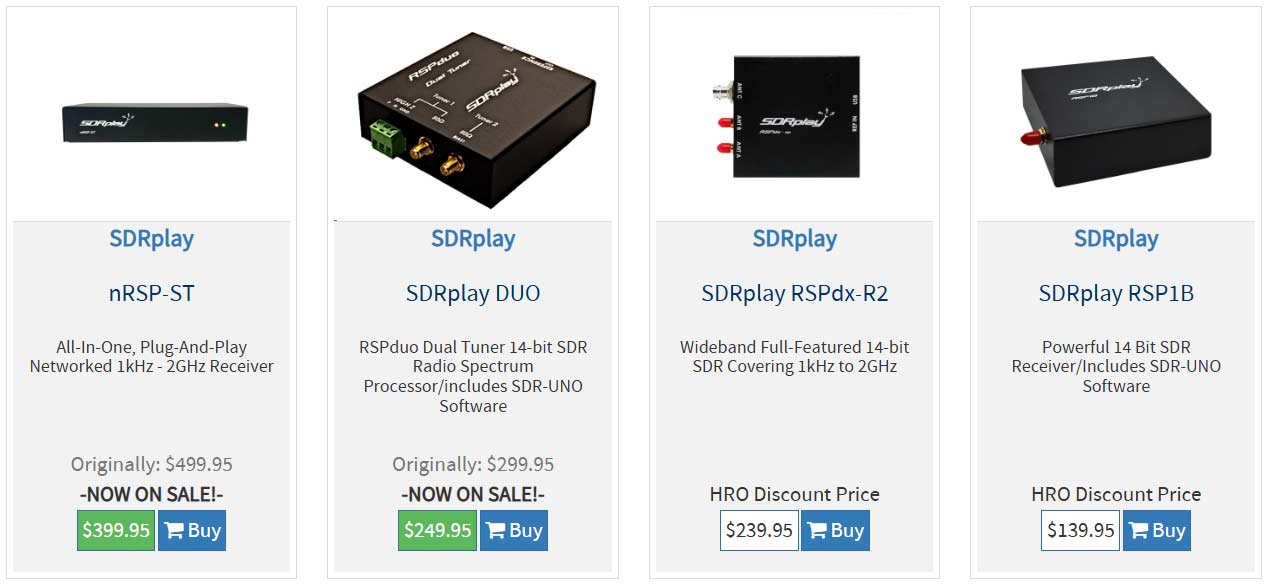
OPver on his TechMinds YouTube channel Matt has uploaded a review of the SDRplay nRSP-ST networked software-defined radio which was released for sale just last week at a retail price of US$499.95.

A networked SDR like the nRSP-ST allows the user to set up the radio in a remote location, and easily connect to and use it remotely over a local network or internet connection. Similar devices include the KiwiSDR and Web-888 and of course, it is possible to achieve something similar with other SDRs that provide server software using a device like a Raspberry Pi as the server.

Matt first unboxes the nRSP-ST in the review and compares it in size to the RSPdx, noting it is about double the size. He then goes through all the I/O ports on the device, pointing out that it has an WiFi connector, Ethernet port, reference in, two SMA antenna connections for 1 kHz to 2 GHz, and one BNC for 1 kHz to 200 MHz.

Matt then opens the nRSP-ST's lid, exposing the circuitry. He notes that it has a 1.5 GHz quad-core processor, 2GB RAM, 8GB eMMC, and the SDRplay radio circuitry. The computing hardware is covered by a soldered-down metal shielding can, but from the specs, we note that it sounds like a Raspberry Pi Compute Module 4 is used under the hood.

In the rest of the video, Matt shows how the remote software can be set up and updated. He then goes on to show the SDR Connect and browser-based software being used to receive signals with the nRSP-ST.

NEW! SDRPlay nRSP-ST Networked Software Defined Radio Receiver - Hands ON!