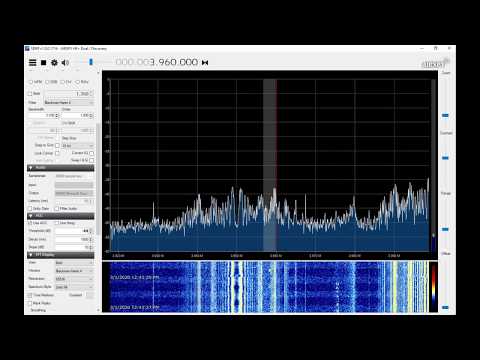
At his house W1VLF found that his solar inverter was causing huge amounts of interference on the HF bands, essentially making any hope at receiving shortwave or amateur radio signals impossible on his Airspy HF+ Discovery . However, over on his YouTube channel he's demonstrated a solution that allows him to almost completely cancel the noise.
The solution involves using a Timewave ANC-4 noise canceler, which is as analog noise cancelling device available from the manufacturer for US$209.95. To use the device you also need a noise probe which can be a small loop antenna. The noise probe is connected to the ANC-4 and placed near the source of the noise, which in W1VLF's case was just on the solar inverter enclosure mounted on the outside of his house. Then by tuning the gain and phase knobs on the ANC-4 the noise can be cancelled out of the signals received by the main antenna.
In the video W1VLF demonstrates how effective noise cancelling with the ANC-4 can be by showing the before and after results with his Airspy HF+ Discovery.
Kicking Solar inverter noise in the A$$ with noise cancelling
Over on YouTube SignalsEverywhere has just uploaded his latest video about using a HackRF and Airspy R2/Mini to explore the signals coming out of an internet cable modem's coax cable. In the video he performs a wideband scan with his Airspy R2 and the SpectrumSpy software which shows not only his, but the downstream signals from other users in his neighborhood on the cable network too.
Next using his HackRF with Spectrum Analyzer and the hackrf_sweep fast sweeping software, he was able to determine the uplink portion of his cable modem. By running an internet speed test in the background he was also able to visualize the increased cable data activity on the spectrum waterfall display.
The Secret Signals Hiding In Your Cable Modem | SDR Used to Sniff Cable Internet Modem Coax
The World Radio TV Handbook (WRTH) is a directory book (or CD) of world radio stations on LW, MW, SW and VHF broadcast FM which is released yearly. Along with the directory, the WRTH authors often review the latest shortwave listening hardware including SDRs and give out awards to the best units.
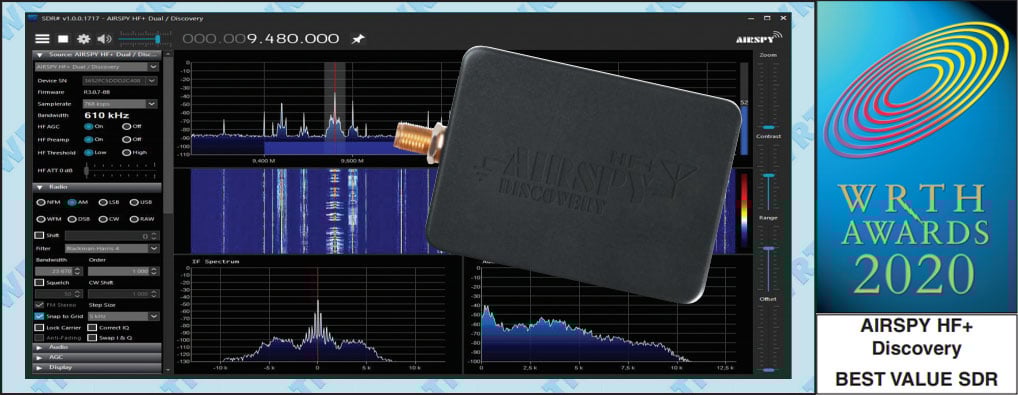
Last year the Airspy HF+ won the WRTH 2019 award for best value HF SDR, and this year the Airspy HF+ Discovery wins the 2020 award. The award comes with a glowing review in the magazine (the review is freely accessible) noting the HF+ Discoveries' "spectacular combination of performance and versatility" as well as it's affordable price point.
World Radio TV Handbook (WRTH) Reviews the Airspy HF+ Discovery and awards it the 2020 "best value SDR" award.
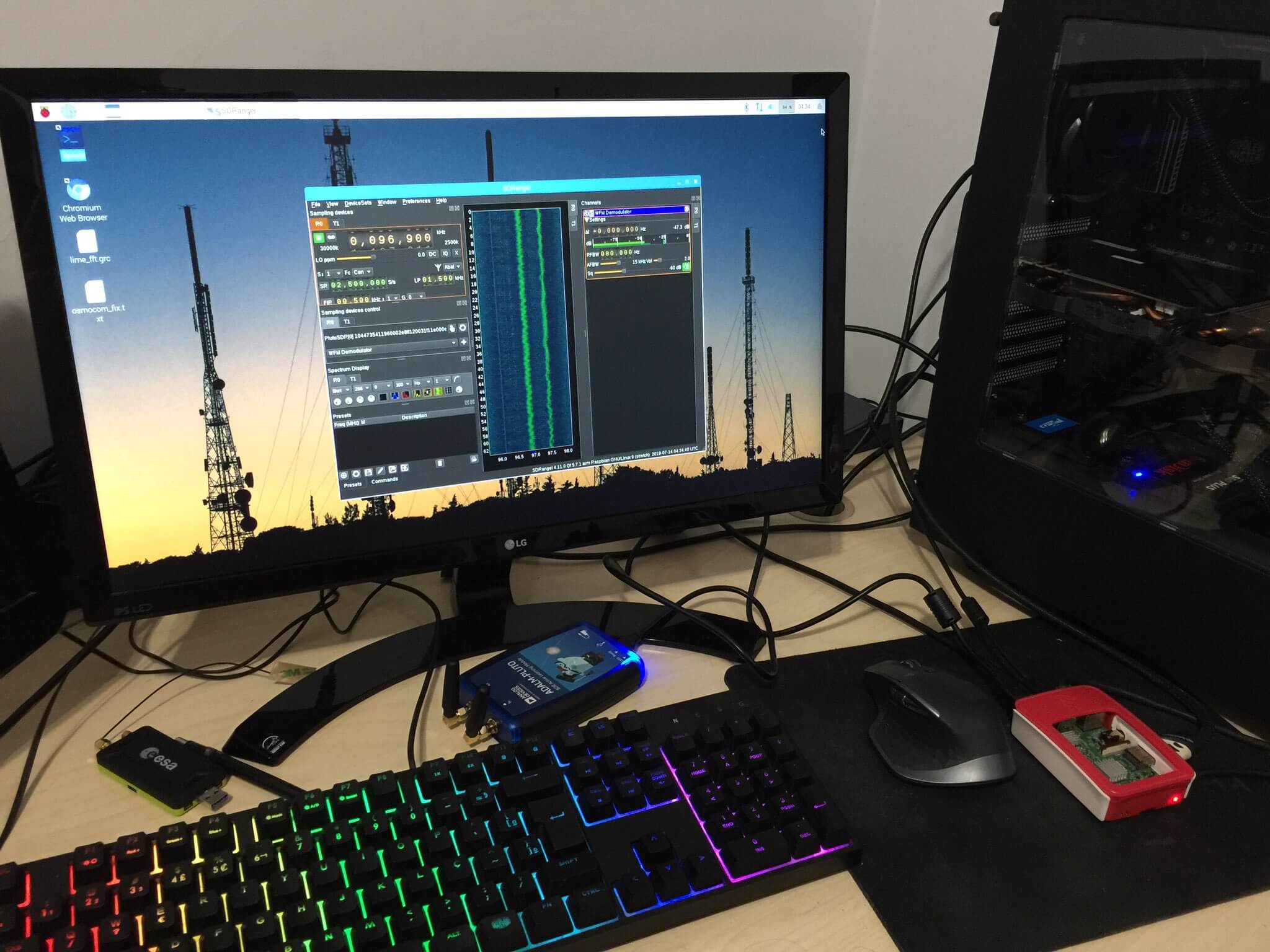
PiSDR is a Raspberry Pi distribution that is pre-loaded with multiple programs for various software defined radios. It currently supports RTL-SDR, LimeSDR, PlutoSDR, Airspy, and as of the most recent update the Airspy HF+. The currently pre-installed software packages include SDR Angel, Soapy Remote, GQRX, GNURadio, LimeUtil, and LimeVNA.
Recently version 3.0 was released, and this new version adds a few new features like Desktop shortcuts, Raspberry Pi 4 support, Airspy HF+ support and documentation.
The latest image can be downloaded from the PiSDR website at https://pisdr.luigifreitas.me. It can be burned to an SD card in the same way that you would with a standard Raspbian installation. This is a great image to start from if you're experimenting with RTL-SDRs on a Raspberry Pi, as it means that you don't need to go through all the steps of installing the drivers and software like GQRX and GNU Radio which can take a long time to install.
Over on YouTube Tech Minds has uploaded a video of him demonstrating Iridium Live plotting Iridium satellite tracks in real time. We just posted about Iridium Live yesterday. It is a new program by microp11, who is also the author of Scytale-C, a useful Inmarsat STD-C decoder. The software works with gr-iridium to visualize Iridium satellite tracks as they pass overhead.
In the video Tech Minds runs the software on a Raspberry Pi with an Airspy. The current video is only a demonstration, but in the near future he promises to upload a full tutorial
IridiumLIVE - Real Time Visualization Of Iridium Satellites - Raspberry Pi
Airspy have recently announced on Twitter that they are holding a 30% off Black Friday sale that runs from November 26 to December 2. The coupon is apparently valid from all their distributors which can be found on their purchase page.
Airspy sell a range of software defined radios. The HF+ Discovery is one of the best low cost HF SDRs we've tested, and the Airspy Mini and R2 are good wide band VHF/UHF radios that are a step up from RTL-SDRs. The SpyVerter is a good upconverter that is also compatible with RTL-SDRs, and can be used with the bias tee on the RTL-SDR Blog V3.
The sale brings the pricing down to the following prices in USD (plus shipping costs):
This is probably the cheapest pricing we'll see all year, and last years Black Friday sale was only 15% off, so now's a good time to purchase if you were interested in these products as this is the cheapest pricing we've seen yet.
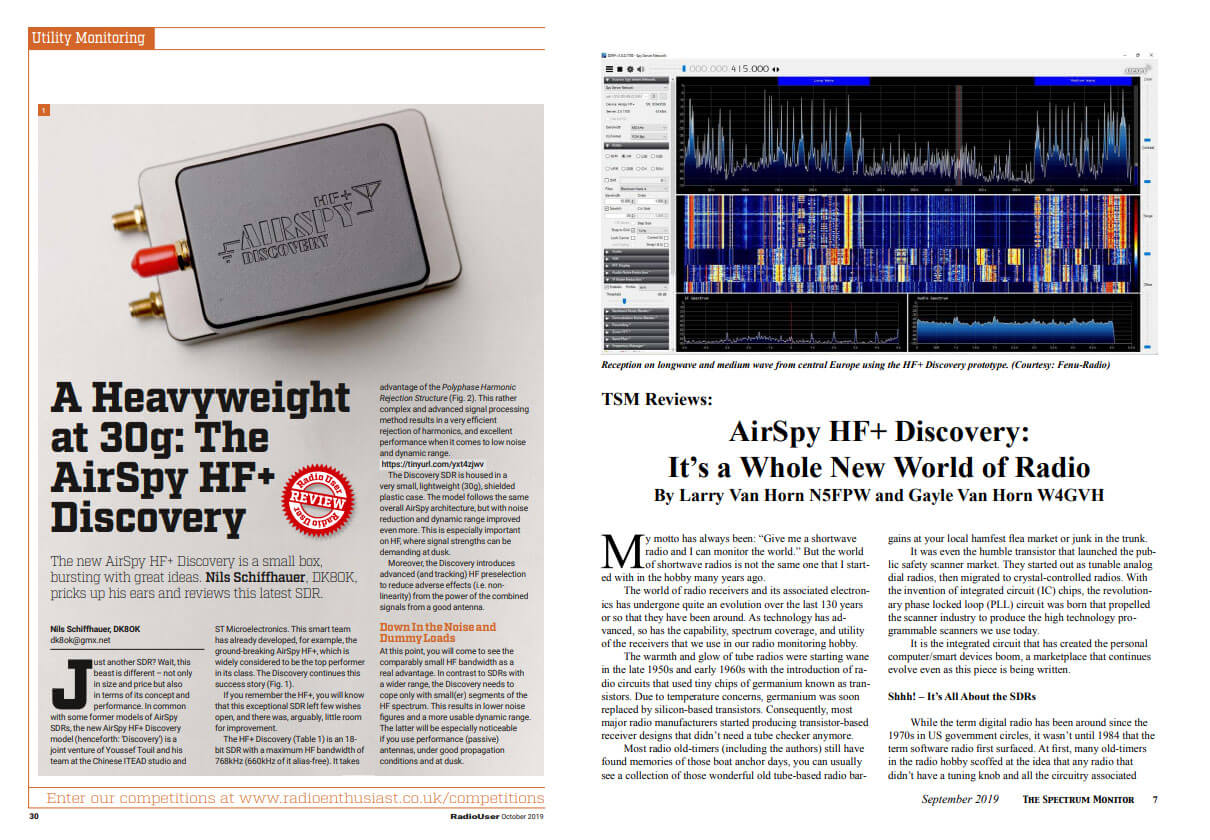
Recently three new reviews of the Airspy HF+ Discovery have come out in various radio enthusiast magazines from around the world. All three reviews have been released for free in PDF form over on the Airspy reviews page. Unsurprisingly each review praises the HF+ Discovery as it's clearly a great radio.
” Most the low-priced SDRs have never been preselected, mostly for cost reasons, and will suffer strong signal overload especially in high RF areas (urban/metro areas). Without exception, these devices usually have major problems with the antennas that radio hobbyist use. They overload very quickly, which makes serious reception on long, medium and shortwaves rather difficult. The HF+ Discovery is the big exception. Based on our testing, the Airspy HF+ Discovery has no equal at its price point. You will find world-class performance and an amazing piece of hardware wrapped up in a package smaller than a matchbox. The Airspy line has a very fine reputation in the radio hobby. In reviews published in Gayle Van Horn’s 2018 Global Radio Guide and the 2019 World Radio TV Handbook, the Airspy HF+ received high marks by the testers and a “Best Value” rating. ”
The second review is by Nils Schiffhauer (DK8OK) which was published in the October 2019 edition of "Radio User". For German readers, Nils also published a similar review written in German for the December edition of "Radio-Kurier".
Just another SDR? Wait, this beast is different – not only in size and price but also in terms of its concept and performance. In common with some former models of AirSpy SDRs, the new AirSpy HF+ Discovery model (henceforth: ‘Discovery’) is a joint venture of Youssef Touil and his team at the Chinese ITEAD studio and ST Microelectronics. This smart team has already developed, for example, the ground-breaking AirSpy HF+, which is widely considered to be the top performer in its class. The Discovery continues this success story.
The Discovery shines with less noise, and, astonishingly, less crackle. In at least 80% of these diffi cult cases, intelligibility with the Discovery is clearly better. With very few stations, this receiver will even make the difference between understanding the identification of a station and not copying it. In August, I also tested the Discovery with the most ‘demanding’ band, the Very Low Frequency range (VLF). Here most SDRs – and certainly the majority of budget SDRs – reach their limits, lacking sensitivity and filling up the band with internally-generated signals. Thanks to a newly developed input section to start at even 500Hz, this receiver shows outstanding strong and clean signals from as far as the US Navy in Australia.
Covers from the Spectrum Monitor and Radio User Airspy HF+ Discovery Reviews
Over on YouTube the TechMinds YouTube channel has uploaded a review of our RTL-SDR Blog L-Band patch antenna which we recently released. TechMinds tests the antenna on a STD-C Inmarsat channel with the Scytale-C decoder, and on various AERO ACARS transmissions with JAERO. Later in the video he also tests the patch antenna on Iridium reception using the Iridium Toolkit software. In all tests the patch is able to suitably receive the signal with either an RTL-SDR or Airspy SDR.
We also wanted to make a note about an additional tip regarding polarization that many people using the antenna seem to have missed. As Inmarsat signals are LHCP polarized, it is important to not only point the antenna towards the satellite, but also to rotate the antenna to match the polarization until maximum SNR is achieved. The rotation can make the difference between strong signals and nothing received at all.
RTL-SDR Active L-Band Patch Antenna For Inmarsat / Iridium / GPS
We've also recently seen a user 'Bert' who has needed to boost the signal strength as he was running the patch inside and at a location in northern Europe with poor reception of Inmarsat. To boost it he simply added a metal horn over the patch made from an old aluminum box, and also a back plate reflector. He notes that this improved his SNR on AERO 10500 from 8 - 9 dB, up to 12 - 14 dB. He also tested using the patch on a dish antenna, and found very good results too.
Aluminum Horn Added to L-Band PatchL-Band Patch Antenna on Dish