Wireless wall outlets are electrical outlets that can be turned on or off by a wireless remote. Fabien is an experimenter who was looking for a way to control the power of his home devices from a remote location using HTTP. He thought of building his own from scratch, but quickly realized that the device would need to be certified for insurance purposes. Instead he bought a cheap commercially made certified wireless wall outlet and reverse engineered the protocol using an RTL-SDR.
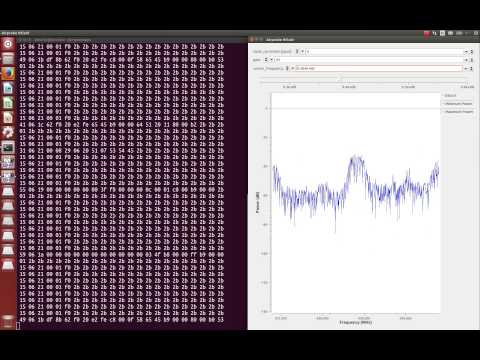
To do that he used the existing OOK-Decoder software available on GitHub. From the analysis provided by OOK-Decoder, Fabien was able to successfully reimplement the transmission using an AVR microcontroller and 433 MHz transceiver circuit from Sparkfun.
Thomas Winningham, author of the rtl_fm_python web application for the RTL-SDR has given a talk at the PyOhio 2014 conference. In Thomas’ presentation he gives an overview of the RTL-SDR dongle and then goes on to discuss his RTL-SDR Python library and software.
If you are interested in developing your own software for the RTL-SDR this talk may be of interest to you as he discusses several aspects of the code used in his RTL-SDR library.
With its 100 kHz to 1.7 GHz receiving range, the XiOne has a similar tuning range to the standard RTL-SDR dongles when an upconverter or the direct sampling mod is used. What makes the XiOne different is that it will have a built in MIPS processor, an internal rechargeable battery for portability and it will connect directly through WiFi to a smart device. They are also developing SDR GUI software for mobile devices including decoders for things like ADS-B, AIS and NOAA Satellites.
The IndieGoGo backer price for a XiOne is $179 USD, but if you act fast there are 100 units available at the promotional price of $139 USD. At the moment they have a working prototype with completed firmware, portable Java based SDR GUI, iPhone demodulation software, a MacOS ADS-B receiver, an iPad AIS receiver and an iPad spectrum analyzer. The fundraiser is to help them begin serial production.
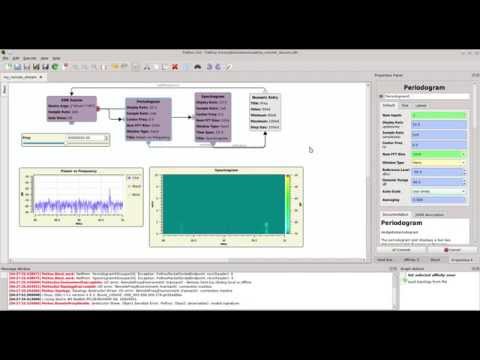
In this episode of Hak5 amongst other things presenter Shannon explores yet another SDR GUI alternative at around the 14 minute mark. This time she shows SDR-RADIO which is an RTL-SDR compatible alternative to SDR# and HDSDR. She shows how to install SDR-RADIO and how to use it. If you are interested in SDR-RADIO we also have installation instructions available on our Quickstart Guide.
In this Hak5 episode Darren discusses the HackRF PortaPack which is a portable LCD screen device that connects to a HackRF SDR and allows portable frequency spectrum visualization. The PortaPack is currently under development and in the future it will allow demodulation of multiple audio modes and possibly digital demodulation and recording capabilities as well.
Later in the episode Shannon presents a tutorial on HDSDR, an SDR GUI alternative to SDR#. She shows how to install and use the HDSDR program.
Remember that the more funds raised, the more time he will have to work on the software meaning a better RTL-SDR experience for everyone. (Note that the improvements are for Windows, Mac and Linux).
Having raised this much already Keenerd has begun work and has already made some improvements to the RTL-SDR drivers based on Teejeez’s work. A list is shown below.
dithering[3] – Possibly the secret sauce to phase aligned multiple dongles. I don’t have the setup to operate this or the math to confirm. rtl_sdr -N or rtlsdr_set_dithering() to access it.
A new HF upconverter designed for the RTL-SDR has gone up on ttrftech’s Japanese language blog (use Google Translate). The upconverter is called the ‘SC-HFCONV-100’ and comes with 100 MHz oscillator, SMA connectors, USB mini-B power.