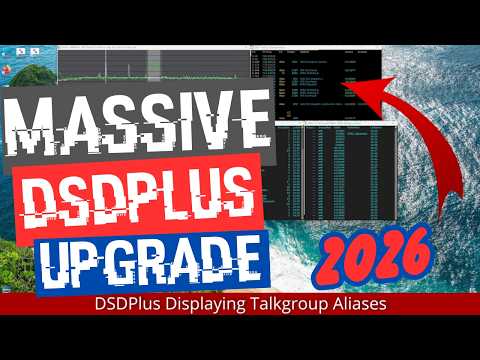
Over on his YouTube channel 'Frugal Radio', Rob has uploaded a comprehensive video detailing how to set up the latest DSD Plus release for P25 Public Safety decoding.
Back in December 2025, we posted about how the DSD Plus team released version 2.547. The release had already been available to DSD Fastlane customers, but it is now available to the public. The new version brings various improvements and features, but it also changes the software signal flow that was used in previous versions.
In the video, Rob explains how to set up the new DSD Plus version, including how to use the new FMP24 demodulator with an RTL-SDR. He then goes on to show the various features, like control channel monitoring mode, getting P25 system data, holding and IDing talkgroups, and setting talkgroup aliases.
HUGE free DSDPlus Update 2026 : Decode P25 Public Safety with your SDR and this beginner guide!
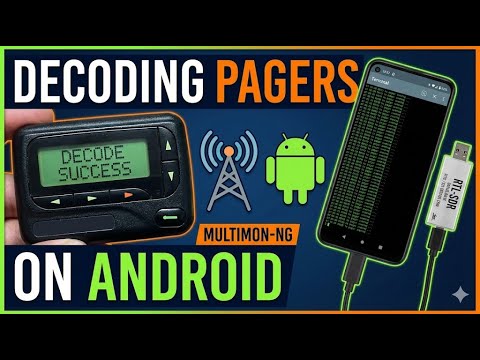
Sarah (aka SignalsEverywhere) has recently released another open-source Android app that enables the multi-signal decoder Multimon-ng to be used on Android. Multimon-ng is a commonly used decoding app, that supports various protocols such as POCSAG/FLEX pagers, as well as DTMF, ZVEI, EAS and more.
The app requires the SDR++ Android app to be running in the background with an SDR like an RTL-SDR connected. The role of SDR++ is to receive the signal and send the demodulated audio over a network connection to the Multimon-NG app, which performs the final decoding.
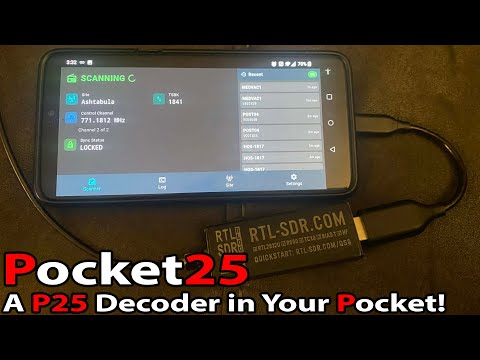
Thank you to reader "EN53" for submitting news about a newly released open source Android app called Pocket 25. Pocket 25 is an Android-based APCO Project 25 (P25) phase 1 digital voice decoder based on the DSD-Neo decoder engine. It was developed by Sarah Rose (aka SignalsEverywhere), whose other software we have posted about in the past.
APCO P25 phase 1 trunked digital voice systems are commonly used in the United States, Canada, Australia, and other countries by emergency services. As long as the P25 network is unencrypted, it is commonly decoded to audio with an RTL-SDR and decoding software such as DSDPlus or SDRTrunk.
Pocket 25 allows users to now decode P25 signals on portable Android devices. An RTL-SDR can be connected to an Android device via a USB-OTG cable, or a remote networked RTL-SDR can be used via an rtl_tcp connection. The app also supports RadioReference accounts, automatic GPS site hopping, smart filtering, and logging.
In the readme, Sarah also notes that, because Pocket 25 is based on the DSD-Neo engine, it supports additional digital voice protocols, including DMR, NXDN, and others. However, the interface is designed around P25, so non-P25 systems may show incorrect metadata.
The software is open source and code can be found on the GitHub. There is also an active discussion about the app on RadioReference.
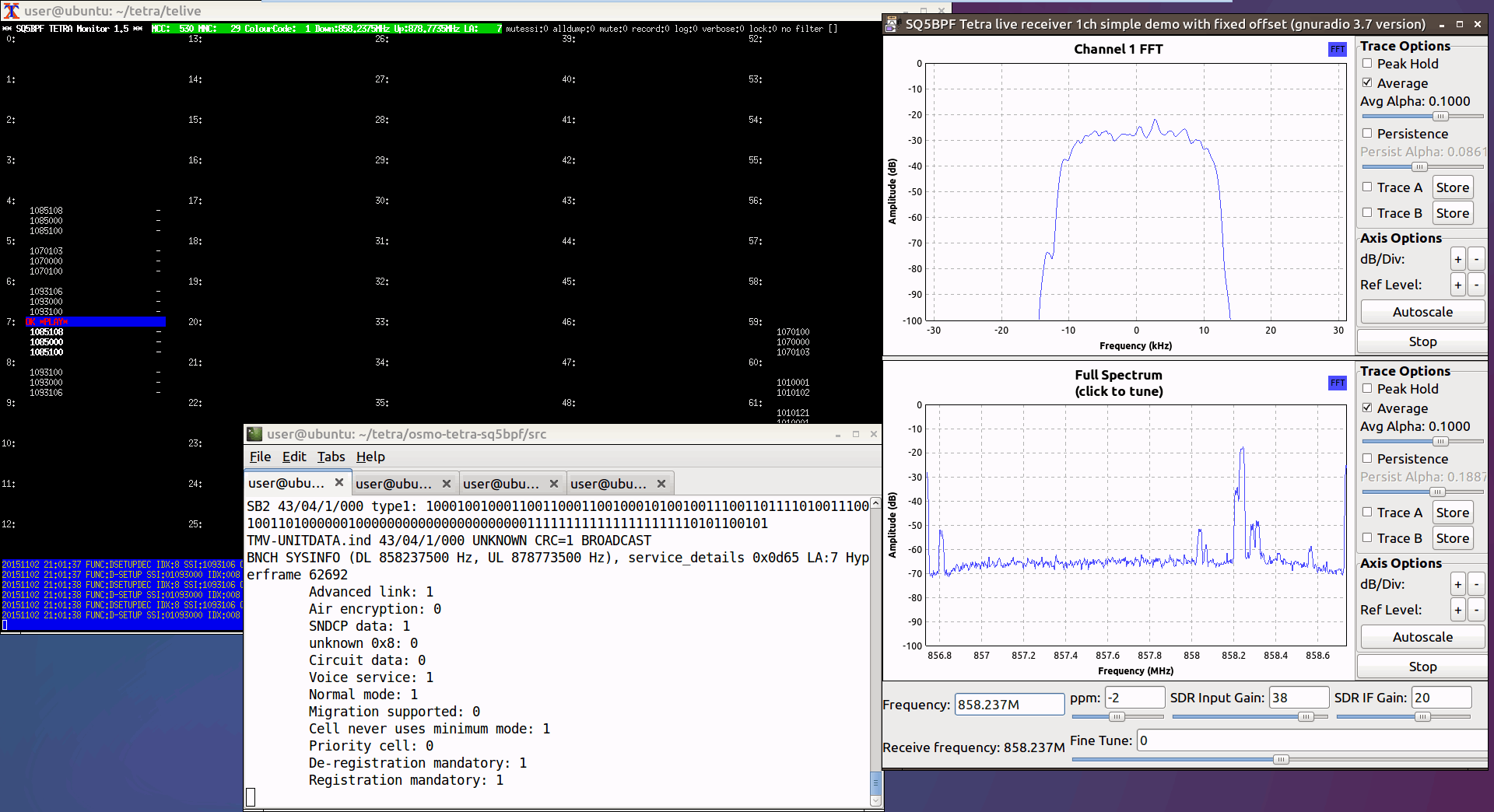
Thank you to Jacek / SQ5BPF for letting us know that he's recently released a modified version of the Telive TETRA decoder for Linux. The modification allows the user to listen to TEAx-encrypted voice signals if they have the decryption key. Typically, if a TETRA signal is encrypted, there is no way to listen to it, unless you have obtained the decryption key from the network operator, or extracted it from TETRA keyloader hardware.
But because the TEA1 encryption was broken due to a backdoor being discovered in 2023, he has also added support for using the 32-bit short key directly, which can be automatically recovered from TETRA traffic using his other software called teatime. TEA1 encryption is being phased out, but many deployments still use it.
The software is designed for advanced users to compile and run, so very little documentation is provided. However, there is a blog post here that explains the overall steps. Some additional information can be found on SQ5BPF's RadioReference post here.
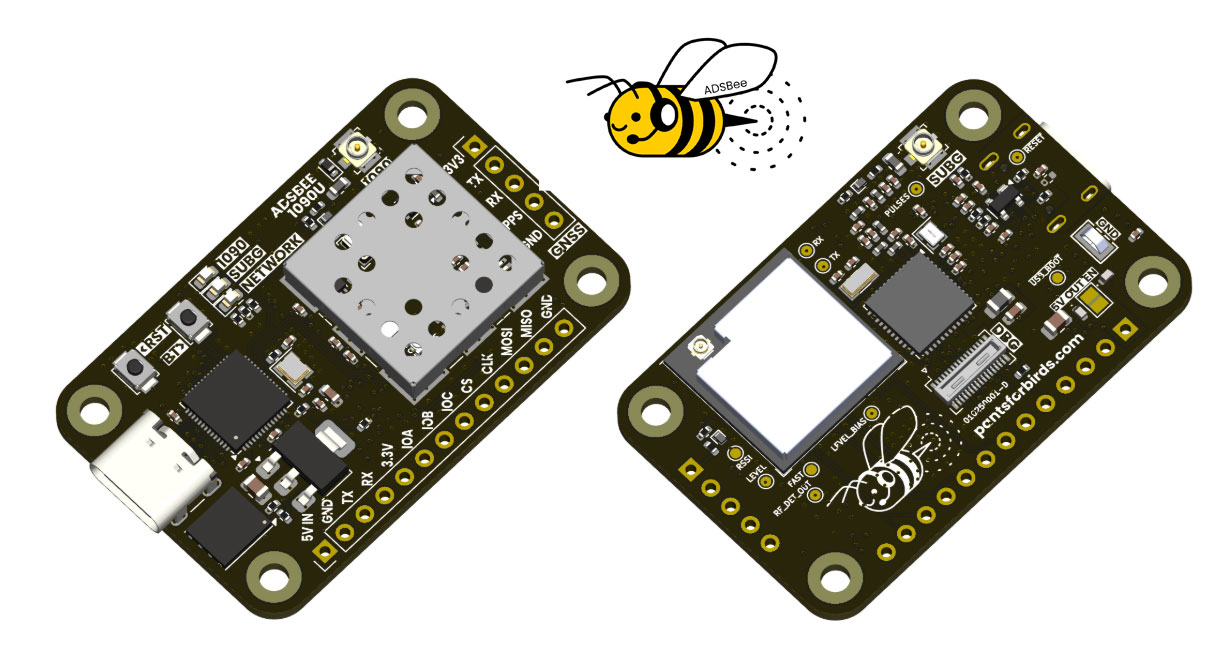
ADSBee is an open-source project that has implemented a 1090 MHz ADS-B decoder on a Raspberry Pi RP2040 microcontroller using a programmable I/O (PIO) pin.
PIO pins cannot handle RF signals, so the ADSBee front end is a critical analog circuit that enables this to work. It consists of a 1090 MHz SAW filter to remove other signals, a low-noise amplifier, and, critically, a log-power detector, which essentially converts the pulse-position-modulated 1090 MHz ADS-B signal to baseband, which the PIO can handle.
However, this same trick does not work for 978 MHz UAT, as UAT signals are not pulse position modulation like ADS-B. Instead, for UAT support, the ADSBee design takes a more traditional approach, using a CC1312 sub-GHz transceiver chip connected to the RP2040.
Finally, an ESP32 S3 is added to the stack to enable networking via WiFi, allowing for received and decoded data to be used.
The project is entirely open source on their GitHub, apart from some of their commercial PCB designs. They also have a store, where they sell pre-made kits. A kit consisting of the ADSBee, 1090 MHz Antenna, and 978 MHz costs US$152in total. They are also selling an industrial model for $995, which includes PoE power.
Over on the Tech Minds YouTube channel, Matt has uploaded a video where he tests out 'Intercept', a new tool for RF signals intelligence with RTL-SDRs and other wireless devices. It is open source with code available on GitHub and can be installed on Linux and OSX devices.
Intercept is a tool that combines multiple external decoder tools into one easy-to-access web interface. It is capable of the following:
Pager Decoding - POCSAG/FLEX via rtl_fm + multimon-ng
433MHz Sensors - Weather stations, TPMS, IoT devices via rtl_433
Aircraft Tracking - ADS-B via dump1090 with real-time map and radar
Listening Post - Frequency scanner with audio monitoring
Satellite Tracking - Pass prediction using TLE data
WiFi Scanning - Monitor mode reconnaissance via aircrack-ng
Bluetooth Scanning - Device discovery and tracker detection
We note that features like WiFi and Bluetooth scanning will require a separate WiFi and Bluetooth adapter to be connected. In terms of supported SDR hardware, Intercept supports RTL-SDRs, as well as any SDR supported by SoapySDR.
In the video Matt shows how to install Intercept, and shows it decoding data from the various supported signal types.
Intercept Radio Signals For Intelligence Gathering With An RTL SDR
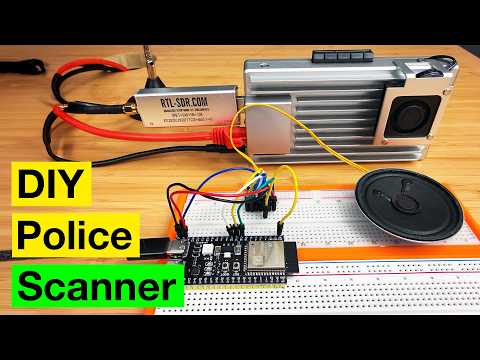
Over on YouTube, creator "MostlyBuilds" builds a networked digital police scanner using an RTL-SDR Blog V3 dongle and a compact x86 single-board computer called the ZimaBoard 2. The system receives over-the-air police radio signals, decodes digital P25 voice traffic, and turns it into an audio stream that can be listened to from any device on the home network, such as a phone, tablet, or computer.
The video walks through the hardware setup, ZimaBoard 2 features, and software configuration using ZimaOS and Docker. The open-source OP25 decoder handles the digital radio decoding, while containerized services stream the audio using Icecast and MediaMTX. MostlyBuilds also explains how to find local police frequencies, avoid encrypted channels, and verify signals using a handheld radio.
To make the stream more usable, a custom Python script inserts silence during gaps in transmissions, creating a continuous audio feed. Finally, MostlyBuilds ends the video by showing a small ESP32-based client prototype that plays the stream through a speaker, plus a breakdown of the full audio pipeline.
Being somewhat disappointed with a cheap all-in-one weather station's data, lack of local storage and customisation possibilities, Vinnie decided he could do better and build his own custom solution instead. While working on an existing Raspberry Pi based ADS-B station that he had already deployed, he realised that the hardware was largely underutilised and would make an ideal platform for additional RF decoding tasks.
By adding a second RTL-SDR dongle and using the popular rtl_433 software, Vinnie was able to receive and decode data from an Ecowitt WS90 all-in-one outdoor weather sensor. Unlike many consumer weather stations, the WS90 operates as a simple one-way RF transmitter with no cloud dependency, making it ideal for local SDR-based decoding and long-term data ownership.
All weather data is received locally over RF, decoded into JSON, processed on the Raspberry Pi, and stored locally without relying on third-party cloud services. Rainfall totals, daily highs and lows, and historical trends are calculated entirely in software, giving full transparency and flexibility over how the data is handled. A simple web dashboard then displays current conditions and recent history on the local network.
The entire system runs in Docker containers alongside the ADS-B feeder, keeping services isolated and easy to maintain. Optional one-way data sharing to weather aggregation services can be enabled if desired, but the station functions fully offline by default.
In his post, Vinnie has written an in-depth overview of the hardware choices, RF decoding, data pipeline, and software architecture behind the project, including why certain sensors were chosen and how rainfall is calculated from raw impulse data. The code is all opensource and available on his GitHub.
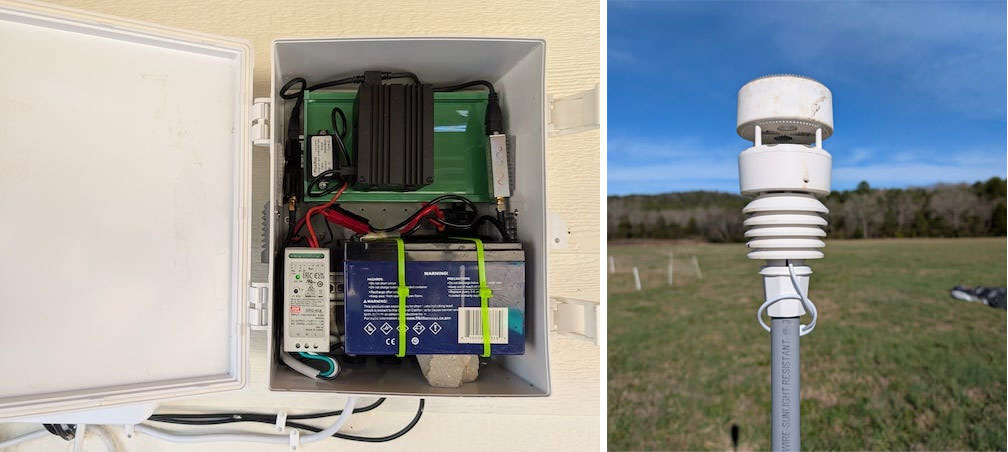
Vinnie's Outdoor ADS-B + Weather Station, and the Ecowitt 90 Weather station.