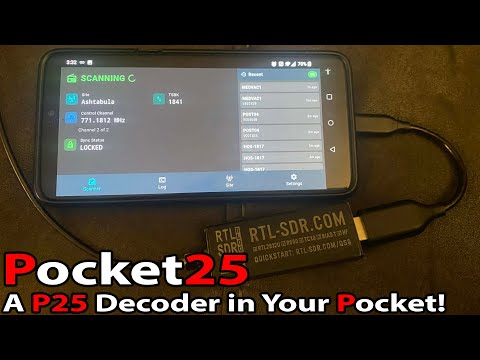
Thank you to reader "EN53" for submitting news about a newly released open source Android app called Pocket 25. Pocket 25 is an Android-based APCO Project 25 (P25) phase 1 digital voice decoder based on the DSD-Neo decoder engine. It was developed by Sarah Rose (aka SignalsEverywhere), whose other software we have posted about in the past.
APCO P25 phase 1 trunked digital voice systems are commonly used in the United States, Canada, Australia, and other countries by emergency services. As long as the P25 network is unencrypted, it is commonly decoded to audio with an RTL-SDR and decoding software such as DSDPlus or SDRTrunk.
Pocket 25 allows users to now decode P25 signals on portable Android devices. An RTL-SDR can be connected to an Android device via a USB-OTG cable, or a remote networked RTL-SDR can be used via an rtl_tcp connection. The app also supports RadioReference accounts, automatic GPS site hopping, smart filtering, and logging.
In the readme, Sarah also notes that, because Pocket 25 is based on the DSD-Neo engine, it supports additional digital voice protocols, including DMR, NXDN, and others. However, the interface is designed around P25, so non-P25 systems may show incorrect metadata.
The software is open source and code can be found on the GitHub. There is also an active discussion about the app on RadioReference.
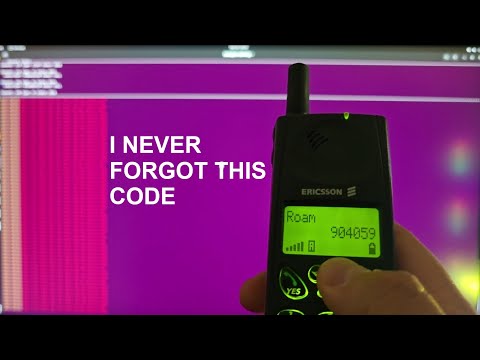
Over on the YouTube channel "Nostalgia For Simplicity," the creator has uploaded a video where he revisits the original 1G analog cellular system, AMPS, to finally understand a mysterious phenomenon he experienced over 20 years ago as a kid, where he was able to unintentionally intercept other people's calls with his 1G phone. Using vintage hardware like the Ericsson DH668, he recreates a small AMPS network and confirms that the system is fully analog, instant, and surprisingly good-sounding.
AMPS worked by dividing the spectrum into numbered voice channels, with each call occupying one channel at a time. In busy cities, simply tuning to an active channel could let you hear someone else’s call. In this revival setup, there is only one active call, making the effect easy to demonstrate. This is essentially wideband analog FM voice on fixed channels, something easily observable and demodulated with modern SDR hardware.
Investigating this ancient 1G tech has highlighted why 1G systems were fundamentally insecure and why the world moved on to digital standards. If you're interested, the other videos on his channel continue to explore early cell phones and their quirks.
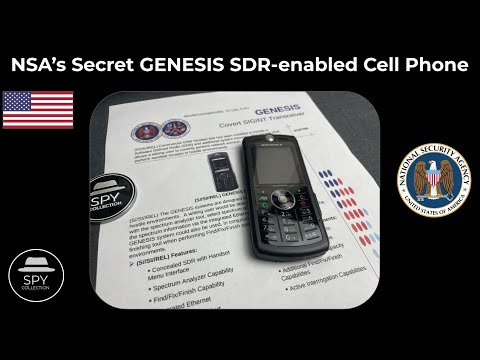
Over on YouTube, the "Spy Collection" channel has recently uploaded a video detailing the US National Security Agency's (NSA) GENESIS spy gadget. GENSIS was a modified Motorola cell phone that contained a full software-defined radio system within. This system allowed NSA agents to discreetly record the local RF spectrum for later analysis. For example, an agent may have been able to record the frequencies and RF protocols used at particular facilities of interest for use in later operations.
Details about the NSA GENESIS were revealed when the NSA's Advanced Network Technologies (ANT) catalogue was publicly leaked back in 2013. Originally, project GENESIS was due to be declassified in 2032.
Spy Collection also notes that the leaked documents indicate it is possible the phone was also used, or intended to be used, as a "finishing tool". In other words, a remotely detonated explosive phone, that could be given to persons on the US terrorist list.
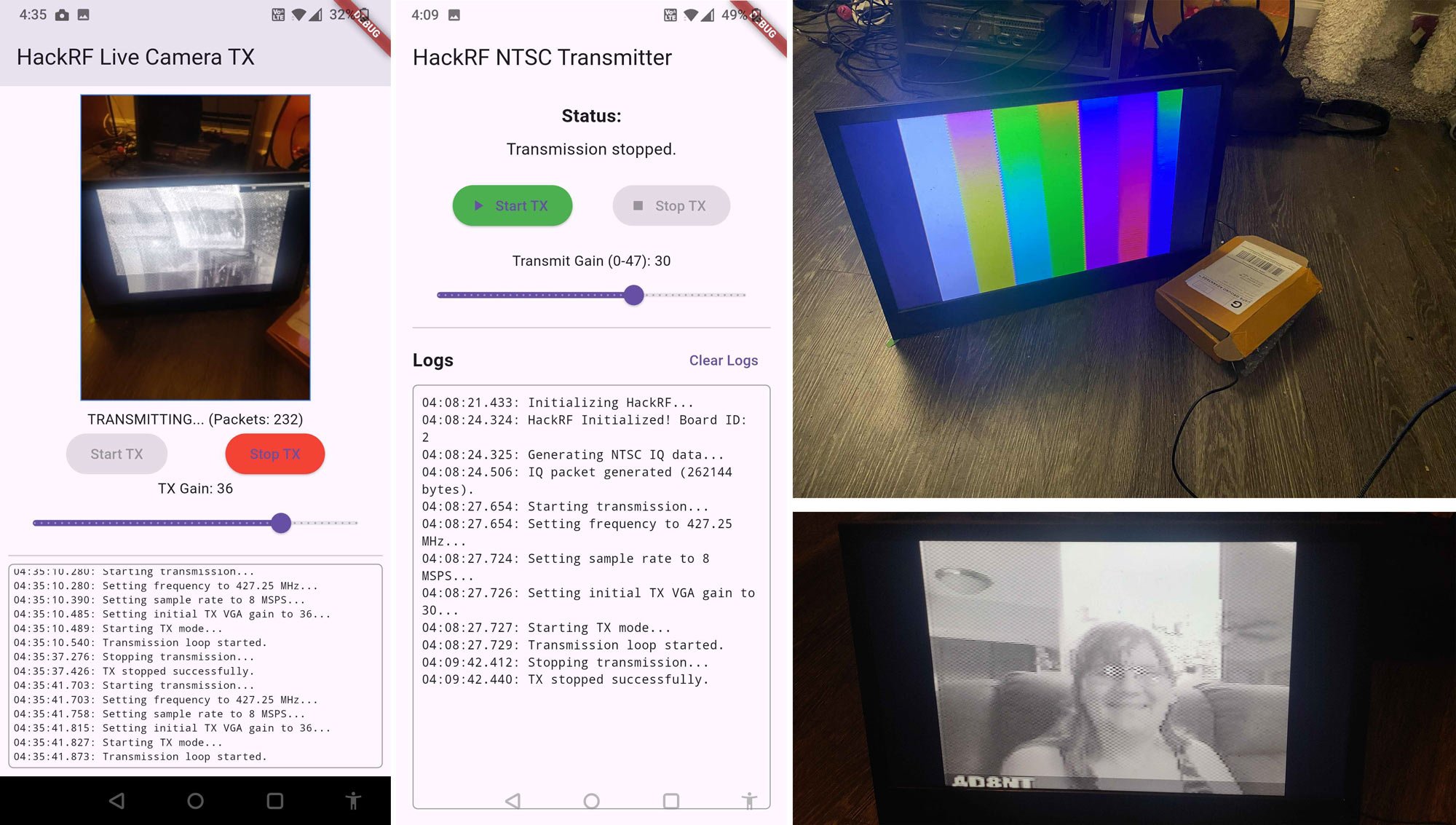
Recently, Sarah Rose Giddings (aka SignalsEverywhere) has been actively developing several radio and SDR based projects for Android, and she would like to provide an update on them.
First, as mentioned in a previous post, Sarah has been developing APRS.chat, an online mailbox system for APRS messages sent over RF. She has also been making progress on various other projects, including various useful Android apps, which she has updated interested people on in her latest livestream.
Hangout Chat | Linux | HackRF NTSC Transmission | Android APPS and More!
Some of the links to the Android software she's working on have been provided below:
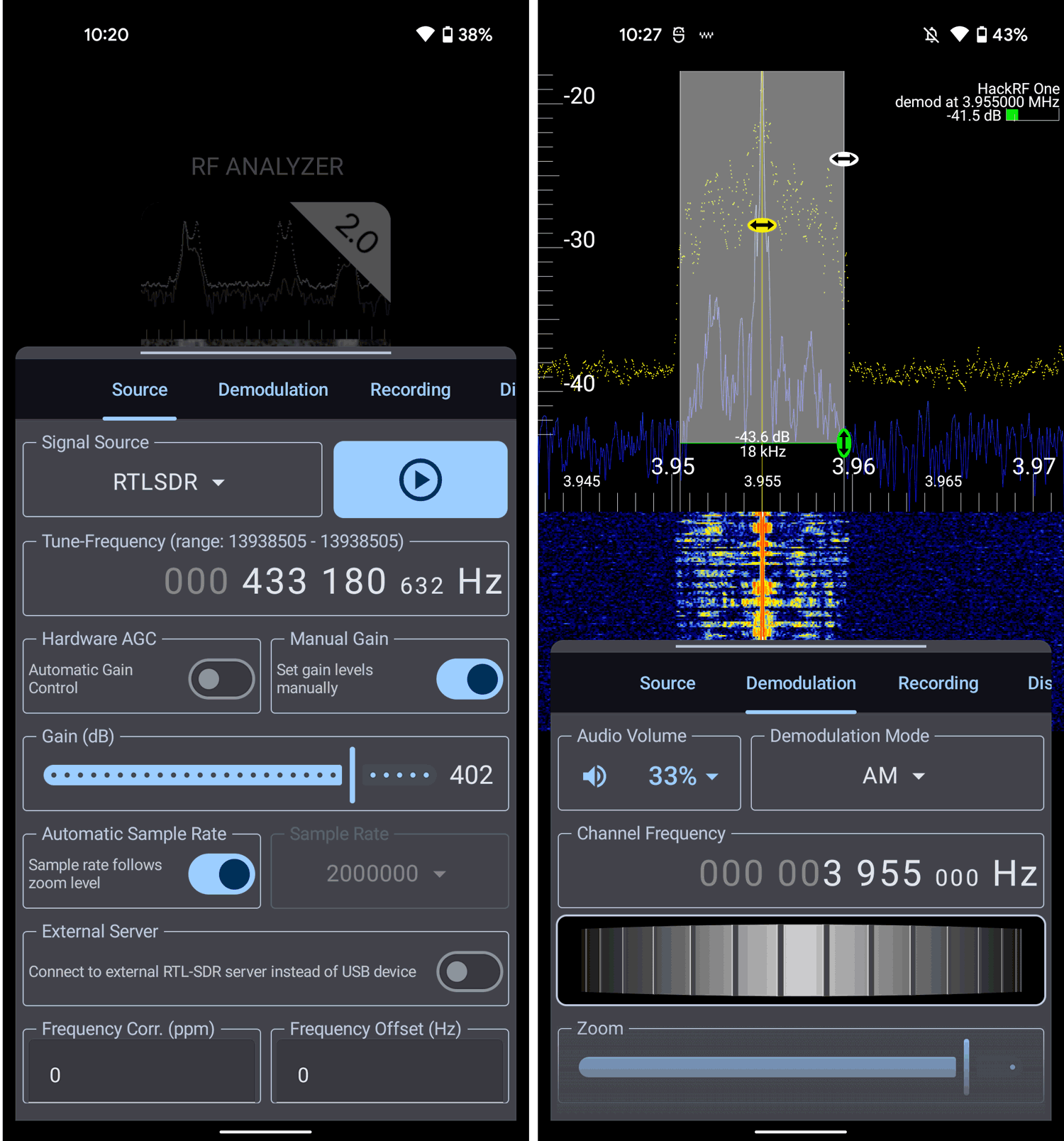
Thank you to Dennis Mantz @dennismantz for writing in and sharing with us the news that RF Analyzer V2.0 has been released for Android devices. RF Analyzer is a popular multimode Android app compatible with a vast number of SDRs, including the RTL-SDR. It also now supports the RTL-SDR Blog V4!
To use the app, you'll need a compatible RTL-SDR such as the RTL-SDR Blog V3/V4, an Android Phone or Tablet with USB OTG support, and a USB-OTG adapter.
The new V2.0 is a complete rewrite from scratch. Dennis notes the improvements to the app below.
The app has been completely rewritten from scratch. It now features a modern Material Design UI, a more powerful and intuitive interface, and improved performance across the board.
- Support for demodulation while app is in the background - Improved stability, demodulation and recording features - Integrated user manual and contextual help - Added support for RTL-SDR Blog v4
The app is not free, but it is priced at only a few dollars, and there is a 7-day free trial with 60-minute time limit per session. The full feature list is shown below:
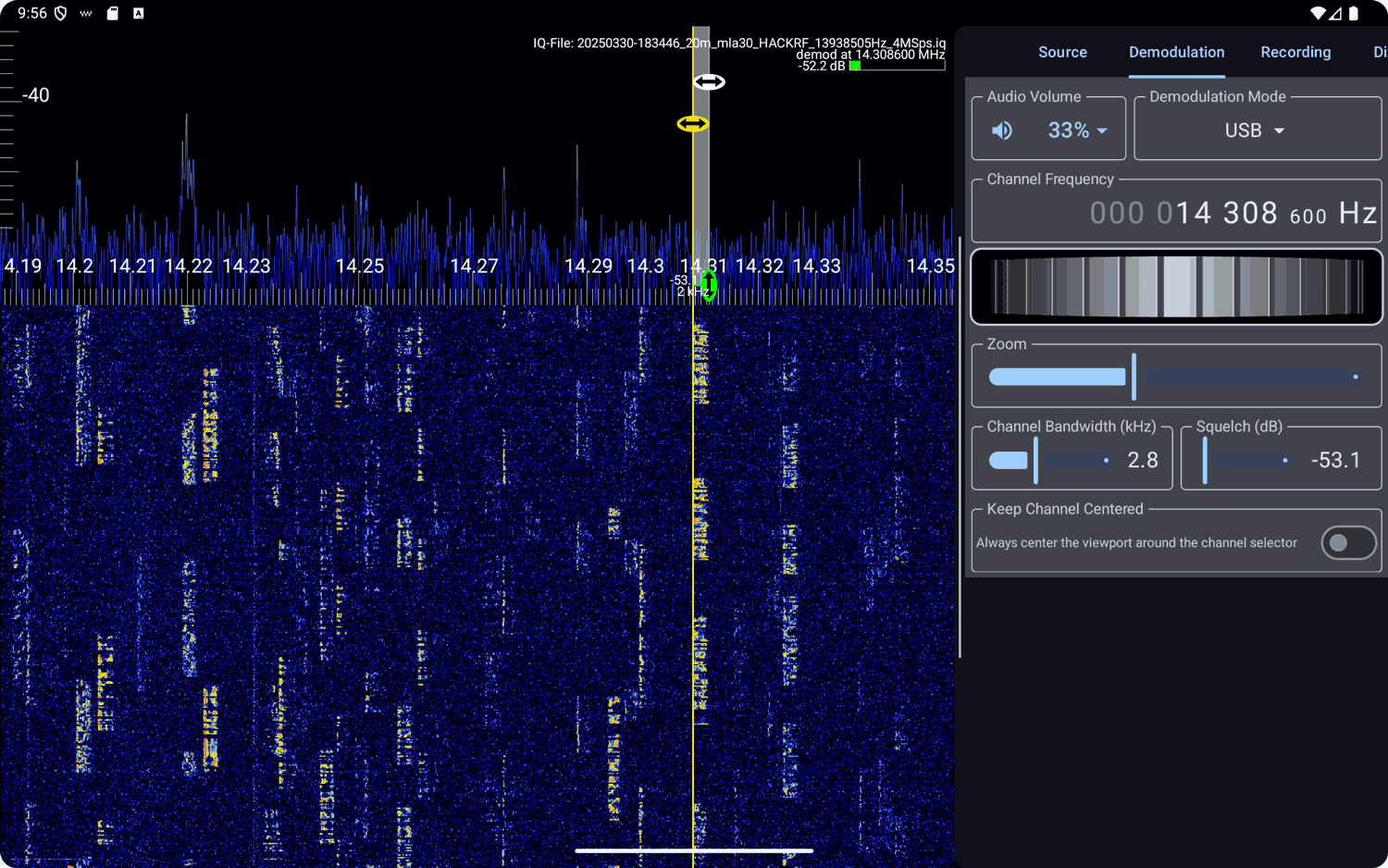
- Works with HackRF, RTL-SDR, or pre-recorded IQ files - View live spectrum (FFT) and waterfall plots - Demodulate AM, FM, SSB, and CW signals - Record raw IQ samples for offline analysis - A responsive and modern Material Design interface - Scroll, zoom, and tune through the bands - Built-in context-aware help and a full offline in-app manual
RF Analyzer V2.0 Running on an Android MobileRF Analyzer V2.0 On a Tablet
Dennis has also uploaded a video tutorial explaining how to use RF Analzyer V2.0, and there is a full online user manual available here.
Thank you to Alexandre Gellibert for writing in and sharing his new Android App, "SDR ProTrack." SDR ProTrack is a radio direction-finding app that uses an RTL-SDR and directional antenna to determine a bearing towards a transmitter.
Interestingly, Alexandre notes that this app was initially developed to track Asian hornets, a bee-killing pest. With hornet tracking, a miniature RF transmitter is attached to a caught hornet, and the hornet brings it back to the nest. RF tracking techniques can then be used to find the nest.
It's possible to determine the bearing toward a transmitter by using a receiver such as an RTL-SDR paired with a directional antenna like a Yagi. Directional antennas have high sensitivity in one primary direction and significantly lower sensitivity in all others. By rotating the antenna until the strongest signal is identified, you can establish the precise bearing angle. Typically, following this bearing will guide you directly toward the signal's origin.
Alexandre wrote in an email to us the following:
Just to let you know we just launched a new Android app compatible with RTL-SDR dongles (though mostly tested on RTL-SDR v4).
App is free to use. Advanced features (like Compass to point the signal potential source) are for premium users.
It's plug and play, easy to use, much more user friendly than SDR++.
Any feedback is really appreciated :)
If you want to know more about the project or the 2 developers behind it (we develop it in France to be able to track asian hornets that kill all the bees), please feel free to contact us.
And the Android page describes SDR ProTrack in the following way:
Unlock the power of radio tracking with SDR ProTrack! Transform your Android smartphone into a signal-tracking powerhouse using an RTL-SDR dongle and a directional antenna. Affordable, versatile, and perfect for enthusiasts, researchers, pros or anyone tracking signals—like Asian hornets or wildlife.
★ Key Features ★
• Automatic RTL-SDR dongle recognition and connection (free) • Spectrum Visualization (Free): View signal shapes in the frequency domain effortlessly. • Compass (Premium): Pinpoint the strongest signal direction with precision. • Signal Strength Display (Premium): Monitor signal power with an intuitive interface. • Custom Settings (Premium): Adjust bitrate, sample rate, and frequency sensitivity to your liking.
★ Requirements ★
• Requires an external RTL-SDR device. • Check compatibility: https://osmocom.org/projects/rtl-sdr/wiki
Need an RTL-SDR dongle, emitters, receptors, or antennas? Visit our website: https://www.intuite.fr/en_GB/pricing
★ About Us ★
Intuite is a company specialized in locating Asian hornet nests. We developed SDR ProTrack to provide a robust, cost-effective solution for radio signal tracking, combining innovative technology with our expertise in signal detection.
★ Open Source Community ★
Join our mission to advance radio tracking! Our open-source library, RTL-SDR Bridge Android Lib, powers SDR Pro Track. Contribute to development, report issues, or explore the code at https://github.com/alexandreGellibert/RTL-SDR-Bridge-Android-Lib. Support our work and help shape the future of signal tracking!
Download SDR ProTrack today and start tracking signals like a pro!
DragonOS creator Aaron recently uploaded a video on YouTube showing how to capture IMSI data from an LTE-enabled phone by using the open-source LTE sniffer tool and Ettus X310 software-defined radio.
In the video, Aaron uses a simulated environment involving a Signal SDR Pro to simulate the LTE cell phone, a B205 Mini operating as the eNodeB (base station), and an Ettus X310 SDR for the actual LTE sniffing. The SRSRAN software running on DragonOS is used to simulate the LTE network environment.
Aaron goes on to show how the LTE sniffer software passively decodes the physical downlink control channels and captures IMSI numbers from user cell phones.
An IMSI is a unique identifier associated with a cell phone user's SIM card. IMSI sniffing cannot be used to listen to or decode voice, text, or data as they are all encrypted. However, bad actors can use IMSI sniffing to track the movement of devices/people.
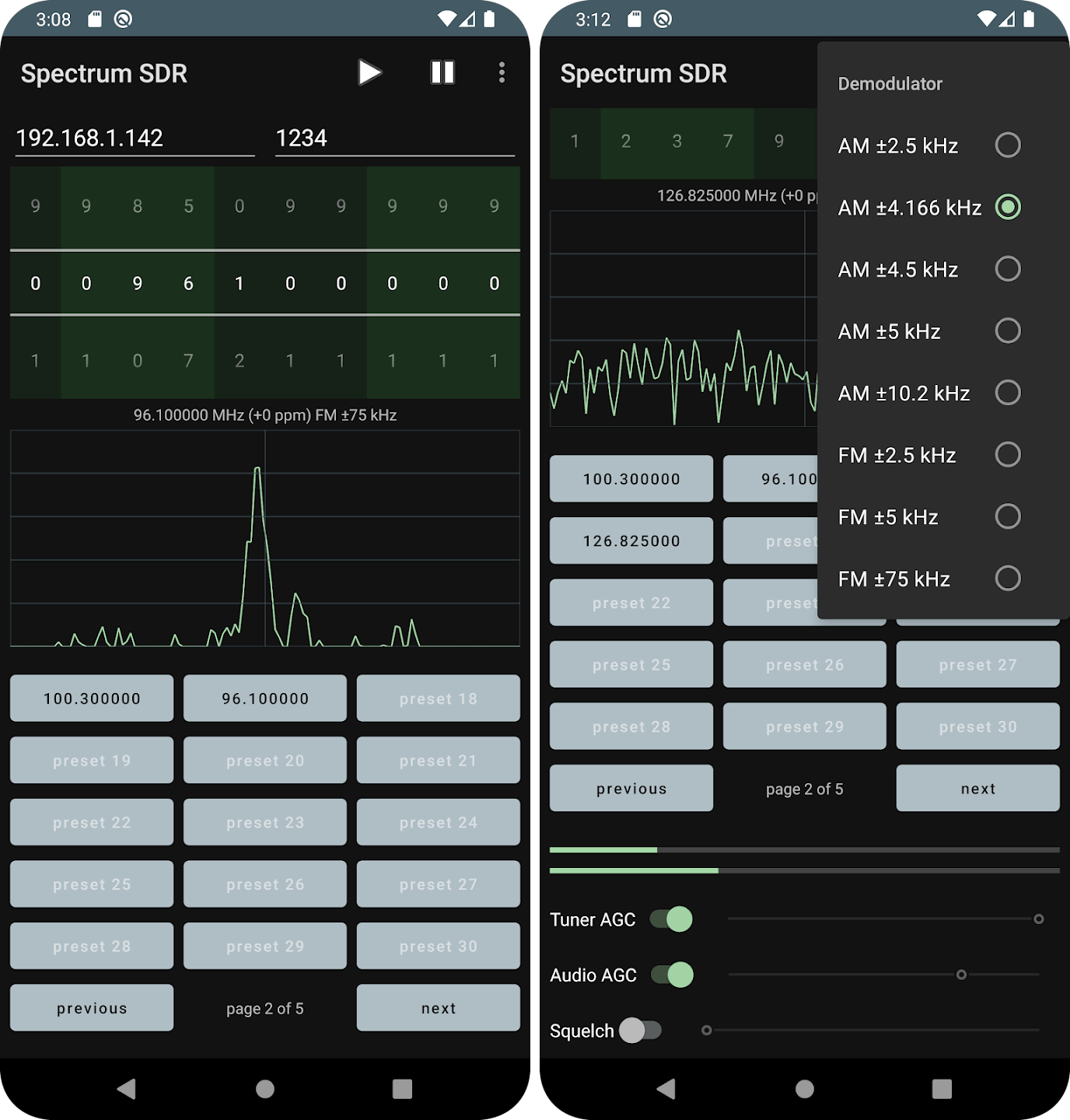
Thank you to James Mainwaring of Knowle Consultants for submitting news of the release of his latest Android app called "Spectrum SDR" for RTL-SDR. Knowle Consultants have previously released a range of RTL-SDR Android apps for FM, Airband, Ham FM and ADS-B reception. The new Spectrum SDR app has a spectrum viewer, as well as the ability to demodulate AM and FM signals.
James writes the following about Spectrum SDR:
This application is about having a bit of fun with those amazing little RTL-SDR dongles, whilst listening to AM/FM radio signals. It's nice and easy to use so why not give it a try?
- Covers the full frequency range of your RTL-SDR dongle - AM and FM, wide and narrow - FFT display - Sample rates 240000 Hz to 2160000 Hz - Bias tee control - 75 presets over 5 pages - Gain controls - Squelch - Built-in help