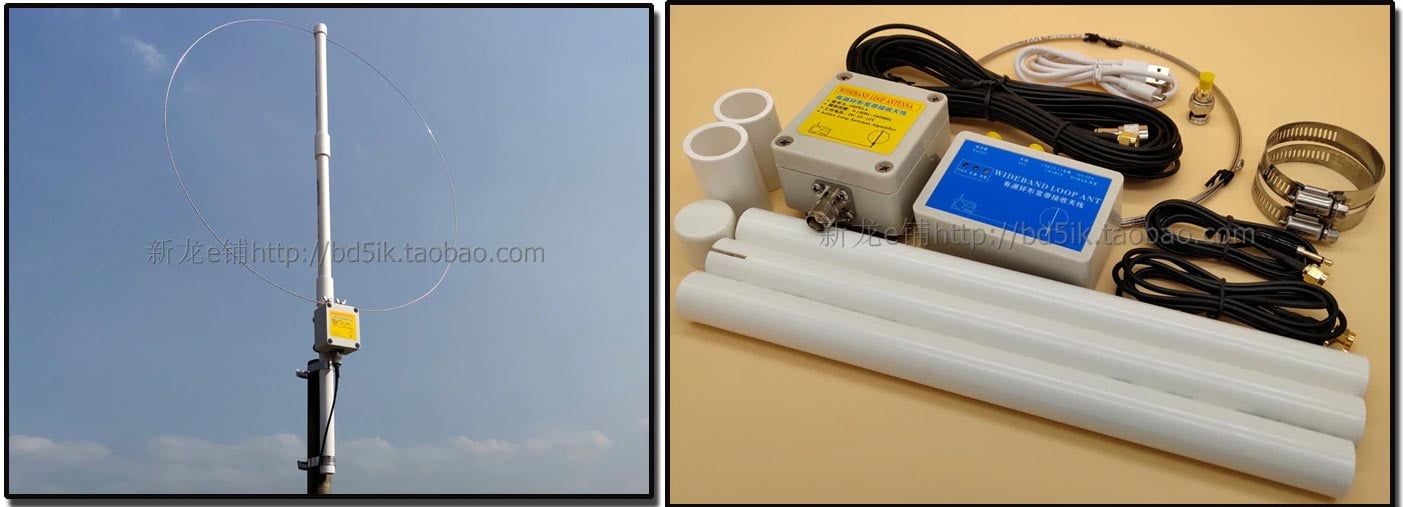
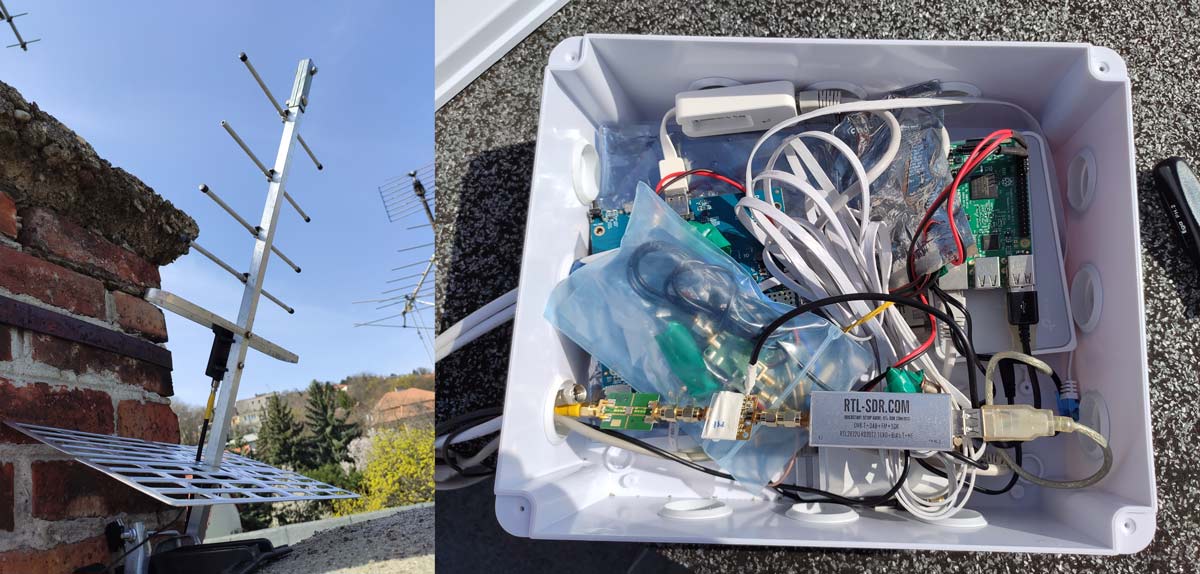
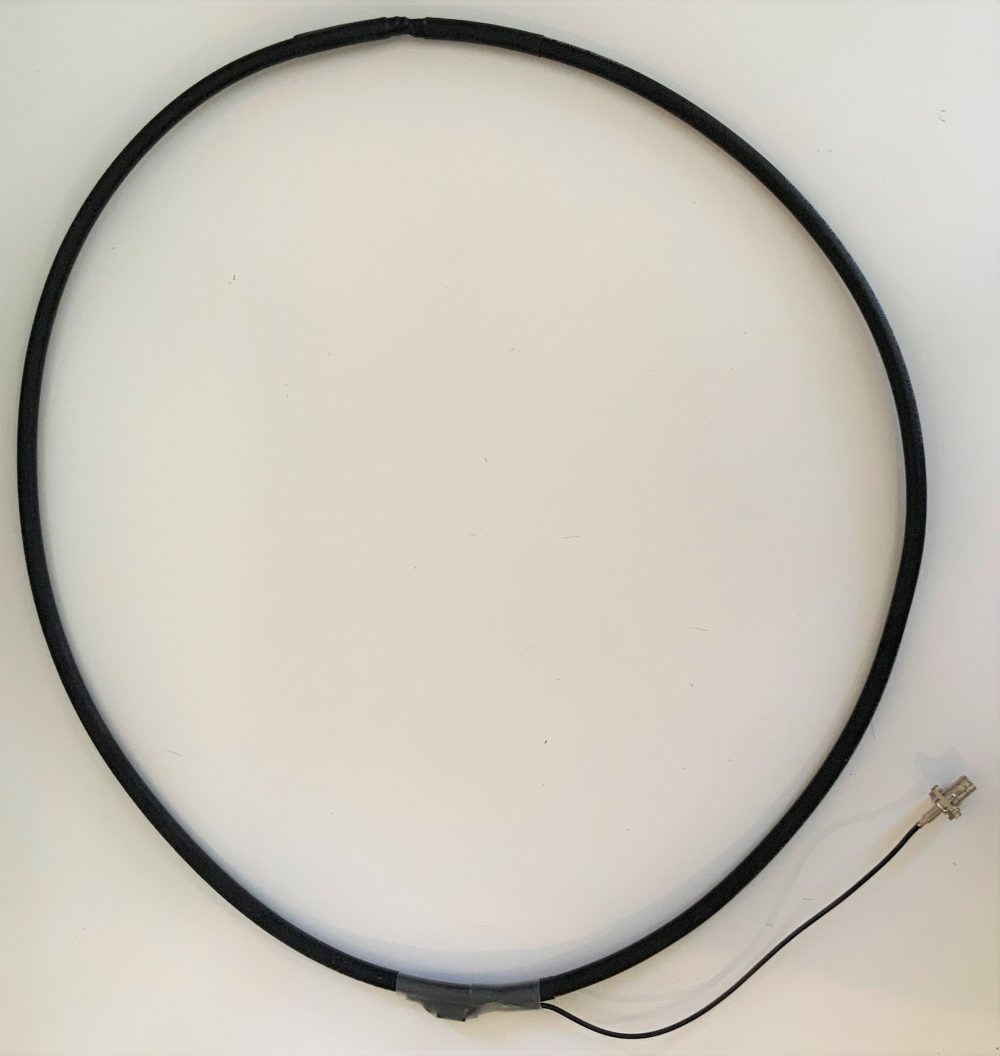
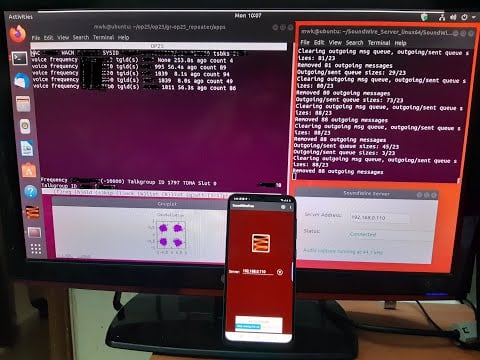
Over on the SignalsEverywhere YouTube channel Corrosive from the SignalsEverywhere channel has uploaded a review of our RTL-SDR Blog L-Band Active Patch antenna. Our patch antenna can be used for applications such as Inmarsat, Iridium and GPS reception.
In the video Corrosive shows what the kit comes with, and first demonstrates the antenna working indoors. He also shows how signal SNR can be improved for indoor reception simply by adding a larger ground plane to the back of the antenna and clamping it on with the mounting screw. Later he shows what reception is like outdoors, and shows it being used to decode from STD-C Inmarsat and Iridium signals.
If you're interested in this antenna we also previously posted about TechMinds review video.
John Wiseman has been working on a cool old-school retro styled aircraft ADS-B radar that runs entirely within a terminal window. So no GUI desktop should be required. The project, called "coole-radar", is available as open source code on GitHub.
It takes decoded ADS-B data via a Virtual Radar Server webpage, so it should be fairly easy to set up together with an RTL-SDR and dump1090 that feeds Virtual Radar Server. The latest version displays a radar screen with decay-like effect, a list of currently detected aircraft, and a pixelated screen of the aircraft image downloaded from the internet.
Over on YouTube user Pablo Sala (KI7OJL) has uploaded a video that shows a neat all-in-one receiver build based on an RTL-SDR. Pablo's build runs on a Pipo x8 Mini PC which is a US$110 PC/tablet that includes a build in LCD touch screen. The build also adds several Arduino powered control knobs for tuning, mode and bank selection, squelch and volume to the base. The knobs directly interface with HDSDR, his chosen software.
The video titles are dated 2017, but the video only seems to have been uploaded recently. Unfortunately we weren't able to find much more information about this build, other than the video.
Homebrew: RTL-SDR Receiver with Arduino-powered knobs on a Pipo X8 Mini PC running HDSDR, May 2017
Talks from this years DEF CON 27 conference which was held back in August are now available on YouTube. DEFCON is a yearly conference that a focuses on information security topics and often includes talks about SDRs and other wireless radio topics too. In particular we wanted to highlight the the DEF CON 27 Wireless Village playlist which contains numerous talks related to wireless, radio and SDRs.
Most talks from the wireless village relate to WiFi, but one talk with some very useful information that we really enjoyed was "Antennas for Surveillance" by Alex Zakhorov.
We will cover the various kinds of antennas available to optimized your SDR radio for different types of spectrum monitoring. We will also explain why RF filters are necessary on most SDR's and when Low Noise Amplifiers help, and when Low Noise Amplifiers hurt reception.
Kent Britain/WA5VJB - Antennas for Surveillance - DEF CON 27 Wireless Village
Another interest talk was called "The Ford Hack Raptor Captor video" by Dale Wooden (Woody) where he shows how he used an RTL-SDR and HackRF to hack a Ford car key fob. If you're interested we wrote about the Hak5 videos on this hack in a previous post.
This talk will show flaws with development of security protocols in New Ford key fobs. This will exploit several areas. The ability for a denial of service to the keyfob WITHOUT jamming. How to trick the vehicle into resetting its rolling code count. How to lock, unlock, start, stop, and open the trunk of ford vehicles using a replay attacked after resetting rolling code count. How to find the master access code for Fords keypad to bypass security. This talk will also demonstrate how to reset your key fobs if they are attacked by a deauth attack. We will also demonstrate gnu-radio script to automate RF collection of Ford key fobs. As seen on HAK5 episodes 2523-2525
Woody - The Ford Hack Raptor Captor video - DEF CON 27 Wireless Village
Outside of the Wireless village there were also some interesting SDR topics including this talk titled "SDR Against Smart TVs URL Channel Injection Attacks" by Pedro Cabrera Camara. If you're interested we also wrote about Pedro's work in a previous post.
Software-defined-radio has revolutionized the state of the art in IoT security and especially one of the most widespread devices: Smart TV. This presentation will show in detail the HbbTV platform of Smart TV, to understand and demonstrate two attacks on these televisions using low cost SDR devices: TV channel and HbbTV server impersonation (channel and URL injection). This last attack will allow more sophisticated remote attacks: social engineering, keylogging, crypto-mining, and browser vulnerability assessment.
Pedro Cabrera Camara - SDR Against Smart TVs URL Channel Injection Attacks - DEF CON 27 Conference
KerberosSDR is our experimental 4-Tuner Coherent RTL-SDR product made in collaboration with Othernet. It can be used for applications such as radio direction finding and passive radar. Currently it's available for US$149 on the Othernet store.
The RDF Mapper software allows you to upload bearings from multiple devices distributed around a city to a public RDF server, and view all the bearings on any internet connected PC. This can allow you to quickly triangulate the location of a transmitter.
Normally you would use RDFMapper combined with an RDF42 to upload bearings, but we've written a simple script that can be used to upload bearings generated by a KerberosSDR onto the server. The RDFMapper software can then be used to visualize those bearings.
The script is based on Python, and can run directly on the Pi 3/4 or Tinkerboard that is running the KerberosSDR, or on another PC that can see the KerberosSDR bearing server if you prefer.
Instructions are available on the GitHub page. Simply set unique station names for each of your distributed units, entry your lat/lon and fixed direction bearing. Then on the RDF Mapper software open the 'Web upload/download' tab and add the unique station ID name. All the other tabs for connecting to a GPS and serial port can be ignored, as those are used for the RDF42.
This script will only work for stationary KerberosSDR units as the lat/lon is fixed. If you want to try radio direction finding in a vehicle, we recommend using our Android App for a better experience. If there is interest, we may also add support for the Android app to upload to an RDFMapper server for mobile bearing uploads.
Notes: RDFMapper runs on the system's default browser and it needs to run in either Chrome or Firefox to work. IE does not work. It also appears that Jonathan processes orders manually, so we just want to note that there may be a delay between payment and receiving the software.
RDF Mapper Software. Plotting bearing data from networked units.
The RAPIDS cuSignal project is billed as an ecosystem that makes enabling CUDA GPU acceleration in Python easy. Scipy is a Python library that is filled with many useful digital signal processing (DSP) algorithms. The cuSignal documentation notes that in some cases you can directly port Scipy signal functions over to cuSignal allowing you to leverage GPU acceleration.
In computing, most operations are performed on the CPU (central processing unit). However, GPU's (graphical processing units) have been gaining popularity for general computing as they can perform many more operations in parallel compared to CPUs. This can be used to significantly accelerate DSP code that is commonly used with SDRs.
In particular the developers have already created a notebook containing some examples of how cuSignal can be used with RTL-SDRs to accelerate an FFT graph. There are various other DSP examples in the list of notebooks too. According to the benchmarks in the notebooks, the GPU computation times are indeed much faster. In the benchmarks they appear to be using a high end NVIDIA P100 GPU, but other NVIDIA graphics cards should also show a good speedup.
The cuSignal code is based on CUDA, so for any GPU acceleration code to work you'll need to have an NVIDIA based GPU (like a graphics card) with a Maxwell or newer core.
We note that in the future we'll be investigating how this could be used to speed up the passive radar algorithms that are used in the KerberosSDR. It may also be useful for running DSP code quickly on a $99 NVIDIA Jetson Nano single board computer.
The tutorial starts by showing you how to set up your Amazon AWS credentials and bucket on the Raspberry Pi, and how to host a simple webpage that can be accessed publicly. The second stage shows how to set up the RTL-SDR drivers and wxtoimg which is used to decode the images. Finally, the third stage shows how to create the automation scripts that automatically schedule a decode, and upload images to the AWS bucket.
Flowgraph for an automated NOAA satellite weather image station.
Atlassian Opsgenie Engineer Fahri Yardımcı has recently written up an interesting post that details how he's using Opsgenie and Amazon Transcribe to automatically create alerts when specific voice phrases are mentioned on a radio channel. For example, if the words "blue team" are heard on the radio, the system can automatically issue an alert with the spoken words to members of the blue team in an organization. Amazon Transcribe is a cloud based speech to text service and Opsgenie is a platform that is used for managing and delegating alerts from multiple IT or other computer systems.
The system works by using an RTL-SDR and the ham2mon software to scan, receive and record voice from multiple voice channels. Fahri notes that he modified ham2mon slightly in order to allow it to upload the .wav files to an AWS S3 server which then runs the Amazon Transcribe service to convert the voice into a text file.
To make an interesting use case, we have imagined this scenario: When we detect a phrase in predefined words, like “Help”, “Execute Order 66”, “North outpost is compromised”, “Eggs are boiled”, we want to create an alert in Opsgenie. Opsgenie can send notifications to users via various ways such as push notifications and calls.
Amazon Transcribe uses advanced machine learning methodologies, to convert an audio stream to a text. As mentioned before, ham2mon uploads to .wav files to S3 and a Lambda is triggered from S3 Events. Lambda calls Transcribe API and depending on the result, Lambda creates an Opsgenie Alert through API.
Fahri writes that his system also filters out small files that may just be noise, and files with voice less than 3 second long. He's also added a custom vocabulary to Amazon Transcribe with words commonly heard on the radio, as this improves the transcription algorithm, especially in the presence of radio noise.
The rest of the post goes into further detail about the specific cloud services used and the flow of the system.
Flow Graph of the Radio to Transcription SystemAn example alert from Opsgenie when the phrase "red team" was heard.