Discovery Dish Updates and Some Cool Hi-Res Images
We have recently posted an update on our Discovery Dish crowd funding campaign over on Crowd Supply. Check it out on the update page, or on the repost down below.
Discovery Dish Teardown Session Livestream Recording
Thank you to Helen Leigh and Crowd Supply for featuring us on one of their Teardown Sessions live streams a few days ago. If you missed it, feel free to watch the recording below. On the livestream we discussed the Discovery Dish and talked a bit about the journey we took to get to the final product design.
Enclosure Glands and Vents
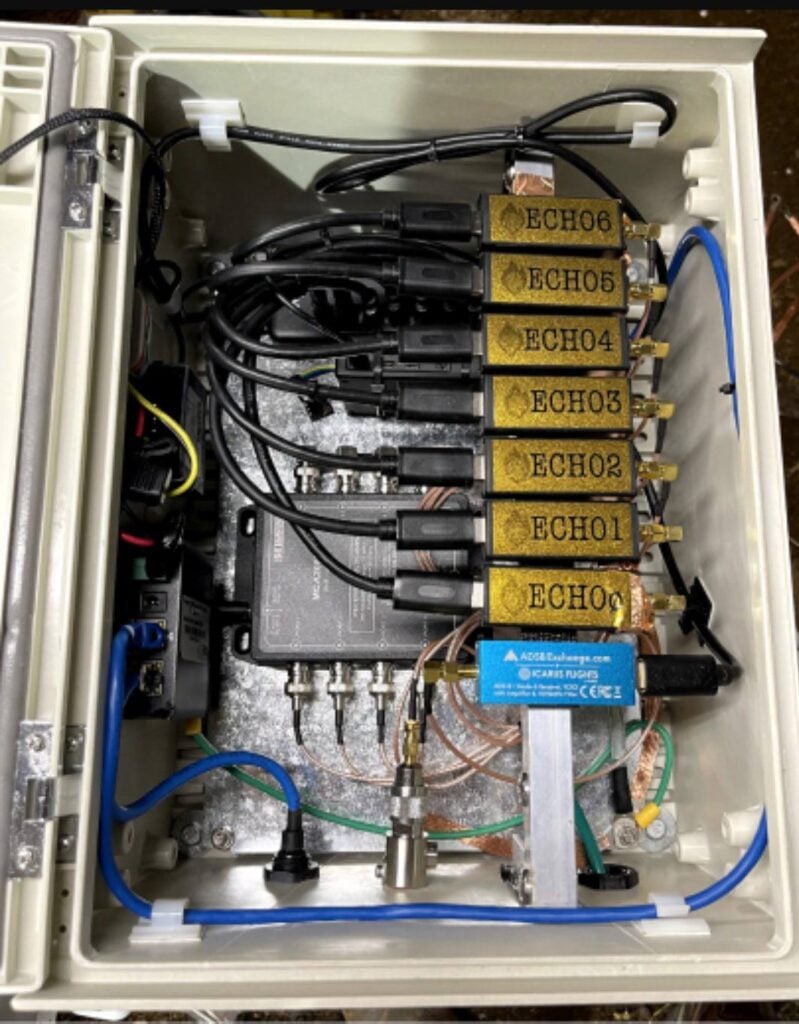
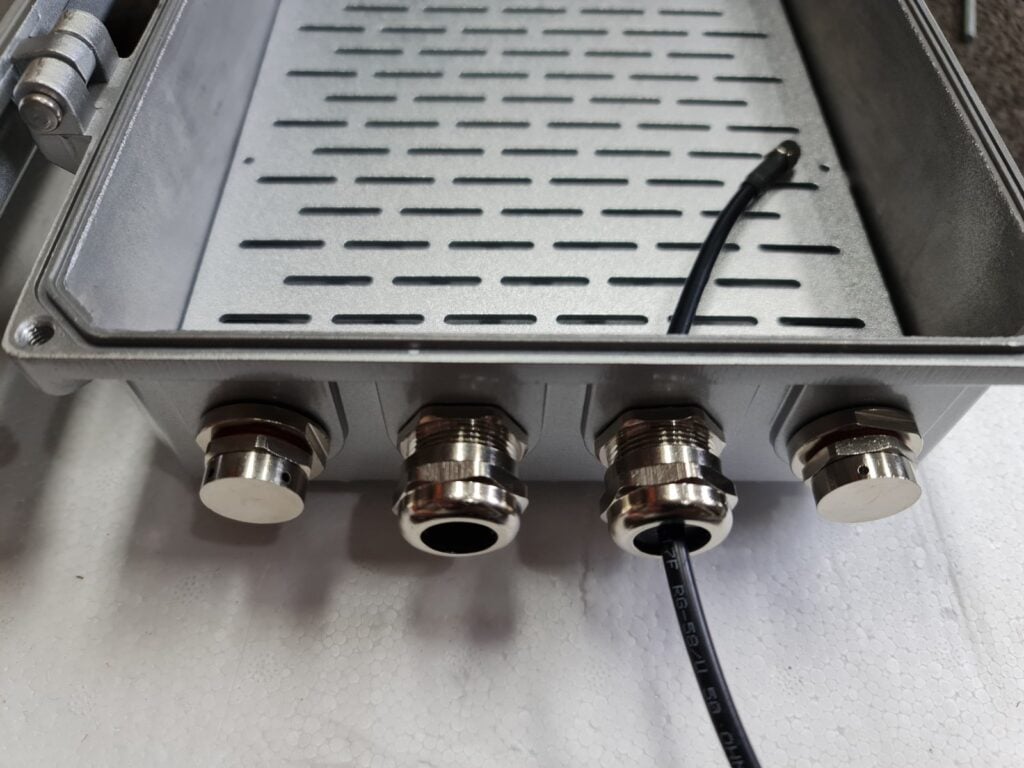
We have decided to include a few cable glands and vents with the Discovery Dish Enclosure, as these will ensure that the bottom of the enclosure is protected against water jets and any splash back from the ground, as well as allowing the electronics inside to breathe a bit. Allowing waterproof enclosures to breathe is important in many environments to avoid condensation build up inside.
The glands and vents will be metal to ensure that RF tightness of the enclosure is maintained as much as possible.
The electronics inside can be passively cooled via thermal pads that sink all generated heat to the metal enclosure which acts as a large thermal mass and heatsink.
In the image below you can also see the mounting board. We are still planning to reduce the hole spacings on the board.
Rotator Timelapse
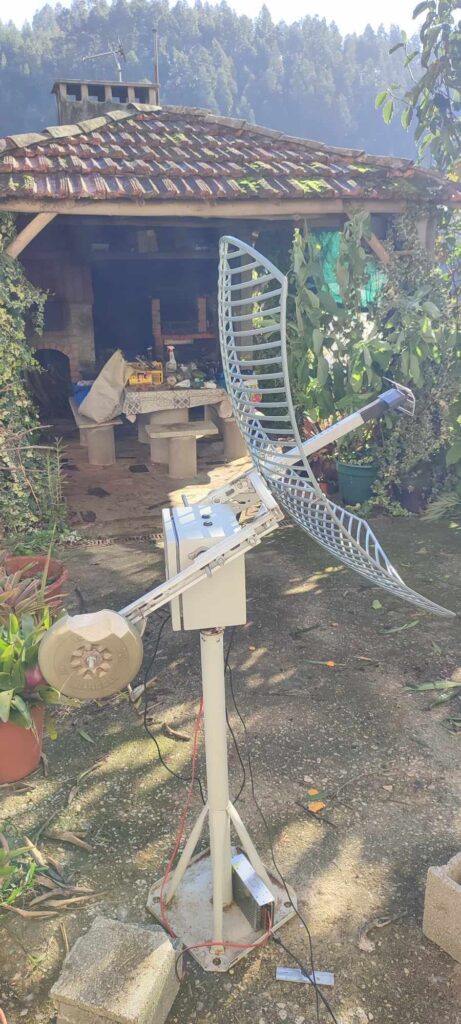
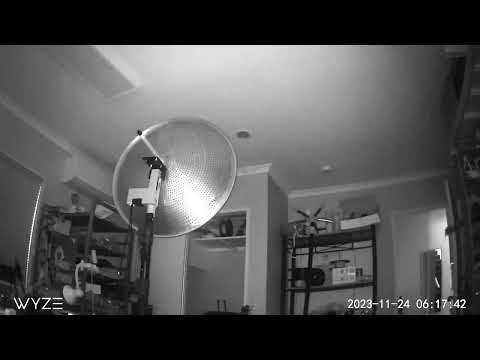
We’ve been testing an early prototype design of our upcoming antenna rotator for the Discovery Dish, and have created a quick preview timelapse of it running overnight. With mechanical designs like this it’s important to do some long-term testing, so we’re going to be running prototypes non-stop for several months while tracking many more satellites than would be typical.
Example Weather Satellite Images Downloaded
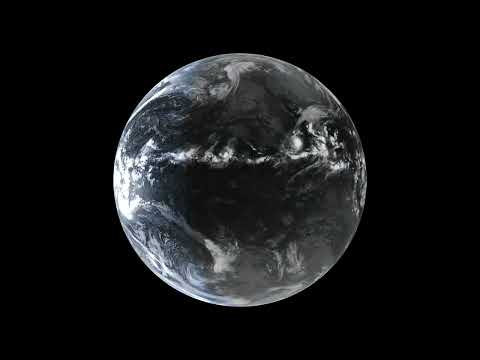
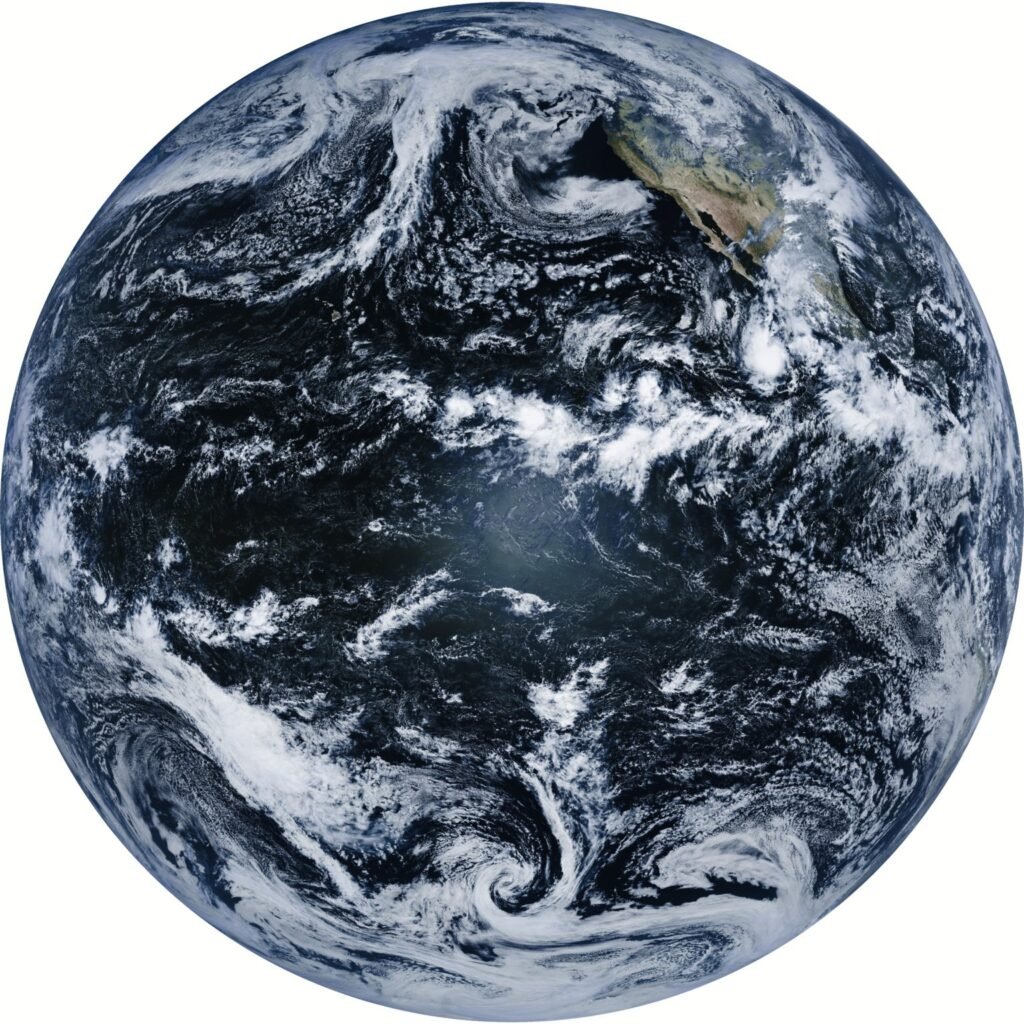
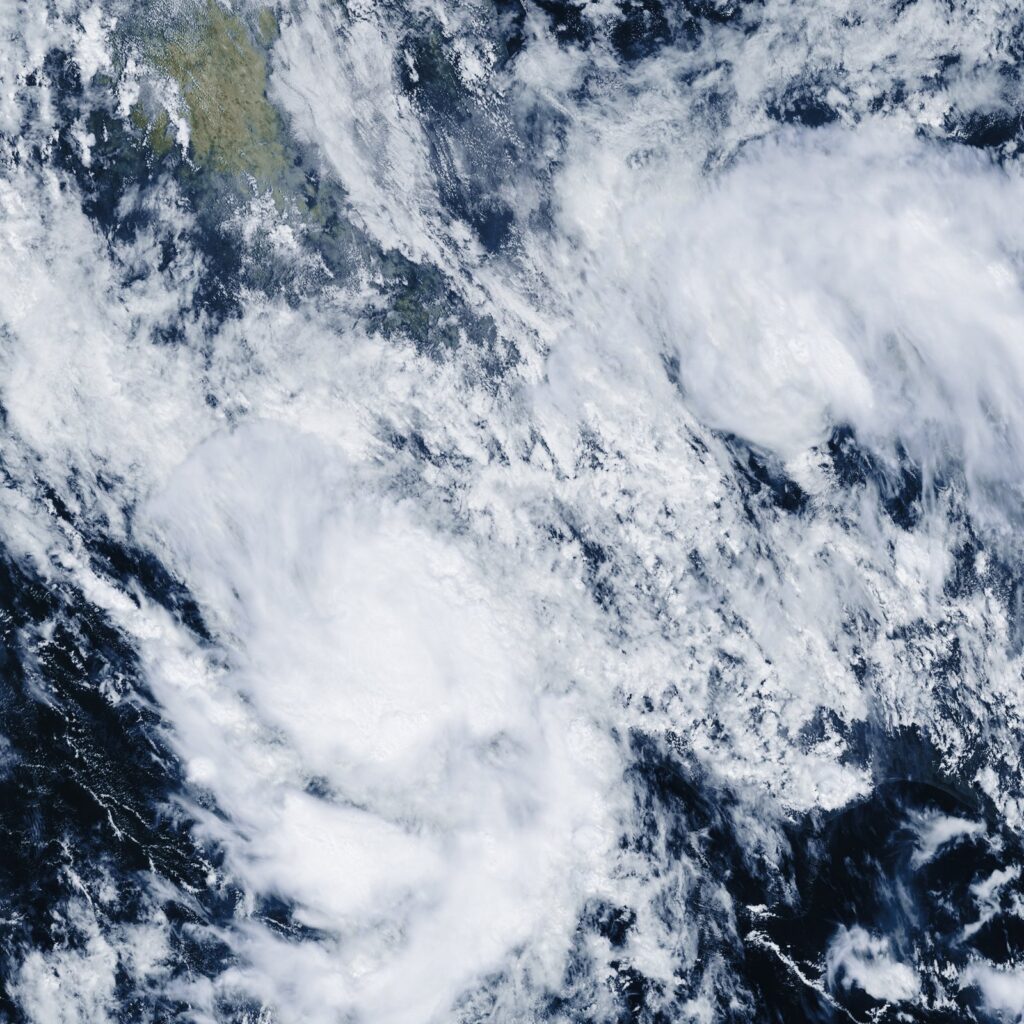
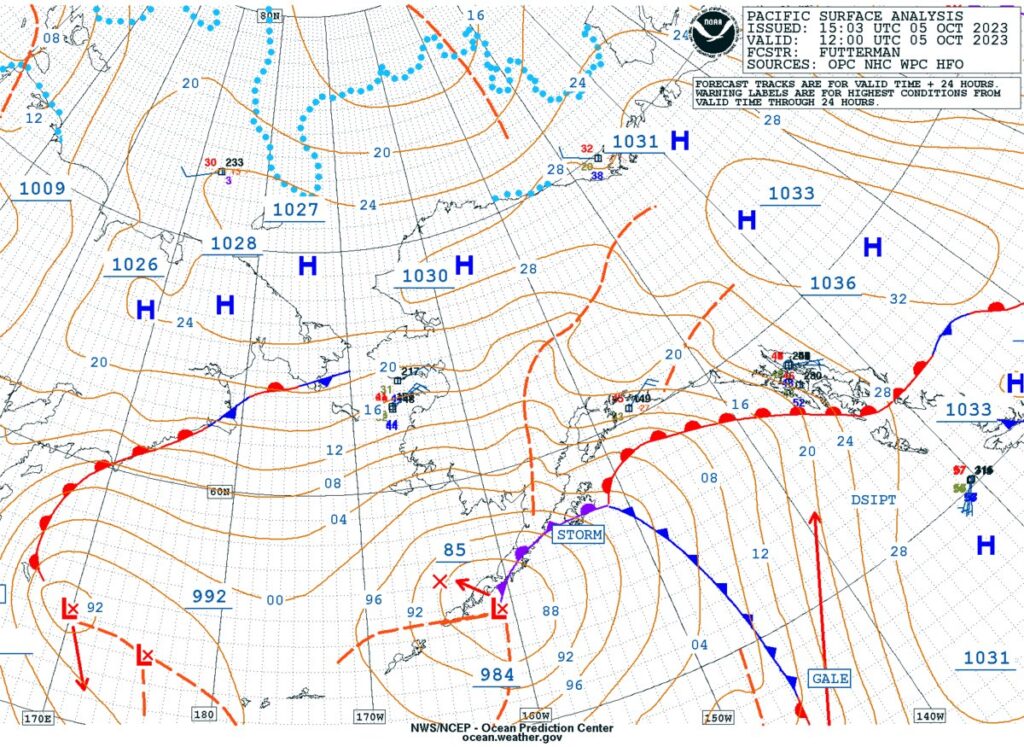
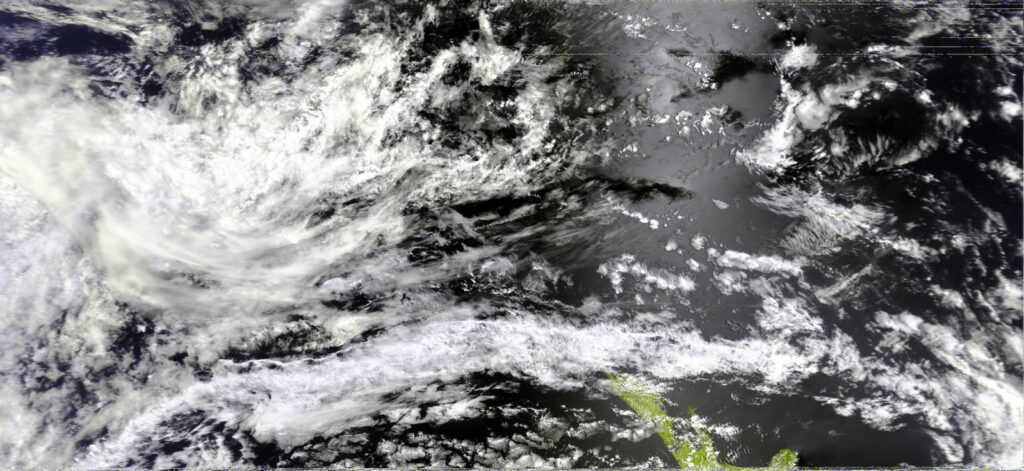
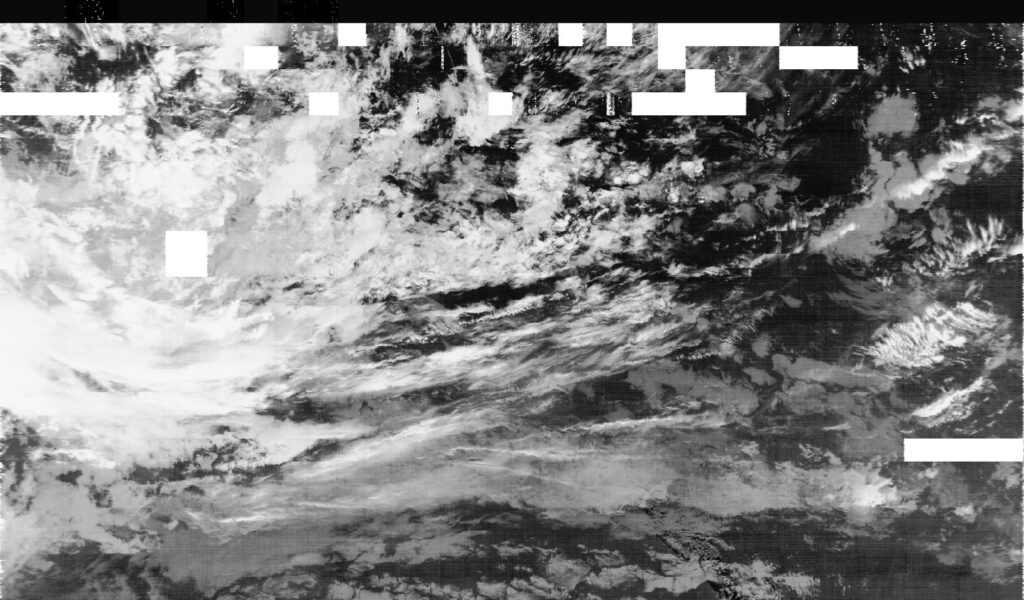
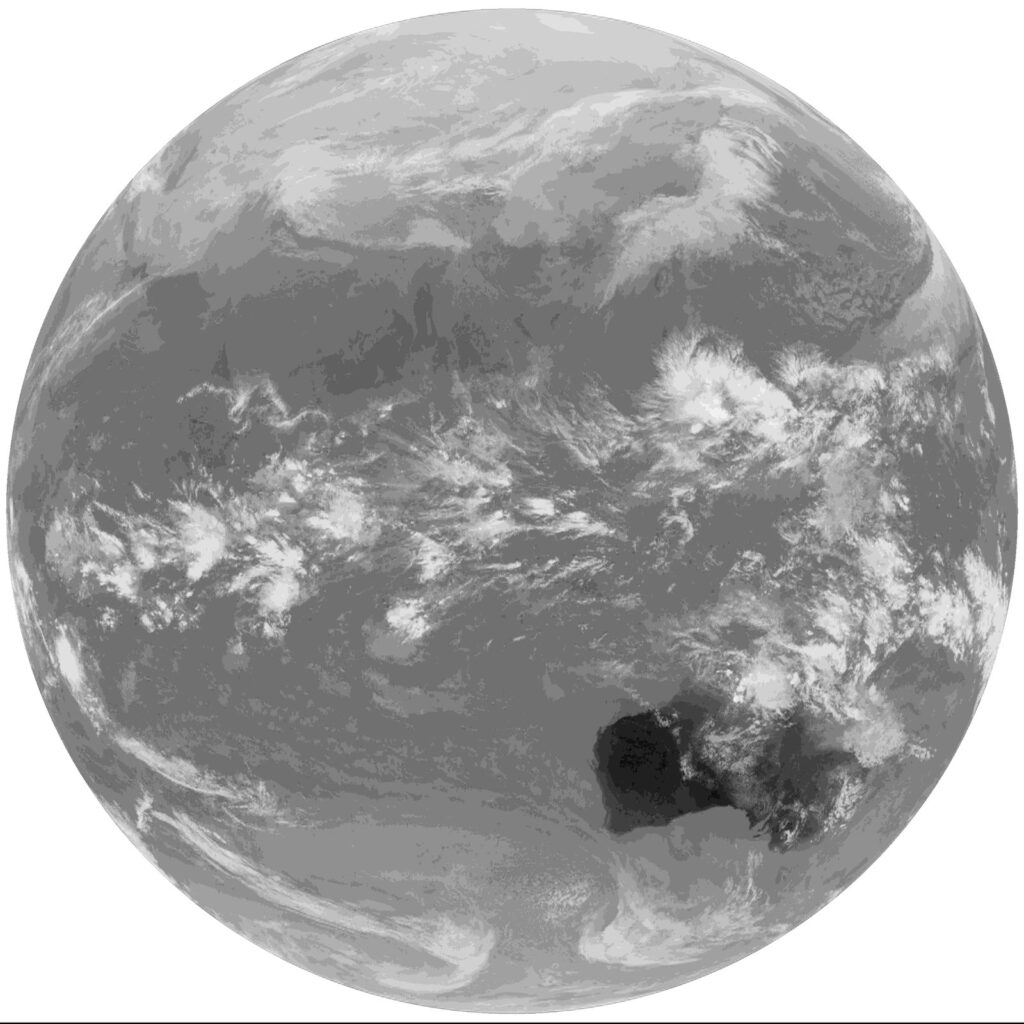
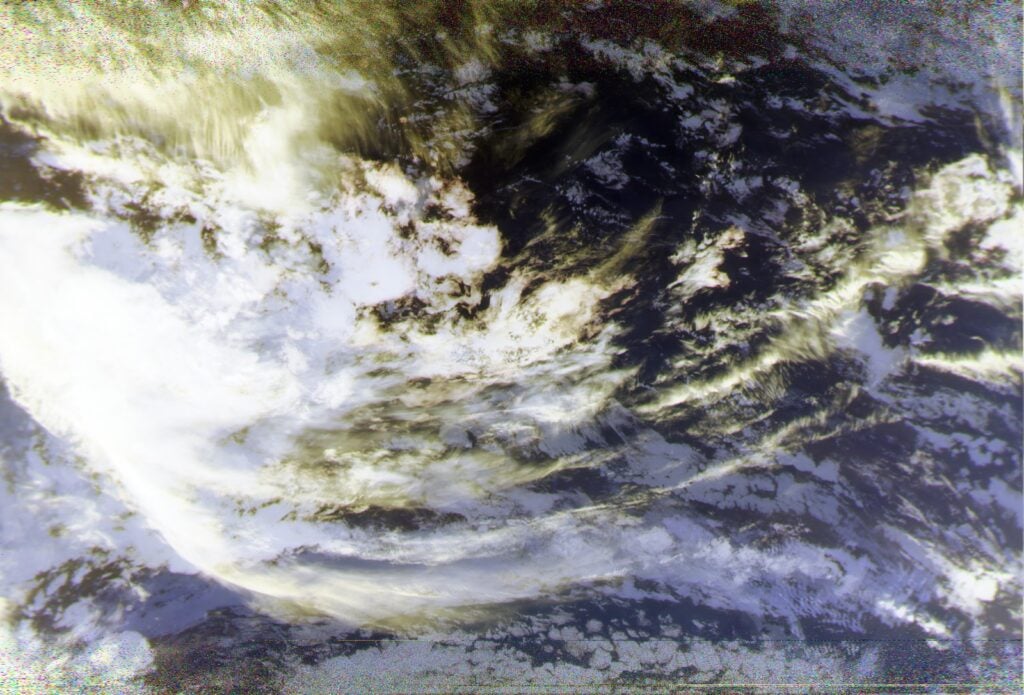
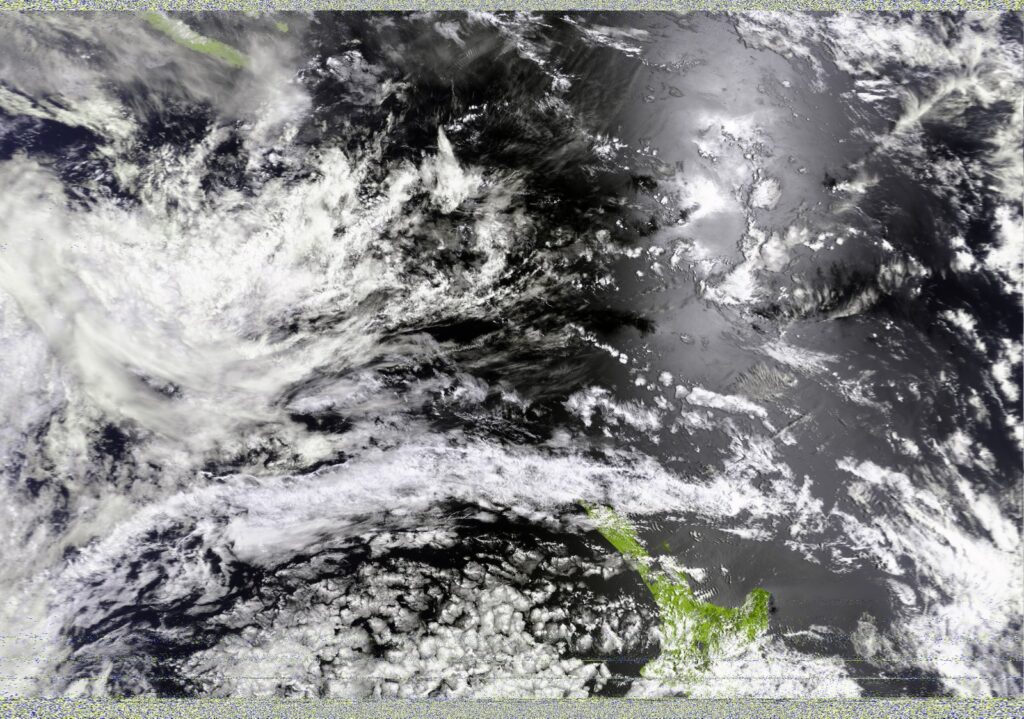
Some people have asked for high resolution examples of what can be received from satellites with the Discovery Dish. Below are a few samples.
GOES 18 Full Disk
GOES 18 Mesoscale
GOES 18 EMWINN
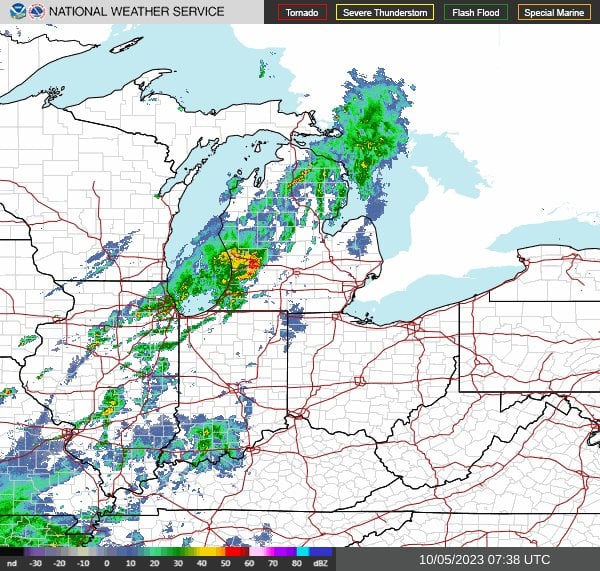
GOES 18 NWS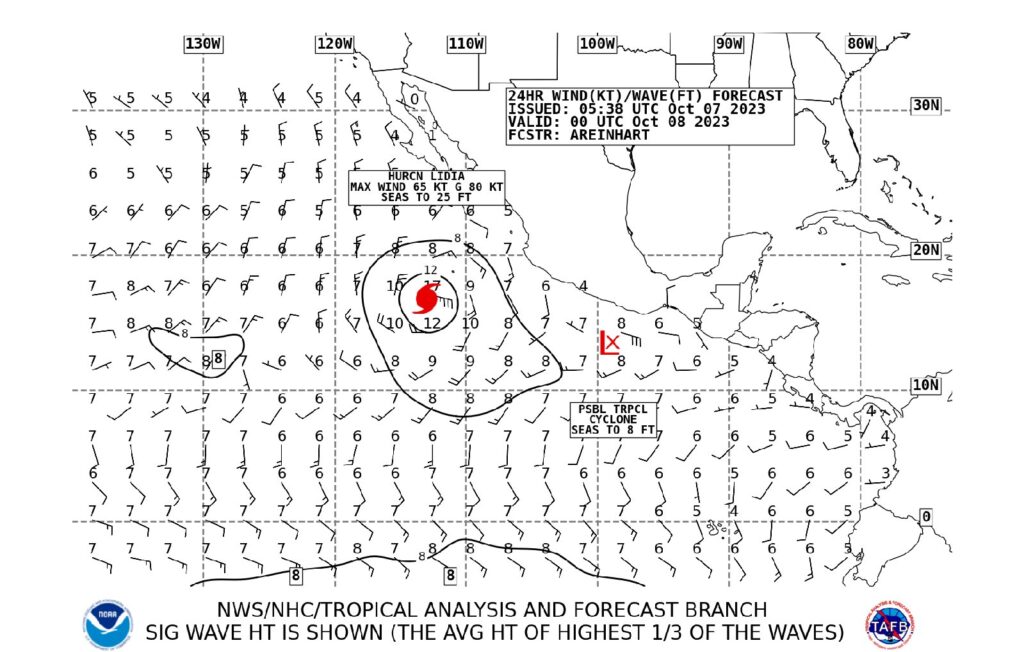
Metop AVHRR (Advanced Very High Resolution Radiometer)
Metop IASI (Infrared Atmospheric Sounding Interferometer)
GK-2A Full Disk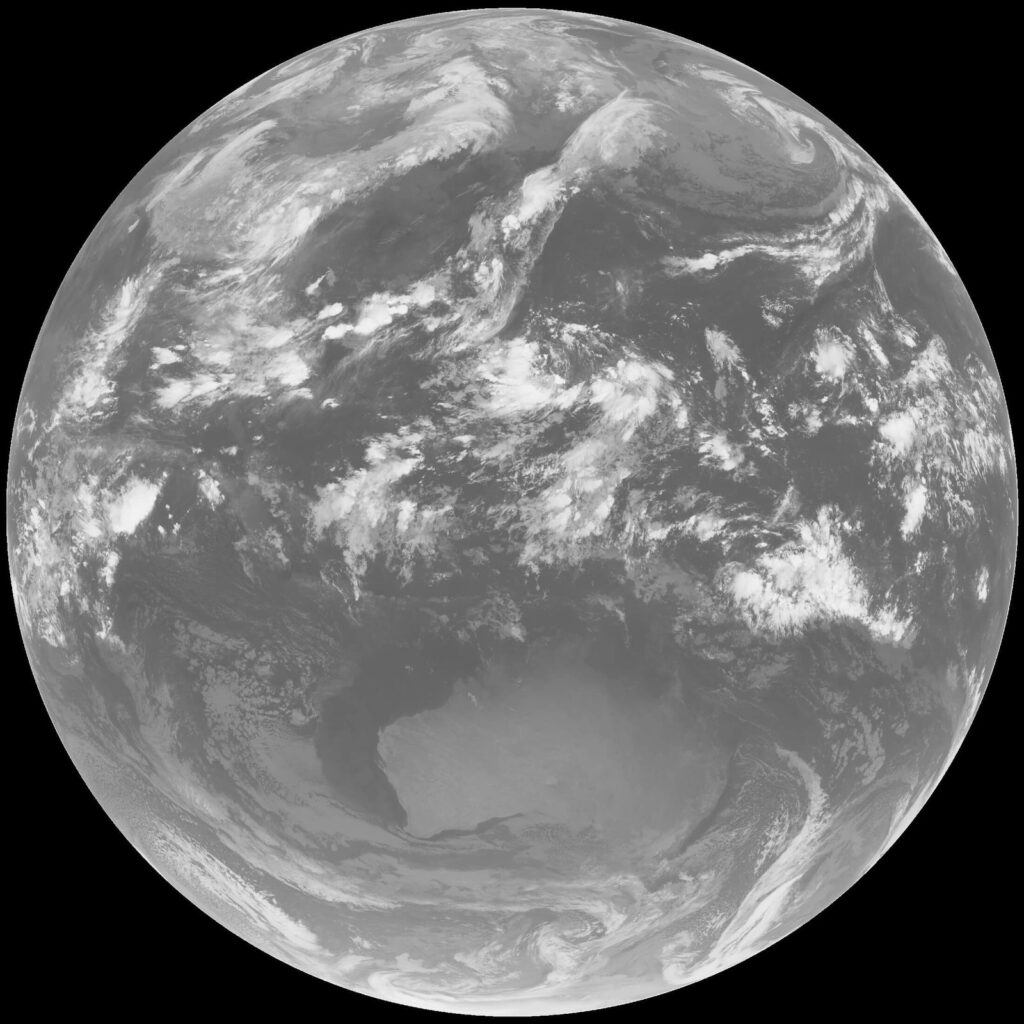
FengYun 4A Full Disk
Meteor MSU-MR (Multispectral Scanner Unit - Medium Resolution)
NOAA AVHRR (Advanced Very High Resolution Radiometer)
Crowdfunding Goals
We just wanted to clarify a point regarding how crowdfunding works. If the goal isn’t reached then everyone who ordered won’t be charged. We have had a few concerns from potential customers wondering if we will keep the money if the goal isn’t reached, but this is certainly not the case! In fact, credit cards will only be charged if we hit our funding goal. You can learn more in the Crowd Supply Guide.
The goal is set relatively high as this product requires a number of molds to be created for the dish and the various plastic parts, and molds typically have a high fixed initial cost. There is also a high minimum order quantity that we need to commit to in order to do a production run.
But the campaign is currently over 70% to its funding goal and we are expecting some large reseller orders to come in during the last few days of the campaign, so please don’t worry as the goal will almost certainly be reached with the help of just a few more individual supporters. If you have been on the edge, please consider supporting us to get this product started!
Customer Questions
In my environment temperatures get down to -20 to -30 degrees C. Will the electronics in the feed hold up?
The components used in the feed all have ratings down to at least -40 degrees C. In very cold environments, the one thing we would suggest considering is if a dish heater is required. These are heating strips that can be placed on the dish and can help melt snow/ice buildup.
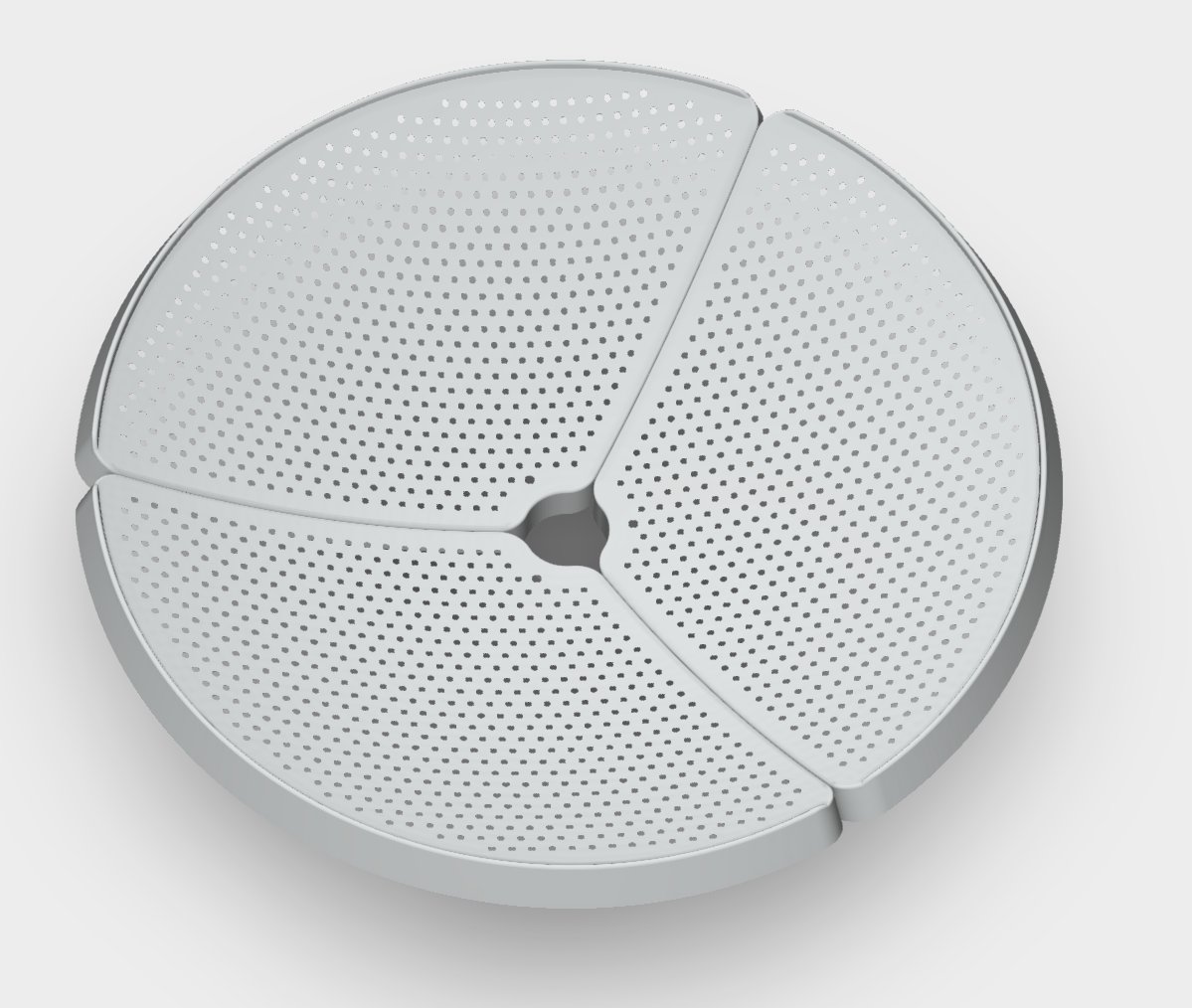
What is the hole pattern on the dish?
The hole pattern on the dish has no specific function, the holes are simply used for reducing wind loading and weight. The manufacture of the prototype dish requires that the holes be cut by laser cutter, but the laser cutter we have available was not large enough to do the entire dish at once. So it was manually rotated around, and this caused an uneven pattern.
The production version of the dish will split into three petals, and each petal will be manufactured via a stamping process. Stamping is when a sheet of metal is placed under a heavy molded block of metal, and then that block of metal is pressed down on the sheet metal to create a desired shape. With this stamping process we will have perfectly neat hole patterns.
We currently have a similar opinion.
To explain this customer question/comment, we note that as mentioned in the previous update, we are planning to soon test an S-band version of the feed which should be able to receive S-band satellites.
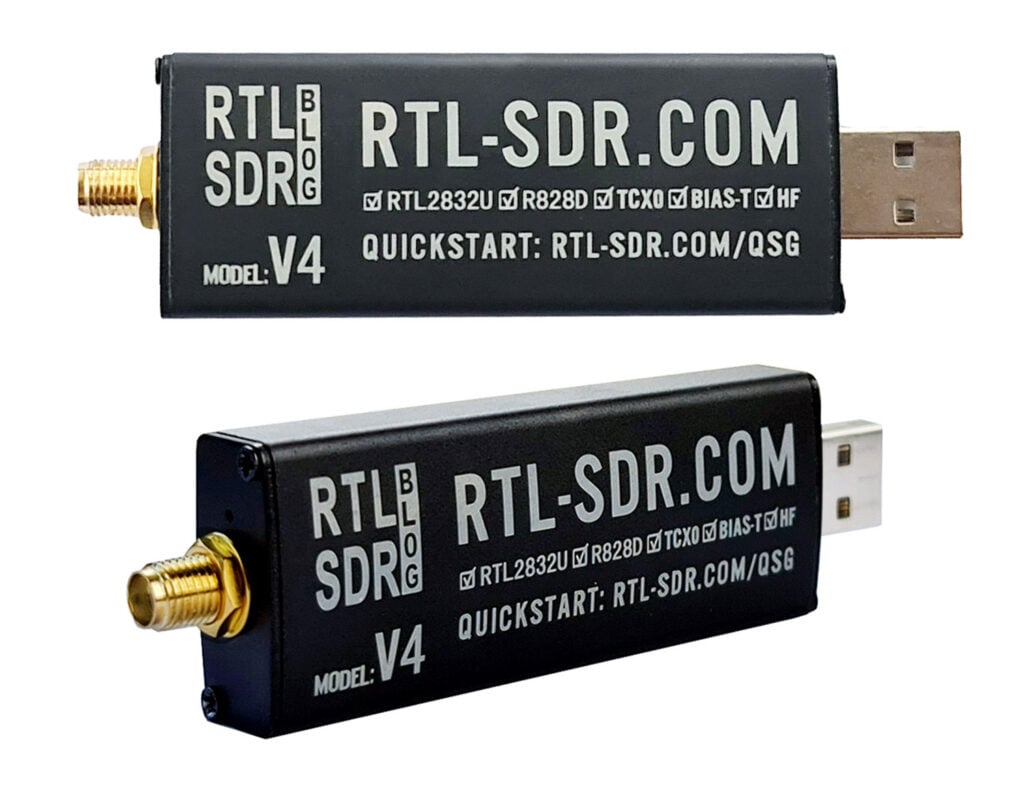
However, the typical software defined radio used is an RTL-SDR, which cannot reach S-band frequencies like 2.2 GHz where most S-band satellites transmit. To get around this, we could add downconversion circuitry to the S-band feed, which would increase complexity and cost. This would convert the 2.2 GHz frequencies down to a frequency that the RTL-SDR can receive (below 1.766 GHz). Alternatively, we could simply recommend that customers interested in S-band reception instead use another SDR such as the HackRF, PlutoSDR, or LimeSDR Mini 2.0.
Once we have tested the S-band version of the feed, we will make a decision on if we should add a downconverter or just recommend the use of other SDRs that can reach the S-band.
Can any of the feeds be used for 1296 MHz EME (earth-moon-earth bounce communications)?
Sorry no, the feeds will not be suitable for EME, as that requires transmission which our feeds do not support.
I would like to use the dish on an astronomical mount. What is the expected weight of the dish and feed?
The dish itself weighs less than 1 kg (2.2 lbs). Together with the feed and mount we expect it to weigh a total of less than 1.5 kg. This is significantly lighter than a Wi-Fi dish which is already 1.6 - 2 kg (depending on the brand) for just the dish by itself.
Are weather satellites encrypted?
No, most weather satellites like this are not encrypted. Although these satellites come from various countries’ governmental space and/or military agencies, weather satellite data is generally considered public science. If it’s not necessary, adding encryption is undesired as it adds complexity to the system and increases the amount of data that needs to be transferred.
Obviously high-end military and commercial satellites are encrypted and we cannot receive data from those. It’s possible that future weather satellites could be encrypted, but given the current trend of new weather satellites being unencrypted this seems unlikely.