Tagged: sdr#

SDRSharp 1915 Released: RTL-SDR Crashes Fixed

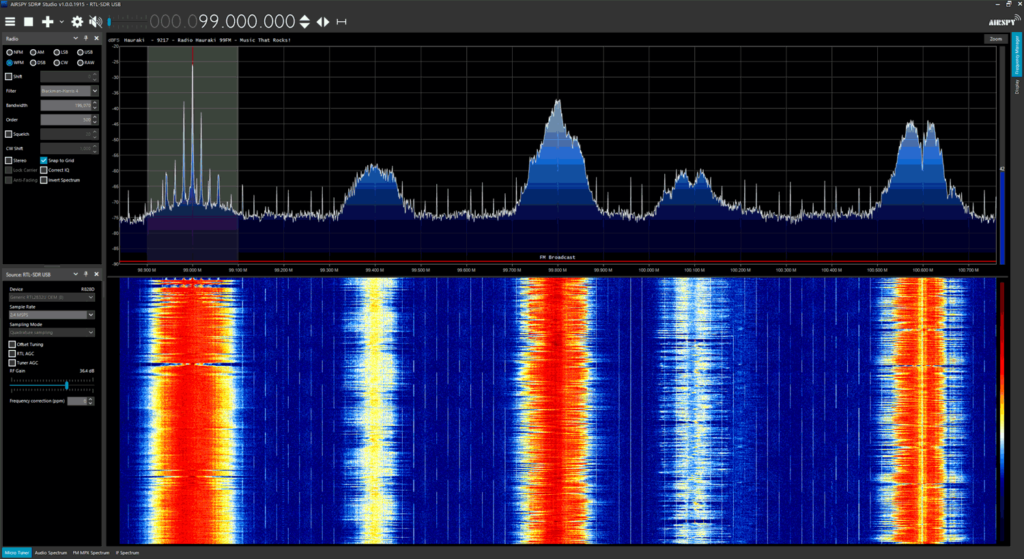
Thank you to SDR# author Youssef for updating SDR# (SDRSharp) and fixing a recent bug that was causing RTL-SDR units to crash whenever the frequency was changed. We are putting this post out to inform everyone who was having this issue to please update their SDRSharp version to 1915 which can be downloaded from airspy.com/download. Our guide at www.rtl-sdr.com/QSG can be used to walk you through the installation procedure for RTL-SDR dongles in SDR#.

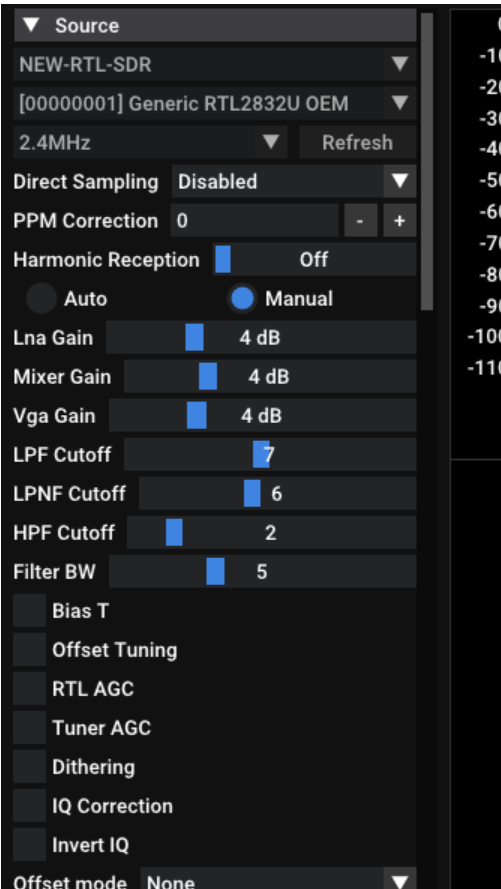
The new update brings the RTL-SDR control menu down to the sidebar making it much easier to control the gain and sample rate settings. Other recent changes have also brought improvements to the RDS decoder which will be useful for DXers.

Please remember to show your appreciation to Airspy for allowing RTL-SDR users on their platform by checking out their range of higher end softwire defined radio products at airspy.com.

SDR# 1915
SDR# 1915

Possible fixes for new versions of SDR# crashing with RTL-SDRs

SDR# (SDRSharp) is our recommend software for RTL-SDRs due to it's high popularity in the community, relatively simple to learn and use interface, and host of features and third party plugins available.

Recently we're starting to see a lot of Facebook and forum posts about a new bug introduced in SDR# 1911 - 1913 so we thought we'd make a global post. This new bug has introduced a problem which causes a crash when attempting to change frequencies with RTL-SDR dongles (of any make or brand). It appears to be an issue stemming from libusb, but the exact issue is still unknown. The SDR# author is aware of the issue, but as RTL-SDR dongles are supported in SDR# for free with no guarantee, it may be several weeks until he has the time to investigate the issue fully. In the meantime we want to note some some partial fixes that we have found.

The first fix is to use our "rtl-sdr-blog" drivers instead of the default osmocom drivers. Our Quickstart guide now shows how to download these drivers and install them into SDR#, so if you want to try this solution, please see the guide. We're not exactly sure why this driver helps, but it may be due to our version being compiled against a newer version of libusb. However, this fix is only partial. While it no longer crashes on every frequency change, it will still crash approximately 5% of the time on a frequency change, which can add up when surfing through the spectrum rapidly, or when using frequency scanners.

We have also found a second fix that almost completely eliminates the crash, but it appears that it only works on some PCs. This fix is to use our rtl-sdr-blog drivers, and at the same time use Zadig to install the "libusb-win32" version of libusb, instead of the WinUSB version. However, the libusb-win32 is old, and it only appears to work on some PCs. On others it causes SDR# to crash as soon as the RTL-SDR is loaded.

Alternatively you can simply use a legacy version of SDR# by clicking the "Latest dotnet x.x build" links on the SDR# downloads page.

The final alternative would be to use another program like SDR++, which is very similar to SDR#, but without a large amount of plugins available yet. We have also added a SDR++ installation guide to our quickstart guide.
The SDRSharp ListenInfo Plugin

SDR# is a popular software defined radio program that is compatible with RTL-SDR, Airspy and several other SDR devices. One feature is the ability for third parties to develop plugins for the software.

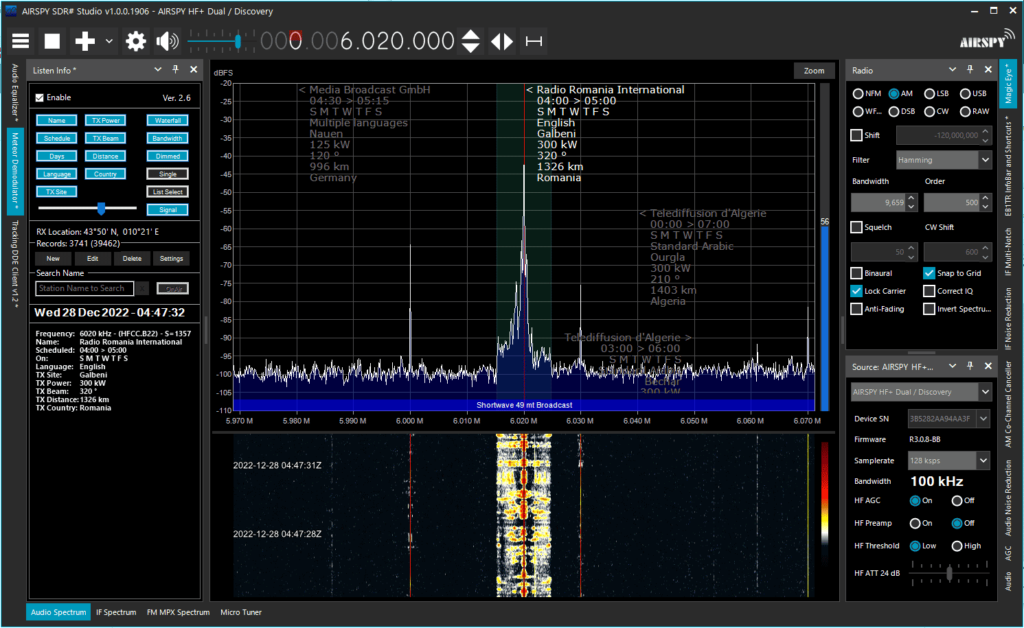
One recently released plugin that is gaining popularity is the "ListenInfo" plugin. The ListenInfo plugin uses a publicly available database of shortwave stations to display frequency station info for the LW, MW, SW bands within the SDR# spectrum display.

If you've ever been browsing the shortwave bands and wondered where a station is broadcasting from, and what it's transit power, beam direction and transmit schedule are like, then this will be a very useful plugin for you.

SDR# ListenInfo Plugin

SDRSharp Big Guide Book Updated to V5.5

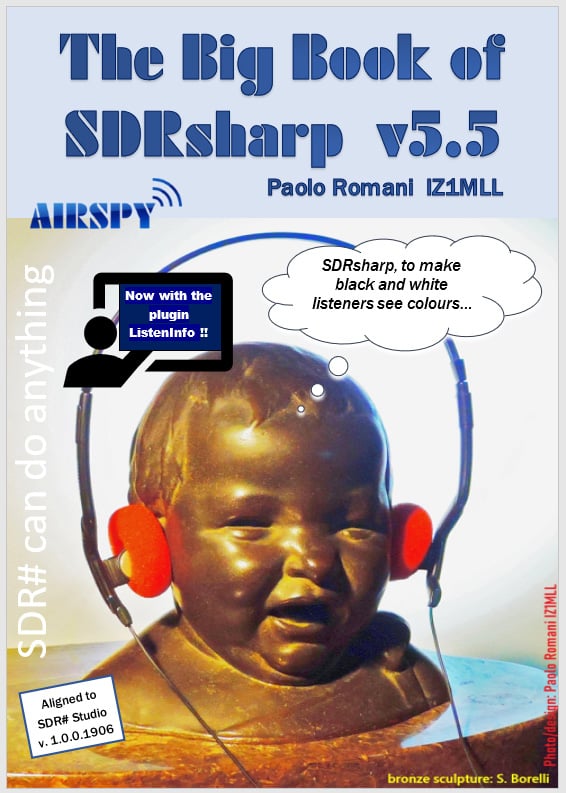
Paolo Romani (IZ1MLL) has recently released version 5.5 of his SDRSharp PDF Guide. The book is available for download on the Airspy downloads page, just scroll down to the title "SDR# Big Book" and choose your language. (At the time of this post only English and Italian are available for 5.5, but multiple languages are available for the older guides).

The latest version brings the book up to 214 pages in length, and adds information about the RTL-SDR Blog antenna kit, and new SDR# plugins like ListenInfo.

SDRSharp Big Book V5.5

Tech Minds: Running the SDR++ Multiplatform Server on MacOS, Windows and Raspberry Pi

SDR++ is an open source receiver program compatible with most software defined radios including the RTL-SDR that has been going through rapid development making it now one of the top software choices. In runs on almost every platform, including Windows, Linux, MacOS and Android.

One feature that SDR++ has is it's remote server. This is similar to applications like rtl_tcp which allow an SDR on a remote device like a Raspberry Pi to be accessed over a network.

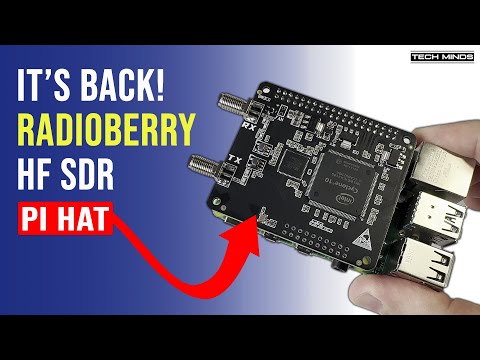
Over on YouTube, Matt from Tech Minds has uploaded a video showing how to run the SDR++ Server on MacOS, Windows and Raspberry Pi platforms.

SDR++ Multi-Platform SERVER

SDRSharp Big Guide Book Updated to V5.3

Paolo Romani (IZ1MLL) has recently released version 5.3 of his SDRSharp PDF Guide. The book is available for download on the Airspy downloads page, just scroll down to the title "SDR# Big Book" and choose your language.

As before the document is a detailed guide about how to use SDRSharp (SDR#), which is the software provided by Airspy. While intended for Airspy devices, SDRSharp also supports a number of third party SDRs, including the RTL-SDR, and it is the software we recommend starting with when using an RTL-SDR.

Paolo writes:

Youssef Touil hasn't rested for a moment and the SDR# releases have been moving forward in leaps and bounds with new Denoisers (NINR), CCC, Audio/Baseband records and the new menu features.

I also had to re-update my Big Book PDF to v5.3 as a result!!

I have also implemented the SpyServer section a lot in multi OS and a chapter "Ideas and Suggestions" with two paragraphs: SDR & MacOS and the other using SDR# with two multiple monitors.

SDR# Co-Channel Canceller and Micro Tuner Updates

SDRSharp (SDR#) is one of the most popular SDR programs that is used often with Airspy and RTL-SDR devices. Recently Youssef, the developer of Airspy products and the programmer behind SDR# has again been adding new enhancements to the software that allow AM DX listeners to easily receive channels that are even on top of each other in frequency.

The Co-Channel Canceller has been in SDR# since 2020, but recently enhanced for better performance and easier use, and a 'micro-tuner' feature has been added, allowing users to easily select the overlapping channel that needs to be cancelled. 

Earlier in the year the noise canceller was also improved with a 'NINR' (Natural Intelligence Noise Reduction) algorithm that appears to be one of the best noise cancellers available in SDR software today.

Youssef's twitter @lambdaprog contains several videos demonstrating the effectiveness of the updates.

TechMinds: Testing the ISM Packet Decoder Plugin for SDR Sharp

Over on the TechMinds YouTube channel Matt has uploaded a video demonstrating the use of the ISM Packet Decoder plugin for SDR# which was released a few months ago. The plugin authors website also contains more information about the installation and features of plugin.

The plugin makes use of the well known rtl_433 software behind the scenes, which is a command line based RTL-SDR compatible decoder for various wireless ISM band devices such as weather stations, car keys, tire pressure sensors, doorbells and various other remote controlled devices. The plugin GUI makes using and displaying data from rtl_433 much more convenient.

ISM Packet Decoder Plugin For SDR Sharp - RTL 433