Thank you to Adrian for submitting his video about using the Android App called QRadioLink and an RTL-SDR to decode digital amateur radio voice transmissions. Adrian writes that in the video the RTL-SDR connects to the Android phone with a USB OTG cable and uses a sample rate of 1 MSPS. He also writes the following about QRadioLink:
QRadioLink is a building platform which allows experimenting with VHF-UHF SDR transceivers using different modulation schemes for digital data transmissions. So far digital voice and text transmission is supported, using either a narrow band modem and Codec2 or a high bandwidth modem and Opus. Supported hardware includes the RTL-SDR, Ettus USRP, HackRF, BladeRF and in general all devices supported by libgnuradio-osmosdr.
QRadioLink running on Android (Debian chroot) with RTL-SDR
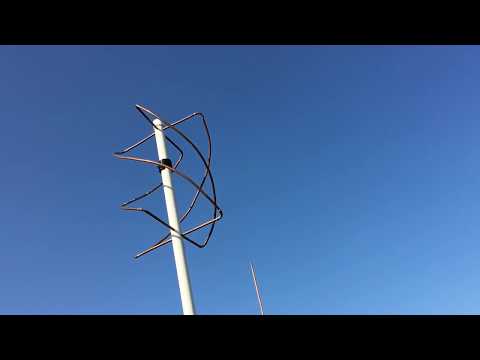
Over on YouTube user Fuzz has uploaded a video showing his solar powered NOAA weather satellite receiver.
The system is based on a Raspberry Pi connected to an RTL-SDR.com dongle. The front-end input of the RTL-SDR dongle consists of an LNA and FM reject filter, and this is all connected up to a QFH antenna in his front yard. The electronics are completely solar powered, with the solar system consisting of solar panel, solar controller and four 12v batteries used for energy storage. A 12V to 5V step down converter is used to power the Raspberry Pi, with the 12V LNA being powered directly by the batteries. The system is able to be accessed remotely via the Raspberry Pi’s WiFi connection.
Over on Twitter @lambdaprog and @mm6dos, developers of SDR# and Airspy SDR products have tweeted videos showing off an Android watch being used as an SDR interface. They use a prototype of their upcoming Airspy HF+ SDR, their SpyServer streaming software and an Android watch. The Android watch receives the streaming FFT and audio data from a server running the SpyServer and Airspy HF+.
They write that this new SpyServer client is mainly for phones and tablets and is efficient enough to run on a watch. It appears that this lightweight version of the SpyServer sends compressed FFT and audio instead of a slice of the IQ data like the current SpyServer, making it very light on the client side CPU and network usage.
If you’re interested in the Airspy HF+ we have an initial review available here.
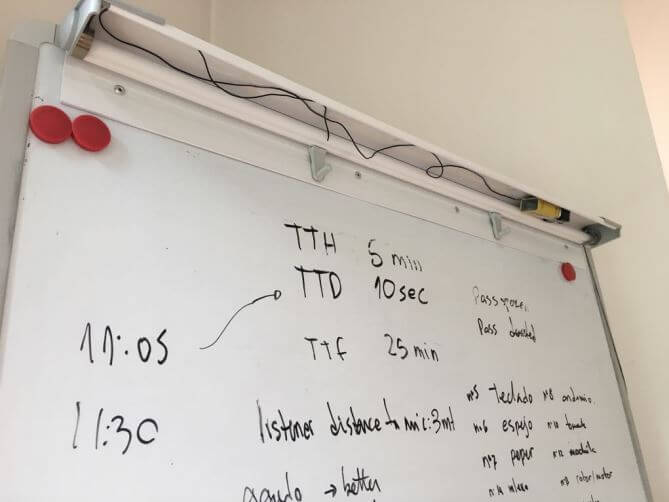
In 2015, artist Ai Weiwei was bugged in his home, presumably by government actors. This situation raised our awareness on the lack of research in our community about operating and detecting spying microphones. Our biggest concern was that most of the knowledge came from fictional movies. Therefore, we performed a deep study on the state-of-the-art of microphone bugs, their characteristics, features and pitfalls. It included real life experiments trying to bug ourselves and trying to detect the hidden mics. Given the lack of open detection tools, we developed a free software SDR-based program, called Salamandra, to detect an locate hidden microphones in a room. After more than 120 experiments we concluded that placing mics correctly and listening is not an easy task, but it has a huge payoff when it works. Also, most mics can be detected easily with the correct tools (with some exceptions on GSM mics). In our experiments the average time to locate the mics in a room was 15 minutes. Locating mics is the novel feature of Salamandra, which is released to the public with this work. We hope that our study raises awareness on the possibility of being bugged by a powerful actor and the countermeasure tools available for our protection.
The paper first outlines the history of microphone bugs and tries to dispel some of the myths about them which originate from movies and other fictional sources. They then perform a survery of the current state-of-the-art microphone bugging techniques, and later go on to discuss the development of Salamandra and some experiments that they performed with it.
In their experiments they show that the Salamandra software and RTL-SDR is able to outperform a commercial bug detector. They also performed several real world simulations where one researcher would hide a bug in a room, and then another would have to use Salamandra to determine if a bug was present, and then locate it using the location feature of Salamandra. They concluded that Salamandra was a very useful tool as they were able to detect the location of the bugs in under 40 minutes in 4/5 tests.
An example waterfall of a microphone bug transmitting and being received with an RTL-SDRLocation of a hidden bug in one of their tests.
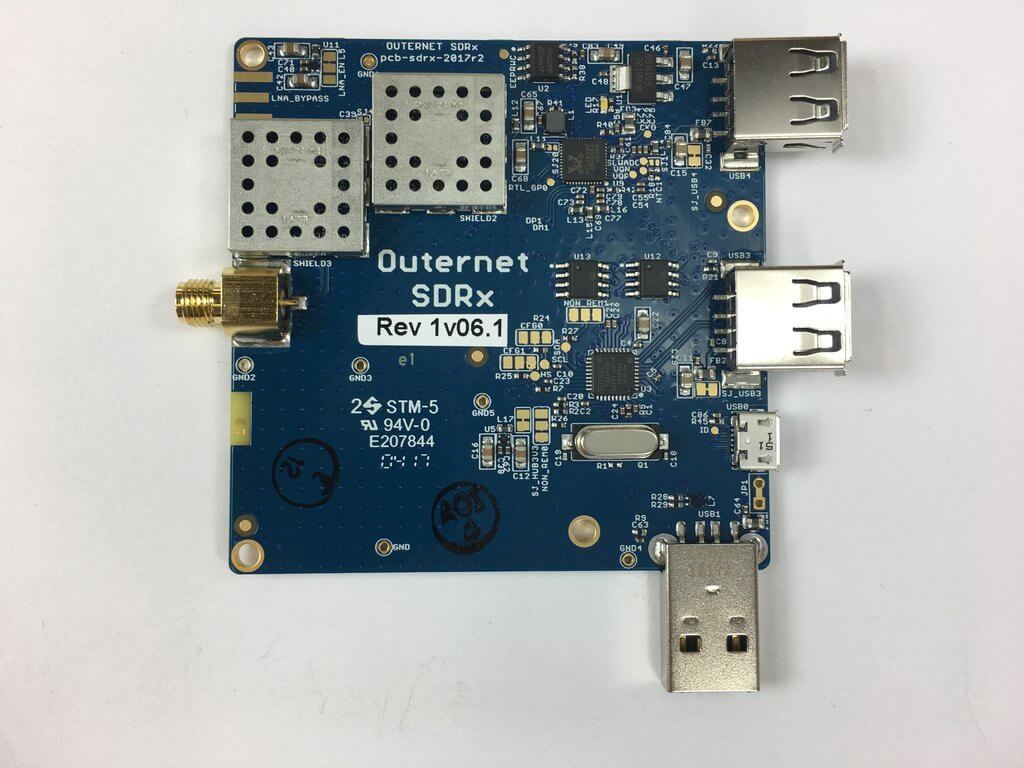
Recently the Outernet project transitioned from using RTL-SDR dongles and C.H.I.P single board computers to using their Dreamcatcher board, which is an RTL-SDR and computing board all in one. In between the transition they also produced a number of ‘SDRx’ dongles. These were custom RTL-SDR dongles with a built in L-band LNA and filter. As they no longer need the SDRx they have them on clearance at their store.
The clearance price is $15 USD which is an excellent deal. Remember though, that the SDRx is limited in frequency range – it is designed for receiving L-band satellites between 1525 – 1559 MHz and the filter will cut off all other frequencies.
The Outernet SDRx on Clearance
Just add a simple L-band tuned antenna to the port and you should be able to receive Inmarsat and a signal like STD-C, AERO or the Outernet signal. A suitable antenna might be a homebrew patch, helix, cooking pot antenna or even a small tuned V-dipole antenna can work for the stronger AERO signals.
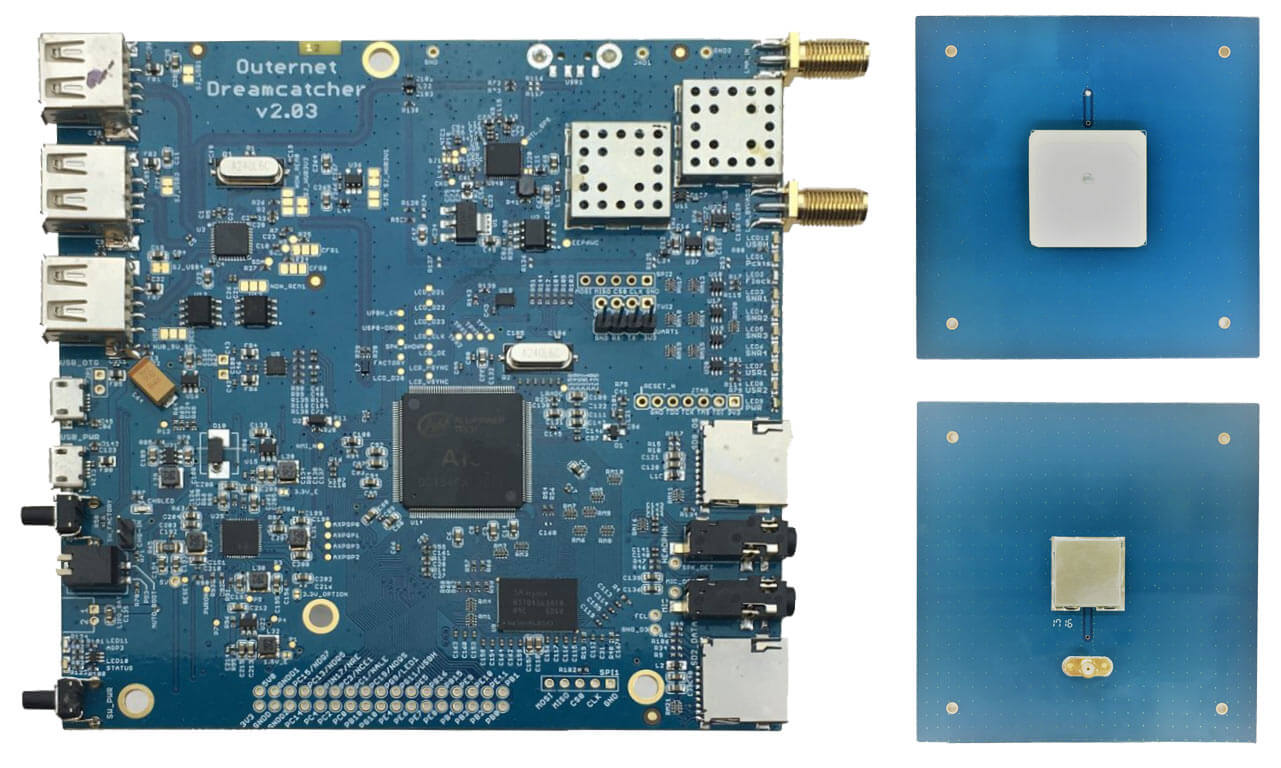
We also see that the price of their L-band Outernet active ceramic patch antenna has been dropped down slightly to $25 USD. This antenna is bias tee powered and can be used with a V3 dongle or their Dreamcatcher hardware. The Dreamcatcher itself is also now reduced in price to $59 USD.
We have a review of the Dreamcatcher and active ceramic patch antenna available here.
Outernet Dreamcatcher and L-Band Active Ceramic Patch
We also now list Outernet products in our store. These are commission sales so we receive a little bit per purchase which supports the blog, and the items are shipped by Outernet within the USA.
If you were unaware, Outernet is a free L-band based satellite service that provides content such as news, weather data, APRS repeats and more. Currently you can get about 20MB of data a day. Outernet receivers are also all based around the RTL-SDR, allowing for very cheap receivers to be built
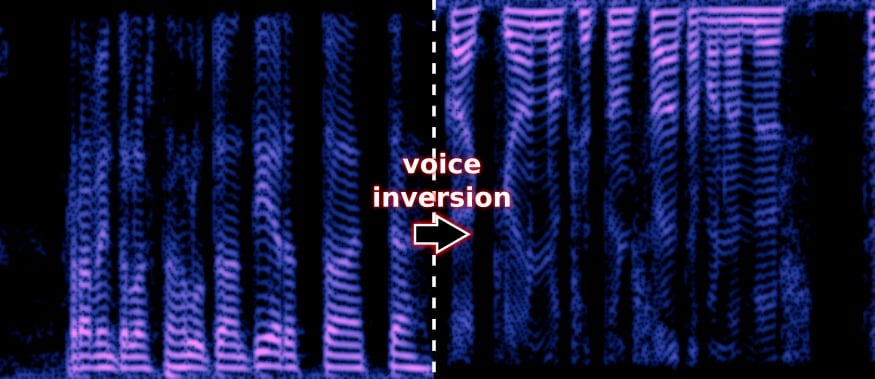
Voice inversion scrambling is a simple and old security method used on analog radios to try and obscure conversations from being listened in on by people with scanners. It works simply by by moving the low frequencies higher and the high frequencies lower, or in other words inverting the audio. A descrambler is then required to recover the true audio, otherwise you will only hear garbled audio. Voice inversion provides little real security, as it is very simply to descramble, and many scanner radios already have descrambling features built in. These days most secure communications are digital and encrypted, but voice inversion scrambling is still available on many analog radios, and could still be in use by some users looking for protection against casual eavesdroppers.
Oona Räisänen (aka windytan) has recently released a simple program called ‘deinvert’ over on GitHub. This program is a descrambler that reads in a scrambled wav file and outputs a descrambled audio file. The audio file could be easily recorded with an RTL-SDR and rtl_fm, or a similar SDR.
Over on his YouTube channel GusGorman402 has uploaded a video that shows how he was able to capture and decode data from a USGS (United States Geological Service) streamgage.
A streamgage is a sensor for streams and rivers that is used for measuring the amount of water flowing. In particular the ALERT (Automated Local Evaluation in Real-Time) streamgages are designed for the warning of flooding. The ALERT streamgages are wireless with some transmitting data upwards to the GOES-15 geosynchronous satellite with a cross Yagi and some transmitting locally via a standard Yagi. Gus shows if you’re close to a streamgage antenna then you can still receive the signal on the ground with an RTL-SDR. Gus also mentions that all streamgages in his area are slowly being converted to satellite uplink.
His first video simply shows the RTL-SDR receiving a Streamgage satellite uplink signal at 400 MHz. In his second video he moves to a streamgage with terrestrial link at 170 MHz and shows that the data can actually be decoded into a binary string using minimodem. Another program called udfc-node can then be used to turn the data into a human readable format. The binary packets consist of an address that identifies the particular streamgage, and some data that describes the current level of the stream and how much precipitation it has counted.
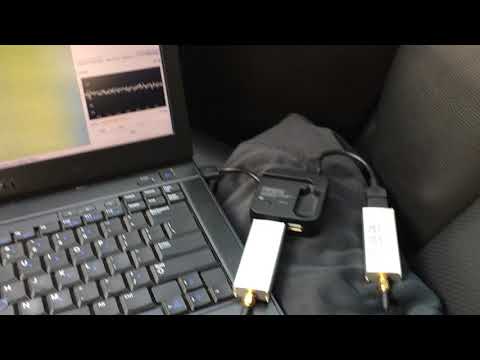
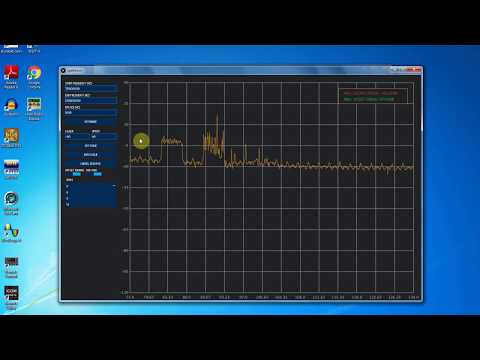
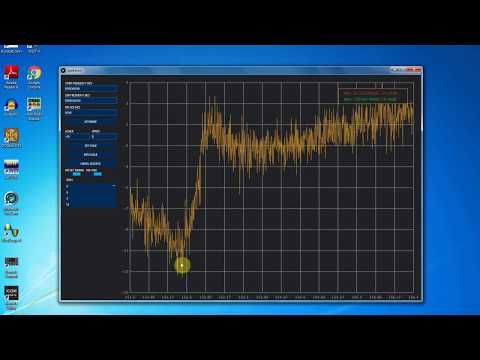
Over on YouTube channel Bootstrap Workbench has been running a series on using an RTL-SDR and noise source to create a poor man’s spectrum analyzer. So far he has three videos available. The first shows how to install and setup Spektrum, his preferred Windows based wideband scanner for the RTL-SDR.
The second video shows how the RTL-SDR, noise source and Spektrum can be used to tune a cavity duplexer. A cavity duplexer is an adjustable set of filters that allows you to use a single antenna for TX and RX at different frequencies. It can be tuned by adjusting screws on the unit body.
In the third video he shows how to examine the response of a dual ferrite isolator/circulator which is a device that can be used to ensure RF only travels in one direction. This could be use for example to prevent damage to a TX power amplifier from reflected signals due to high VSWR or other nearby powerful signals.
Poor Man's Spectrum Analyzer - Installing Spektrum and Testing an RTL-SDR com 88-108 Bandstop Filter