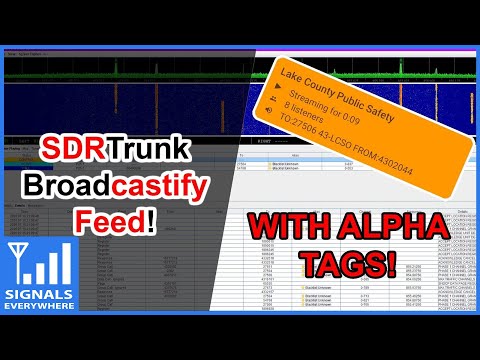
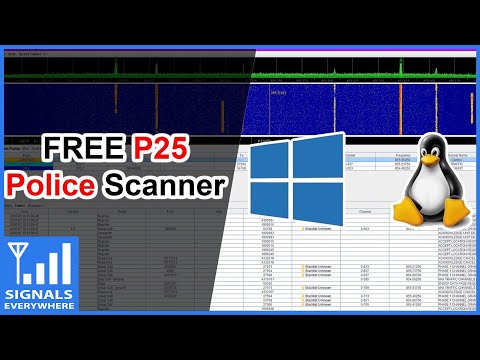
In her last video Sarah from the SignalsEverywhere YouTube channel showed us how to set up SDRTrunk for reception of digital P25 Police and other services with two RTL-SDR dongles. On this weeks episode Sarah shows us how to set up Broadcastify with SDRTrunk. Broadcastify is a an online service that allows you to stream audio from your SDR or scanner radio to their website for anyone to listen to. We note that sharing audio or some talkgroups may not be legal in all countries so please do your research first.
In the video Sarah shows the full setup process involving setting up a Broadcastify account, creating an alias list, adding talkgroups to share and finally setting up the Icecast server for streaming to the Broadcastify servers.
Thank you to John D for writing in and letting us know that Wired magazine has recently run an article about the "Nyansat" project. Nyansat aims to bring low cost open source satellite ground stations to the masses. The goal is to democratize citizen access to space by allowing for easier collection of satellite data, or even for collaborative citizen science radio astronomy projects such as the detection of space debris or undocumented satellites. John writes:
While most people think of a satellite ground station as a giant dish mounted on top of a building in the desert, technically any radio receiver that tunes into a satellite's signal can be called a ground station. Somewhere between the giant dish and the GPS chip in your phone is a ground station that uses a directional antenna to pull in the faint signals. So unless you're only interested in geosynchronous satellites, the antenna needs to be aimed at the satellite, and that's where NyanSat comes in.
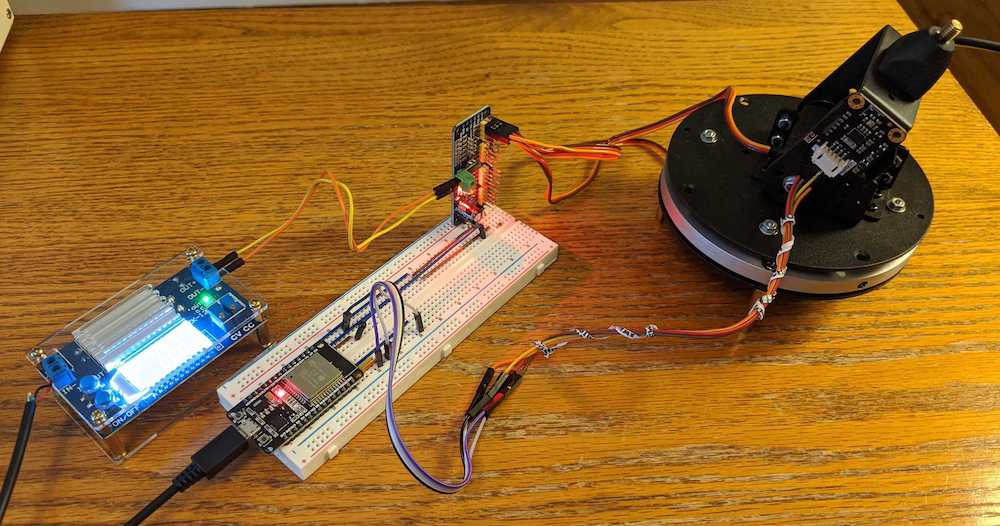
The design of the NyanSat consists of a pan-tilt head, an Inertial Measurement Unit (IMU) for precise azimuth and elevation measurements, a motor-driver board, an optional OLED display, an optional GPS module, and is powered by an ESP32. Full source code is available in their git repo, found at https://github.com/RedBalloonShenanigans/antenny. The NyanSat's software is written in micropython specifically for the ESP32, but obviously could be ported if desired.
Mounting an antenna, adding an RTL-SDR, and actually tuning in a satellite, is still up to the builder.
One of the goals of the NyanSat project is to eventually build up a network of ground stations that can collaborate to contribute frequently updated satellite ephemeris information.
When they're in stock, the project's sponsor, Red Balloon Security, has occasionally been offering a kit containing a custom PCB that is pre-populated with the ESP32 and motor driver; a pan-tilt gimbal; an IMU; and an RTL-SDR. They've been selling them for $1.00(!), just to get them out in the hands of people. Keep your eye open in case they get another batch in.
The Red Balloon store lists the kit as currently out of stock so we suggest keeping an eye on their store just in case any of the $1 kits come back in stock.
NyanSat will also present a live twitch demo at this years online DefCon conference on Friday Aug 7 6:30-8PM EDT and Sat Aug 8 6:30-8PM EDT. On Sun Aug 9 12:30 EDT they will hold another event where they judge the best work of the Nyansat community.
The SatNOGS project which we have covered many times before on this blog is quite similar with it's own open source antenna rotator design, however the Nyansat design looks a bit easier to build as it doesn't require 3D printed parts. Although critically from their demos we haven't seen what sort of sized antennas the gimbal chosen by Nyansat is capable of moving.
DragonOS is a ready to use Linux OS image that includes many SDR programs preinstalled and ready to use. The creator Aaron also runs a YouTube channel that has multiple tutorial videos demonstrating software built into DragonOS.
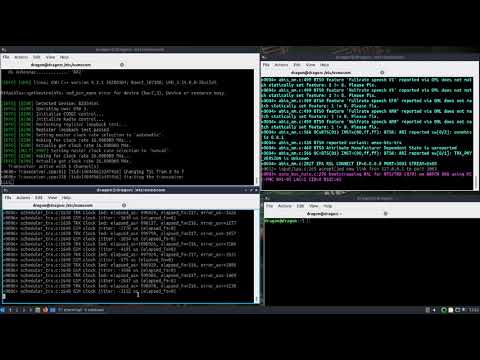
In a recent video Aaron shows how you can set up a GSM basestation within minutes by using the latest DragonOS version together with a USRP b205mini-i software defined radio. As the required software (osmo-BTS, osmo-bts, osmo-bts-trx) is all preinstalled, setting up the basestation is a simple matter of opening three terminal windows and running a few commands. We note that this latest DragonOS version is due to be released this Thursday.
In a previous video Aaron also shows a more detailed setup procedure showing how all the software was installed.
DragonOS Focal Running a GSM network in minutes (osmo-bts, osmo-bsc, osmo-bts-trx, USRP b205mini-i)
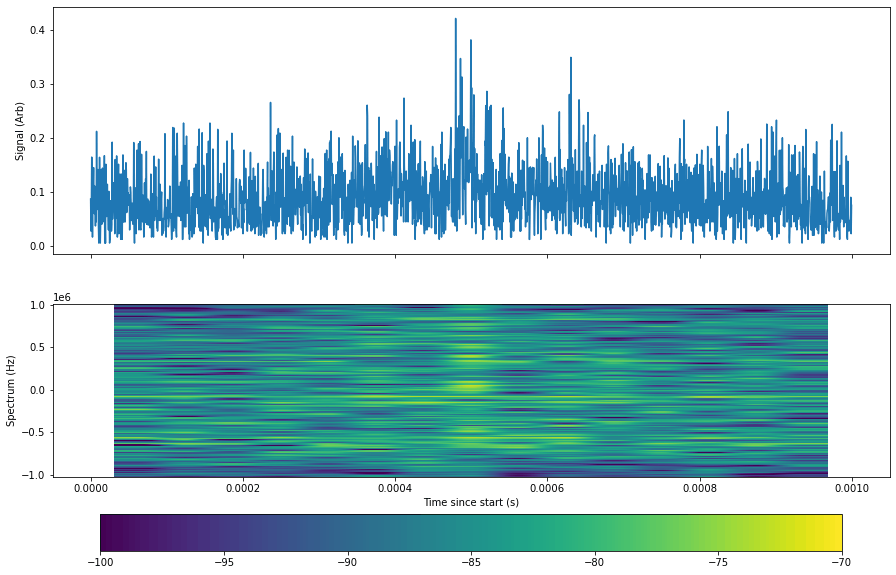
In their example Sage use a dipole antenna and analysis frequency of 30 MHz. The notebook doesn't offer much additional information, but provides Python Numpy and Scipy code which can be used to detect and plot the lightning pulses.
Back in April we posted a video from Tech Minds where he showed us how to use special software combined with an SDRplay RSPdx to detect and report VDSL interference on the HF bands. VDSL or Very High Speed Digital Subscriber Line is an internet connection technology that runs over old copper phone wires allowing for a fast broadband connection. The frequencies used by VDSL are between 25 kHz to 12 MHz, and for VDSL2 up to 30 MHz. Unfortunately the frequencies used can result in high amounts of radio interference from RFI radiating from the copper phone lines which is a major problem for HF amateurs and short wave listeners.
Recently John Rogers (M0JAV) presented a talk via the UK amateur radio organization RSGB. In the talk he explains how VDSL works, why it causes RFI and how to check for VDSL RFI using an SDR and the Lelantos software. He also shows how he drove around with a magnetic loop antenna looking for VDSL RFI sources in his neighbourhood. He then goes on to call out for more volunteers in the UK to submit RFI reports to Ofcom as they responded that they won't do anything about the interference unless there are more complaints.
The RSGB EMC Committee (EMCC) has been investigating VDSL interference since 2014. As the number of installations has risen to over 30M the interference level at amateur radio stations has also increased. The majority of radio amateurs are now impacted by this problem.
In the May 2020 RadCom we outlined how to detect and estimate the level of interference. This can be done by inspection of an SDR spectrum display or by taking a recording and then using a SW package—developed by Martin Sach of the EMCC—which identifies the VDSL signature in the recording and shows how many different VDSL lines are causing the problem and what their relative strengths are.
This talk demonstrates what to look for and how to use the tools to find out if you have a problem yourselves. We hope this will help you respond to our call for action and complain to Ofcom about the level of RFI you are subjected to.
John Rogers, M0JAV Chair EMCC
RSGB Tonight @ 8 - How to check for VDSL RFI with John Rogers, M0JAV
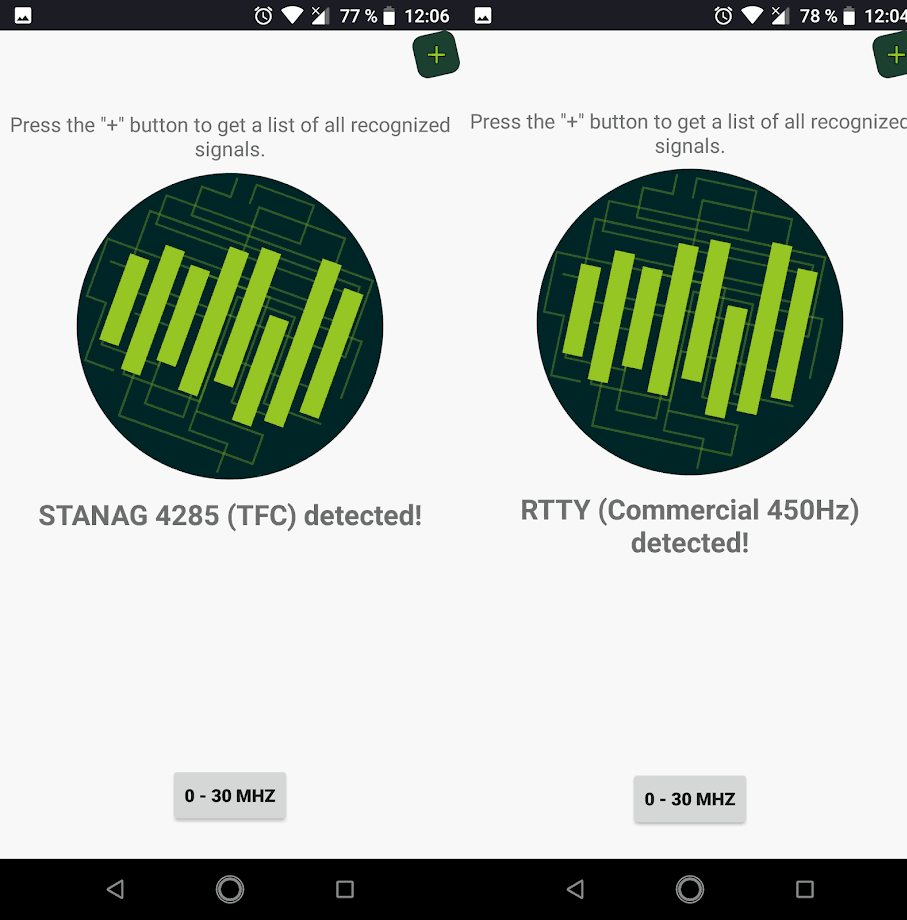
SignalID is a new Android app available on the Google Play store which offers Shazam-like radio signal identification. Just like Shazam does for music, you simply tune to an unknown signal with your SDR, play the raw audio, and let the app listen to it for five seconds. It then computes an audio fingerprint and checks to see if it knows what the signal is.
We tested the app but unfortunately we were unable to get it to detect any signals. Please write in the comments if you have success. As it uses audio fingerprinting, the app is probably highly dependant on choosing the correct demodulator (AM/FM/SSB etc), and also the tuning and signal quality. We note that most of the signal sources seem to come from our sister site the Signal ID Wiki. Searching through the wiki is a good alternative if automated solutions fail.
However the the app is new and we expect improvements and more signals to be added in the future. Currently the following signals can be recognized:
We note that this app reminds us of a Python based signal identification app for the PC called "audio_recognition_system" which we posted about earlier this year.
SignalID: Shazam-like audio based signal identification for Android.
MetOp and FengYun-3 are both polar orbiting satellites that beam back high resolution weather satellite images. Unlike the NOAA polar orbiting satellites which transmit both the easy to receive APT and more advanced HRPT signal, these only transmit a HRPT signal at ~1.70 GHz, so a satellite dish and motorized tracking mount (or hand tracked) is required. You will also need an SDR capable of receiving over 3 MHz bandwidth such as an Airspy Mini or R2. Alan writes:
I recently got FengYun decoding working after the release of my MetOp decoder a while ago. Since gr-hrpt wasn't usable for Windows user without some major hassle, I made some standalone decoders (Windows builds included in the repo) for both MetOp and FengYun.
Decoding is done by first demodulating with the included flowcharts or @petermeteor's, then processed through the decoder which does Viterbi / Differential decoding. The output then needs to be deframed by MetFy3x or any other software that can do so.
FY-3B HRPT decoded with @aang254 's new decoder. I have to train at tracking a little more for the FY! Also used CLAHE to help the contrast. pic.twitter.com/dZ4ACNOBry
Over on YouTube Sarah from SignalsEverywhere has uploaded a new tutorial video showing how to use two RTL-SDR dongles with the free SDRTrunk software to create a P25 Police scanner.
In the video she first shows how to install SDRTrunk in Windows and Linux, then how to install the JMBE codec required for decoding audio. She goes on to show how to import trunked system network data from a (paid) RadioReference subscription, how to blacklist unwanted talkgroups, and how to optimize operation with two RTL-SDR tuners. Finally she also shows how to set up the system manually if you don't have a RadioReference subscription.
SDRTrunk The FREE P25 Police Scanner! Windows and Linux Tutorial