Category: HF

YouTube Review of the DX Patrol 100 kHz to 2 GHz SDR Receiver

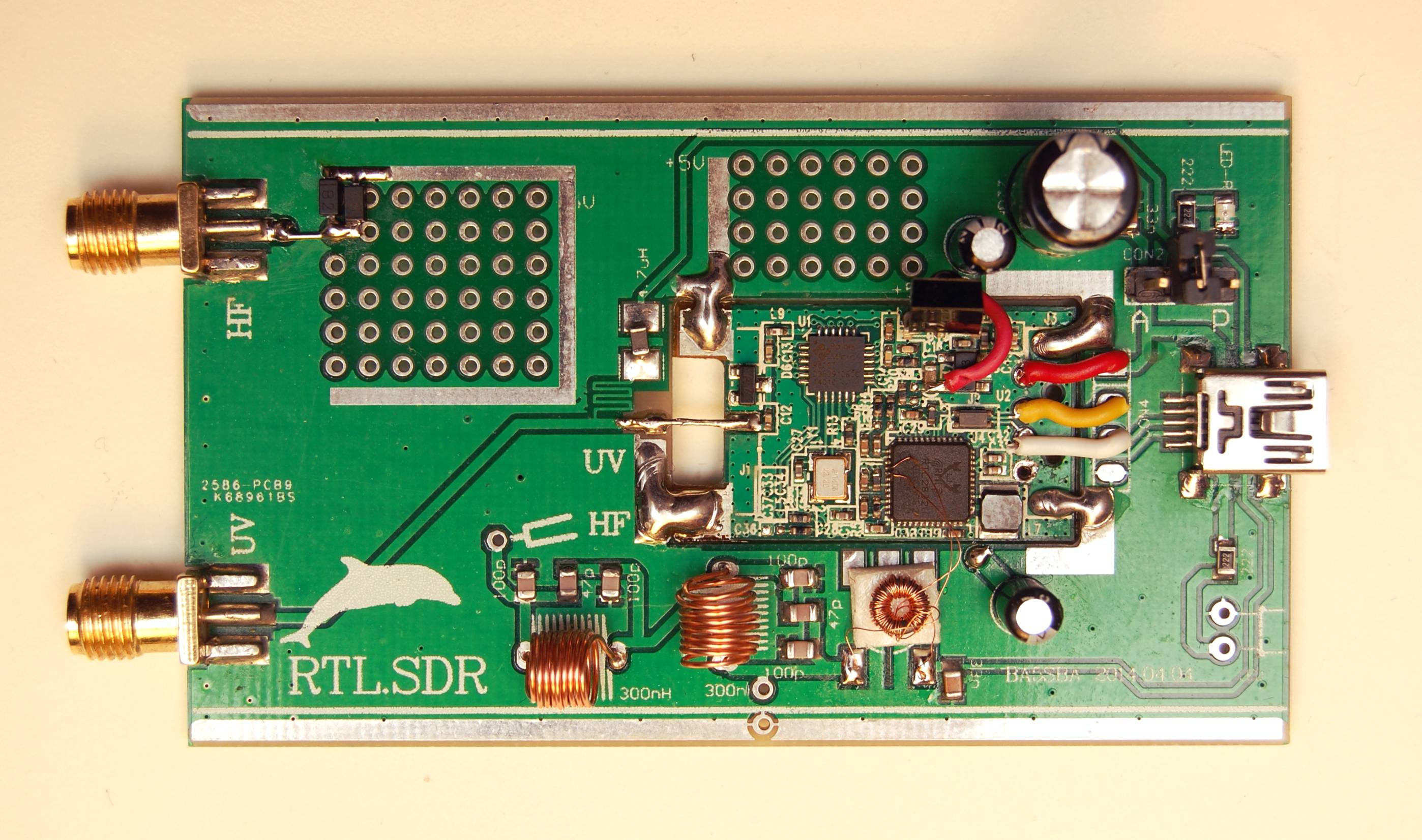
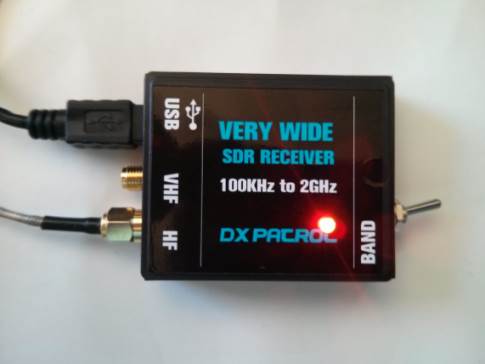
The DX Patrol 100 kHz to 2 GHz SDR receiver appears to be a custom built RTL-SDR with upconverter built in. It is made by CT1FFU who is also known to be a good manufacturer of upconverters for the RTL-SDR. The DX Patrol SDR can be bought for 79 Euros at CT1FFU’s website. It’s features are as follows:

  • Ultra Wide-band Coverage SDR Receiver
  • Full coverage reception form 100KHz to 2GHz SDR
  • Independent antenna inputs for Shortwave and VHF
  • USB computer connection ( mini usb)
  • Very High dynamic range receiver
  • Low noise pin-diode band switch
  • Accurate and efficient band filters
  • Very clean audio reception
  • SMA golden antenna connectors
  • LED power and band indication
  • 40MHz local oscillator for HF conversion
  • DBM balance diode ring mixer
  • Small size board
  • Freeware software
  • Up to 3.2 M Sample rate.
Ultra Wide band SDR Receiver 100KHz to 2GHz
Ultra Wide band DX Patrol SDR Receiver 100KHz to 2GHz

We aren’t sure how this compares to a standard RTL-SDR with conventional upconverter, or direct sampling mode and we also aren’t sure about the truthfulness to their very high dynamic range claims as the RTL-SDR is known to have dynamic range that isn’t what could be called very high (8 bits ~ 50 dB).

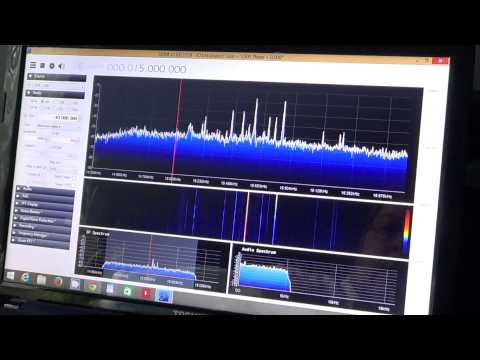
Over on YouTube user OfficialSWLchannel has uploaded a video review. OfficialSWLchannel gives a generally positive review of the hardware.

DX Patrol SDR Receiver Review and Observations

SoftRock Lite II Build and Test Tutorial Video

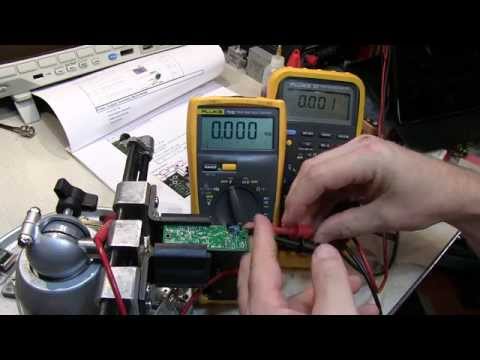
The SoftRock Lite II is a (now fairly old) soundcard based software defined radio kitset that is capable of receiving on the HF bands. Over on YouTube user w2aew has uploaded a video showing the entire kitset build process for the SoftRock Lite II SDR radio. He also goes over the circuit blocks explaining their function and how they work.

This is an excellent video if you are interested in learning more about the components and circuits used in some SDRs.

#148: Software Defined Radio kit | Tutorial | Build | Test | Softrock Lite II

Direct Sampling Front End Board

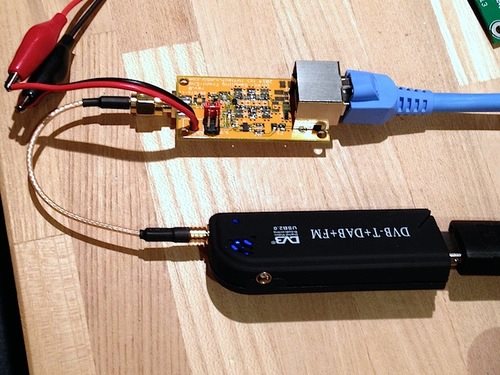
Over on this Japanese language blog, ttrftech has been experimenting on a type of direct sampling front end board (Use Google Translate) for a direct sampled RTL-SDR dongle. More info about his direct sampling front end can be found on this post. Translated, it appears his board has the following feautres.

  • Filter x2 up to fifth order
  • RF switch
  • Amplifier
  • Power regulator
  • Input transformer (optional)
  • The RJ-45 (optional) or the SMA input connector
  • Power supply to the antenna
  • Output to U-FL or SMA (ipex) connector

The results seem to show his board does improve reception. Note that the RJ-45 appears to be the antenna. There also appears to be review of the board by “pup” here and a video showing the board filtering out a broadcast FM image in the video below. On Pups blog there are also more posts about the board under this tag.

ダイレクトサンプリング向けフロントエンド基板の実験①

Direct Sampling Front End

New Budget HF Upconverter Available

A new super budget HF upconverter has appeared over on cosycave.co.uk, a UK based trading site. It is currently priced at £9.99. The budget HF upconverter uses a 50 MHz oscillator and an NE602AN double balanced mixer and oscillator integrated circuit. It is only suitable for use on the R820T and is incompatible with the E4000.

This circuit appears to have no preselection or filtering circuits.

Budget HF Converter
Budget HF Converter

RTL-SDR HF Preselector Project

Over on YouTube user Theo Faber has uploaded a video showing his adjustable multiband HF preselector project for his RTL-SDR dongle. The preselector covers the entire HF band. Theo designed and built his own homemade upconverter for this project as well.

Preselectors on the RTL-SDR can vastly improve reception quality. Without preselection, noise and strong images of other nearby stations can cause strong interference.

My project ‘pre selector’ for wideband radios and in particular the popular tv-sticks than can be used for SDR reception. The sticks are very cheap and the software free available on the internet. SDR Sharp in this case, is operating stable under XP and W7. Sticks are sensitive, however the input level can only vary +- 20dB. The sticks are easely overloaded and will produce cross and intermediation. So you need in front of the stick / converter band pass or tunable filters. Hopefully this inspired you to build your own set of filters, to fully benefit from the perfect performing of this affordable SDR.
for more info contact me on: t.faber87__AT__upcmail.nl
kind regards and 73’s

SDR RTL dongle and pre selector with HF converter

Softrock Ensemble II vs the RTL-SDR + Upconverter on Shortwave

Over on YouTube user mutezone has posted a video comparing the RTL-SDR with upconverter against a Softrock Ensemble II software defined radio. The Softrock Ensemble II is an SDR dedicated to the HF frequencies and is thus expected to have better performance for that purpose. Mutezone writes

A performance between the Softrock Ensemble II vs the RTL-SDR (R820T) on shortwave. Here we are trying to see which one is best at receiving AM broadcasters. Both SDRs were using the same longwire antenna connected to an ATU (Antenna Tuning Unit).

Although I know this comparison is somewhat unfair, since the RTL-SDR is not meant for shortwave & the Softrock is, it is to show that there is a difference in performance, even though the RTL-SDR has a much wider frequency range & cannot be beaten when it comes to value for money. My opinion is that if you want an SDR that should deliver on HF / Shortwave performance, then go for a dedicated one like the Softrock, Afedri, SDR-IQ or any others that do the same job on the market. Even when using a decent HF Upconverter, the RTL-SDR will still not match the performance of more upmarket HF SDRs.

Aircraft Messages with HFDL, MultiPSK and the RTL-SDR

Over on YouTube user k2nccvids has posted two videos showing how he was able to decode High Frequency Data Link (HFDL) packets using the RTL-SDR, Ham-it-up upconverterMultiPSK and HFDL Display. HFDL is a service similar to ACARS but sent over HF frequencies. It is used to sent short messages to and from aircraft and ground stations.

In the first video k2nccvids uses MultiPSK with the RTL-SDR directly and also uses the add on software HFDL Display to more clearly view received HFDL packets. In the second video he uses SDR-CONSOLEv2 to monitor three HFDL frequencies simultaneously, with MultiPSK and HFDL Display still being used for decoding and display.


Direct Sampling Mode with No Hardware Modifcations

Update: There is now a newer driver that allows HF tuning without hardware mods via a different mechanism. The new mod seems to work better than this one. Read about it at https://www.rtl-sdr.com/new-experimental-r820t-rtl-sdr-driver-tunes-13-mhz-lower/.

Over on the Reddit RTL-SDR forums user Jengal has posted a modified RTLSDR.dll dll file for SDR# which allows the direct sampling mode to be used on the R820T without the need for any hardware modifications. The modified dll is compiled from keenerds experimental branch of the RTL-SDR driver, which uses code for the no hardware mod written by tejeez. The no hardware direct sampling code was inspired by Anonofish’s discovery where he found that the E4000 based RTL-SDR could tune to AM radio without the need for the direct sampling mod (though this appears to be now patched in the newer rtlsdr drivers).

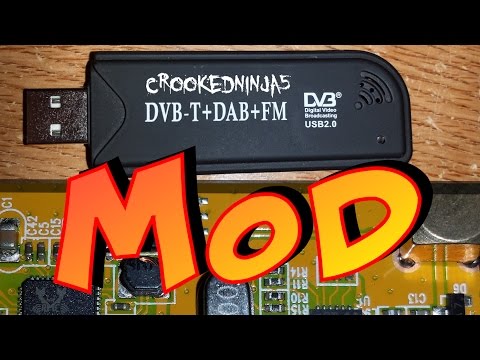
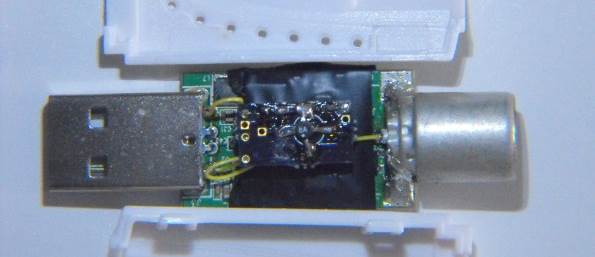
The direct sampling mod is a hardware modification to the RTL-SDR which allows it to receive HF frequencies between 0-14.4 MHz without the need for an upconverter. It works by connecting an antenna directly to the RTL2832U chip, thus bypassing the tuner. Teejez’s modification tells the RTL-SDR to bypass the tuner in software, allowing antennas to be connected to the normal antenna port. HF reception with the experimental driver is very poor in comparison to the direct sampling hardware mod or an upconverter, but even so Jengal was able to receive AM Radio, an SSB ham radio signal and an HF weather report with a simple longwire antenna.

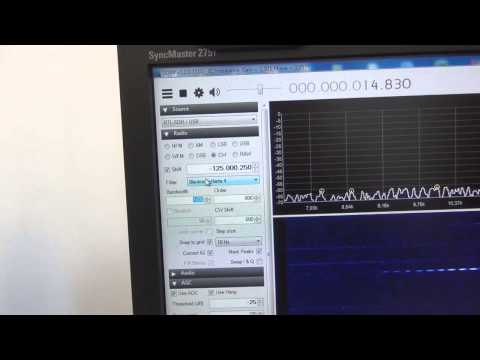
To use the modified dll, simply download it from this link, rename it to rtlsdr.dll, and replace the original rtlsdr.dll in the SDR# folder. Then connect an HF antenna to the normal antenna port and in SDR# tune to a frequency between 0-14.4 MHz. Next turn ON the RTL AGC option in the configure menu. Jengal replaced the function of the RTL AGC option with the direct sampling mod. He found that best reception occurred when he set the gain to 48 dB.

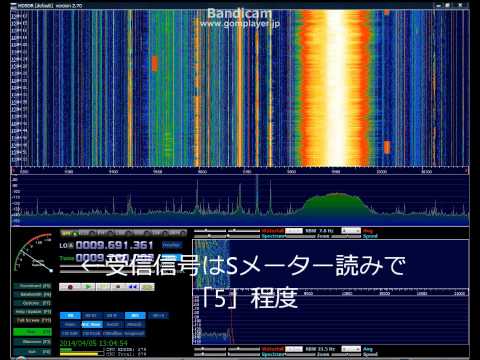
No Hardware Mod Direct Sampling in SDR# Receiving AM Radio