Contribution involves running an ADS-B decoder like RTL1090, sending the decoded data to Virtual Radar Server (VRS) and then using VRS to rebroadcast the data to their Mode-S Logger software.
Over on YouTube user Cameron Conover has been testing a simple FM broadcast bandstop filter with his HackRF. The same filter can just as easily be used with the RTL-SDR to remove broadcast FM interference and images. Cameron uses a MCM Electronics 88 – 108 MHz FM Trap which can be found very cheaply on Amazon or Ebay for around $15 USD. His video shows that the FM trap works very well and significantly reduces out of band FM interference.
Some car security systems from around 2001 – 2003 use an embedded RFID tag inside the car key as an added security measure against key copying. Using his HackRF, ChiefTinker was able to analyse and decode the data from an active RFID token used in a car key. He notes that the same analysis could also be performed with an RTL-SDR dongle.
Upon powering the RFID tag with a power supply, ChiefTinker noticed that the tag emitted a short transmission every 5 seconds in the ISM band at 433.920 MHz. On closer inspection he determined that the transmitted data was encoded with a simple AM on-off keying (OOK) scheme. After importing the audio into Audacity and cleaning up the signal a little, he was able to clearly see the OOK square wave showing the transmitted binary data.
Next he analysed the data and compared the binary output against two different RFID keys. From the comparison he was able to determine that the tag simply beacons a unique serial number, which is susceptible to capture and replay attacks. After further processing he was able to convert the transmitted binary serial number into hexadecimal, then ASCII to find the unique serial number being broadcast in decimal.
With the launch of Meteor M2-3, the loss of all prior Meteor M satellites and the release of new software, this tutorial is now outdated. We will eventually update this tutorial, but for now we will reference this post which has a brief high level overview of how to receive and decode images from the Meteor M2-3.
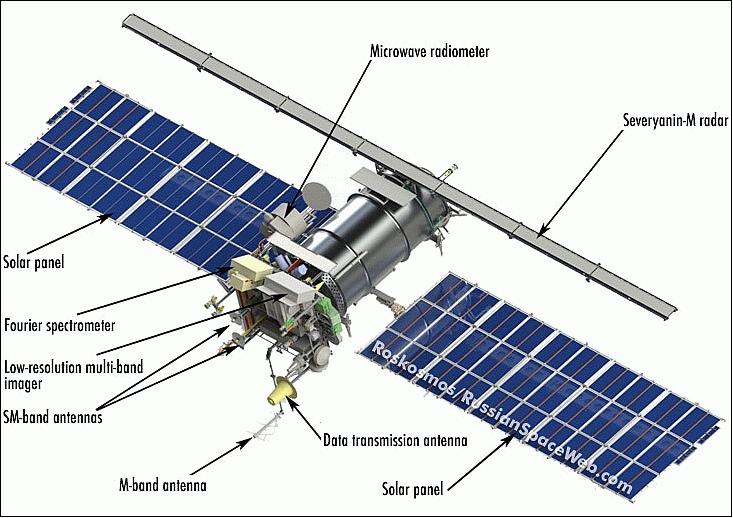
The Meteor-M N2 is a polar orbiting Russian weather satellite that was launched on July 8, 2014. Its main missions are weather forecasting, climate change monitoring, sea water monitoring/forecasting and space weather analysis/prediction.
The satellite is currently active with a Low Resolution Picture Transmission (LRPT) signal which broadcasts live weather satellite images, similar to the APT images produced by the NOAA satellites. LRPT images are however much better as they are transmitted as a digital signal with an image resolution 12 times greater than the aging analog NOAA APT signals. Some example Meteor weather images can be found on this page and the satellite can be tracked in Orbitron or online.
The RTL-SDR and other SDRs like the Funcube along with some free software can be used to receive and decode these images. LRPT images from the Meteor-M N2 are transmitted at around 137.925 MHz, so any satellite antenna like those commonly used with the NOAA weather satellites can be used.
NOTE:Meteor M1 has come alive, (now offline again), so the frequency of Meteor M2 was changed from 137.1 MHz to 137.9 MHz.Meteor M1 is now at 137.1 MHz and can be received using the same steps as in this tutorial, though please note that images from Meteor M1 are not perfect since the satellite is tumbling.
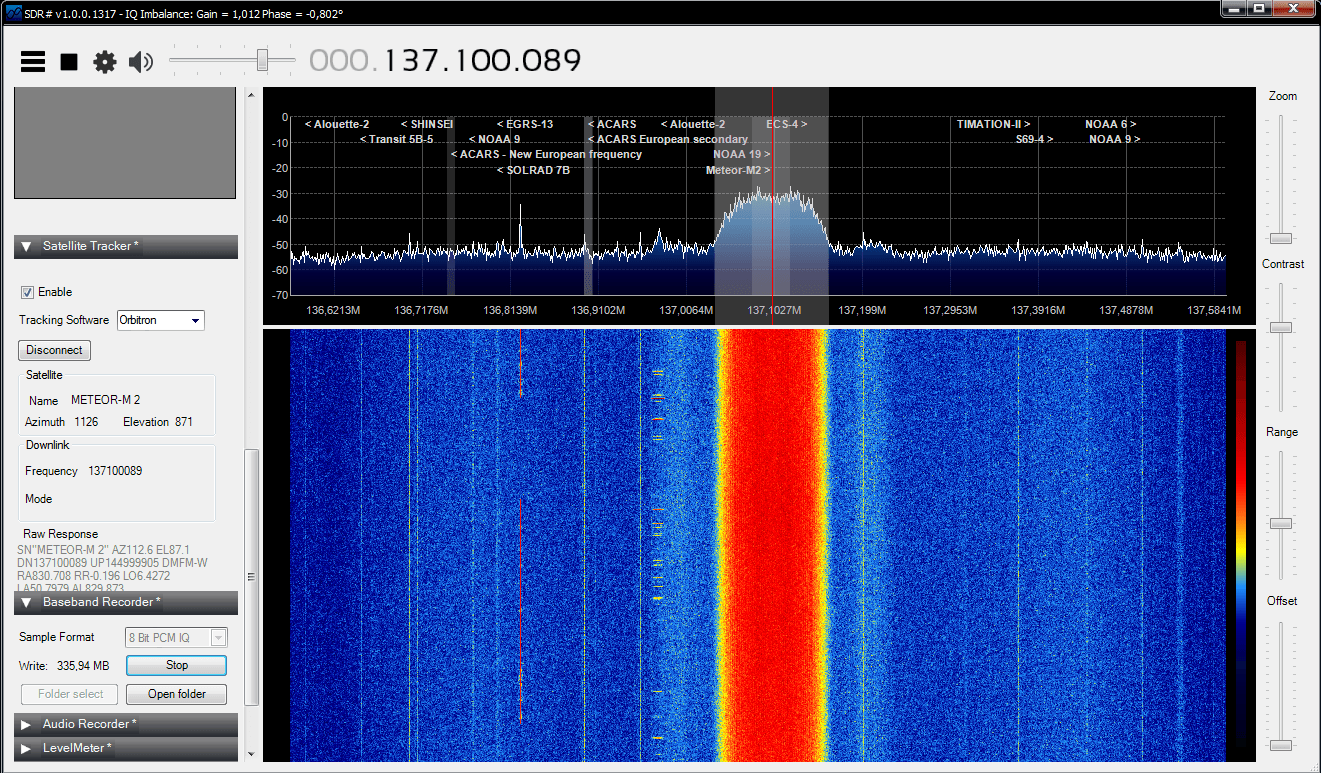
Happysat, a satellite monitoring enthusiast has emailed us with a comprehensive tutorial showing how the RTL-SDR can be used to receive and decode these LRPT images (pdf warning) (txt file). The procedure is not quite as simple as with the NOAA satellites as it involves first pre-recording the transmission as a baseband I/Q file in SDR#, changing the sample rate in Audacity, processing the file with the Lrptrx.exe software, and then using Oleg's LRPToffLineDecoder (now called M2_LRPT_Decoder) to finally produce the image (in case the link is down for LRPToffLineDecoder/M2_LRPT_Decoder), try mirror here or here).
The tutorial also shows an alternative and faster Linux based method using some GNU Radio scripts, but with the final processing still done with Oleg's decoder in Windows.
Update:This newer post now shows a slightly faster way for receiving and decoding LRPT images on a Windows PC which does not require the use of Audacity.
Basic idea on Linux is to record an IQ wav file using:
The Meteor-M2 SatelliteAn Example LRPT Image Received with an RTL-SDR from the Meteor-2 M2.Another Sample LRPT ImageWhat a LRPT signal looks like in SDR#
For a comprehensive book about the RTL-SDR you may be interested in our eBook available on Amazon.
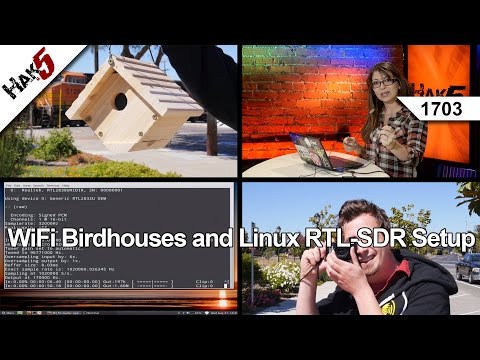
In this episode of Hak5, a popular YouTube technology channel, Shannon shows how to use the RTL-SDR on Debian Linux. She shows how to install the RTL-SDR drivers from scratch if using a distribution without them pre-installed and also shows how to install and use rtl_fm, a command line FM demodulator.
WiFi Birdhouses and Linux RTL-SDR Setup, Hak5 1703
The second plugin is a Digital Code Squelch (DCS) decoder plugin. The plugin will display the DCS codes that are transmitted with the signal and will display all possible compatible codes. DCS is a squelching system similar to CTCSS which allows for radio user sharing by ensuring that radio users are not bothered by communications not intended for them. The DCS Decoder plugin can be downloaded from http://www.rtl-sdr.ru/page/novyj-plagin-dcs-decoder (note page in Russian).
Digital Code Squelch (DCS) Decoder Plugin for SDR#
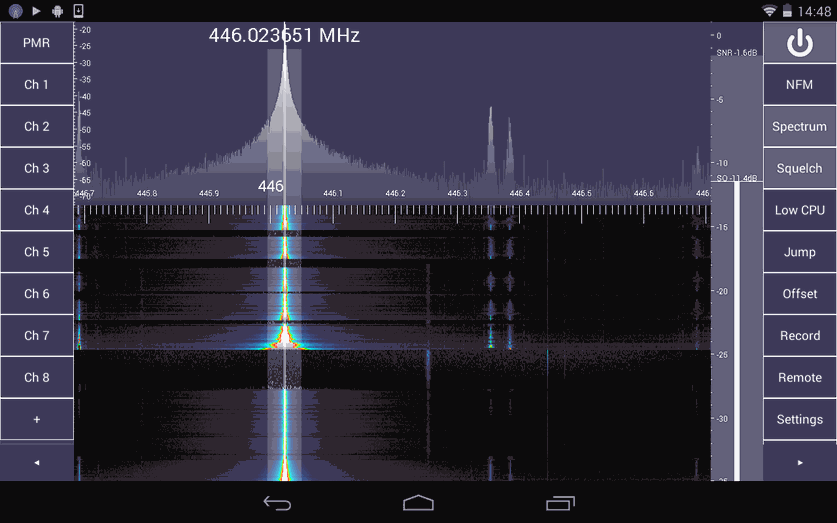
SDR Touch, the popular Android based software defined radio software for the RTL-SDR has been updated to version 2.0. This new version is a complete rewrite with many optimizations listed below.
100% rewritten from scratch
Improved reception sensitivity and quality
Optimized engine
GUI overhaul (Landscape mode, more flexible)
16 bit audio
FIR filtering
The author also writes that the rewrite allows for new features coming out in the future such as adjustable bandwidth, FFT size, plugins and a separate GUI for in-car use. SDR Touch is available from the Android Play store.
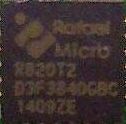
The R820T is the tuner chip that is used in the most popular RTL-SDR dongles. It turns out that there is also an R820T2 tuner chip available, but it does not seem to be used in any RTL-SDR dongles that we know of. According to superkuh’s RTL-SDR notes, the R820T2 has better sensitivity over the R820T with an apparent 6dB lower noise floor. It also has a wider IF bandwidth which makes no difference to the RTL-SDRs 3.2 MHz maximum bandwidth, but is why the Airspy with its 10 MHz of bandwidth is using the R820T2 in its design.
Nobu an RTL-SDR experimenter who had previously experimented with dongles retrofitted with TCXO’s has now retrofitted a standard RTL-SDR dongle with an R820T2 tuner chip (note that this post is in Japanese). The Google translation of this post is a little to difficult understand, but it seems that Nobu did notice an improvement due to the lower noise floor. If anyone can understand Japanese we’d appreciate confirmation on this in the comments.