Category: Applications

True Random Numbers with RTL-Entropy

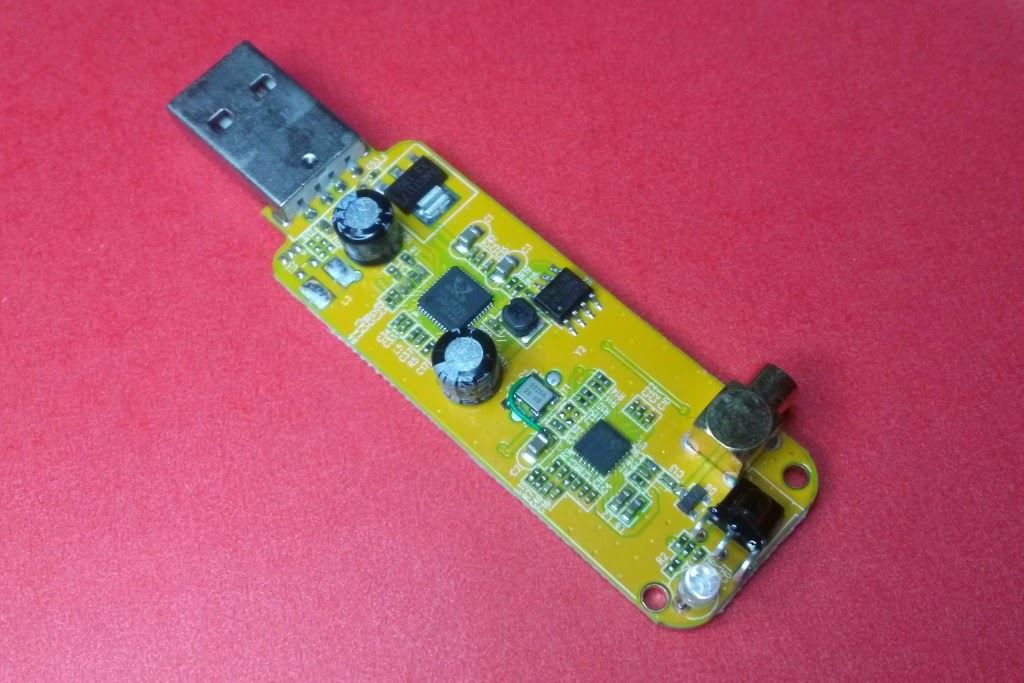
RTL-Entropy is a Linux based entropy generator which uses the RTL-SDR as the entropy source. It works by using the RTL-SDR to sample atmospheric noise and then using that noise to create randomly generated numbers.

This is useful as computers are only capable of generating pseudo-random numbers, which may look random, but are not truly random. For cryptography and security, it is desirable to use true random numbers, as pseudo-random numbers can possibly be predicted. Combining this RTL-SDR based entropy source with other entropy sources may help improve security.

Transmitting Data with a Raspberry Pi and RTL-SDR

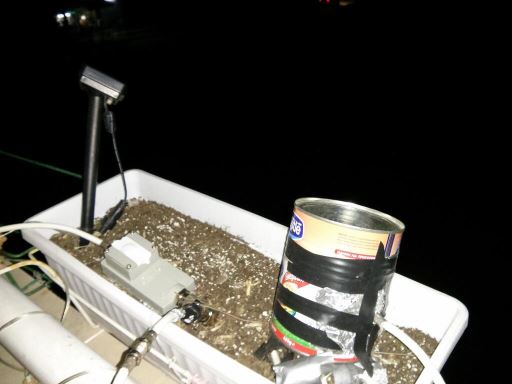
Hackaday brings to attention a simple hack where hacker Marc uses an antenna connected to a general purpose I/O (GPIO) pin on his Raspberry Pi to wirelessly transmit a wav file via AFSK modulation to his RTL-SDR. He uses a program called minimodem to encode the wav on the Raspberry Pi and then on the PC to decode the data received by the RTL-SDR.

Using this method, it is claimed that a signal can be transmitted up to 50m away, even through walls.

Raspberry Pi Transmitter
Raspberry Pi Transmitter Received with RTL-SDR

ADS-B Active PCB Antenna for the RTL-SDR

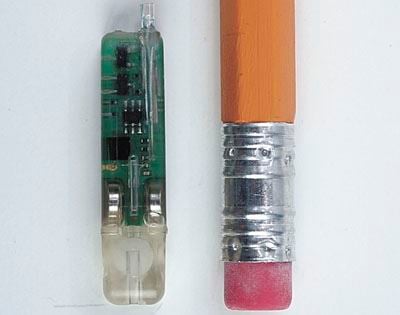
This ADS-B antenna by amateur radio hobbyist F5ANN combines a 30dB LNA preamplifier, bandpass filter and antenna tuned for 1090MHz together on a single PCB board. The LNA preamplifier helps boost weak signals, whilst the bandpass filter helps to remove interference from others signals such as GSM. The novel thing about this antenna is that everything is neatly packaged into a single PCB board, which makes this antenna very compact, and yet have high performance.

F5ANN uses his combined antenna together with an RTL-SDR dongle and the RTL 1090 ADS-B decoding software with PlanePlotter, and was able to receive 194 simultaneous aircraft signals with a message rate of 556 messages a second at distances of up to 250 nm.

Active PCB Antenna
Active PCB Antenna

Receiving and Decoding Tire Pressure Monitor Systems using an RTL-SDR

Tire Pressure Monitoring Systems (TPMS) are comprised of sensors that are designed to measure the tire pressures on a vehicle and then wirelessly transmit the data to a monitoring computer, which will then alert the driver when the tire pressure is incorrectly set.

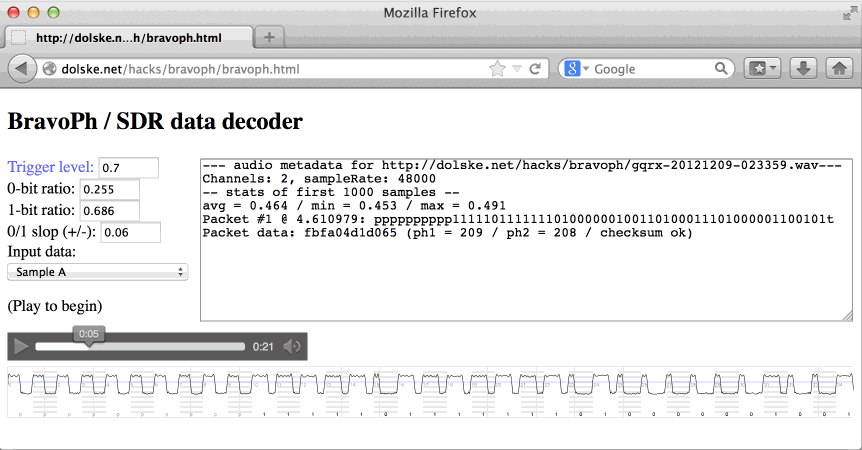
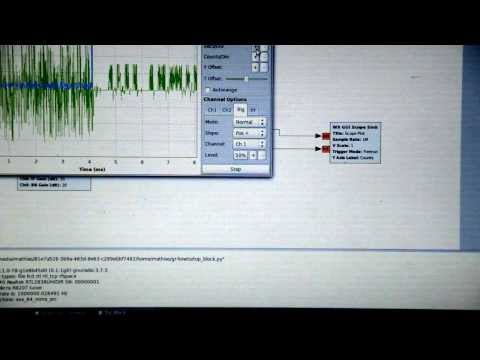
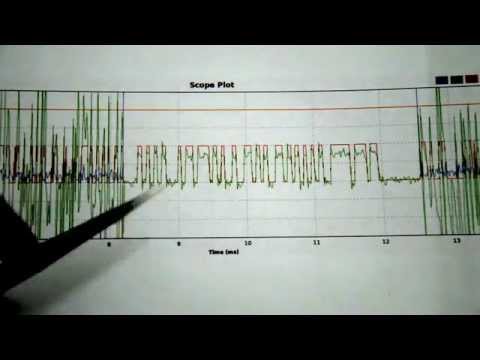
At the Toorcon conference, Jared Boon has given a talk showing how he used an RTL-SDR and a GNU Radio program that he developed to reverse engineer the TPMS wireless protocol, and read the data that is sent. Jarod also notes that TPMS is potentially a security risk that could be used to track cars. The talk has been uploaded to YouTube and is shown below.

Reversing Tire Pressure Monitors with a Software-Defined Radio

HDSDR Updated to Version 2.70. Now with Autocorrelation Feature for Signal Identification

HDSDR, a popular SDR program used with the RTL-SDR dongle has been updated to version 2.70. The new features include

– better CPU utilization
– added Automatic Notch Filter
– added AFC for AM and FM. AFC can be deactivated in ECSS mode
– smoothed S-Meter display
– enhanced parameters for ‘SDR on IF output’
– new keyboard shortcuts for Lo/HiCut and WAV files
– ‘spectrum’ switchable to Autocorrelation/Cepstrum display (Click on ‘Spectrum’ label)
– TX-Button for HRD(DDE) / CAT to HDSDR
– added ‘Double Size’ option in Frequency Input Dialog
– Frequency Manager now provides 5 User Banks

The new autocorrelation feature is particularly useful for signal identification. The authors of HDSDR have created a webpage showing what the autocorrelation feature can be used for, and how to use it.

HDSDR Autocorrelation Feature

rtl_udp: Fork of rtl_fm with UDP controls

Over on our forums, user sysrun has posted about his fork of the rtl_fm command line tool. His fork allows retuning of the rtl_fm program via UDP without the need to restart the program. In the future he hopes to support UDP PCM streaming. He writes

rtl_udp is a copy of rtl_fm with a special feature: It opens a udp control port (currently fixed to 6020) which takes commands like changing the frequency or mode. No need to restart :)

Credits, Idea & original Code by olgierd (http://qi.reddit.com/user/olgierd)

Usage:
python script udpclient.py for easy operation included.

possible commands:

  • freq (./udpclient.py freq 101900000)
  • mode (./udpclient.py mode 0 (for fm))
    0 = FM
    1 = AM
    2 = USB
    3 = LSB
  • squelch (./udpclient.py squelch 0)
    0 = OFF
    n = Value
  • gain (./udpclient.py agc auto)
    auto = Automatic
    n = Gainvalue; 195 = 19.5db
  • agc (./udpclient.py agc 1)
    0 = OFF
    1 = ON

SDRTouch Version 1.7 Released

The Android based SDR program SDRTouch has been officially updated to version 1.7. News comes via this forum post. This looks to be a major update which significantly improves audio quality and performance. The new features are listed below.

  • FM is now in STEREO
  • New audio recording feature for PRO users
  • Improved reception and audio quality. All filters were tested for quality and all bugs discovered were removed.
  • The multi-threading logic was completely rewritten. Now it’s faster than ever before.
  • Audio is now using NDK.
  • PPM correction, audio gain setting
  • A lot of bug fixes and UI enhancements
  • Experimental x86 support
sdtouch
SDR Touch Screenshot

Funcube SDR Radio Telescope

A Radio Astronomer by the name of Dr David Morgan has released a tutorial/paper he wrote detailing how he uses the Funcube dongle Pro+ as a tool for radio astronomy. The Funcube dongle Pro+ is a software defined radio similar to the RTL-SDR, with higher cost, but better performance in some areas.

Dr Morgan uses his Funcube dongle with the SpectrumLab Windows software, which is a specialized audio analyzer. For the hardware, David uses a 3m focal plane dish antenna and a 1200 MHz high pass filter.

The paper goes into good detail about some of the technical side of radio astronomy, shows how to calibrate the telescope using the sun and also shows several measurements made. We note that the same procedures could also likely be done with the RTL-SDR.

Signal Intensity during Drift Scan through Cygnus Spiral Arm