Category: Digital Signals

Reverse Engineering and Controlling an RC Toy Tank with a HackRF and GNU Radio

Last year during a Russian wireless ‘capture the flag’ (CTF) competition one of the goals was to reverse engineer a remote controlled toy tank, and then to control it with a HackRF. One of the Russian CTF teams has posted a thorough write up on the reverse engineering process that was used on the toy tank (the link is in Russian, but Google Translate works okay).

The write up first shows the reception of the signal from the wireless controller, and then moves on to show how to receive it in GNU Radio and obtain a time domain graph of the digital signal. From the pulses it is simple to visually work out the binary string. Next an instruction decoder is created in GNU Radio which automatically obtains the binary string from the signal directly. Then once the codes for back, forward, left and right were obtained it was possible to write another GNU Radio program to transmit these codes to the RC toy tank from the HackRF.

HackRF used to control an RC toy tank

A Tutorial on Using a Raspberry Pi Zero Wireless for ADS-B Flight Tracking

Allaboutcircuits.com contributing writer Mark Hughes has recently posted a tutorial that shows how to use an RTL-SDR dongle with a Raspberry Pi Zero Wireless to track aircraft with ADS-B. As a bonus he also shows how to program and wire up a 64×64 RGB matrix screen to display currently tracked flight numbers.

The Pi Zero is one of the cheapest single board computers available, costing only $5 USD, and the wireless model with WiFi connectivity only costs $10 USD. It is powerful enough with its 1 GHz CPU and 512 MB of RAM to run an RTL-SDR and run several non CPU intensive applications such as ADS-B decoding.

The tutorial starts from the beginning by installing a fresh Raspbian image onto the Pi Zero. He then goes on to show how to install the PiAware tracking and feeding software from flightaware.com. Later in the tutorial he also shows how to collect data straight from the flightaware.com API, and also how to build and control an RGB matrix which can display live flight numbers.

It also seems that FlightAware themselves have recently released PiAware 3.5, which now directly supports the Raspberry Pi Zero Wireless.

Track Overhead Flights with a Raspberry Pi Zero Wireless, a Software Defined Radio, and FlightAware

Tekmanoid STD-C Decoder Updated: New Paid LES Decoder + EGC Visualization

The Tekmanoid EGC STD-C decoder was recently updated and a new commercial paid version was released. The paid version now supports the decoding of LES STD-C messages. Previously the only other decoder that we knew of which was able to decode LES messages was the www.inmarsatdecoder.com software. The inmarsatdecoder.com software costs €100, and while the price for the Tekamanoid decoder is not advertised, it is less than €100, and a bit more affordable for the average person.

Tekmanoid STD-C Decoder Receiving LES Message.

The free versions of both decoders only decode the EGC broadcast messages which contain SafetyNET messages. These include messages like weather reports, shipping lane activity and hazards such as submarine cables and oil rig movements, pirate activity, refugee ship reports, missing ship reports, and military exercise warnings. 

The paid version can decode the other non-broadcast private LES STD-C channels. LES STD-C channels typically contain email like messages sent to and from ships. Mostly it’s company messages about the ship route plans, cargo discussions, repair/fault discussions, ship performance information and weather reports etc. Sometimes small files are also downloaded. Each Inmarsat satellite contains about 7 LES channels each run by a different telecommunications company, so one may be of interest to you.

The paid version of the Tekmanoid decoder also has a nice feature for visualizing the SafetyNET EGC messages. Every now and then an alert containing coordinates and an area is sent out. Usually it is something like a distress alert from an EPIRB or the search area for a missing vessel. The decoder generates an HTML file that displays these areas on a map, alongside the text message.

STD-C EGC Distress Alert on map

The author of the Tekamnoid software allowed us to test his new paid version for free. We ran the software using signal from an Outernet patch antenna and LNA. An RTL-SDR V3 + SDR# was used as the receiver, and the audio was piped to the Tekmanoid decoder with VB-Cable. Decoding was almost flawless on both LES and EGC STD-C channels. In a previous recent update the Tekmanoid decoder was updated for improved decoding performance, and now in our opinion it is almost or just as good as the inmarsatdecoder.com software.  

If you are interested in learning more about decoding Inmarsat STD-C we have a tutorial available here. LES channels for the Inmarsat satellite in operation over your geographic location can be found on UHF-Satcom’s website.

LES STD-C Inmarsat Channels

Remember that LES STD-C messages are not publicly broadcast, so in some countries it may not be legal to receive them. Most countries will have a law that says you can receive and decode the data, but you may not act upon or use to your advantage any information from the messages.

Aerial TV: An Android DVB-T Decoder for the RTL-SDR

On the Google Play store a new RTL-SDR compatible app called ‘Aerial TV’ has been released (in beta) by Martin Marinov. Aerial TV allows you to watch DVB-T HD TV on your android device, with an RTL-SDR connected to it via USB OTG cable. Martin is also the author of the popular SDR Touch Android program and the RTL2832U Android driver port. 

The new software requires a different DVB-T driver app to be installed first, which is also provided by Martin. This is because the RTL-SDR needs to be operated in a mode different to the way that the SDR drivers use it in. Martin has also open sourced his Android DVB-T driver and it is available on GitHub.

Aerial TV is currently free on the Google Play store, but looks like it may eventually have some in-app purchases. Also, it is currently marked as ‘Unreleased’ on Google Play, which is essentially a beta version, so you might expect there to be some bugs.

Aerial TV Screenshot

Over on YouTube user GiamMa-based researchers SDR R&D IoT has uploaded a video showing Aerial TV scanning for TV channels, and then eventually playing some video.

APP DVB Receiver Aerial TV (Unreleased) rtl sdr compatible test with oneplus one

Wintelive YouTube Demo

Over on YouTube use radiosification has uploaded a video showing the Windows TETRA decoder ‘wintelive’ in action. Wintelive is a Windows port of the popular RTL-SDR compatible Linux based ‘telive’ TETRA decoder. Back in October 2016 we posted about its release and we have a tutorial for telive and the RTL-SDR available here

The install instructions for wintelive are available on the authors webserver.

TETRA decoding on Windows!

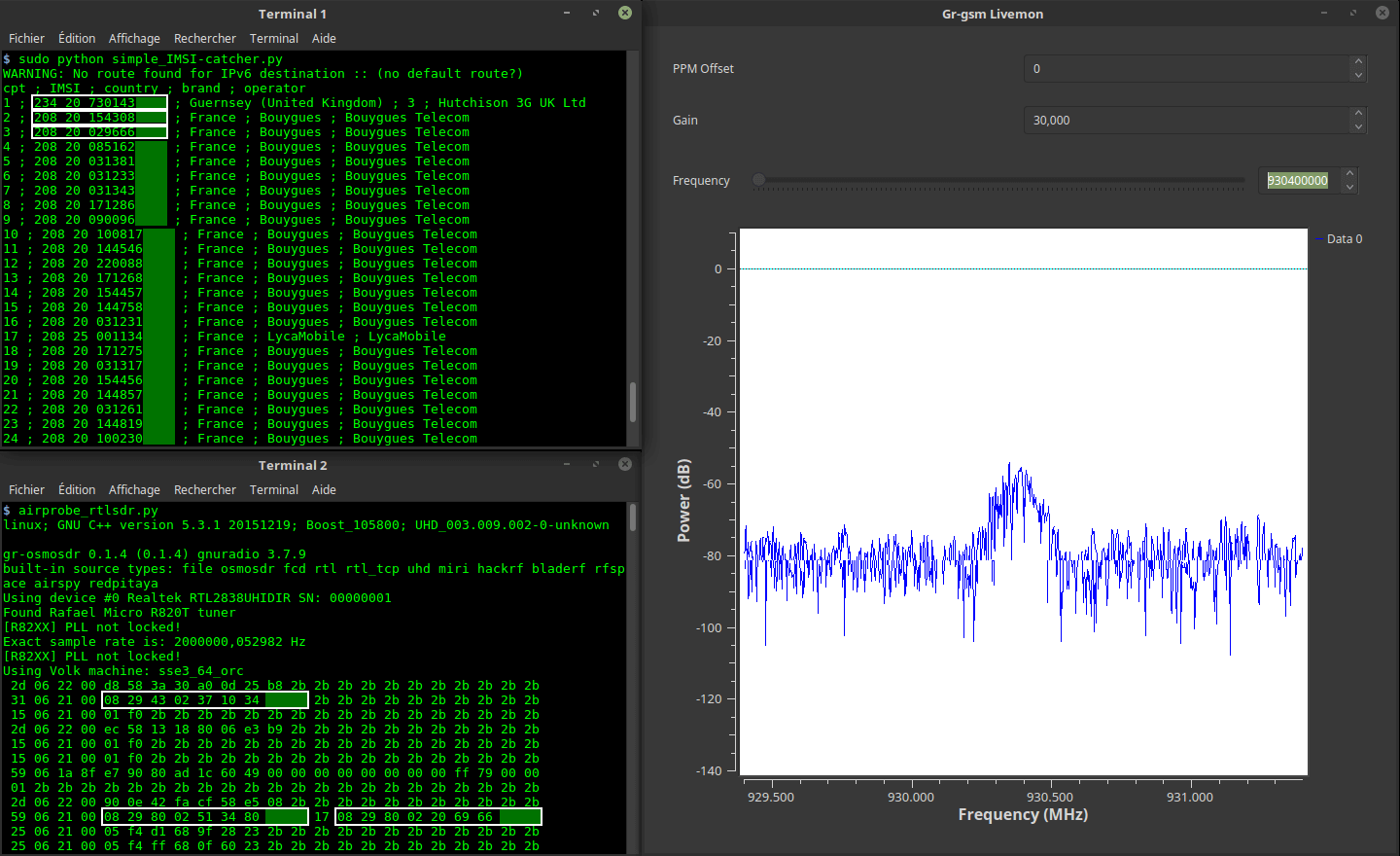
re-DECTed: An RTL-SDR DECT Decoder

Over on GitHub programmer ‘znuh’ has uploaded a new RTL-SDR compatible GNURadio based tool for DECT decoding. DECT is an acronym for ‘Digital Enhanced Cordless Telecommunications’, and is the wireless standard used by modern digital cordless phones. In most countries DECT communications take place at 1880 – 1900 MHz, and in the USA at 1920 – 1930 MHz. So in order to receive these frequencies you’ll need an RTL-SDR with an E4000 chip, or some other compatible SDR that can tune this high.

It appears that the decoder is not actually able to decode audio (at least not yet or without extra work perhaps), but it can at least output the DECT packets to Wireshark for analysis. This may be of interest to those wanting to learn more about the DECT protocol.

Update: Over on the Reddit thread for this software the original poster ‘sanjuro’ has given a hint on how to (in theory) decode the audio, he writes:

In theory you only need to dump B-field data into a file and then play with g726 codec. See documentation from previous de-DECTed project http://wiki.securityweekly.com/wiki/index.php/Episode158

The re-DECTed decoder outputting packets to Wireshark.

dumpvdl2: A Lightweight VDL2 Decoder

The VHF Data Link mode 2 (VDL2) is a relatively new wireless transmission mode used on aircraft for sending short messages, position data (similar to ADS-B) and also for allowing traffic controllers to communicate to pilots via text and data. VDL2 is an evolution of ACARS and is eventually supposed to replace it entirely. The advantage over ACARS is that VDL2 can transmit data 10 times faster, and supports a much wider range of services. The main default channel is at 136.975 MHz, but channels could exist on other air band frequencies too.

Over on GitHub Tomasz Lemiech (szpajder – also the author of RTL-Airband) has uploaded a new VDL2 decoder called dumpvdl2. This is a lightweight command line Linux based VDL2 decoder and protocol analyzer. The features include:

  • Runs under Linux (tested on: x86, x86-64, Raspberry Pi)
  • Supports following SDR hardware:
    • RTLSDR (via rtl-sdr library)
    • Mirics SDR (via libmirisdr-4)
    • reads prerecorded IQ data from file
  • Decodes up to 8 VDL2 channels simultaneously
  • Outputs messages to standard output or to a file (with optional daily or hourly file rotation)
  • Outputs ACARS messages to PlanePlotter over UDP/IP socket
  • Supports message filtering by type or direction (uplink, downlink)
  • Outputs decoding statistics using Etsy StatsD protocol

In a previous post we showed how VDL2 could be decoded with MultiPSK on Windows. But the advantage of dumpvdl2 is that it allows you to set up a lightweight monitoring station on something like a Raspberry Pi. dumpvdl2 can also be interfaced with PlanePlotter, and statistics can be graphed with another program such as Grafana.

dumpvdl2 running.
dumpvdl2 running.

First Steps Towards Decoding HD Radio

Programmer Phil Burr wrote in and wanted to share his newest code which is a partial implementation (no audio) of the iBiquity IBOC HD Radio standard. HD Radio is a proprietary broadcast radio protocol and is used only in North America. You may have noticed it before as the rectangular sidebands on the spectrum which surround standard analogue broadcast FM signals.

The audio codec specifications are not public and is thus not implemented here, so this code has very little use outside of being a good learning tool. But Phil does write that if anyone if able to figure out how to decode the codec, then this code may be a good starting point.

Phil writes:

I wrote this because I wanted to learn about digital broadcasts. Despite the fact that the audio codec used is iBiquity’s proprietary HDC codec, I decided that writing a receiver that could decode the air interface would be a great learning experience.

iBiquity’s HDC codec is supposedly based upon some of the same technologies as HE-AAC codec so it may be possible for some audio codec gurus, given access to the raw HDC audio packets, to write a decoder for the codec.

The receiver is somewhat limited. It only decodes FM MP1 profile transmissions (which happens to includes every IBOC FM transmitter in my area). It is also somewhat limited in the Layer2 packet demultiplexing. It likely needs a strong signal in order to decode signals reasonably well. However it is just enough to get access to the main program stream.

HD Radio Sidebands Visible on the Spectrum