Tagged: android

RF Analyzer Android App for the HackRF

Earlier this month we posted about a new port of the HackRF software defined radio Linux library for Android. Now the author of the Android port has created a new app called RF Analyzer. The app is basically a real time spectrum viewer that includes a waterfall display. The app can be downloaded from Github at https://github.com/demantz/RFAnalyzer.

The app currently supports the following features.

  • Browse the spectrum by scrolling horizontally
  • Zoom in and out, both horizontally and vertically
  • Adjust the sample rate and center frequency to match the current view of the screen by double tapping
  • Auto scale the vertical axis
  • Jump directly to a frequency
  • Adjust the gain settings of the HackRF
  • Select a pre-recorded file as source instead of a real HackRF
  • Change the FFT size
  • Setting the frame rate either to a fixed value or to automatic control
  • Activate logging and showing the log file

In the future the author intends to support the RTL-SDR and implement demodulation for basic modes such as AM, FM and SSB.

To use the app you’ll need an USB OTG (on-the-go) cable to connect your Android device to the HackRF.
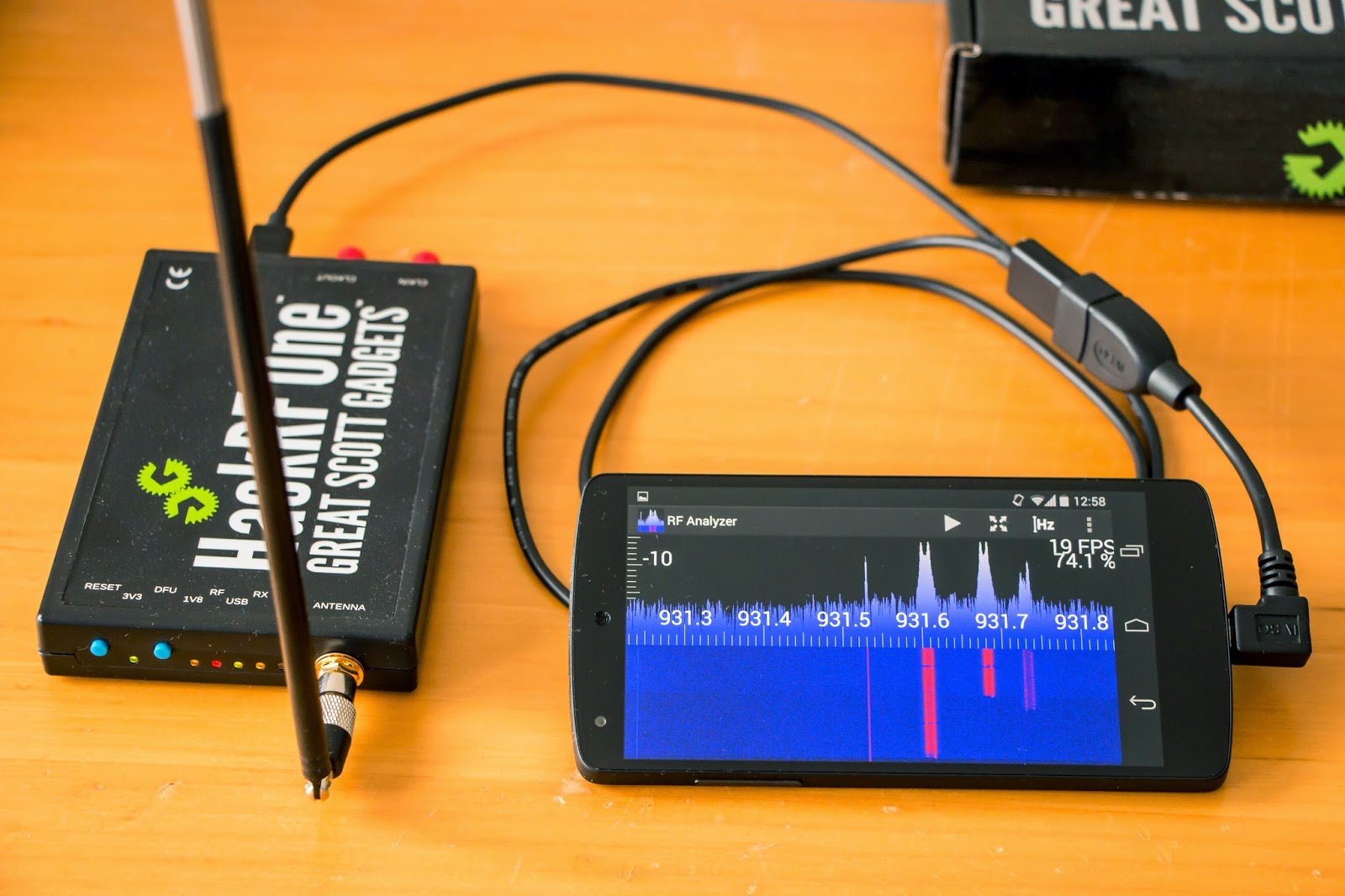
RF Analyzer Android App for the HackRF
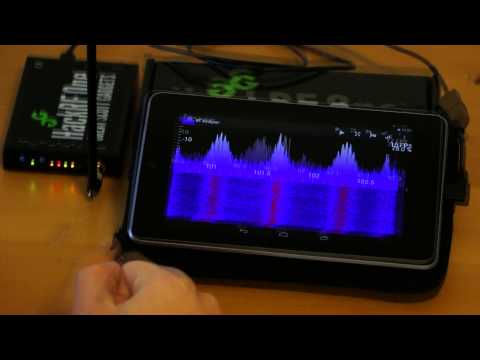
RF Analyzer demonstration - Showing a FFT plot by using an Android device and the HackRF

SDR Touch Updated to Version 2.0

SDR Touch, the popular Android based software defined radio software for the RTL-SDR has been updated to version 2.0. This new version is a complete rewrite with many optimizations listed below.

  • 100% rewritten from scratch
  • Improved reception sensitivity and quality
  • Optimized engine
  • GUI overhaul (Landscape mode, more flexible)
  • 16 bit audio
  • FIR filtering

The author also writes that the rewrite allows for new features coming out in the future such as adjustable bandwidth, FFT size, plugins and a separate GUI for in-car use. SDR Touch is available from the Android Play store.

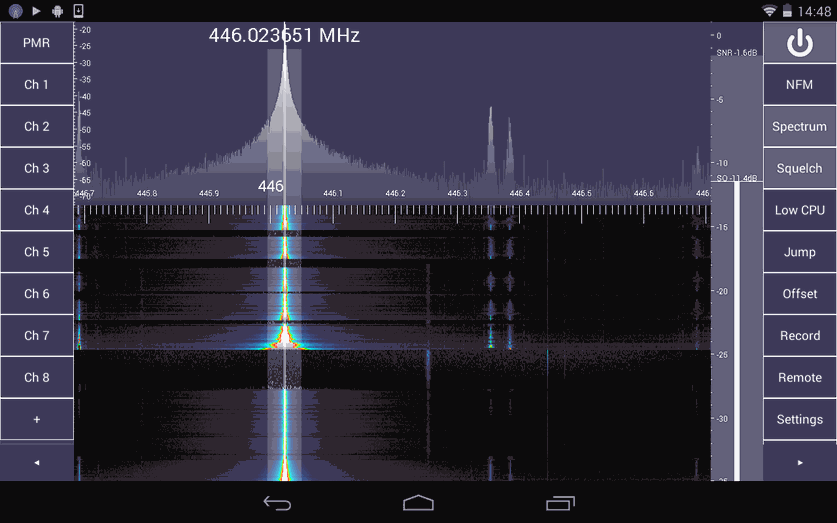
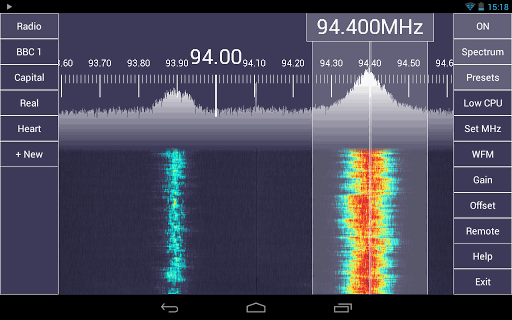
SDR Touch Android GUI for RTL-SDR

New RTL-SDR Android App: SDRWeather

A new RTL-SDR Android app called SDRWeather has appeared on the Google Play Market. The new app allows you to listen to weather radio and decode EAS (Emergency Alert System) alerts. The app will only work in the US and Canada. More information about the app and its open source code can be found at http://sdrweather.thecongers.org.

This software along with a supported USB software defined radio turns your Android device to a portable weather radio.

Current Features:
* Listen to weather radio in the US/Canada.
* Decode EAS Alerts US/Canada
* Selectable Pre-defined Frequencies
* Alert Notifications
* Widget to display alerts
* Option to unmute audio when alert recieved
* FIPS and CLC Location Code Databases
* Event Code Database
* No internet connection required

Possible future features
* Switch to using rtl_tcp_andro
* Option to only show alerts if you are currently in the affected region
* Affected region map

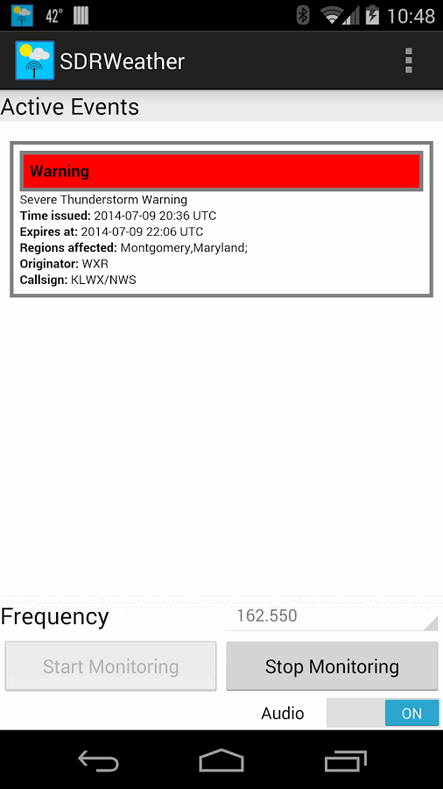
Screenshot of the Android RTL-SDR App SDRWeather

ADS-B Decoder for the RTL-SDR now available for Android

A (beta version) of an ADS-B decoder and display app for the RTL-SDR dongle for Android has been released. This app allows you to receive the ADS-B radio signals emitted by modern aircraft, which contain information such as flight number, latitude, longitude and altitude, essentially giving you a live portable aircraft radar.

To use the app, you will need an Android device that supports USB OTG, which most Android devices on Android 4.0+ should support. You will also need a USB OTG cable, and an RTL-SDR dongle. You may want to consider a USB OTG cable that has a second port for external charging capabilities, as the RTL-SDR can drain the battery quickly.

The app is cheaply priced at under $2, so give it a try!

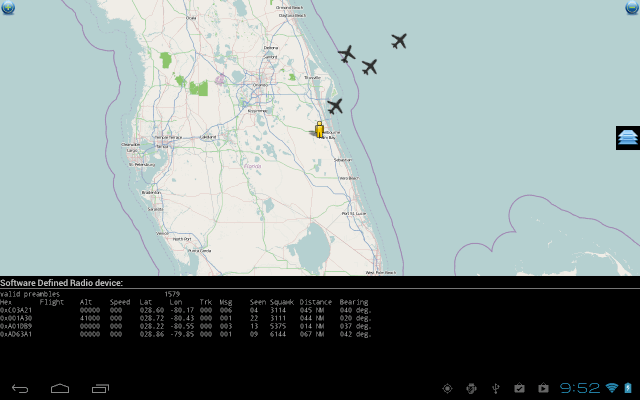
ADS-B Decoding on Android

SDRTouch Version 1.7 Released

The Android based SDR program SDRTouch has been officially updated to version 1.7. News comes via this forum post. This looks to be a major update which significantly improves audio quality and performance. The new features are listed below.

  • FM is now in STEREO
  • New audio recording feature for PRO users
  • Improved reception and audio quality. All filters were tested for quality and all bugs discovered were removed.
  • The multi-threading logic was completely rewritten. Now it’s faster than ever before.
  • Audio is now using NDK.
  • PPM correction, audio gain setting
  • A lot of bug fixes and UI enhancements
  • Experimental x86 support
sdtouch
SDR Touch Screenshot

Wavesink Plus: Android RTL-SDR App with FM+RDS/DAB+/DRM+ Decoding

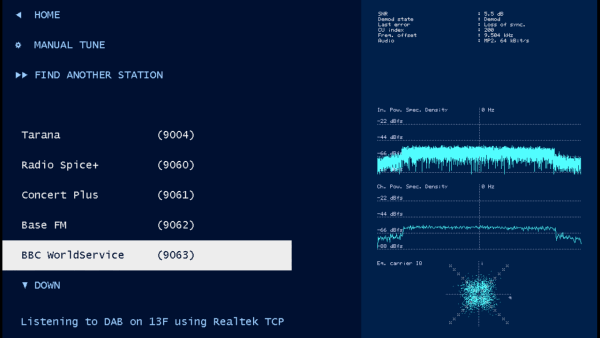
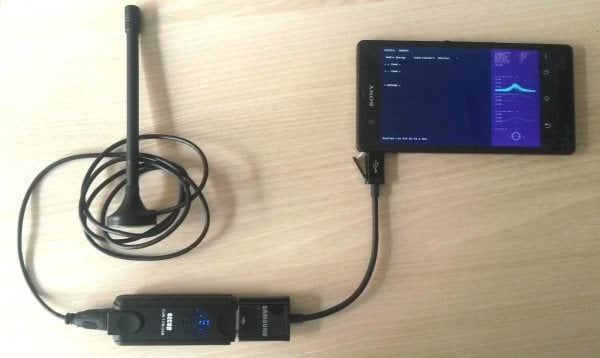
Wavesink Plus, the paid version of the trial version of Wavesink has been released on Google Play. Wavesink Plus is an Android app which has FM+RDS, DAB+ and DRM+ receiving and decoding capabilities when connected to an RTL-SDR dongle via a USB OTG cable.

We gave Wavesink Plus a test today on a HTC One X Android phone and were pleased to discover that it works perfectly. The user interface has been tidied up from previous versions, and DAB+ has been added. There is now also auto tuning functionality, which will automatically find a station.

In further testing we found that the latest version of Wavesink was fast and snappy and was able to load DAB+ stations quickly, and decode them with clear audio. FM radio also sounded clear and RDS information loaded quickly as well.

Download the trial version here and buy the full version from this link.

Wavesink Plus Decoding DAB+

SDR Touch 1.7 Public Beta Released

The programmer of the Android based software defined radio app SDR Touch has released a public beta of version 1.7. The programmer writes that the new features include

New multi-threaded core, native audio support, experimental x86 support is included as well. Although most changes are under the hood (the release is build for performance boosts), probably the most obvious non-performance enhancement is FM STEREO.

If you intend to install the beta you will need to first uninstall your existing version of SDR Touch, which will cause you to loose any presets you may have set. The programmer warns that this version may be unstable as it is in beta.

You can download the beta from http://sdr.martinmarinov.info/beta/AndroSDR17beta.apk

Wavesink: New Android RTL-SDR App for FM/RDS/DAB/DRM+

Wavesink is a new SDR Android App, which allows your RTL2832U based dongle to receive FM radio with RDS, Digital Audio Broadcast Radio (DAB) and VHF band Digital Radio Monodial (DRM+). DAB+ support is also to be released by next week, and a station memory will also be added in a future release.

The app is currently in beta development, and only the trial version is released, which will allow you to use the app for 5 minutes at a time. They indicate that the commercial version will be out soon.

To use this with your Android device, you will need a USB OTG (On the Go) cable, and your device must support USB host mode, which most Android devices above 3.1 should support.

I gave the app a quick spin in FM mode, and found that the interface was a little clunky, but the app worked fine, and the FM and RDS signals were decoded correctly.

wavesink