Category: Applications

Moving on from WXtoIMG for NOAA APT Weather Satellite Decoding

Thank you to Jacopo (@lego11/IU1QPT) and Robin (@OK2AWO) for writing in and sharing with us his thoughts about how the SDR community as a whole should move on from the use of WXtoIMG, and instead switch to SatDump, which now has full feature parity with WXtoIMG and additional features too. SatDump is available on Windows, MacOS, Linux, and even on Android. An up-to-date guide for receiving APT with SatDump written by @lego11 can be found on his website here.

Historically, WXtoIMG has been the software of choice for the popular hobby of decoding NOAA APT weather satellite images with RTL-SDR and other SDRs. However, the software has unfortunately been abandoned by its authors for several years, and can now only be found on third-party websites which increases the possibility of downloading a virus. Also, a hack involving a proxy, or directly updating via a powershell script is now required to allow WXtoIMG to update its TLE/ Kepler files due to the celestrak.com to celestrak.org domain name change.

Lego11 also notes a whole host of other issues regarding vulnerabilities and bugs with WXtoIMG:

  • The software is ancient and uses obsolete libraries, such as Visual C++ 2002 with .NET. These libraries are the main concern when it comes to WXtoIMG, as I don't find it particularly likely for someone to find an entry point through the software itself. However, a much more likely scenario is a virus abusing the loaded library in memory when WXtoIMG is running and using it to gain an entry point. There are at least 20 vulnerabilities affecting MSVCR70.dll, and all are well known (such as CVE-2007-0025) which makes it even more concerning. CVE-2008-4255 in particular allows for remote code execution on the user's computer, which is very serious. There are certainly many more vulnerabilities that have been exploited regarding MSVCR70, but due to the obsolescence of this software component they are usually not tracked in a CVE.

    In either case, just as nobody would use Windows XP as a daily driver in 2024, nobody should use WXtoIMG as a matter of caution, even if the above mentioned vulnerabilities were not present.

    As for the bugs, there are many. Here's a list of the most important ones:
     
  • Cannot update TLE without external software, complicating the experience for newcomers and adding extra failure points
     
  • Map overlay doesn't work properly most of the times, especially if the user starts to receive the satellite before it is at least at 1° elevation
     
  • WXtoIMG will crash if Microsoft Defender starts a memory scan during a pass. This will lose the recording
     
  • WXtoIMG uses an outdated Win32 API to access audio. This doesn't always work on Windows 11 and Microsoft has stated that it will be removed soon.
     
  • WXtoIMG uses ALSA on Linux. The vast majority of Linux distributions don't support ALSA directly anymore, and WXtoIMG cannot work through an audio server (e.g. Pulseaudio) like all Linux applications are supposed to. Therefore, live recording doesn't work on Linux at all.
     
  • WXtoIMG doesn't run on MacOS anymore, as the system will refuse execution due to security problems and missing libraries.
     
  • WXtoIMG cannot support wav files from e.g. SDR# or SDR++ without using a third party tool such as NOAA-APT.
     
  • If a user moves or copies a recorded WAV file (see above), the map overlay will no longer work.
     
  • WXtoIMG is especially sensitive to concurrent CPU usage, which will result in "tears" on the image (as is evident on the images in the guy's tutorial). It cannot handle multitasking well on systems more modern than Windows XP due to changes in how the CPU scheduler works in more modern kernels.
     
  • WXtoIMG will lock up and then crash if the user starts it without first having updated TLEs due to missing NOAA-17. This is very serious, as it happens to newcomers all the time. It is one of the top support request emails/messages I receive. It is not possible to fix this crash easily.
     
  • WXtoIMG doesn't have updated coefficients for calibration, therefore NOAA-15 will look excessively cold compared to other satellites.
SatDump Receiving APT Weather Satellite Images
SatDump Receiving APT Weather Satellite Images (from @lego11's tutorial)

Receiving Weather Images from NOAA Weather Satellites with an RTL-SDR Blog V4 and Multipurpose Dipole Antenna Kit

Over on YouTube Baltic Lab has uploaded a video showing how he was able to successfully use an RTL-SDR Blog V4 and the included multipurpose dipole antenna kit to receive images from polar-orbiting NOAA weather satellites.

In the video, Baltic Lab shows how to orient the dipole antenna in a "V-Dipole" shape which optimizes it for receiving from satellites. He also shows how to use a VNA to confirm that the telescopic elements on the dipole are extended to the correct length, noting that he was able to achieve a VSWR of less than 1.2 between the target frequencies of 135 to 138.1 MHz, with a near perfect match at 136.5 MHz.

He then demonstrates receiving the NOAA APT signals with his laptop, and successfully recovering the weather satellite image.

Receive Live Weather Images from Space at Home

Easvesdropping on HDMI with TEMPESTSDR and SDRplay

Over on YouTube "Sam's eXperiments logs" have uploaded a video showing how he was able to succeed when using TEMPESTSDR to eavesdrop on HDMI cables with his SDRplay. TEMPESTSDR software combined with a software defined radio allows a user to eavesdrop on TVs, monitors, and more by wirelessly receiving their unintentional RF emissions and recovering information from those emissions. In many cases it is possible to recover live images of the display, clear enough to read text.  

Sam's video explains the challenges he faced with signal strength due to the highly effective shielding of his HDMI cables. To get around this Sam shows how he unshielded his HDMI cables for the test. This is good news for privacy, as it shows how effective shielding can be at stopping these kinds of attacks. He then goes on to show the results he obtained which show text being read from his screen.

I Finally Succeeded: HDMI Signal Eavesdropping with TEMPESTSDR

Tech Minds: Reviewing the Raspberry Pi 5 For Radio Amateurs Book by Elektor

Over on the Tech Minds YouTube channel, Matt has uploaded a video where he reviews a new book by Elektor titled "Raspberry Pi 5 For Radio Amateurs" (€5 off coupon code "Techminds"). The book is all about projects for the Raspberry Pi 5 that can be done with RTL-SDR Blog V3 and V4 software defined radios.

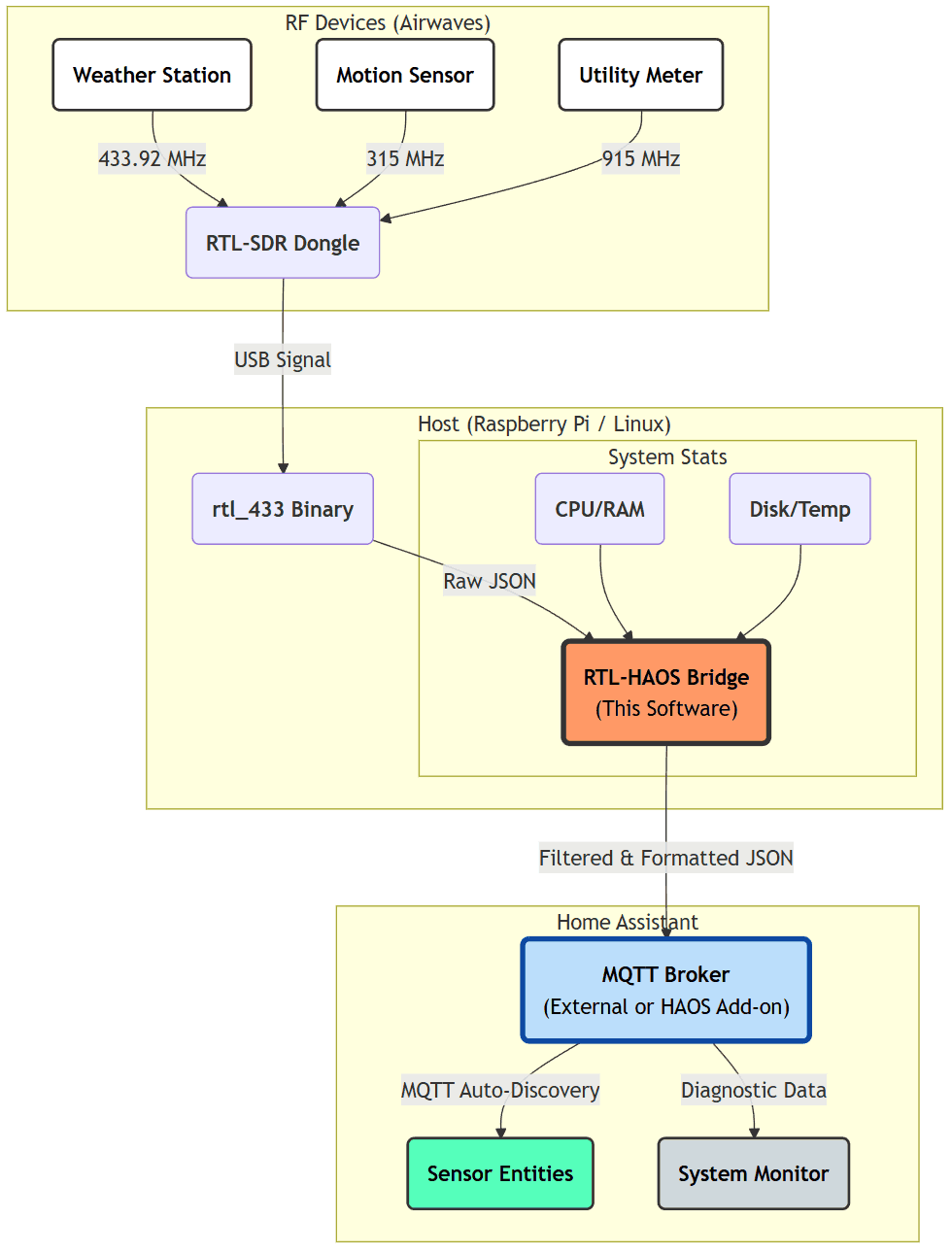
In the video Matt explores the books contents, showing off the various possible projects. Matt also shows how to get started with the book by installing Raspbian, and the RTL-SDR drivers, and then goes on to show how examples of the various software programs mentioned in the book such as SDR++, flrig, chirp, dump1090, predict, HamClock, rtl_tcp, rtl_433, qsstv, fldigi, Xdx and more.

Raspberry Pi 5 For Radio Amateurs With The RTL-SDR V4

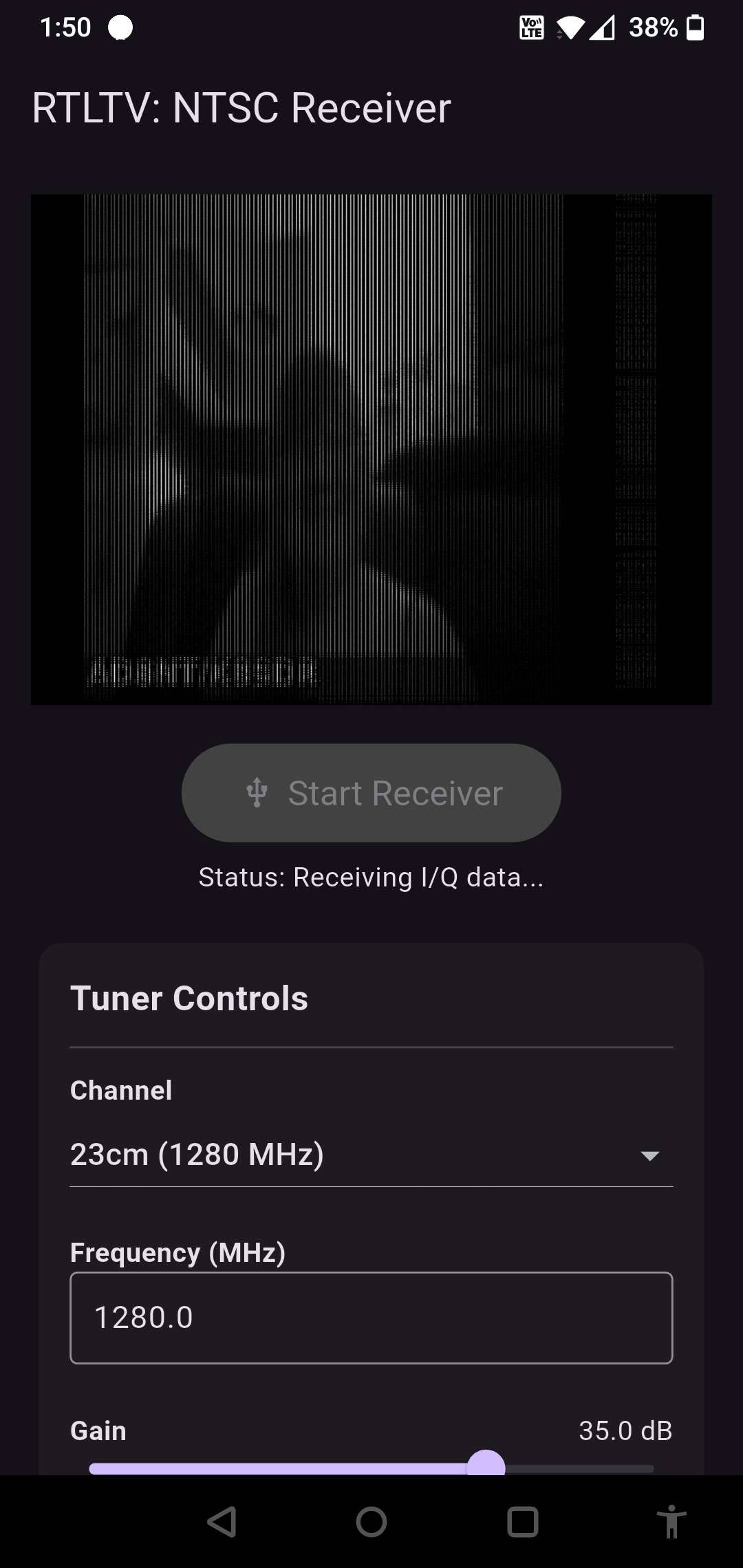
SignalsEverywhere: Using HackTV to Transmit Analog Television with a HackRF

Over on her YouTube channel SignalsEverywhere, Sarah has uploaded a new video showing how to use a program called 'hacktv-gui' to transmit analog TV signals using a HackRF software defined radio. Analog TV standards such as PAL and NTSC have been phased out in most of the world in favor of digital TV standards instead. However, transmitting these yourself can be a fun experiment that may help breathe life into old television sets.

In the video Sarah explains how to use the hacktv-gui and hacktv software, and how to create a video transmission. She mentions how hacktv also supports the use of a FL2K device, which is a cheap VGA adapter that can be used to transmit signals.

HackTV | Analog Television Transmission with a HackRF SDR

Using the RTL-SDR Blog V3 as a DVB-T Receiver in OpenPli Enigma2

The RTL-SDR hardware began its life as a DVB-T TV receiver USB stick, but these days it is rarely used for this purpose. However, in countries where DVB-T hasn't been upgraded to DVB-T2 it is still possible to use the RTL-SDR for TV reception.

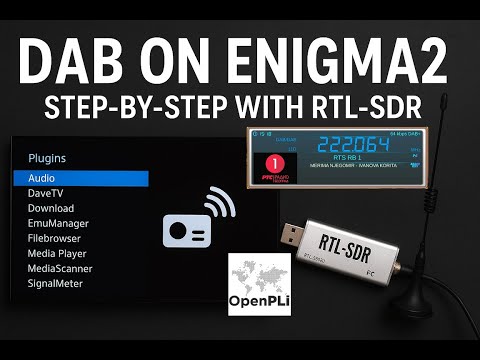
Recently, RADIOTO bg from DXing.org wrote in and wanted to share with us his video showing how to use the RTL-SDR V3 for DVB-T reception in OpenPli Enigma2. OpenPli is an open-source Linux distribution for TV set-top boxes and Enigma2 is the TV application it runs.

RADIOTO's video shows a step-by-step guide to setting up the RTL-SDR in OpenPli. The procedure is relatively simple, just requiring the user to select the correct driver for the RTL-SDR via the set-top menu.

How to make rtl-sdr v.3 as a additional DVB-T tuner in enigma2 receiver (OpenPli) Manual

Exploring HD Radio and Other Signals While on Holiday

Over on his YouTube channel, Simon has uploaded a video showing how while on holiday he was able to explore the various HD Radio stations available around the USA. 

If you are in the USA, you might recognize HD Radio (aka NRSC-5) signals as the rectangular looking bars on the frequency spectrum that surround common broadcast FM radio signals. These signals only exist in the USA and they carry digital audio data which can be received by special HD Radio receivers. Earlier in 2017 a breakthrough in HD Radio decoding for SDRs like the RTL-SDR was achieved by Theori when he was able to piece together a full HD Radio software audio decoder that works in real-time. Nowadays you can use software like HDFM - HD Radio GUI to easily receive HD Radio with an RTL-SDR.

In his video Simon shows the various HD Radio signals he found while on holiday, and also shows some of their secondary features, including traffic data, and weather radar maps. Interestingly he also spots HD Radio in the AM bands, but finds his signal is not strong enough to decode.

The rest of the video explores other signals he finds such as a studio link, and TV audio signals.

I Found Some CRAZY Radio Technology while Traveling!

Deep-Tempest: Eavesdropping on HDMI via SDR and Deep Learning

Over the years we've posted several times about the TEMPEST applications of software-defined radio. TEMPEST aka (Van Eck Phreaking) is when you listen to the unintentional RF emissions of electronics and are able to recover information from that. In the past, we posted about TempestSDR, an RTL-SDR compatible program that allows you to view images from a computer monitor or TV simply by picking up the unintentional RF emissions from it.

Usually, the images received are fuzzy and it can be difficult to recover any information from them. However recently there has been work on combining Tempest techniques with deep learning AI for improving image quality.

Deep-tempest has recently been released on GitHub and from their demonstrations, the ability to recover the true image with deep learning is very impressive. From a fuzzy grey screen, they show how they were able to recover clear text which looks almost exactly like the original monitor image.

Deep-tempest is based on gr-tempest, and requires GNU Radio, Python 3.10 and a Conda environment. Instructions for installing it are on the GitHub.

The whitepaper on the University research done to implement Deep-Tempest can be found freely on arxiv at https://arxiv.org/pdf/2407.09717.

How Deep-Tempest Works
Deep-Tempest Results