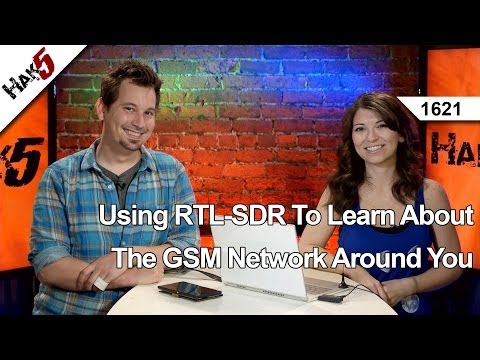
The popular YouTube electronics channel Hak5 has uploaded a video showing how they analyzed GSM signals using an RTL-SDR, Wireshark and Airprobe. In their video they use parts of our analyzing GSM tutorial and explain and show visually how to set up all the software.
Using these methods they were able to receive GSM data from a base tower and see various system information.
Using A RTL-SDR To Learn About The GSM Network Around You, Hak5 1621
In our previous post we featured a video by OH2FTG which showed an RTL-SDR transmitting at 1270 MHz. Now OH2FTG has written in to give us some more information about the RTL-SDR transmitter. He has done a short writeup explaining how it’s done on his website. It turns out that the RTL-SDR is actually capable of transmitting a FSK morse beacon using it’s leaky oscillator.
In the video, code written by another ham OH2EAT is used. OH2EAT’s code essentially changes the frequency on the transmitting RTL-SDR at up to 300 times a second using a modified driver. This is used to create a Frequency Shift Keyed (FSK) transmission.
The modulating transmitter code is not yet available as it is not yet ready for release. In the future OH2FTG hopes to build an amplifier to boost the signal output for further experiments.
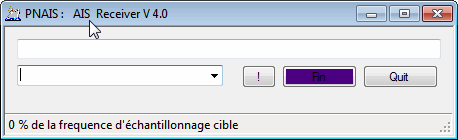
Over on our Forums xynium has told us about his recently released an AIS decoder called PNAIS which appears to directly connect to the RTL-SDR and decode AIS data. After decoding it then outputs the decoded NMEA data via UDP, which could then be received and used in map plotting software such as OpenCPN.
AIS is and acronym for Automatic Identification System and is a system used by ships to broadcast position and vessel information.
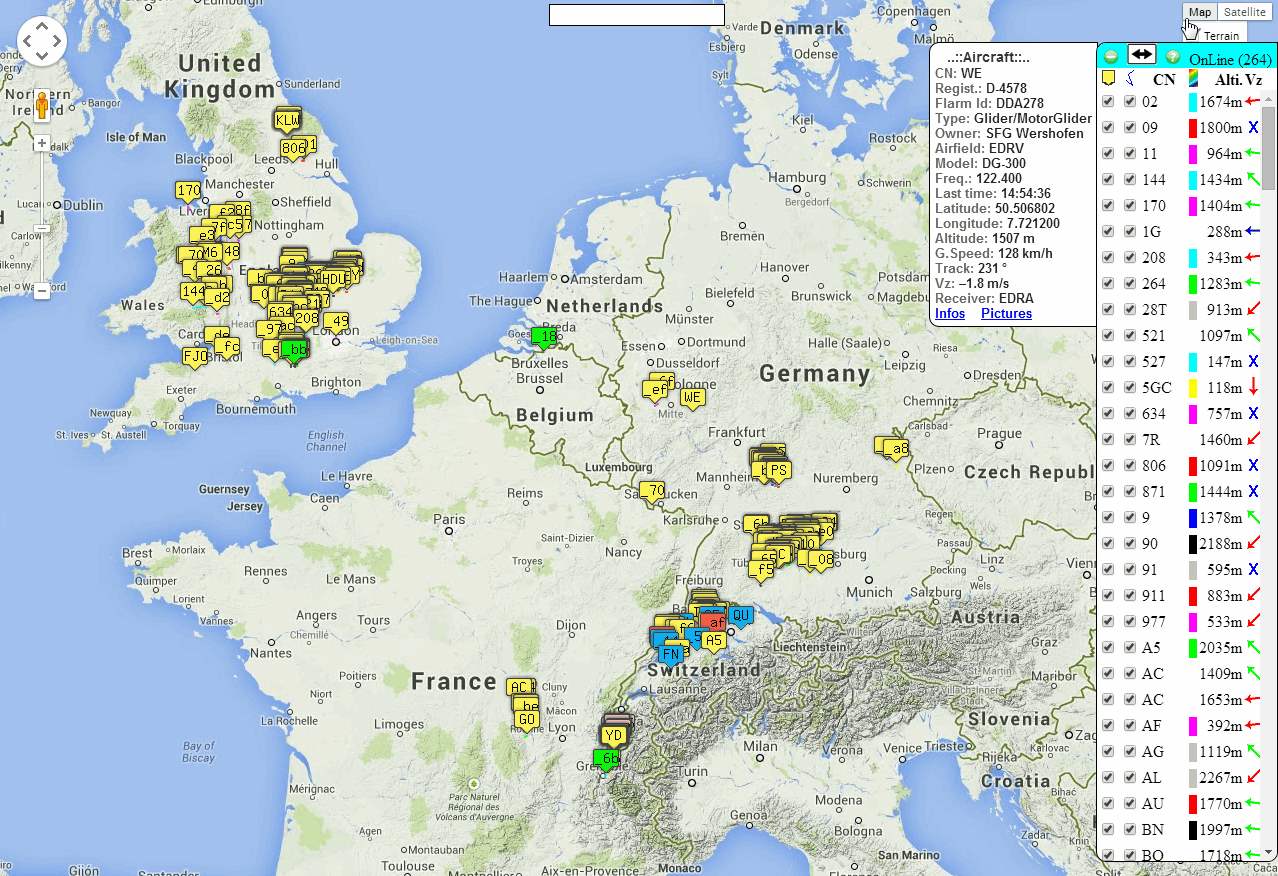
FLARM signals are transmitted at 868 MHz and are effectively weaker by 100-1000 times compared to standard ADS-B signals. The project recommends use of a high gain collinear antenna for receiving the weak FLARM signals. The open glider network project wiki contains information on how to set up their Linux based FLARM decoder that relies on the RTL-SDR for various embedded devices.
Once the software is up and running, the received and decoded FLARM packets can be seen on http://cunimb.fr/live/ as real time glider positions (also at http://cunimb.fr/live/3D/ in a 3D Google Earth).
FLARM Gliders received with the RTL-SDR shown in real time on a map
At Tel-Aviv University in Israel, two students undertook a class project where they were able to use an RTL-SDR to record a garage door opener signal and then use a Texas Instruments (TI) Chronos watch to retransmit a copy of the signal. Their report can be found here (pdf). The TI Chronos is a wrist watch with a built in programmable ISM band RF transmitter.
The students report contains an analysis of the signal which may be of use to anyone interested in decoding their own ISM band signals and they also describe a method used to automatically obtain the required parameters for programming the TI Chronos with the signal to be copied. The abstract of their report is as follows
We present a simple and affordable way of copying remote controls widely used for parking lot gates, garage doors and other simple systems. These simple remote controls usually use a fixed code (as opposed to the more secured rolling code used for car keys remote controls) and a simple On-Off Keying (OOK) modulation, over 433.92MHz in the ISM band. We suggest the use of the TI-Chronos wrist-watch platform for the emulation of the remote control, as this platform transmits in the same band, and can be programmed to emulate different modulations and to send user pre-defined signals.
In this report we show the complete process for copying a remote control into the Chronos platform. This process utilizes only a standard PC and low-cost hardware (less than $75 all together), alongside free software, and additional software developed by us. The process starts with recording the original remote control RF signal. It continues with automatic analysis of the recording, extracting the needed parameters of the signal. Finishing the process, we set the Chronos with those parameters. We demonstrate the copy process using a 4-channel remote control and its receiver board.
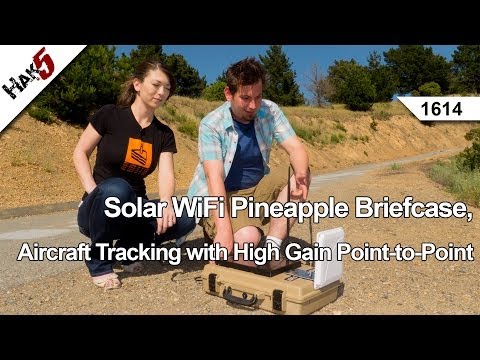
Over on YouTube Hak5, a popular electronics enthusiast channel has uploaded a video showing their project which involves creating a remote solar powered ADS-B receiver with the RTL-SDR. They used a WiFi Pineapple which is a mini Linux based embedded computer as a remote PC and sealed it in a weather tight briefcase with a lead acid battery and solar panel. They also used a high gain directional WiFi antenna on both the transmitting and receiving ends. With this setup the WiFi Pineapple is capable of running indefinitely transmitting ADS-B data using just the solar panel and battery.
They took their setup to the top of a hill near to their office and pointed the transmitting WiFi antenna towards their offices. Then back in the comfort of their offices they were able to remotely connect to the WiFi Pineapple and start a dump1090 webserver and connect to it using Virtual Radar Server.
Solar WiFi Pineapple Briefcase, Aircraft Tracking with High Gain Point-to-Point, Hak5 1614
Over on his blog, Yashin has written a post showing how to analyze 433 MHz transmitters using several methods. Devices that transmit using low power 433 MHz are common and often include devices such as weather monitors, power monitors and alarm sensors.
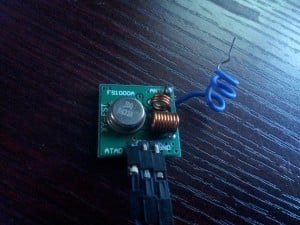
To show his analysis methods Yashin used an ASK modulated FS1000A 433 MHz transmitter connected to an Arduino Teensy microcontroller. He first uses GQRX and baudline together with an RTL-SDR in Kali Linux to test that the transmitter is working and to visually inspect the RF spectrum. Then he shows how to use GNU Radio to receive the 433 MHz transmitter and how to record an audio file. The final tool he shows how to use is rtl_433 which will automatically decode the data into binary strings using the analysis option.
Gat3way has recently posted on his blog an article showing how he was able to receive a signal from the Lunar Reconnaissance Orbiter (LRO) using only an RTL-SDR, WiFi grid antenna and a low noise block (LNB). The LRO is a NASA spacecraft which is currently orbiting and being used to create maps of the moon.
The LRO transmits a tracking, telemetry and control (TT&C) signal at 2271.125 MHz which is in the S band (2 to 4 GHz). Since the S band frequencies are commonly used for Indovision satellite TV, gat3way was able to find a cheap LNB which could downconvert the GHz level S band frequencies down into a frequency receivable by the RTL-SDR. For the antenna he used a high 22dBi gain motor controlled WiFi mesh parabolic grid antenna.
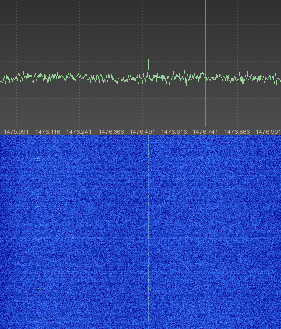
After aiming the antenna at the moon, gat3way was able to clearly see the LRO carrier signal in the RTL-SDR waterfall as shown in the image below.
WiFi Parabolic Mesh Antenna for the S BandLRO Signal Received by RTL-SDR, LNB and WiFi antenna.