Category: RTL-SDR

QuestaSDR: New RTL-SDR Software for Android

Last year we posted about QuestaSDR, which is a simple SDR multi-mode GUI that is compatible with the RTL-SDR. Since then QuestaSDR has evolved, and is now available on Android devices as well. It looks to be a nice alternative to RF Analyzer and SDR Touch which are the most popular RTL-SDR Android apps. The description of Android QuestaSDR reads:

QuestaSDR - powerful and flexible, cross-platform Software Defined Radio Application (SDR). Built-in scheduler architecture provides integrate plugins, plugins kits and multi - UI. Typical applications are DXing, Ham Radio, Radio Astronomy and Spectrum analysis.

Support Hardware:
- RTLSDR Dongle

Main features:
- Dark, Ligth, Universal, Material application style
- Many spectrum settings (FFT size, waterfall FPS and color theme)
- AM/SSB/NFM/WFM demodulator
- RDS decoder
- Record AF file
- Frequency bookmarks
- Web remote
- Supported IF-adapter, upconverter, downconverter hardware
- Rig samplerate, frequency, level and iq disbalance calibrate

To start using QuestaSDR, you will need:
- RTL-SDR dongle
- USB OTG Cable - used to connect a RTLSDR to your Android device.

Connect the USB dongle to the USB-OTG, then insert the free end of the cable into the USB port of your Android device and launch the QuestaSDR! Now you can listen to live frequency range shortwave, VHF, UHF.

Feedback and bug reports are always welcome.

Please note that I am not responsible for any legal issues caused by the use of this application. Be responsible and familiarize yourself with local laws before using.

QuestaSDR - New RTL-SDR Compatible Android App
Promo QuestaSDR v3.3.1-b3

Investigating the Adjustable IF Bandwidth on the R820T Chip

Over on his blog, Thierry Leconte has been writing about some IF bandwidth experiments that he's performed on the R820T2 chip. This is the tuner chip that is used in most RTL-SDR dongles, and well as on the Airspy R2 and Mini SDRs. It has a programmable IF bandwidth and high pass filter which can be used to filter neighboring interfering signals out to reduce imaging and overload problems. In the RTL-SDR and Airspy drivers the bandwidth is adjusted to a fixed setting depending on the bandwidth selected.

To perform the tests he uses a noise source connected to his Airspy, varies the IF filter bandwidth and then plots the results. He finds that there are two adjustments for the IF filter, one coarse and one fine, as well as an additional high pass filter. By manually reducing these settings it's possible to get better filtering at the expense of reduced bandwidth. 

He notes that reducing the bandwidth is useful for his two apps, acarsdec and vdlm2dec which receive ACARS and VDL aircraft signals. These signals are not high in bandwidth so they can easily benefit from tighter filtering.

Adjusting the High Pass Filter on the R820T2

Hiring a Dev for Direction Finding & Passive Radar Software

We are currently looking for a dev or engineer to work on a short project that will involve developing easy to use software for passive radar and direction finding applications.  The hardware will utilize low cost phase coherent RTL-SDR's. The project is paid and will probably last about a month (depending on your speed on work). It would suit a student,  researcher or hobbyist with some spare time.  If you are familiar with RTL-SDR's, C/C++/Python, have DSP experience, and ideally have experience with direction finding please apply with a short bio, CV and relevant experience to [email protected] for more information. If the project is successful there may be future work. Thanks!

Automatically Receiving, Decoding and Tweeting NOAA Weather Satellite Images with a Raspberry Pi and RTL-SDR

Over on Reddit we've seen an interesting post by "mrthenarwhal" who describes to us his NOAA weather satellite receiving system that automatically uploads decoded images to a Twitter account. The set up consists of a Raspberry Pi with RTL-SDR dongle, a 137 MHz tuned QFH antenna and some scripts.

The software is based on the set up from this excellent tutorial, which creates scripts and a crontab entry that automatically activates whenever a NOAA weather satellite passes overhead. Once running, the script activates the RTL-SDR and APT decoder which creates the weather satellite image. He then uses some of his owns scripts in Twython which automatically posts the images to a Twitter account. His Twython scripts as well as a readme file that shows how to use them can be found in his Google Drive.

mrthenarwhal AKA @BarronWeather's twitter feed with automatically uploaded NOAA weather satellite images.

Video on using an RTL-SDR + Noise Generator as a Poor Man’s Network Analyzer

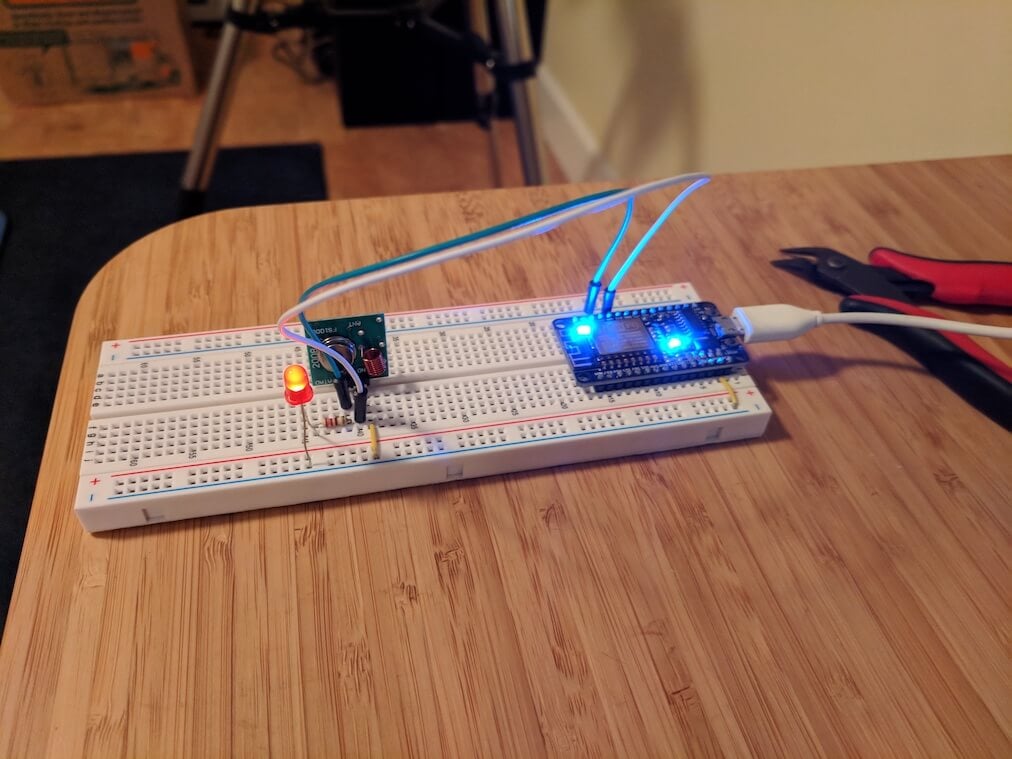
Over on YouTube user AE0AI has uploaded a video where he explains how he uses an RTL-SDR and a home made noise source as a poor man's network analyzer. A network analyzer is a tool that allows you to analyze the response of RF devices, such as filters. By using a noise source together with an RTL-SDR the same functionality as a network analyzer can be obtained, however of course with less accuracy.

In the video AE0AI shows us his home made noise generator, which is a based on a simple circuit that he found online. He then shows the noise generator connected to the RTL-SDR, which shows that his home made generator works up to about 40 MHz. Later in the video he tests a home made 40m filter with the noise source and RTL-SDR, and the response is easily visible. With the response visible he is able to tune the filter by adjusting the inductor windings.

We have a tutorial on the same concepts available here.

Poor Man's network analyzer for measuring filters (noise generator + RTL-SDR)

Information on Time Correlating Signals with RTL-SDRs

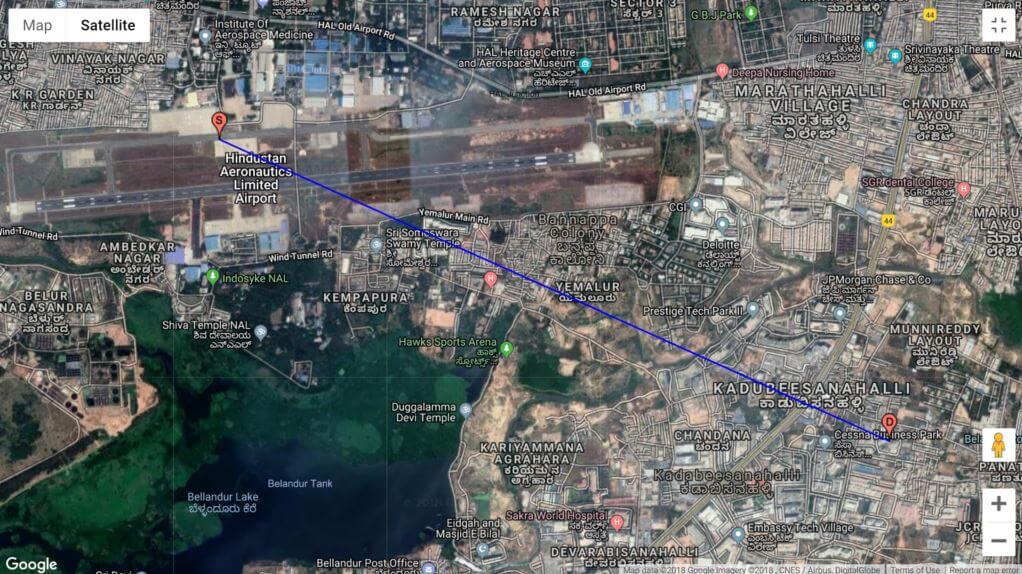
In a previous post back in September 2017 Stefan Scholl (DC9ST) treated us to a very interesting write up about how to localize transmitters to within a few meters using time difference of arrival (TDOA) techniques with multiple RTL-SDR dongles spread out over an area.

Stefan has recently added to his post now with some additional information on how to properly correlate signals received between multiple RTL-SDR dongles, which is one of the key parts to TDOA. He writes that he covers the following questions:

- What signal parameters influence the quality of the correlation?
- Which type of correlation calculations are available (four)
- Which are suitable with RTL-SDRs, considering noise and phase and frequency offset?

Stefan writes that his findings could be interesting to people interested in the following techniques:

- TDOA localization
- Synchronizing several RTL-SDRs
- Passive Radar

Comparing various bandwidth sizes on correlation quality

Using QIRX SDR and DAB Signals to Calibrate RTL-SDR Dongles

Over on his site, Clem the author of the QIRX SDR software package has written up a three part series where he explains an ultra-fast and very accurate method for calibrating the frequency offset of RTL-SDR receivers by using DAB signals. If you are unfamiliar with DAB, it stands for 'Digital Audio Broadcast' and is a type of digital radio station available in multiple countries in the world, especially in Europe. However it is not used in the USA. Clem writes:

I wrote a three-part tutorial about an ultra-fast, generally available (where you have DAB reception) and very accurate method to calibrate RTL-SDR receivers. It is called "Tutorial: Calibrate your RTL-SDR in 15 Seconds", http://softsyst.com/QIRXCalibrate?sequenceNo=0. It is using the frequency of a DAB transmitter as the reference signal, and is coming in three parts:

· Part I: Method and Measurement, describes the method (example) and compares it to two other, well-known methods.

· Part II: Checks, Frequencies, Sampling Rates: Tells how to make plausibility checks on the obtained calibration result, goes into the foundation of different measuring methods, and explains why calibrating a receiver is generally beneficial, not only for DAB purposes (where at least the frequency correction is mandatory).

· Part III: Improving DAB, Tells why it is advantageous for DAB reception not only correcting the frequency, but also the sampling rate (which is often omitted).

Part I and Part II of these are already on our website, Part III will come soon.

QIRX Being used to Calibrate an RTL-SDR dongle on DAB signals

Exploring CubicSDR with a Video Tutorial

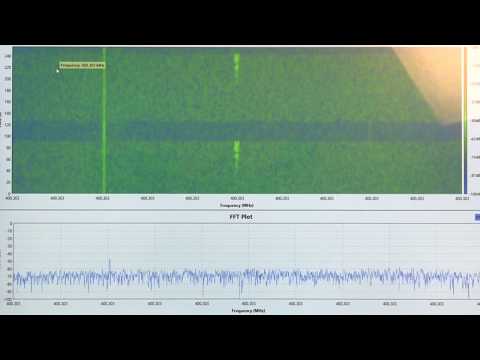
Over on YouTube Corrosive has uploaded a new video where he explores CubicSDR, and explains all the windows and settings that it has. CubicSDR is a free RTL-SDR compatible cross-platform open source multi-mode SDR application, similar in nature to SDR#, HDSDR SDR-Console etc. It's quite popular due to it's multi-platform nature, meaning that it can run on Windows, MacOS and Linux.

RTL SDR CubicSDR Manual Gain and More | As requested by DATcarefreeCowboy