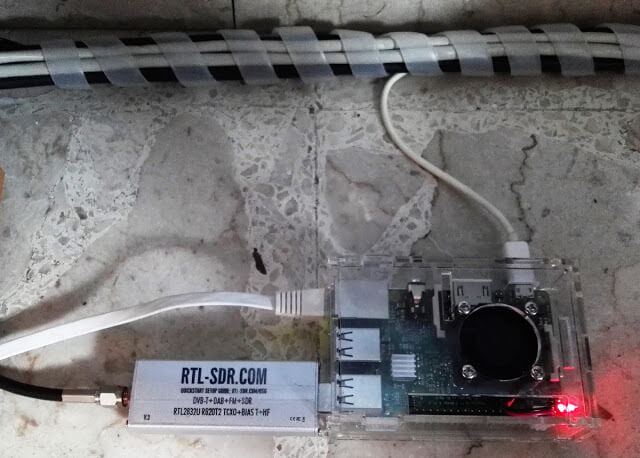
Over on YouTube user IW2DZX has uploaded a video showing him using an old EeePC 900 to receive HF with an RTL-SDR V3 running in direct sampling mode on a Raspberry Pi 3 which is running a SpyServer. An EeePC 900 is an old netbook that was released in 2008 which is lightweight, portable and was fairly cheap. Second hand Eeepc's can now be found on eBay for less than $60 US.
By running the RTL-SDR on a Raspberry Pi 3 with SpyServer the need to have the dongle connected to the netbook is eliminated. Instead the radio data from the RTL-SDR is efficiently sent over a network connection and received via the WiFi on the Eeepc.
In his area of Barajas, Spain the meteorological agency recently switched to the newer RS41-SGP radiosondes. To decode these Daniel uses the open source "RS" software which is capable of decoding various radiosondes including RS41. He notes that for now it is better to use his fork of "RS" as the base version contains a bug. He also shows how the received data can be plotted in Viking, which is a program used for plotting things like GPS tracks on a map.
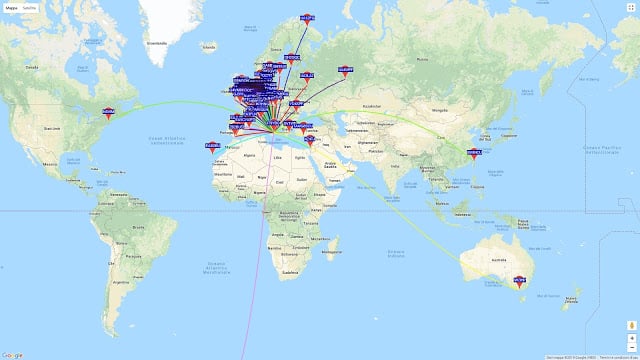
Finally he shows how to feed the radiosonde data to the APRS-IS network. APRS is a packet radio system used by hams which works via radio and the internet, allowing for worldwide communication by radio. Feeding the data into APRS-IS allows anyone to see the flightpath on a site like aprs.fi.
RS41 Radiosonde Flight Path recorded by Daniel Estevez
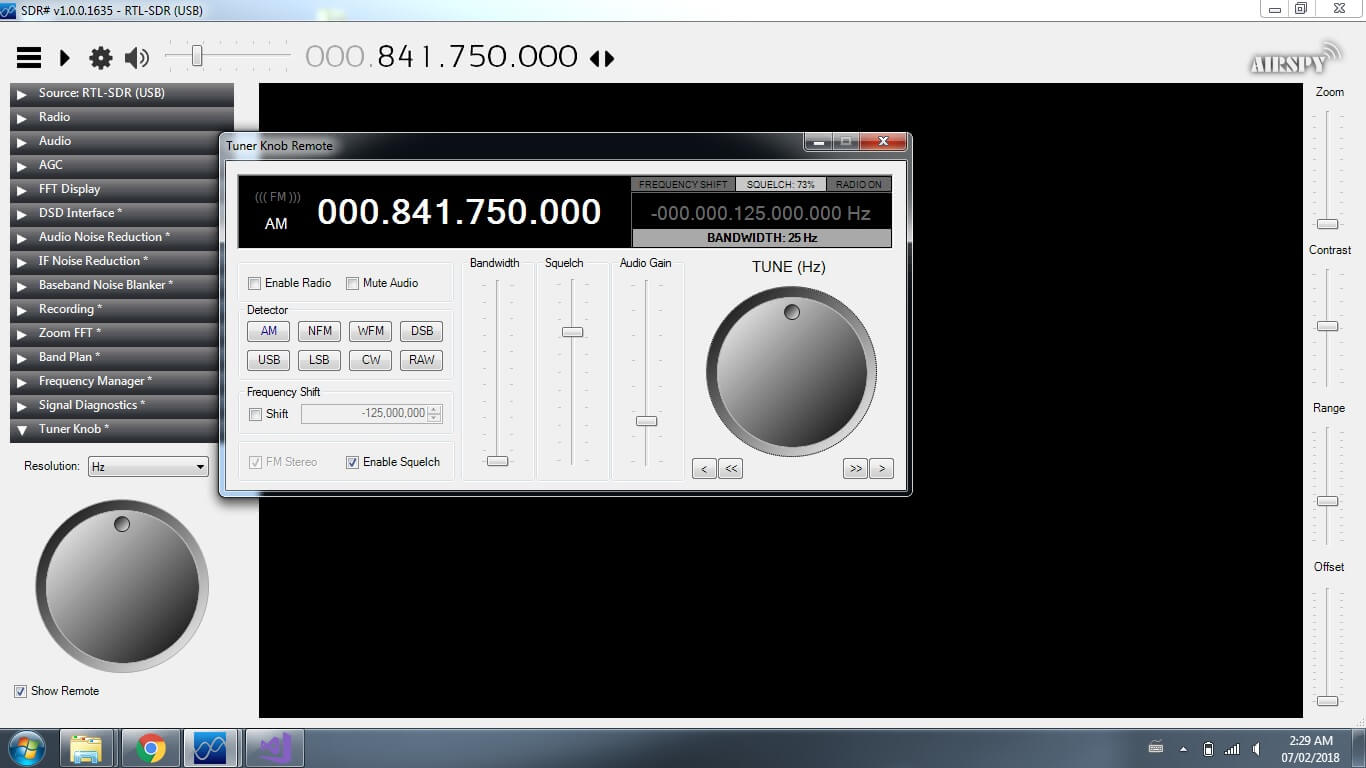
SDR#'s SpyServer streaming server now supports the direct sampling mode on RTL-SDR dongles and it's probably the cheapest way to set up a HF streaming server. SpyServer is a streaming server for SDR# and Airspy products. Although it's designed for Airspy products it also works well with RTL-SDR dongles.
On RTL-SDR dongles the direct sampling mode allows you to receive HF frequencies by bypassing the tuner. The dynamic range is not quite as good as using an upconverter and there are Nyquist images from sampling at 28.8 MHz centered around 14.4 MHz, but in most cases it is good enough to give people decent HF results especially if filtering is used. Normally a hardware hack is required to enable direct sampling, but our RTL-SDR Blog V3 units have direct sampling built in and ready to go just by connecting an HF antenna to the SMA port, and enabling the Q-branch direct sampling mode.
There is a sample server set up at sdr://151.20.181.90:5555.
SpyServer Direct Sampling Mode
Direct Sampling for #RTLSDR was added to Spy Server. This must be the most affordable networked HF radio ever.
The Radio Society of Great Britain (RSGB) and AMSAT-UK recently presented a number of talks at their latest convention held in October of this year. Some of the talks are SDR related and are interesting for those interested in satellite reception. A couple of interesting SDR related talks are presented below, and the rest of the talks can be accessed on their YouTube page.
Software defined radio for the satellite geek - Alex Csete OZ9AEC
In this talk Alex Csete (Oz9AEC) who is the programmer behind the popular GQRX software that is often used with RTL-SDRs discusses his latest work and some of his experiences with writing software for SDRs.
2017: Software defined radio for the satellite geek - Alex Csete OZ9AEC
Going to space the libre way - Pierros Papadeas, Libre Space Foundation
In this talk Pierros Papadeas who is the founder of the Libre Space Foundation discusses their SatNOGS project. SatNOGS is a project that uses RTL-SDRs in custom 3D printed home made satellite tracking ground stations. It aims to enable easy access to live satellite data online by significantly increasing ground station coverage.
2017: Going to space the libre way - Pierros Papadeas, Libre Space Foundation
Over on the SDRplay forums user 'RSP2user' has put up a quality post describing how he receives HRPT weather satellite images with his SDRplay RSP2. HRPT stands for 'High Resolution Picture Transmission' and provides a much higher resolution image compared to the APT weather satellite images typically downloaded from NOAA satellites. Somewhat confusingly the picture quality of HRPT is similar to LRPT (low rate picture transmission) which is used on the Russian Meteor M series weather satellite. HRPT provides 1.1 km resolution, whilst LRPT provides 1 km resolution.
Currently there are multiple satellites broadcasting HRPT signals including NOAA 19, NOAA 18, NOAA 15, Meteor M2, Fengyun 3B, Fengyun 3C, Metop A and Metop B.
The difference in difficulty of receiving APT and LRPT versus HRPT transmissions typically occur in the L-band at about 1.7 GHz, and requires a directive high gain antenna with tracking motor to track the satellite as it passes over. This makes these images many times more difficult to receive compared to APT and LRPT which only require a fixed position antenna for reception at the more forgiving 137 MHz.
Over on his post RSP2user shows how he uses a repurposed Meade Instruments telescope tracking mount and controller to drive the tracking of a 26 element loop Yagi antenna. A 0.36dB noise figure LNA modified with bias tee input is used to boost the signal and reduce the noise figure. The signal is received by a SDRplay RSP2 and processed on a PC with USA-satcoms HRPT decoder software, which is available for purchase by directly contacting him. The HRPT signal bandwidth appears to be about 2.4 MHz so possibly an RTL-SDR could also be used, but it might be pushing it to the limit.
If you are interested, RSP2user also uploaded an APT weather satellite image reception tutorial on another post. This tutorial shows how to build a quality quadrifilar helix antenna as well.
Receiving the HRPT signal on USA-Satcoms' HRPT decoder.
Thanks to Manuel a.k.a. Tysonpower for submitting his latest YouTube video tutorial about building an 1550 MHz L-band LHCP helical antenna for receiving satellite signals such as Inmarsat, AERO and HRPT.
Manuel's design is based on a 3D printed part which is used to accurately form the helical winding. The winding then mounts onto an aluminum plate and a satellite dish arm using a custom 3D printed adapter for the dish arm. In the video he uses the helical feed with an 80cm satellite dish and a standard 40mm LNB mount on the dish arm. Attached to the feed are two LNAs in series which help to lower the noise figure and reduce losses in the coax cable.
With this setup he writes that he was able to get very good AERO and Outernet reception from Alphasat (25E geostationary). He also writes that he's had good results using it for HRPT reception as well.
The 3D printing STL files and list of parts required are available on Thingiverse, and the companion video is shown below. Note that the video is narrated in German, but English subtitles are available.
[EN subs] LHCP Helix L-Band Feed - 3D Druck für eine genaue Helix
QRSS is a ham communications mode that is essentially just very slow CW (morse code), with each dash/dot being broadcast for a number of seconds. With QRSS instead of audibly decoding the morse code signal, it is decoded visually via a spectrum display (or automatically by software). It is designed to be a QRP mode, which means that hams transmitting QRSS can be heard all over the world even though very low transmit power is used.
QrssPiG is a QRSS grabber program that runs headless on a Raspberry Pi and can interface with an RTL-SDR. It automatically generates the waterfall graphs of received QRSS images, and supports uploading them via SCP or FTP. The software can also run with a HackRF, or via audio piping from another SDR or standard hardware radio.
Recently on Twitter @ON4CDJ has been trying QrssPiG with an RTL-SDR V3 and has been having good results.
The servers that are currently online include some streaming from Airspy HF+ devices, which is the hotly anticipated but as of yet unreleased HF receiver from Airspy. Over the last few months and weeks a number of prototype devices went out to testers and programmers and some have now put them online with a SpyServer. There are also some Airspy One/Mini and RTL-SDR devices available for streaming too.
To connect to one of the servers simply download the latest version of SDR# from airspy.com, and then in SDR# select SpyServer from the Source menu. Enter the URL from the list into the box and press the play button up the top. Note that you must ensure that there are no spaces after entering the URL in SDR#.
Most servers are locked to a particular frequency band, but some allow for free tuning. But if more than one person is connected to the server free tuning will be locked until there is only one person connected again. Currently streaming from most servers seems smooth, but it's possible that some may struggle if many users are connected at once.