Category: RTL-SDR

Fox Hunting with the KrakenSDR

Over on his YouTube channel Mark Jessop has uploaded some dash cam footage showing him using a KrakenSDR and a custom LED display to hunt down three amateur radio transmitters during a fox-hunt.

An amateur radio fox-hunt is an activity where someone will hide a transmitter within a defined area, and it is up to the hunters to use radio direction finding equipment to find it. The KrakenSDR is our 5-channel coherent radio based on RTL-SDRs, and it can be used for applications like radio direction finding.

Mark uses a custom four element array on the roof of his car, which is connected to his KrakenSDR. Instead of the KrakenSDR app, Mark prefers to use his custom LED HUD to displays the bearings and signal power directly.

Some annotated and sped-up dash-cam footage captured during the July 2023 Amateur Radio Experimenters Group Fox-hunt. We run these monthly, and usually have three transmitters hidden around the Adelaide (South Australia) area.

I run a KrakenSDR with a custom-built 4-element antenna array mounted to the roof of my car. This gives me direction estimates to the target transmitter, at least when the signals are strong enough!

I've also build a heads-up-display which helps me safely make use of the KrakenSDR's output data while driving. The source code for this is here: https://github.com/darksidelemm/neopixel-doa-display

The display is shielded so it's not visible from outside the car - Red & Blue lights on your dashboard can give the wrong impression!
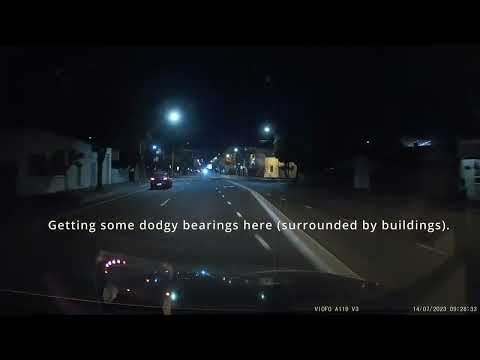
AREG Fox-hunt - 14th July 2023

Goestools Now Ported to Run on Windows

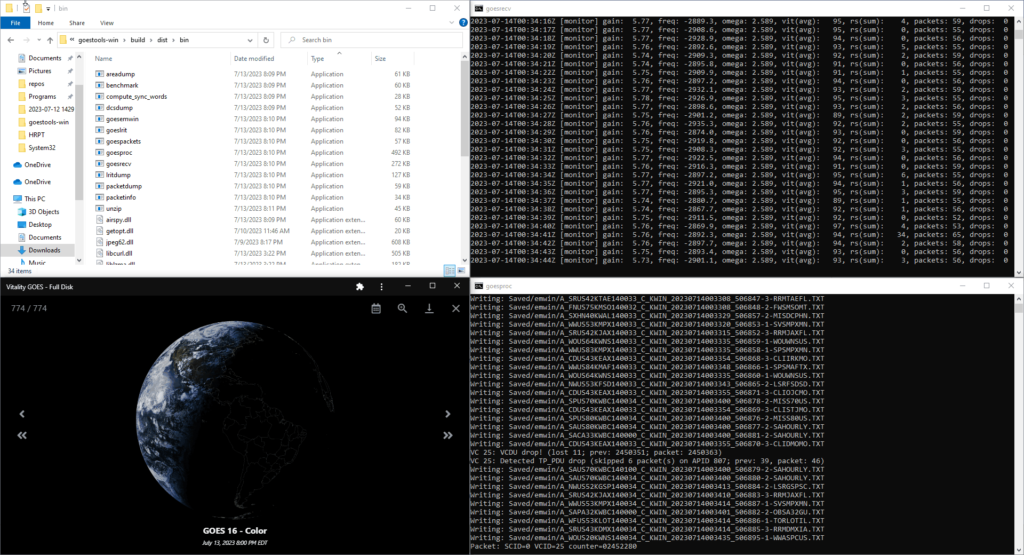
Thank you to Carl Reinemann (aka USRadioGuy) for letting us know through his blog post that goestools has recently been ported to Windows. Goestools is a software package that is used to receive and decode images from GOES weather satellites. In the past it was only available for Linux systems, however recently thanks to the work of Jamie Vital, goestools has now been ported and can run on Windows. Carl Reinemann has confirmed that the software runs perfectly on Windows. Our GOES tutorial should also be easily modified to work with the Windows port.

The Windows port can be downloaded from goestools-win on GitHub. If you are interested, Jamie Vital is also the author of Vitality GOES, which is a program that can display the received weather images in a nice GUI.

Alternatively we note that another cross platform GOES decoder is SatDump which is currently the most popular choice for GOES.

Goestools on Windows

Building a DIY Portable 137 MHz Yagi Antenna for LRPT

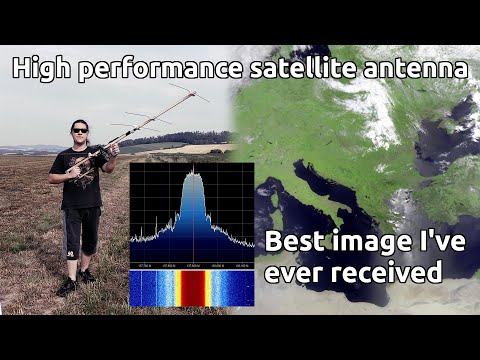
Over on his YouTube channel dereksgc has uploaded the next video in his series on satellite reception. In this video he shows how to build a Yagi antenna tuned for 137 MHz, which is great for receiving NOAA APT and Meteor M2-3 LRPT. Note that a Yagi antenna will give you stronger reception compared to a turnstile, QFH or V-Dipole, but as it is a directional antenna you will need to manually point it towards the satellite as it passes over your location.

For Meteor M2-3 LRPT, a Yagi antenna may be beneficial, as it appears this satellite is having some issues with signal strength, due to a possibly defective antenna that did not fully unfold on the satellite.

The Yagi antenna design is a four element design, with one reflector, two directors and one driven dipole element. The physical construction consists of a piece of wood for the boom, brass welding rods for the elements, and a terminal block for the active dipole element. 3D printed handles are added for easy holding and the RTL-SDR and LNA sit directly on top of the boom.

DIY portable 137 MHz yagi antenna (for good LRPT) || Satellite reception pt.13

SDRSharp 1915 Released: RTL-SDR Crashes Fixed

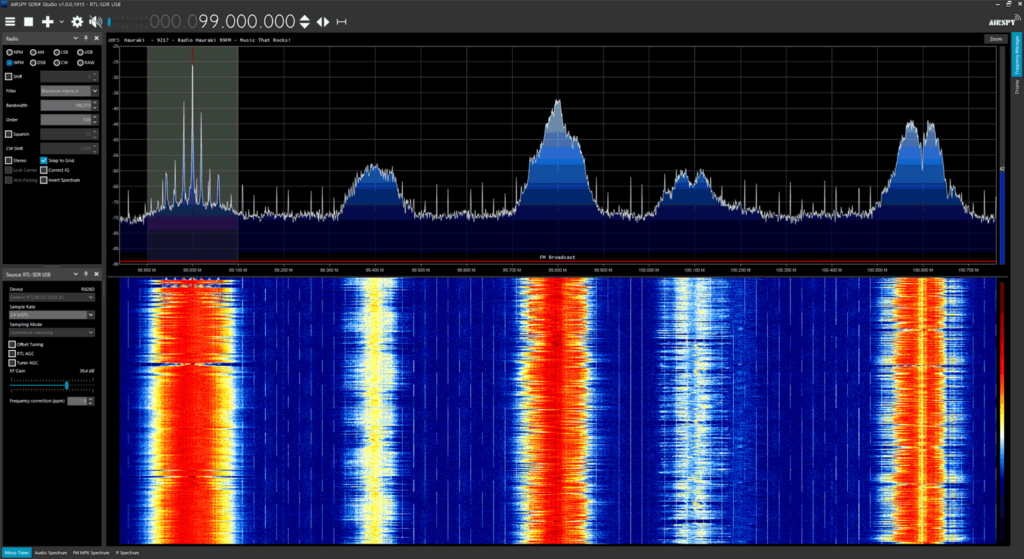
Thank you to SDR# author Youssef for updating SDR# (SDRSharp) and fixing a recent bug that was causing RTL-SDR units to crash whenever the frequency was changed. We are putting this post out to inform everyone who was having this issue to please update their SDRSharp version to 1915 which can be downloaded from airspy.com/download. Our guide at www.rtl-sdr.com/QSG can be used to walk you through the installation procedure for RTL-SDR dongles in SDR#.

The new update brings the RTL-SDR control menu down to the sidebar making it much easier to control the gain and sample rate settings. Other recent changes have also brought improvements to the RDS decoder which will be useful for DXers.

Please remember to show your appreciation to Airspy for allowing RTL-SDR users on their platform by checking out their range of higher end softwire defined radio products at airspy.com.

SDR# 1915
SDR# 1915

Receiving Unintentional Voice Transmissions from GPS Satellites

Over on dereksgc's YouTube channel we've discovered a few more recent interesting videos from his satellite decoding series that people may be interested in. One from two weeks ago shows how it's possible to receive voice transmissions on navigation satellites such as GPS.

Many navigational and meteorological satellites carry a search and rescue (SAR) repeater which is intended to receive UHF emergency locator beacons and rebroadcast them in the L-band or higher. However the repeaters appear to be picking up all sorts of other signals from the ground, including voice transmissions. Dereksgc notes that the theory is that there are some land based communications systems in some countries that are sharing frequencies that emergency locator beacons use, or that malicious pirates may be actively using these SAR repeaters for their own communications.

Dereksgc shows examples of retransmitted signals on the Beidou, GLONASS and Elektro-L satellite downlinks at 1.5442 GHz and at 2.226 MHz for the GPS satellites. He also shows what sort of satellite dish and feed setup you need. In the video he uses a HackRF as the SDR, but you could also use an RTL-SDR for the satellites that transmit at 1.5442 GHz.

Receiving voice transmissions from GPS satellites || Satellite reception pt.10

Video on Meteor M2-3 LRPT, HRPT and Telemetry Reception

Over on YouTube dereksgc has another video on Meteor M2-3 reception. In the video Derek goes over the history of Meteor M launches and then goes on to test reception of the 3.4 GHz telemetry signal which he recorded early after the satellites launch.

The next day he sets up 1.7 GHz HRPT reception using a hand tracked satellite dish and is successful as receiving it. He then goes on to test 137 MHz LRPT reception with a V-dipole antenna and RTL-SDR and is also successful. Finally he decodes the recordings using SatDump and is able to get some great images.

Derek also notes that there might be a problem with the LRPT antenna which could explain some reports of poor reception at some elevations of the satellite. He notes that it seems likely that the QFH antenna extension process on the satellite didn't extend fully or at all.

André shares his QO-100 Ground Station and HF/VHF/UHF Station

Thank you to RTL-SDR.com reader André for submitting and sharing with us his QO-100 ground station setup. The setup also includes antennas and equipment to receive HF and VHF/UHF. His setup can serve as an example of a well set up permanent installation.

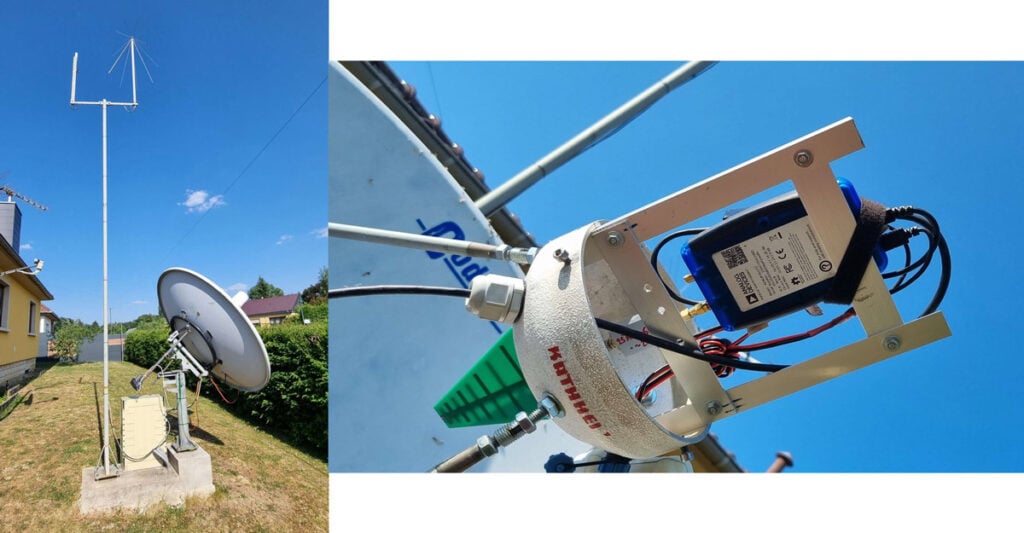
André's set up consists of a 1.8 meter prime focus dish, Raspberry Pi 4, GPIO connected relay, Airspy R2, Ham-it-up upconverter, coaxial relay for switching between Mini-Whip and Discone Antenna, and FM bandstop filter and a power terminal rail block. The Airspy R2 is used for HF/UHF/UHF reception and the antennas and upconverter are all controlled via a web connected relay system. All equipment is enclosed in an outdoor rated box, and André notes everything has been working well from temperatures range from -10C to 35C.

Inside the satellite dish feed is housed an Adalm Pluto SDR, and a wideband LNA and a USB to LAN converter with power over Ethernet. A small log periodic Yagi serves as the feed. In order to work the wideband DATV band on Qo-100, André' swaps out this feed for a custom feed and brings the PlutoSDR indoors where it is connected to a 120W Spectran Amplifier and modulator.

For the full writeup of his setup, we have uploaded André's document here.

André's ground station setup for QO-100 and HF/VHF/UHF

Saveitforparts: Receiving Images from the new Russian Satellite Meteor M2-3

A few days ago we posted about the successful launch and deployment of the latest Russian Meteor M2-3 weather satellite. The satellite is currently actively transmitting LRPT weather images.

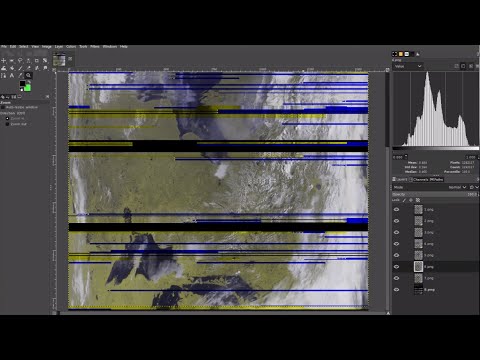
Over on his YouTube channel, "saveitforparts" has uploaded a video showing how he received images from the new satellite using his RTL-SDR. His method involves first recording the signal pass on a Raspberry Pi with rtl_fm, and then passing that wav file into SatDump for decoding and image generation.

We note that it is also possible to directly live decode the pass using SatDump, however a Raspberry Pi may be a little too slow to run the GUI version of SatDump. Instead you could use rtl_tcp on the Pi and run SatDump on a networked PC, or simply run the RTL-SDR and SatDump on the PC or a more powerful device like an Orange Pi 5.

Ultimately he experiences some unresolved problems with the decoding process, but is able to end up with a decent image.

Grabbing Images From New Russian Satellite (Meteor M2-3)