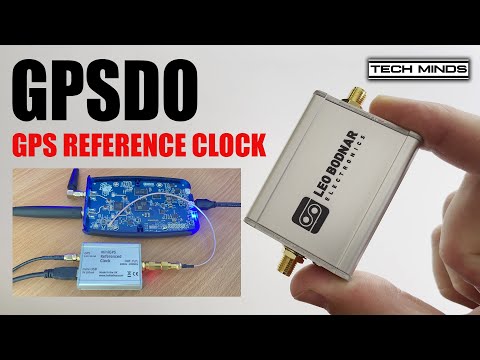
Over on the TechMinds YouTube channel Matt has been experimenting with using a PlutoSDR for QO-100 amateur radio satellite communications. The PlutoSDR is a low cost RX/TX capable SDR with up to 56 MHz of bandwidth and 70 MHz to 6 GHz frequency range (with mods). The PlutoSDR can suffer from frequency instability, especially when warming up, however on the latest model C/D PlutoSDRs it's possible to inject an external clock signal.
In his video experiment, Matt uses a Leo Bodnar GPSDO as an external clock source. A GPSDO is a "GPS Disciplined Oscillator", as it uses the accurate timing information found in GPS signals to create a high quality clock signal. Matt shows how to set up the GPSDO, and how to tell the PlutoSDR to use the external clock.
He goes on to show the effectiveness of the GPSDO with some transmit experiments.
Back in May 2021 we first posted about the release of MagicSDR, which is an Android and iOS SDR app that receives data from an rtl_tcp server elsewhere on your network. Apart from the RTL-SDR, MagicSDR also supports the SDRplay, LimeSDR, HiQSDR, Flex 6-seris and sound card based radios.
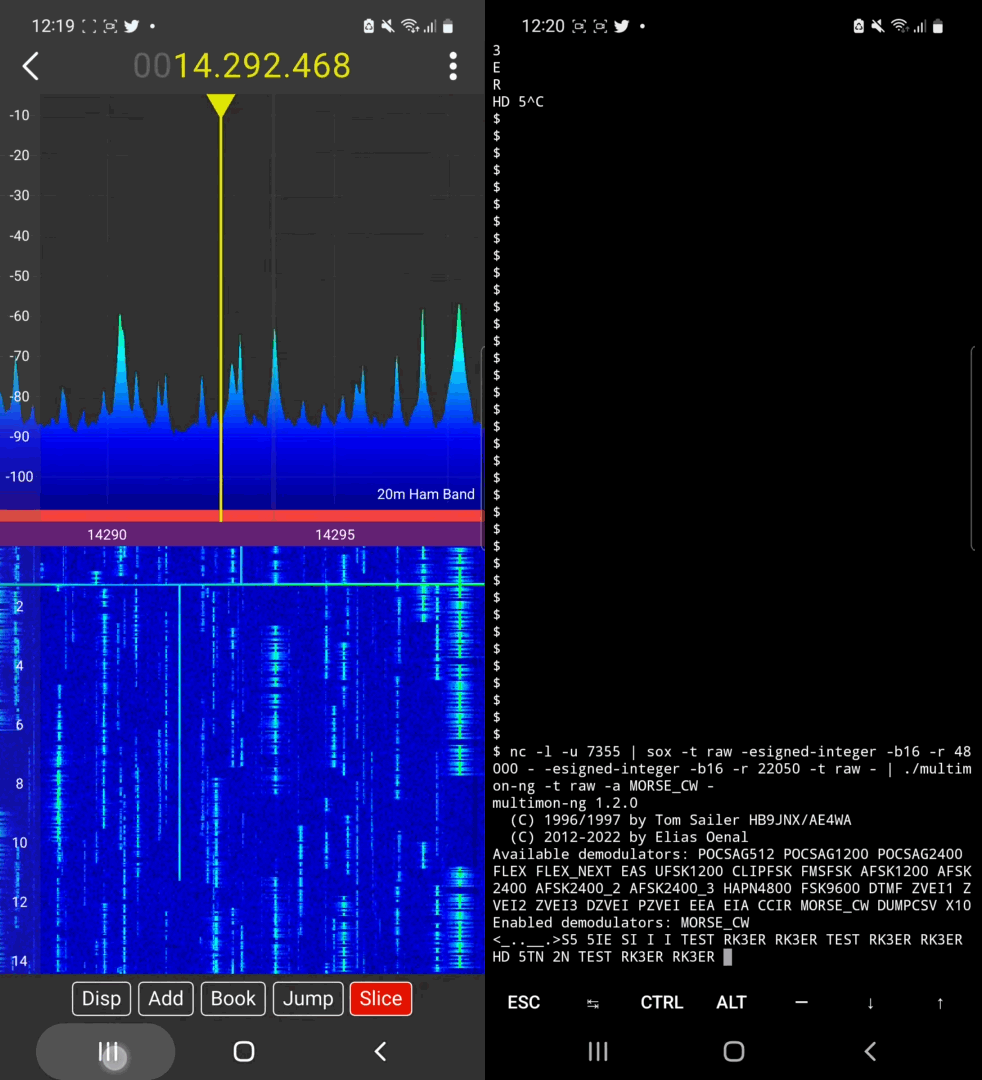
Recently MagicSDR programmer Vlad wanted to share a new feature in MagicSDR that allows users to stream audio over UDP. He notes that this allows external data decoders such as direwolf or multimon-ng to be used. The example in the video below shows MagicSDR sending demodulated audio over UDP to multimon-ng running on the same Android device.
Decoding Morse CW on android phone
MagicSDR sending demodulated audio over UDP to multimod-ng decoder
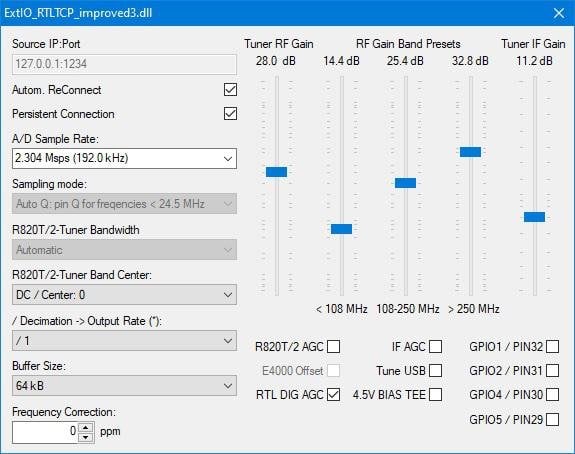
Back in 2020 we posted about a modified ExtIO interface which exposed advanced RTL-SDR driver settings such as decimation, manual gain and tuner bandwidth and filtering controls. These features allow users to tune filters to avoid ADC overload and to overall fine tune reception better, especially for narrowband signals. ExtIO is the driver interface used by some popular SDR programs like HDSDR.
DG2YCB improved version adds the following features:
Auto-Q: The RTLSDR stick automatically switches to direct sampling (Q channel) for frequencies below 24.5 MHz and direct sampling is automatically disabled when tuned to any frequencies above 24.5 MHz.
My ExtIO_RTLTCP_improved.dll drivers set the chip AGC to ON, which brings you a better RX sensitivity than the original version.
My ExtIO_RTLTCP_improved.dll drivers are available in the following versions:
ExtIO_RTTCP_improved1.dll uses autoGain for the tuner gain.
ExtIO_RTTCP_improved2.dll uses optimized manual gain settings for the tuner gain, which shall prevent that the RTLSDR stick is overdriven on VHF / UHF frequencies.
ExtIO_RTTCP_improved3.dll has Auto-Q as well as the optimized gain settings profile but has a more sophisticated GUI, so that you can adjust more parameters manually. (Currently available as beta version.)
This ExtIO also allows users to connect to an RTL-SDR when software like HDSDR is run on Linux via an emulator such as WINE.
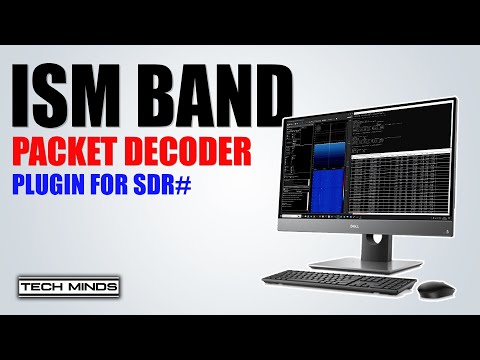
Over on the TechMinds YouTube channel Matt has uploaded a video demonstrating the use of the ISM Packet Decoder plugin for SDR# which was released a few months ago. The plugin authors website also contains more information about the installation and features of plugin.
The plugin makes use of the well known rtl_433 software behind the scenes, which is a command line based RTL-SDR compatible decoder for various wireless ISM band devices such as weather stations, car keys, tire pressure sensors, doorbells and various other remote controlled devices. The plugin GUI makes using and displaying data from rtl_433 much more convenient.
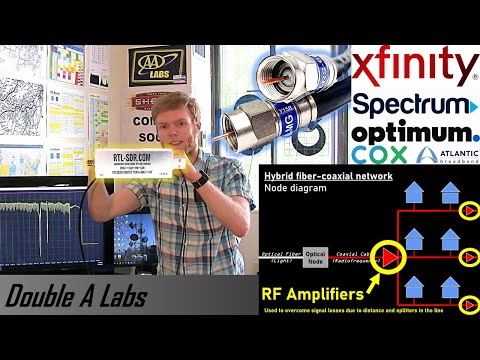
Thank you to Adam from Double A Labs for submitting his latest YouTube video where he uses his RTL-SDR to probe the coaxial cable that provides his broadband internet and cable TV. In the video Adam explains how hybrid fiber-coaxial internet and TV broadband networks (such as Comcast/Xfinity) work, and how the Specktrum software can be used with an RTL-SDR to explore the spectrum on these cables. Adam writes:
What I found was pretty interesting, including a few unmodulated analog TV carriers on the line producing a black screen on my TV. I also explain how coaxial broadband networks work (bi-directional amplifiers, upstream/downstream splits, etc.) and how internet service providers are upgrading them.
How Broadband Cable Networks (Xfinity etc.) Work and Probing One with a Spectrum Analyzer (RTL-SDR)
Thank you to a contributor for submitting an article about Airframes.io, which is an ACARS/VDL2/HFDL/Satellite ACARS aggregation site. The article below it attributed to Kevin Elliott and was edited by Frank Vance. They would also like to attribute the large group or volunteers at Airframes.io.
One of the most popular hobbyist uses of SDR is receiving and decoding vehicle information data such as ADS-B for aircraft or AIS for marine traffic. Some hobbyists have been banding together to exchange their mutual data streams to provide coverage over wide geographic areas.
One of the largest and most successful such projects in the aviation realm is ADS-B Exchange (https://www.adsbexchange.com/), where over 8,000 volunteer feeders provide ADS-B data to a global aviation map in real time.
But modern air carriers have much more data to and from their aircraft than just the position information from ADS-B. In the 1970s, ACARS was created to carry that traffic. Today, ACARS is seen on its own frequencies on VHF, embedded in AVLC on the VDL2 VHF frequencies, on HF (shortwave) frequencies using the HFDL network of stations worldwide, and on satellite on both the Inmarsat (ACARS over AERO, or AoA) and the Iridium (called ACARS over Iridium, or AoI) systems.
Airframes.io (https://app.airframes.io/) is a project that has been under development for a while to aggregate ACARS data in the same way ADS-B Exchange is aggregating ADS-B data. Under the capable leadership of Kevin Elliott (https://github.com/kevinelliott), software development has progressed to the point that new feeders are actively being sought to improve the global coverage and provide a broader base of data to improve the decoding.
With a wide variety of data sources, this is a collaboration project that is open to all levels of SDR hobbyists. A simple RTL-SDR.COM unit attached to a Raspberry Pi with a smaller antenna works well with the VHF coverage. Depending on one's interest level, an HFDL feeder may require multiple SDRs with much broader frequency range, capable of reception in the sub-30 MHz bands. The L-band based Iridium AoI uses a small antenna as well, but requires a wide bandwidth SDR. Finally, reception of the C-band Inmarsat (AoA) traffic may involve a moving dish antenna of at least 6 foot diameter to obtain usable signals.
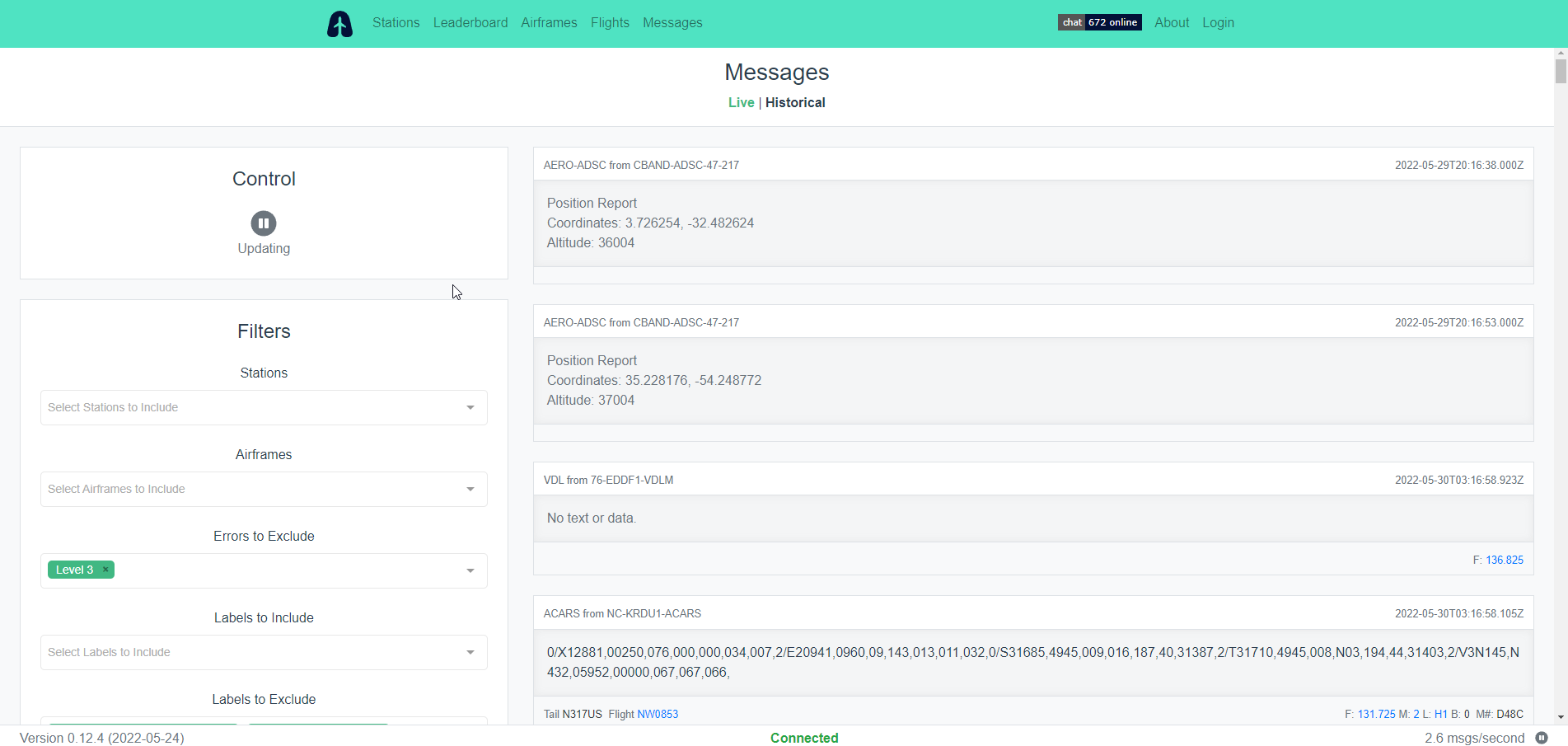
What kind of data is seen in ACARS? One can observe weather conditions aloft, messages to/from the carrier operations staff, information about the origin and destination of the flight, and technical data on the aircraft operation (not all of which can be decoded at this time.) Additionally, the HFDL and satellite feeds offer location information out of sight of the traditional ADS-B coverage, such as over the oceans and polar regions.
The About page at Airframes.io (https://app.airframes.io/about) has plenty of good information to help anyone get started with feeding, including links to popular software packages useful for running different types of feeders. Support is available on the #airframes-io channel (https://discord.gg/X2TgnFgsRW) on the ADSBExhange Discord server (https://discord.gg/aXt7KdycJk).
Additional information about setting up a receiver/feeder for HFDL, Inmarsat L-band, Inmarsat C-band, and Iridium L-band is available on The Bald Geek's GitHub page: https://thebaldgeek.github.io/Consider joining with the dozens of volunteers already feeding and contributing software updates to the Airframe.io project.
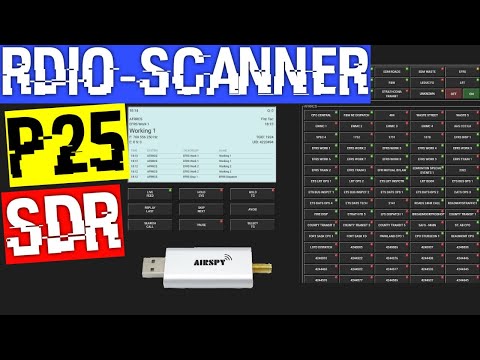
In his latest video Rob from the Frugal Radio YouTube channel has uploaded a video where he experiments with a SDR web interface and smartphone App called "Rdio-scanner". Rdio-scanner is an interface that tries to reproduce the user experience of using a real hardware scanner with an SDR and RF voice decoding/recording software like Trunk Recorder being used in the background. Rob writes:
rdio-scanner creates a customizable web interface from which to control your software defined radio. Using it, you can turn a computer, phone or tablet into something that closely resembles a hardware scanner!
Trunk Recorder is the software that decodes the unencrypted P25 signals and records them to disk. Here is it demonstrated working on a large Simulcast (LSM) site.
rdio-scanner reads the audio files. Through the rdio-scanner interface, you are basically choosing which audio files to play.
Rob runs the rdio-scanner software on his Panasonic Toughbook, noting that the interface looks really great in Tablet mode and works well with the touchscreen. He also notes that his toughbook has a SIM card socket, so a data SIM would enable him to access his P25 monitoring system at home from anywhere.
SDR experiments with Rdio-scanner, Trunk Recorder, Airspy Mini & Panasonic Toughbook on P25 LSM
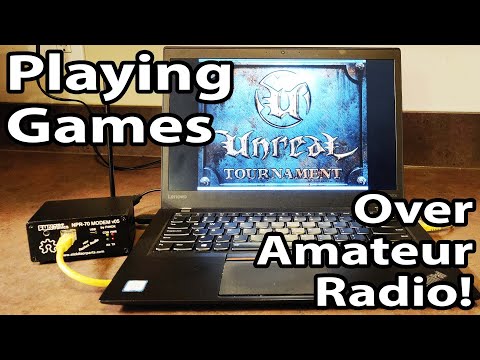
Over on her YouTube channel SignalsEverywhere, Sarah has uploaded a new video that shows us how TCP/IP connections can be made over the amateur radio spectrum using low cost NPR-70 TCP/IP modems that operate in the 70cm amateur band at around 433 MHz.
With a TCP/IP connection available it is then possible to play games over the amateur radio bands and Sarah demonstrates this in action with some classic games like Unreal Tournament 2004, noting that the ping was about 225ms. She notes that she used a lower symbol rate to keep within the legal limits within the USA, however in other regions a higher symbol rate may be possible, resulting in better ping. She goes on to try a strategy game called OpenRA which is a bit more suited to running on low speed high latency networks, noting that the radio TCP/IP connection worked very well.
In the video Sarah also shows what the modem signal looks like on the spectrum and waterfall using SDR++.
Playing Classic Games over Amateur Radio | NPR-70 Modem TCP/IP Unreal Tournament and OpenRA