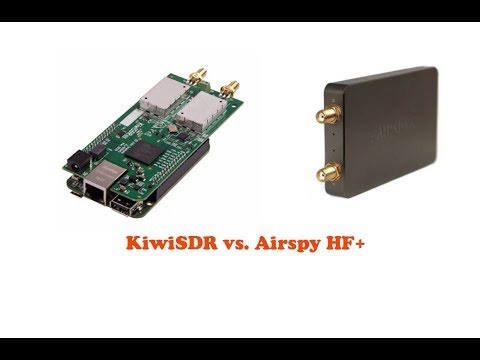
Over on YouTube user icholakov has uploaded a video comparing the Airspy HF+ with the KiwiSDR. The Airspy HF+ and KiwiSDR are both high performance yet low cost SDR platforms. The differences are that the Airspy HF+ is normally connected directly to a PC (but can be run remotely too) whereas the KiwiSDR is designed to be run remotely only, and so can only be accessed through a browser platform. In addition the HF+ only has maximum live bandwidth of 660 kHz whereas the KiwiSDR samples the entire 30 MHz of the HF band. Both are very sensitive and fairly resistant to overloading, but the HF+ should be better in both regards.
In his video icholakov does side by side comparisons with each radio. He writes
Comparing short wave and medium wave reception from Airspy HF+ SDR Console 3 and KiwiSDR with its built in web server. Using the same 80m dipole antenna. No special noise cancelling on the Airspy HF Plus.
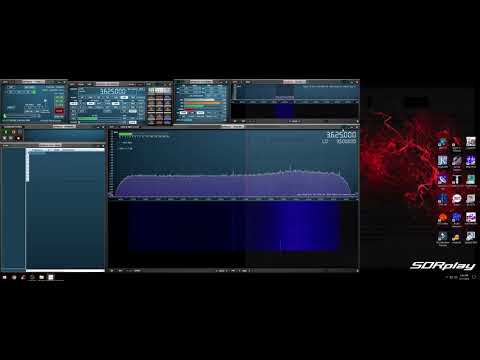
The official software package of the SDRplay range of products is SDRuno and it has recently been updated to version 1.22. SDRuno is also compatible with the RTL-SDR.
In addition to some UI improvements for new users, the main changes are pasted below. What's also very interesting is their road map which states that future versions of SDRuno will have frequency scanning capabilities, a remote network streaming server/client implementation and an API for the support of third party plugins. This would improve it's capabilities similar to that of SDR#.
Added • Support for 1366×768 default layout • ADC overload detection in AGC off mode • ADC overload acknowledgment system to avoid lockout condition • Custom step size for each mode • Band Button Groups (Ham Lower, Ham Upper, Broadcast) • Two additional SP1 width presets (2560 and 3840) • Additional menu option in memory panel to reset column widths (helps when upgrading) • Scheduled Recording • Auto update
Changed • Registry reset now only clears 1.2+ entries • SP1 Window max size supports 4K displays (3840×2160) • Small improvements to the memory panel (panel width and field width changes) • Improvements to the IF output mode • UTC time fixed to 24 hour format • Play!/Stop button colour coordinated • Move MUTE button to make way for VOLUME label • Moved Squelch value display to the right
Fixed • Log10 SING error • Aero support detection to try to prevent rendering issues • Freezing when switching to HiZ port in gain mode • Gain “pumping” issue when in gain mode • Settings panels not displaying properly when “un-minimised” • Zoomed in frequency scale drag out of bounds bug • Noise floor measurement bug • Improved RSP error handling • Sample rate change causing spectrum display issues • Device selection bug
Known Issues • SP2 CWAFC drift issue (Zoom/window size/freq display) – will be addressed in 1.23, workaround for now is to zoom out fully in the SP2 window and then the CWAFC feature will work. • IF output mode disabled SP1 spectrum mouse clicks – temporary issue until LO is separated from the VFO (see plans below)
Following on from the 1.21 release where we outlined the features for coming releases, we have updated our plans, as shown below. The purpose of publishing this information is to give people an insight to the development plans but it is NOT a guarantee of the exact feature line-up and we cannot give release dates.
1.23 Intermediate update • Recording of selected signal only (either I/Q or audio) to WAV file format • Selected signal piped to VAC in I/Q format
1.3 Major update • Separation of VFO and LO frequency control • Frequency scanning
1.31 Intermediate update • Remote client for network based streaming I/Q server applications
1.4 Major update • Addition of new API for third party plugins
APL is an old but very concise array oriented programming language that uses mostly special characters to represent functions and operators. Dyalog APL is a modern implementation of APL, and is designed to make it easy to analyse and process large amount of data.
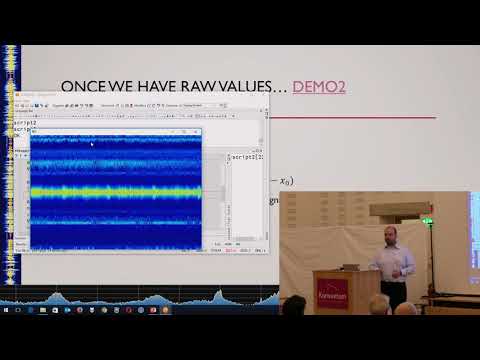
Over on YouTube there has recently been a talk uploaded from the Dyalog17 conference where Moris Zucca talks about using RTL-SDRs with Dyalog APL. In the talk he shows how he processes the RF data in the APL language leading to a reverse engineered garage door opener. The talk slides can be found here and the blurb reads:
Software-defined radio (SDR) is a radio communication system in which components such as amplifiers and modulators are implemented using software instead of the traditional hardware. In the last decade, technological advances by RealTek Labs (RTL) have made SDR viable for hobbyists. Moris Zucca (SimCorp Italiana) is one of the hobbyists who has taken up the RTL-SDR challenge; he explains how he has connected the Dyalog interpreter to various devices and converted the radio signals using APL. A little bit of reverse engineering means that he now possesses possibly the only remote control for a garage door that can be activated using APL!
Exploring the RF spectrum with Dyalog APL - Moris Zucca - Dyalog '17
Over on YouTube FairlawnARC.org have uploaded a talk about SDRs and ham radio by Ria Jairam (N2RJ0). The talk is a good overview of the current state of SDRs for ham radio use, and she discusses the various hardware and software options as well as giving many tips for improving your ham station. The blurb reads:
Our speaker was Ria Jairam (N2RJ), a world class contest operator and member of the Frankford Radio Club. Ria discussed the latest technology and offerings from Flex Radio, the HPSDR project (Ananradios), RTL SDR and others, as well as practical tips for contesting, DXing and rag chewing using your SDR. This presentation was held on Friday, October 20, 2017, 1900 hours at the Fair Lawn Senior Center, 11-05 Gardiner Road, Fair Lawn, NJ. The event was open to the public & refreshments were served.
Ria Jairam, N2RJ YLs, SDR & Setting Up A World Class Station
Part 2 - Ria Jairam, N2RJ YLs, SDR & Setting Up A World Class Station
Over on his site rtl-sdr.ru, Vasilli has been back at work creating new plugins for SDR#. The latest plugin is a TCP server that takes the demodulated mono audio stream from SDR# and sends it over TCP (note that the site is in Russian but the Google translate button on the right can be used). This can be used to easily stream audio over the internet or a network, or even locally on the same PC to another program. If enough programs support TCP audio streams, then the plugin could potentially replace the need for software like Virtual Audio Cable or VBCable by allowing another method for piping the audio from SDR# into a decoding program.
Installing the plugin is the same as usual. Just extract the SDRSharp.TcpServer.dll file to the SDRSharp folder, open plugins.xml with a text editor and paste in the 'magic line' specified in MagicLine.txt.
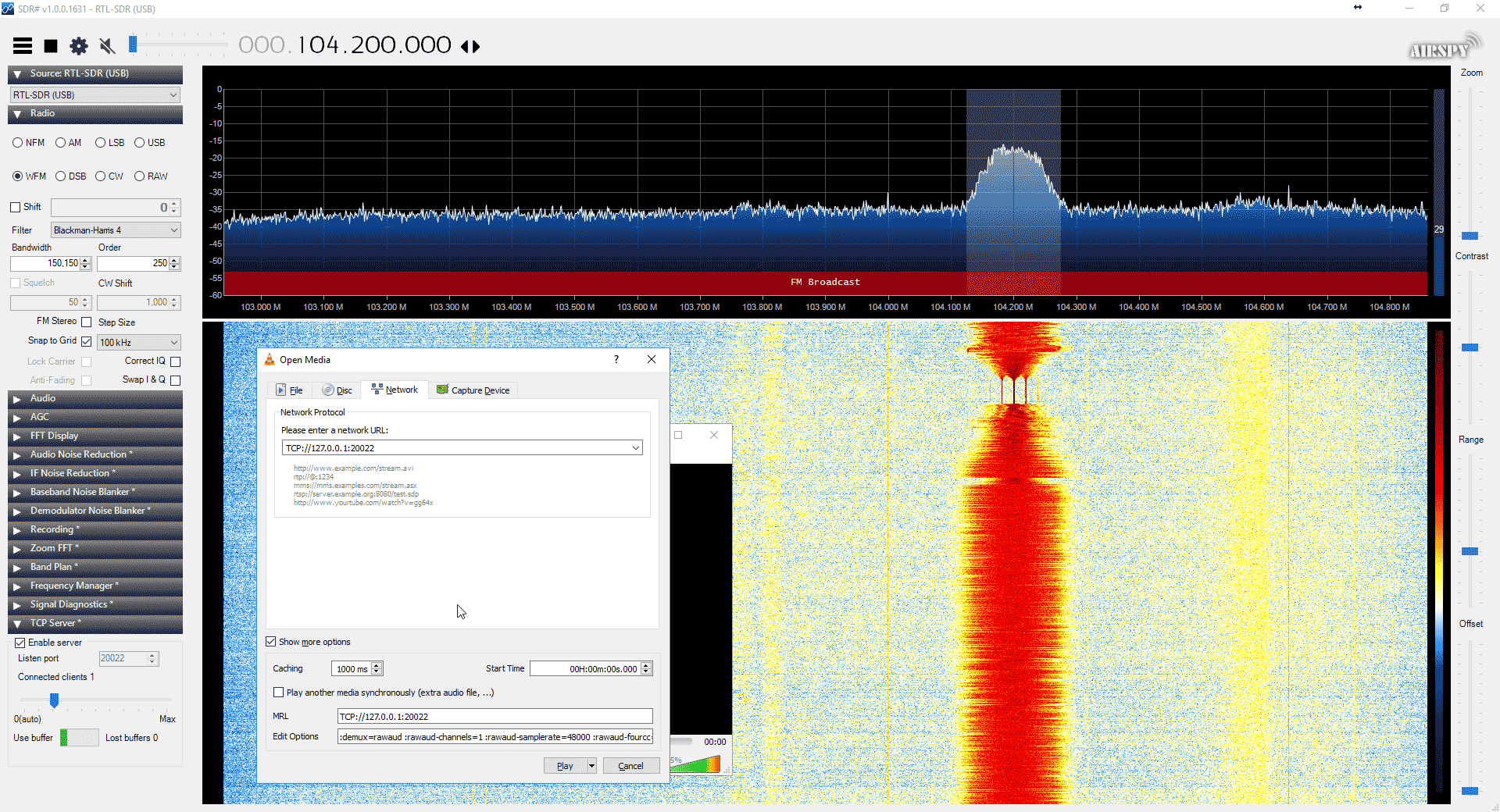
To test the server you can connect to it with VLC media player. Some special commands need to be specified to VLC in order for it to understand the audio format. To enter them go to Media->Open Network Stream and make sure 'Show more options' is checked. Enter the network URL as 'TCP://127.0.0.1:20022' (without quotes), and enter the Edit Options field as ':demux=rawaud :rawaud-channels=1 :rawaud-samplerate=48000 :rawaud-fourcc=s16l' (without quotes). Ensure the first colon in the line is copied over properly. Then enable the TCP server in the SDR# plugin, and click Play in VLC. Ensure the SDR# is muted, and the volume in VLC turned up. Audio should now begin streaming through TCP.
Hopefully in the future we can see some audio compression algorithms and more decoding software supporting TCP audio connections.
Vasilli has also updated many of his other plugins too, including creating a DSD_TCP plugin which allows you to transmit the digital audio directly to DSD+ via a TCP connection.
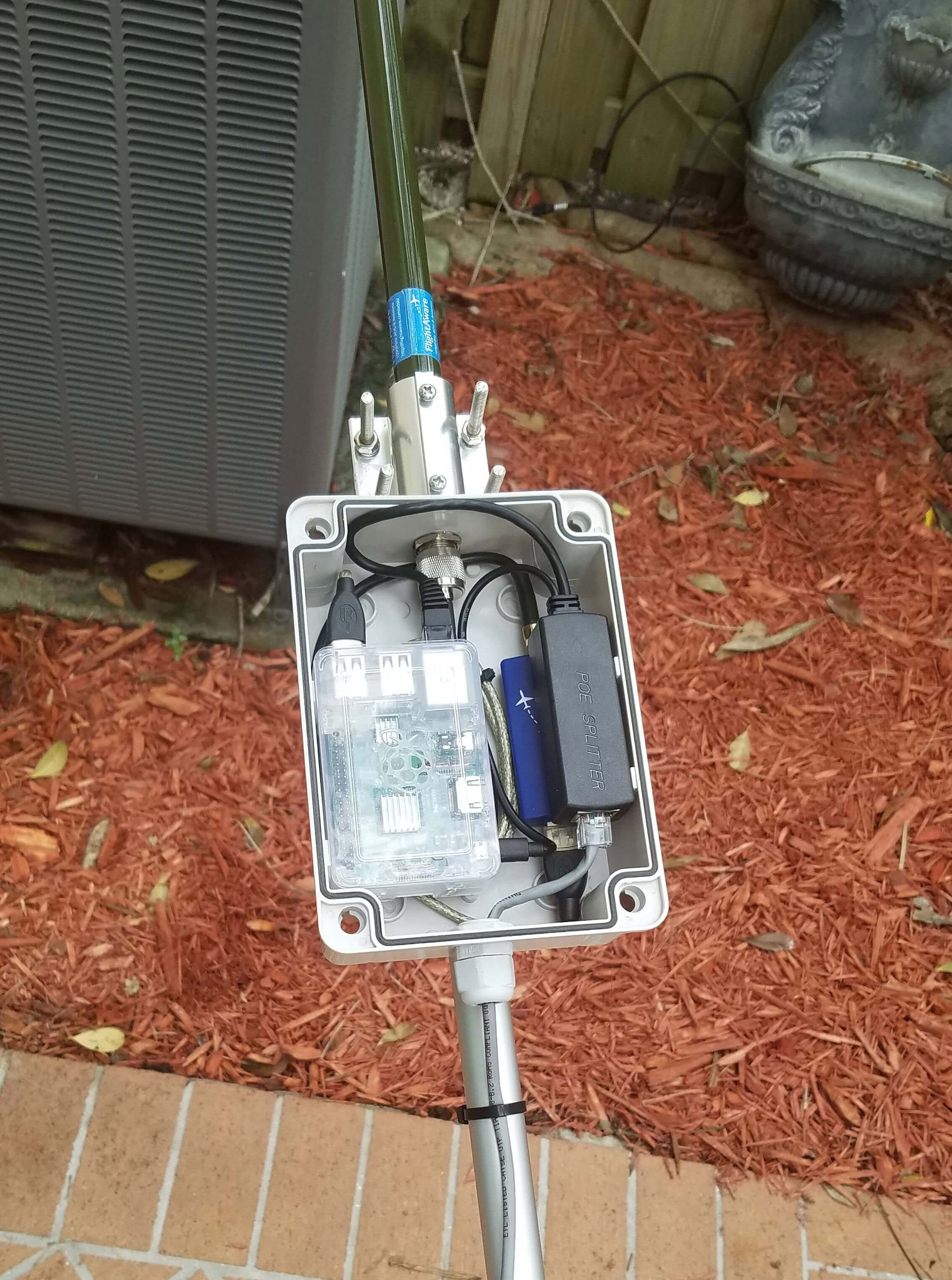
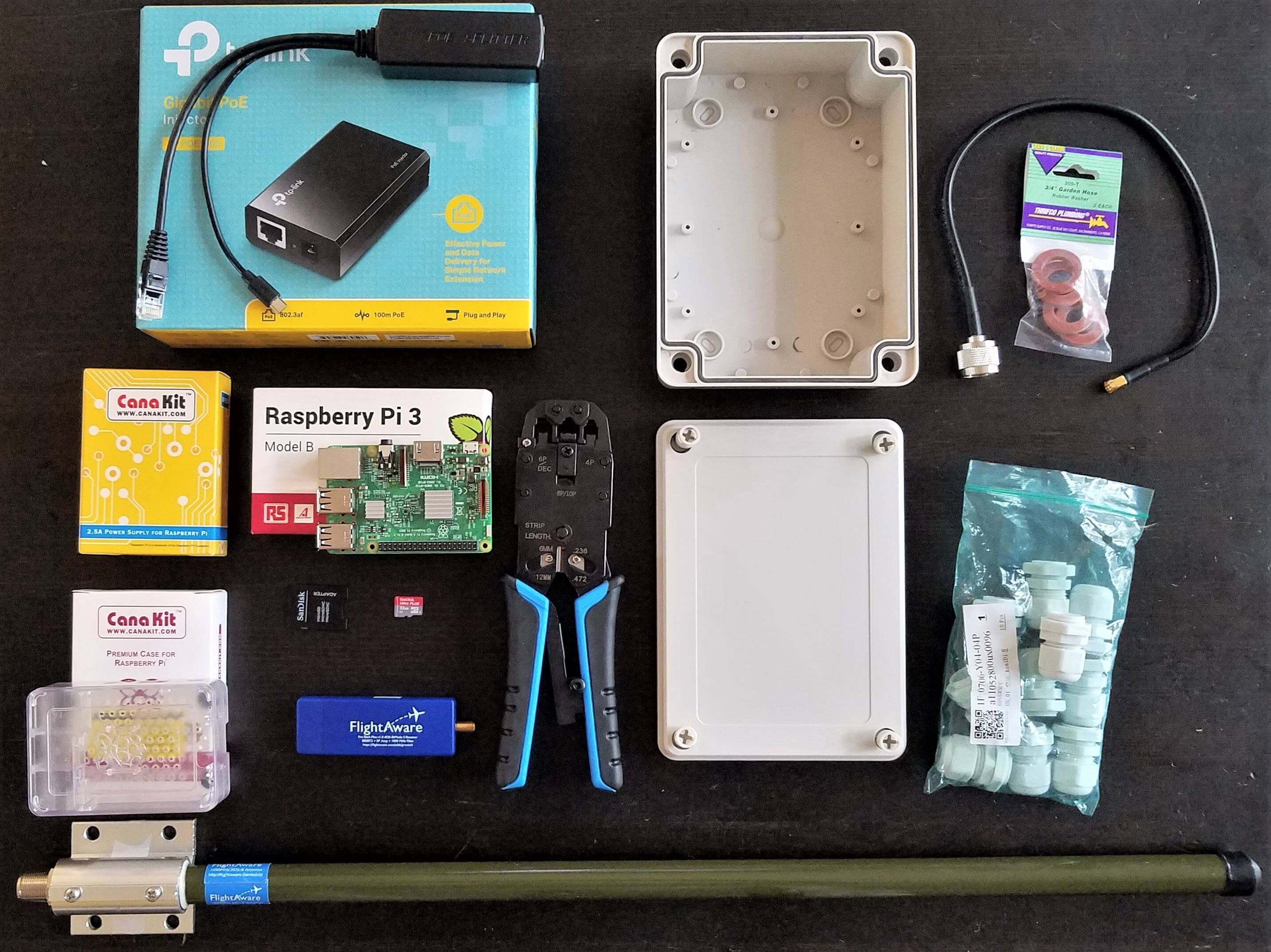
He uses a FlightAware dongle, which is an RTL-SDR optimized for best ADS-B reception when placed directly at the mast/antenna. For an antenna he uses the FlightAware ADS-B antenna, which we've reviewed in the past and found to be one of the best value ADS-B antennas available on the market. To process the data, a Raspberry Pi is used and it is powered via power over Ethernet (POE). If you didn't already know, power over Ethernet (not to be confused with Ethernet over powerline) is simply running power through unused wires inside an Ethernet cable. It is a convenient method of powering remote devices and giving them a network connection at the same time. The whole package is enclosed in a waterproof case, and the antenna attached to the top.
Putting the RTL-SDR and computing device at the antenna removes any loss from long coax runs, and the POE connection provides a tidy cabling scheme. The FlightAware dongle is a good choice for mounting directly at the mast or antenna because it has a built in low noise figure LNA. If using coax cabling instead, and keeping the RTL-SDR and Raspberry Pi inside, then it would be better to mount an LNA at the mast and power it through the coax via a bias tee.
Back in April and July of last year we posted about Philip Hahn and Paul Breed's experiments to use an RTL-SDR for GPS logging on their high powered small rockets. Basically they hope to be able to use an RTL-SDR combined with a computing platform like a Raspberry Pi or Intel Compute stick and software like gnss-sdr to record GPS data on their rocket. Using an RTL-SDR would get around the COCOM limits that essentially stop GPS from working if it measures faster than 1,900 kmph/1,200 mph and/or higher than 18,000 m/59,000 ft.
In the past they've been able to get usable data from the flights, but have had trouble with reliability and noise. That said they also tried commercial GPS solutions which have also failed to work properly even on flights travelling under the COCOM limits, whereas the RTL-SDR actually got data that could still be post processed.
If you are interested in a full summary of Phillip and Paul's experiments, then the GNU Radio blog has a nice summary written by Phillip that explains their full journey of trying to get a working RTL-SDR based GPS system for their rockets.
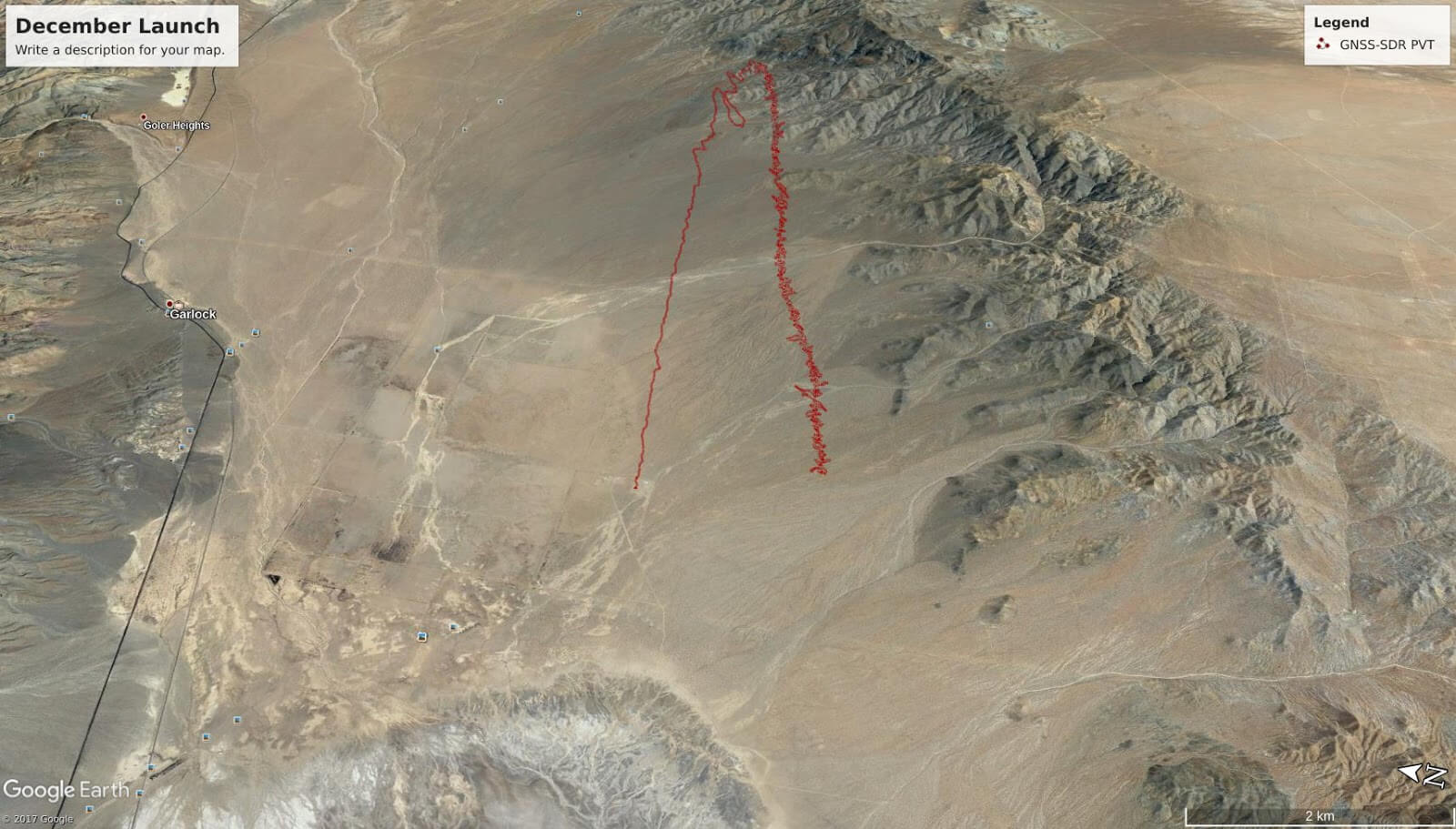
Rocket Trajectory as measured by the RTL-SDR based GPS receiver.
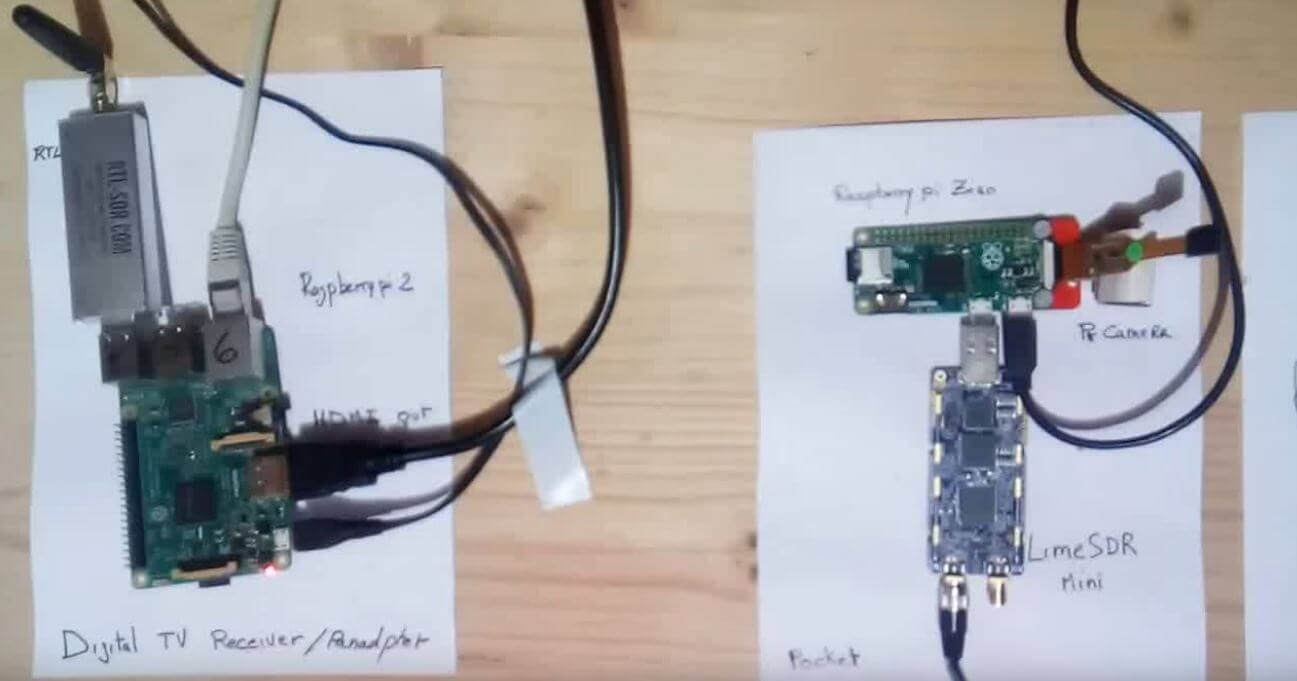
Over on YouTube user Evariste Okcestbon has uploaded a video showing his simple pocket DATV system that consists of a LimeSDR running on a Raspberry Pi Zero transmitting live camera images via DATV which is received by an RTL-SDR running on a Raspberry Pi 3.
If you didn't already know, DATV stands for Digital Amateur Television and is a digital mode somewhat similar to digital over the air TV signals that can be used by hams for transmitting their own TV signals on the ham bands. The LimeSDR Mini is a $139 US transmit and receive capable SDR that is currently crowdfunding and available for pre-order on Crowdsupply. It is expected to ship at the end of February 2018.
Evariste uses a range of software packages on each Raspberry Pi. He writes the following in the video description:
Description of a minimal Digital Tv chain : Transmitter and Receiver.
Hardware used on Tx : PiZero,Picam,LimeSDR Mini
Hardware used on Rx : Raspberry Pi 2, RTL-SDR,Monitor
Software used on Tx : avc2ts,dvb2iq,limetx
Software used on Rx : rtl_sdr,leandvb,kisspectrum,ts2es,hello_video
Evariste is also the author of Rpidatv which allows you to transmit DATV directly from the GPIO pins of a Raspberry Pi without the need for any transmit capable SDR.