LNA For All – Wideband Low Noise Amplifier

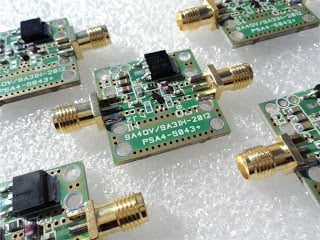
Amateur radio enthusiast and blogger  has released a new wideband low noise amplifier (LNA) circuit that would work well with the rtl-sdr. It amplifies from 28MHz to 2500MHz with a 1dB noise figure. Check it out on his page here. At 20 Euros plus 5 Euros worldwide shipping for a fully assembled LNA, it is quite a good deal.

This small gadget can lower and improve you DVB-T SDR stick noise figure and improve the sensitivity. Adding the LNA in front the front end of your receiver can open another dimension in your reception. Receiving HAM radio satellites should not be a problem even with the small setup and portable antennas.
LNA For All

Free Virtual Audio Cable Alternative

Virtual Audio Cable is an important software tool for the Windows rtl-sdr user. It allows an audio data stream to be piped from a software radio program such as SDRSharp, into a decoding program. Unfortunately Virtual Audio Cable is not free, which is not in the cheap spirit of rtl-sdr, and at $25 it costs more than the dongle itself. There is a trial version, but it periodically plays a watermark voice which can break decoding.

A free (donationware) alternative to Virtual Audio Cable that we recently found is VB-Cable. VB-Cable does exactly the same job as Virtual Audio Cable but for free. By donating any amount to the developer, you can unlock two more virtual audio devices, which is useful if you use multiple rtl-sdr dongles on one machine.

Note, one trick to installing VB-Cable is that I found that I had to run the installer in Administrator Mode on a Windows 7 machine to get it to work.

RTL-SDR Tutorial: Decoding DRM Radio

Digital Radio Monodial (DRM) radio is a type of digital shortwave radio signal that is used by international shortwave radio broadcasters. It provides superior audio quality compared to AM signals by using digital audio encoding. With an upconverter, good antenna, and decoding software the RTL-SDR software defined radio can receive and decode DRM signals. This tutorial is also applicable to other software defined radios that can receive HF with or without an upconverter, such as the HackRF, Airspy, Softrock and Funcube dongle.

Examples of DRM Decoding

YouTube user Superphish shows DRM reception with his Ham-it-up upconverter, and rtl-sdr.

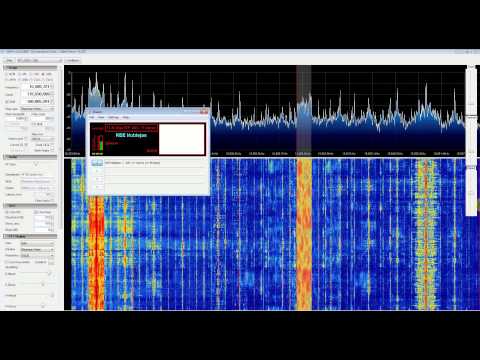
DRM REE Noblejas Radio with RTL SDR (RTL2832), Nooelec Ham It Up Upconverter, SDR Sharp and DREAM


Continue reading

ADSB# Plugin for SDRSharp

———————
Update and Note: This plugin appears to be now dead. If you are simply looking for the ADSB# standalone program (not the plugin), it is located in the SDR# install folder from sdrsharp.com.
———————

A user by the name of darkscout.rm on the SDRSharp Yahoo group has posted version 3 of his ADSB# plugin for SDRSharp. The main purpose of this plugin is that it allows the waterfall to viewed at the same time as decoding, which may help with visually tuning the gain settings, or experimenting with ways to block out out of band interference. He has also added in a 1-bit error recovery by brute force option, which is used in dump1090 and may improve decode performance.

ADSB# is a standalone program to receive ADS-B signals and my ADS-B plugin does the same but from within SDR#. Continue reading

Homemade ADS-B Filter

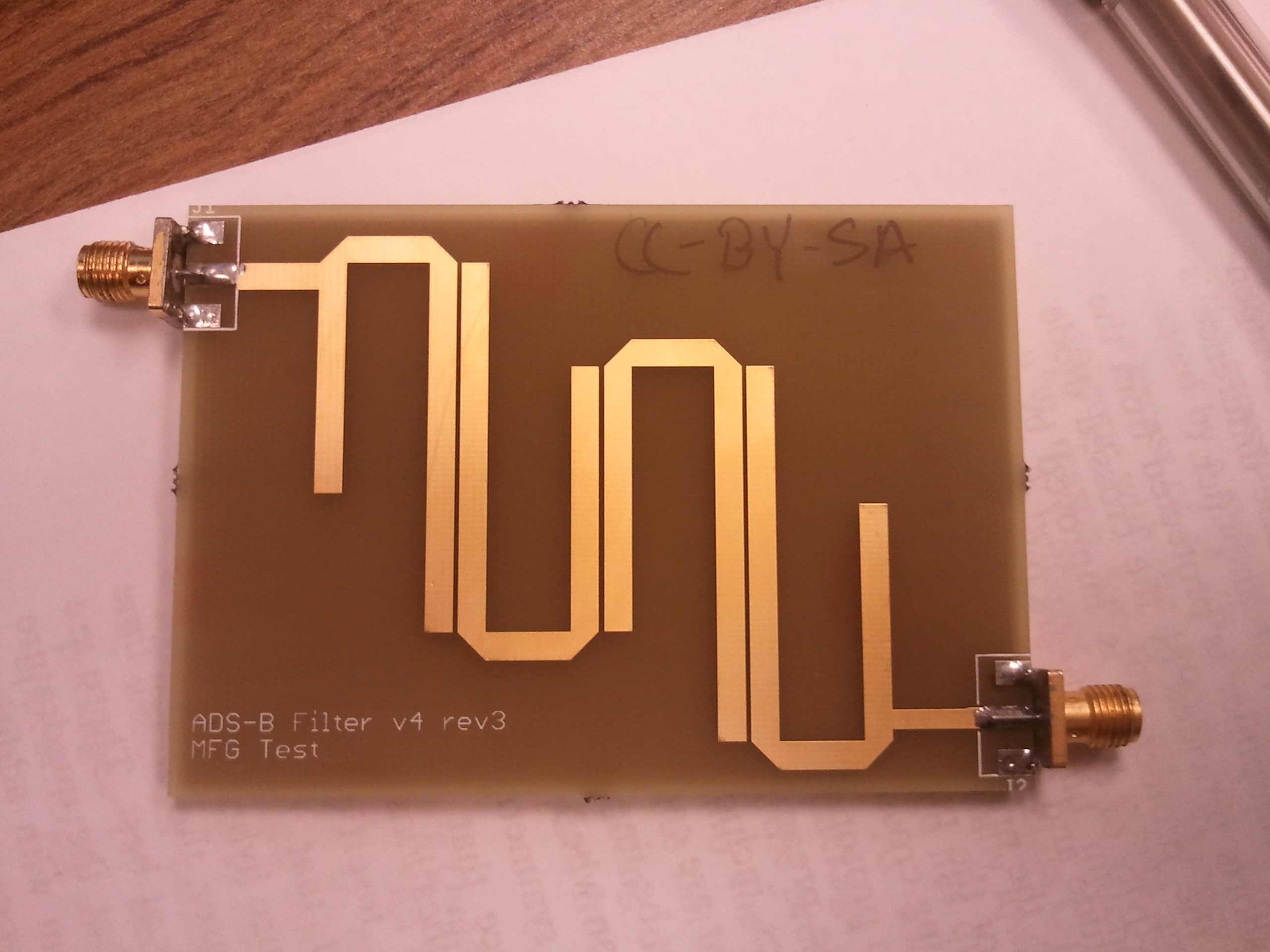
Reddit user BigReid has posted on the Reddit rtl-sdr forums his homemade bandpass filter with a pass range of 1-1.2GHz for improving adsb reception. A bandpass filter blocks any interference from signal frequencies outside of the pass range. This might be useful for adsb if you experience a lot of interference from out of band signals at 1090MHz.

His filter is a hairpin filter, which can easily be etched onto a PCB board. You can find the PCB schematic files linked on the post.

ADSB Hairpin Bandpass Filter

2-in-1 RTL-SDR and HF Upconverter on a Single PCB

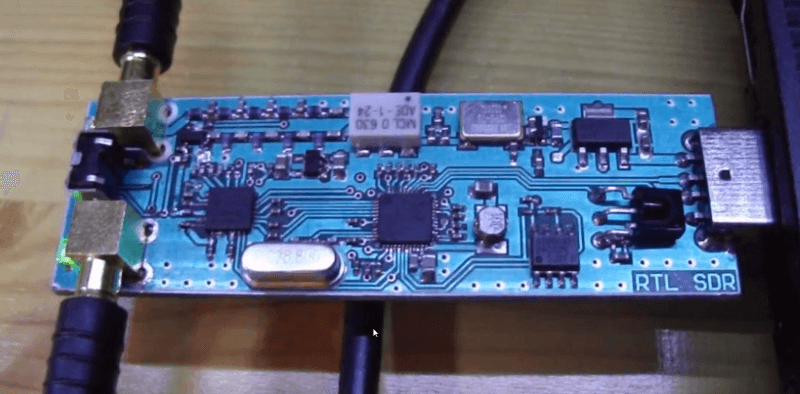
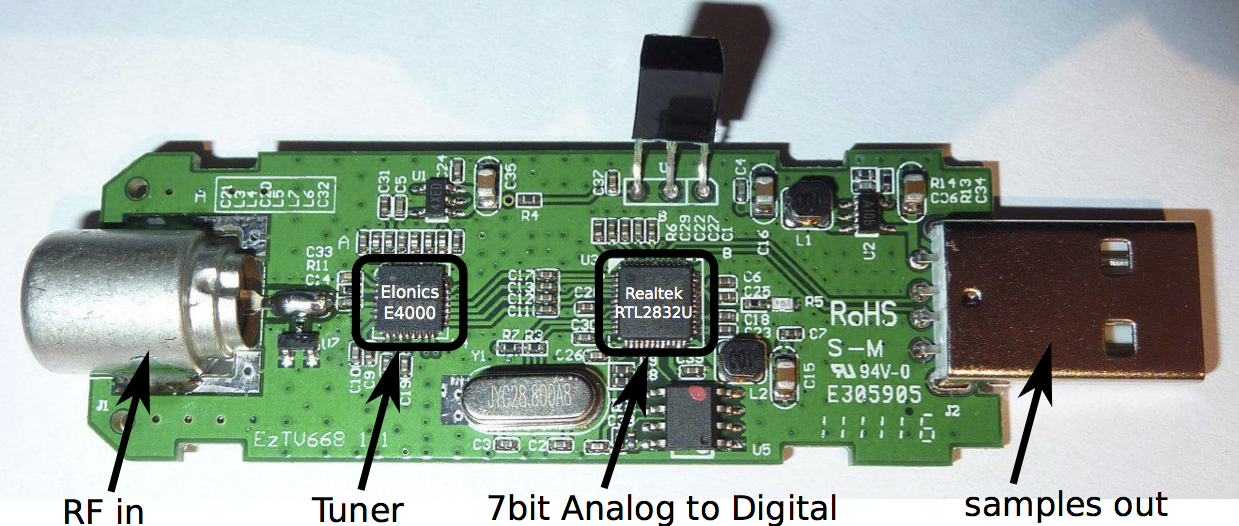
A Hungarian hardware developer has been working on what appears to be a 2-in-1 software defined radio, combining the rtl2832u and E4000 tuner chips together with a HF upconverter all on the same PCB. The device is able to tune from 1MHz to 1.7GHz, and has two antenna connectors, one for the HF antenna, and another for the VHF/UHF antenna. Using the Google translation is difficult, but it seems the board has a protection diode, 100MHz oscillator, low noise amplifier (LNA), isolation between the two antennas, and also retains the ability to receive DVB-T and DAB broadcasts.

The developers article in Hungarian on this combined tuner can be found here, and a Google English translation here. Another version of the page which looks to be a product ordering page can be found here, and Google English translation here. We aren’t sure if the developer is still shipping these devices as the eBay listings have all gone down, but it seems you can order one by contacting the developer from the website.

Update 27 May 2013: Version 3 of this combined rtl-sdr can be now found for sale at this link. http://janielectronics.com/index.php?route=product/product&product_id=94.

RTL-SDR Combined Tuner

Continue reading

Using Unitrunker with SDRSharp

Trunking radio is a radio system where a finite number of frequency channels are shared between multiple radio users. This allows support of a much larger number of radio users. A special control frequency is used to determine which frequency a radio should be tuned to.

This all means that following a radio conversation with a software defined radio such as the rtl-sdr can be difficult, as the conversation can hop around multiple frequencies. Fortunately there is software called unitrunker which can listen to the control channel, and determine what voice frequencies need to be tuned to. More information about unitrunker and the signals it can decode is shown on this RadioReference wiki page.

A tutorial on how to set up unitrunker with SDRSharp has been posted here. Essentially, to follow trunked radio conversations you will need two rtl-sdr dongles (or any two software radios), unitrunker and virtual audio cable. One radio will be used for the control channel and unitrunker, and the other will be used for the listening to the voice channel. This can also be done with one software radio, and one hardware radio with discriminator tap if one have one of those. If you are trying to track digital voice communications, it can be done with one dongle and this is discussed in the tutorial too.

Continue reading