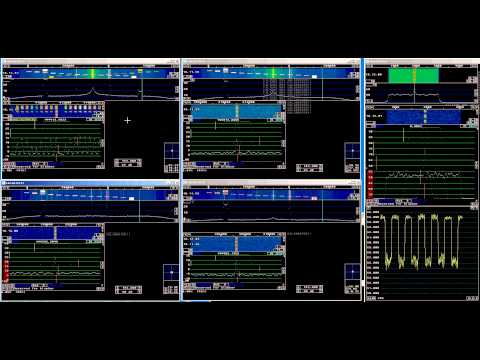
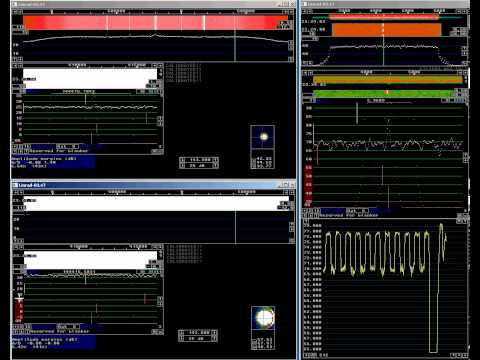
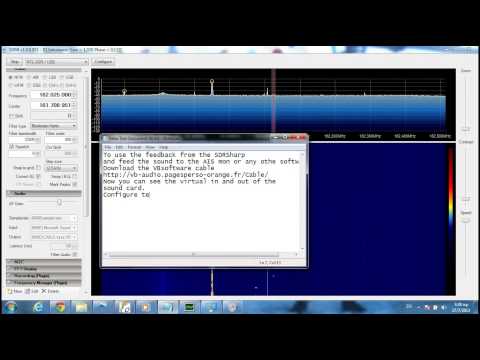
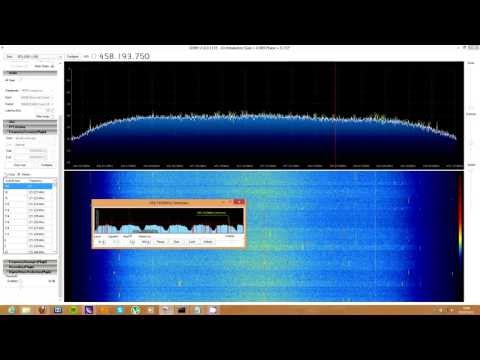
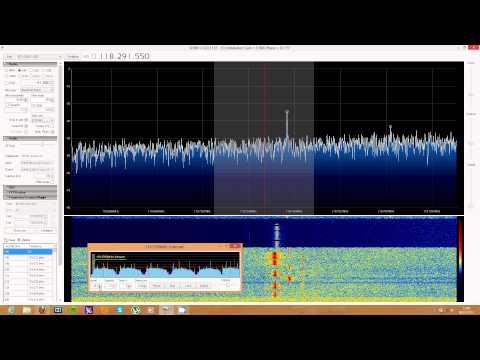
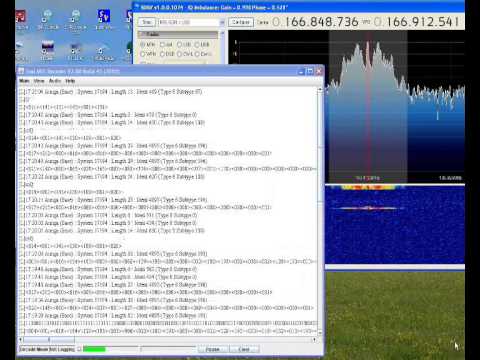
A few days ago we posted a video by sm5bsz showing some comparisons between the E4000, R820T and FC0013 tuners, and also a comparison between the special linearity gain mode driver in Linrad and standard Osmocom driver in SDRSharp.
Now sm5bsz, programmer of Linrad and the special gain modes for the E4000 has done another test using only Linrad, which more fairly demonstrates the difference between the various tuners, and the effect of the special gain drivers in Linearity mode. He writes
In this video RTL2832 dongles are compared for sensitivity, spurs and intermodulation. The difference between the Linrad linearity mode and the original Osmocom gain setting is demonstrated as well as spurs in R820T and FC0013.
Which one to prefer depends on the local RF Environment and whether a selective filter is used between the antenna and the dongle.
donglecmp3
Note: The Linrad vs SDRSharp video has been removed by the uploader.
Finally in this video, he also compares the standard Osmocom driver to the sensitivity mode available in the modified gain profile drivers. He writes
The sensitivity mode has very poor performance for signals far away from the passband, but it allows about 10 dB better dynamic range for interferences within the passband. Sensitivity mode is for usage with a selective preamplifier while the Osmocom gain mode is a reasonable compromise. The Linrad linearity gain mode is for use without filters in difficult RF Environments.
e4000 sensitivity mode
Linrad can be downloaded from here and the modified Osmocom drivers with linearity and sensitivity gain profiles for the E4000 can be downloaded here. SDRSharp can also use the modified Osmocom drivers with Linearity and Sensitivity modes with this plugin by Zefie.
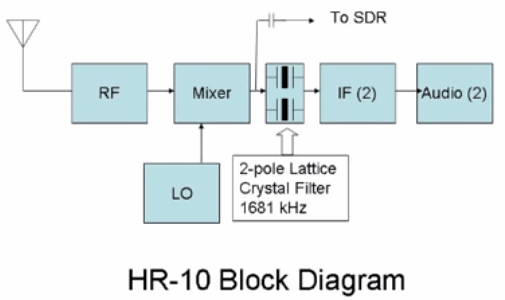
YouTube user ranickel and creator of the RANVerter HF upconverter for software defined radios has posted a video showing how to use an RTL-SDR dongle and RANVerter to create a panadapter for an old and cheap Heathkit HR-10 “beginners receiver” ham radio.
He connects the mixer stage of the HR-10 via a capacitor to his RANVerter which then connects to a RTL-SDR dongle.
YouTube user Drvarnick has posted a good video tutorial on getting AIS decoding set up with the RTL-SDR using the free OpenCPN, AISMon, SDRSharp and VBCable Windows software programs.
We also have an AIS decoding tutorial blog post posted earlier in the year that shows similar steps at this link.
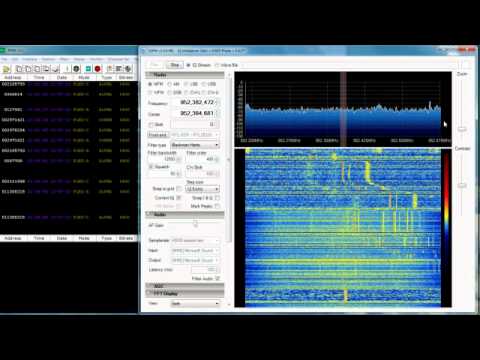
YouTube user NeedSec has posted a useful tutorial video showing how to set up decoding of FLEX 1600 pager traffic on a Windows system using PDW, SDRSharp and an RTL-SDR USB stick.
If you’ve been having trouble figuring out the use of SDRSharp plugins, YouTube user radiosification has put up a useful video tutorial showing the installation steps required to get set up with the popular SDRSharp fast scanner plugin(old link), which was also recently updated.
In the second video he shows the fast scanner in action on the airband.
In this video YouTube user nerdsville shows decoding of Autocabmobile data terminal (MDT) signals. He also shows an example of the not yet decodable Auriga MDT signals at about 3:20 into the video. MDT’s are displays attached to taxis which are used to help taxis find transport jobs.
He uses SDRSharp, an rtl-sdr dongle and the Taxi MDT Decoder java program. More information about Taxi MDT Decoder can be found here.
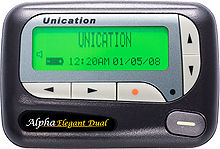
The RTL-SDR software defined radio combined with SDRSharp, and a POCSAG/Flex capable decoding application can be used to decode pager messages. With this setup you can receive pager messages from all pager users on the system. If you don't know what a pager is, since they are now uncommon, here is a brief explanation from Wikipedia:
A pager is a wireless telecommunications device that receives and displays numeric or text messages, or receives and announces voice messages.
Not many people use pagers these days with mobile phone text messaging being used more, but pagers are still popular with doctors, hospitals in general, some fire and ambulance agencies and various IT companies, as they tend to be more reliable and have greater coverage.
A Pager
Privacy and Security
Obviously a lot of messages sent through pagers are plain text and contain personal data. Especially messages from hospitals. This is a concern as it is a major breach of patient privacy.
Security concerns also stem from the fact that many IT companies set up systems that forward notices of emails being received with the subject line visible, and system messages that contain IP addresses, email addresses and names, database error messages, and URLs.
Previously an art installation in New York was set up with an SDR to try and highlight some of the privacy and security concerns that pager use brings.
We note that in most countries it is perfectly legal to receive pager messages, as they are plain text unencrypted, but it is illegal to share or act on the information received. In some countries it may be illegal to even set up a receiver. Please research and respect your local laws before attempting this project.
Examples
Here YouTube user nerdymark shows 18 minutes of pager decoding using SDRSharp, PDW and an RTL-SDR.
18 Minutes of Pager Traffic 2012 July 12 San Jose rtlsdr sdr# pdw flex
Tutorial
While directed at the RTL-SDR, this tutorial may also be useful for use with other software defined radios such as the Funcube dongle, Airspy and HackRF, or even traditional hardware radios with a discriminator tap.
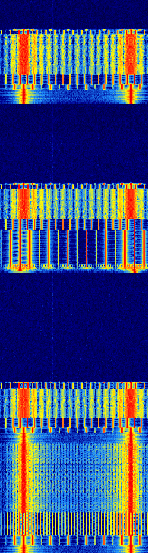
Since pager signals are usually transmitted at a very strong power, usually almost any antenna will work to receive them, even the stock antenna that comes with the dongle. Pager frequencies differ among different countries. Usually they will be anywhere from 137 - 160 MHz, around ~450 MHz, or around 900 MHz. Check radioreference.com or Google for frequencies in your area, or just search for them manually - they are usually quite easy to spot. Pagers normally use either the POCSAG or FLEX protocols, and the signals will look on a waterfall something like the signal shown below. They also have a distinctive sound when played with NFM mode. A sound sample is also shown below.
POCSAG Waterfall Image
For this tutorial, you will need to have an RTL-SDR dongle set up and working with SDRSharp. We will assume you have this much done already. If you do not, visit the Buy RTL-SDR page, and then the Quickstart guide. You will also need to have an audio piping method installed and set up. Audio piping will allow the audio from SDRSharp to be passed to a decoding program. You can use either windows stereo mix, VB-cable (free) or Virtual Audio Cable (paid with trial version).
Now, to decode the POCSAG or Flex signals, you need need to download and install a free program called PDW, which can be downloaded from this page, then follow these steps.
Open SDRSharp and set the audio piping method to the one you will use under the Audio Output drop down box and then press Play.
Tune to a pager POCSAG/Flex signal. Set the receive mode to NFM, filter bandwidth to 12500 Hz, filter order to 10, turn squelch OFF and filter audio OFF. Adjust the RF gain settings under the configure menu until good reception is achieved.
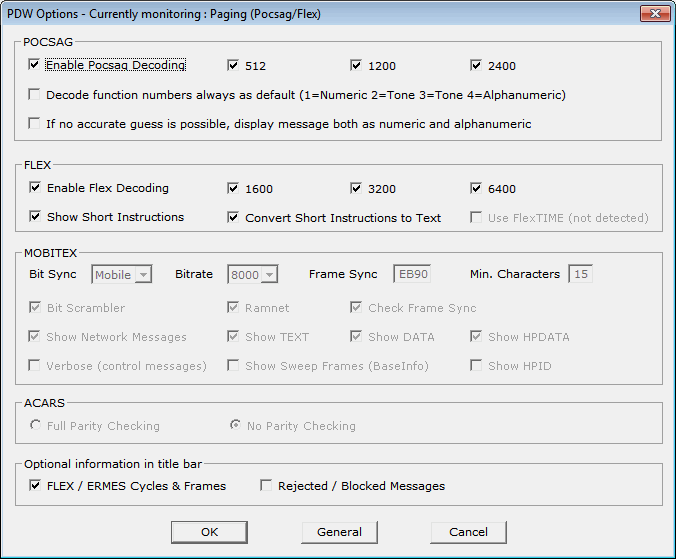
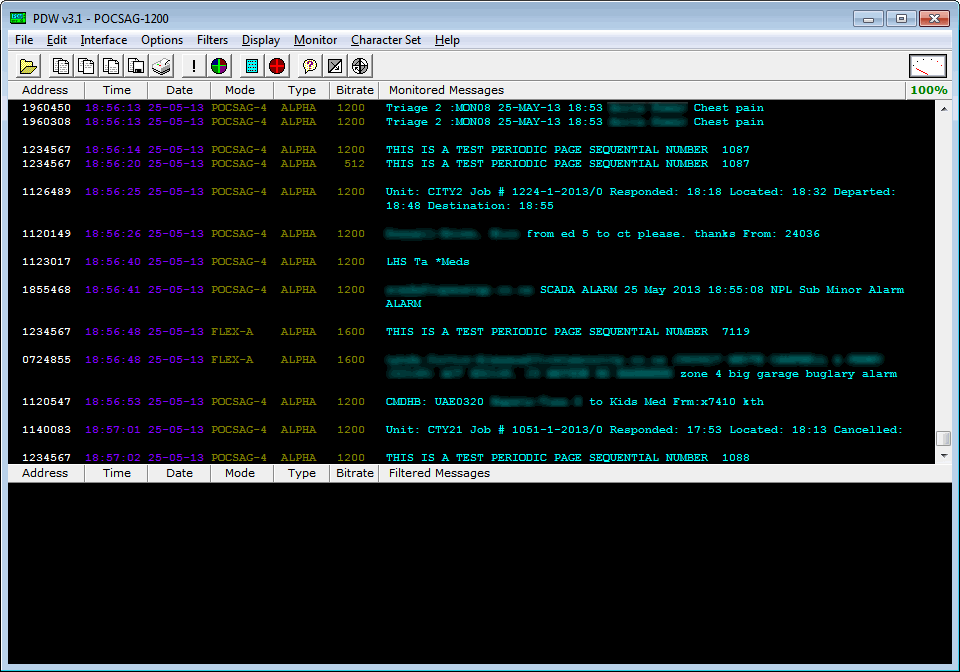
Open PDW. You may initially receive some errors upon first opening it, but they can be safely ignored. Go to Options -> Options and Click Enable Pocsag Decoding, and ensure the 512, 1200 and 2400 boxes are all checked. Also, ensure Enable Flex Decoding is enabled and that the 1600, 3200 and 6400 boxes are all checked. Press OK.
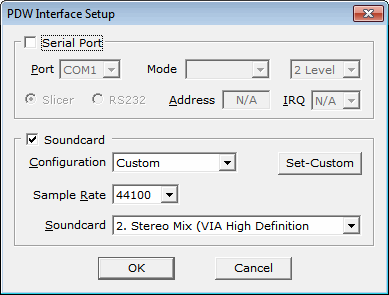
Go to Interface -> Setup. Enable the Soundcard checkbox, set the Configuration to Custom, and choose your audio piping method in the Soundcard drop down box. If you only have one audio piping method enabled in the Windows recording properties, it will automatically choose that method. Press OK.
Go to Monitor, and ensure POCSAG/FLEX is ticked.
Now, if everything is set up correctly, the pager audio from SDRSharp should be being sent to PDW. In the top right hand corner of PDW, there should be a volume gauge. You will need to adjust the volume settings in SDRSharp, and/or the Windows volume settings so that the volume meter goes up when a pager signal is sent. The percentage shown below the gauge shows the decode error rate. If you are receiving good signals the error rate should be very low and the percentage should be at or near 100%.
PagerMon is a app that records and displays all messages from MultimonNG in a nice web page.
Some Tips
Pager signals are generally very strong, and so almost any antenna can pick them up - even the stock antenna included with many dongle packages. However, if you live far away from the transmitter a better antenna matched to the pager frequency you want to monitor may be required.
If reception is very poor, you may get some garbled messages in the PDW window.
Since pagers can be so strong, you may actually need to reduce the RF gain to clearly discern between a real pager and an image. Reducing the gain may also help decoding if it is so strong that it begins overloading in the RF spectrum.
Sometimes setting the volume too loud can cause the pager audio signal to become distorted. Make sure you do not have the audio set too loud.
If you enjoyed this tutorial you may like our book available on Amazon. Available in eBook and physical formats.
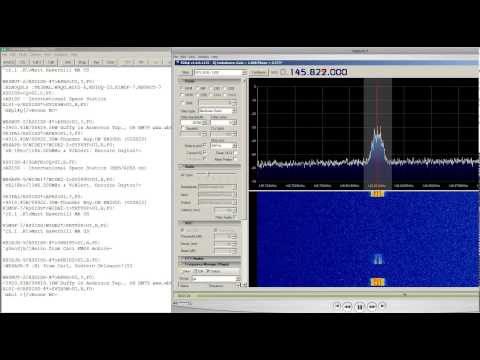
YouTube user ronpaulatemybaby has posted a video showing his reception of the International Space Station (ISS) amateur packet repeater on 145.825 MHz, using the rtl-sdr. He used a R820T dongle, two meter dipole, SDRSharp and decoding software MixW.
RTL SDR International Space Station Packet Repeater 145.825 Mhz