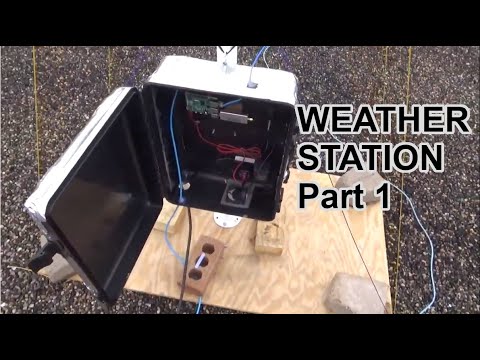
Over on his YouTube channel saveitforparts has uploaded a video showing how he has built an automated weather satellite image collector for the NOAA APT and Meteor M2 LRPT satellites. The video shows a time lapse of him building a QFH antenna, and how he's mounted a Raspberry Pi and RTL-SDR inside a waterproof enclosure attached to the antenna mast. He goes on to show how he's automating the system with the Raspberry-NOAA V2 software.
Automated Home Weather Station (Satellite Image Collector)
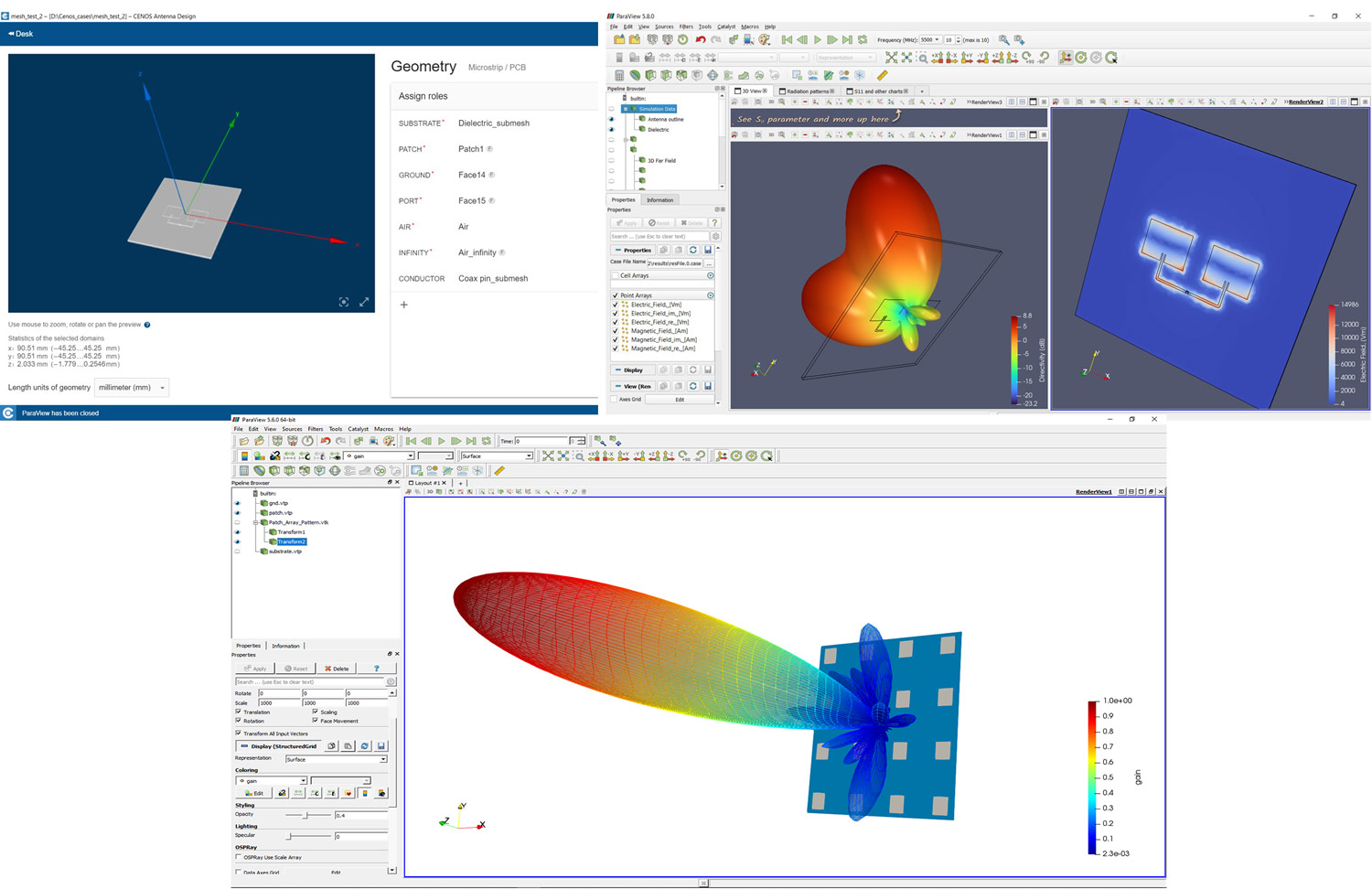
Over the past few months we have posted a few times about the beta of CENOS, a new antenna modelling and simulation design package. Recently CENOS has exited it's beta testing phase, and they have put out a press release about the first release.
Of most importance is that the software is affordable for hobbyist's, with a 10-day free trial and subscription price of €20 (US$25) per month for hobbyist use (no live engineering support).
Electromagnetics simulation software company CENOS (Riga, Latvia) continues on its mission to democratize simulation software by releasing its newest application designed for radio frequency and antenna design engineers. CENOS released its first electromagnetics simulation software focused on the induction heating applications in 2017 and it proved to be a success - mainly because of the simple and straightforward user experience and the specialization and focus on a single industry. After a year of development and testing in close cooperation with its avid beta-tester community, the Antenna Design simulation software was finally released for public use at the end of April, 2021.
CENOS Antenna Design is an intuitive FEM-based software that helps engineers to speed up RF antenna design, it solves Maxwell’s equations directly with no simplifications or limitations. Therefore, the results provided by CENOS are accurate for wide ranges of geometries and antennas, including very complex geometries. For instance, the software is good for high Q, multi-port simulations with arbitrary 3D structures. It is specialized for the simulation of microstrip- and wire-type antennas that include various geometries (fractal, helix, horn, loop, slot, patch, spiral, and others), as well as dipole and monopole antennas.
CENOS co-founder Dr. phys. Mihails Scepanskis: “Two years ago we launched a specialized induction heating simulation software to cover the growing demand in the SME sector - smaller equipment manufacturers, tooling shops, and production plants. Following the success in the low-frequency applications, we decided to move to the microwaves with the same mission - to democratize the simulation software, make it accessible for every engineer. I believe, it is an awkward situation in the market - engineers have to choose either to pay tons of money for enterprise-type generic simulation packages to utilize just a fraction of their functionality or to use over-simplified 1D approximations with the hobbyist-level software. With CENOS we have leveraged the power of open-source algorithms to break the status quo - to deliver a full-functionality FEM software for price-sensitive business users and individuals.”
CENOS Antenna Design is free to try for 10 days, after which the users can choose from the two subscription plans - for an individual or business use, starting from 20 euros per month ($25). The business version includes the features that help to automate and speed up simulation processes and has more integrations with the existing software and, most importantly, it has a live customer support through the chat and video calls. More features are planned to be added in 2021 and thus the prices may be increased over time, so now it is a good moment to subscribe and get all the future updates for a lower price.
The company name CENOS stands for “Connecting ENgineering Open Source” highlighting the new software approach they invented. It is a platform that connects the best of community-driven open-source algorithms into one seamless user experience and since it is a desktop software - the data do not leave the owner’s computer. CENOS was founded in 2017 by 3 PhDs in physics and mathematics who committed themselves to the democratization of the simulation software by making it easy, affordable, and secure for every engineer. CENOS is a startup, funded by the leading San Francisco early-stage investor ‘500 Startups’, the leading B2B European accelerator Startup Wise Guys, and the cohort of the Baltic business angels.
Last month we released our new L-band active patch antenna for sale, and not too long after we had a review from Frugal Radio praising it. We now have two more YouTube reviews available to share.
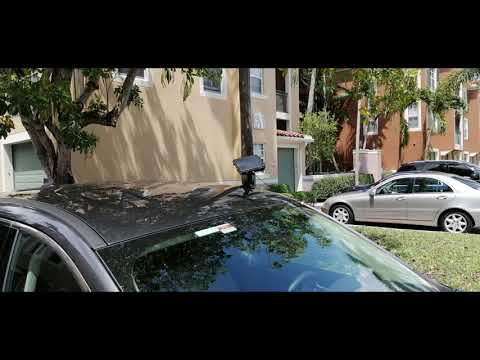
The first is from Tech Minds who does a teardown and demonstrates it receiving and decoding the Inmarsat STD-C NCS channel, receiving and decoding GPS and receiving Iridium signals. The second is from Mike Ladd from SDRplay, who tests it with an SDRplay RSP1A software defined radio. He shows that the patch works perfectly with an RSP1A, and demonstrates it receiving and decoding STD-C while mounted on the dash of his vehicle.
L-Band Patch Stock Availability Note: We note that we are already close to selling out of the first batch of these units as they sold much faster than expected! New sales of this patch are currently backordered but we expect to have a few more units from this first batch available by the end of next week. Also the freighter with Amazon USA stock should be arriving any day now, but it could still take a few weeks to get through the port and reach the warehouse due to the current port delays.
The second production batch of this antenna might still be a while away due to the electronic component shortage crisis occurring now, so if you were thinking about picking one up, please order ASAP.
RTL-SDR BLOG L-BAND Patch Antenna Version 2 - Inmarsat - Iridium - GPS
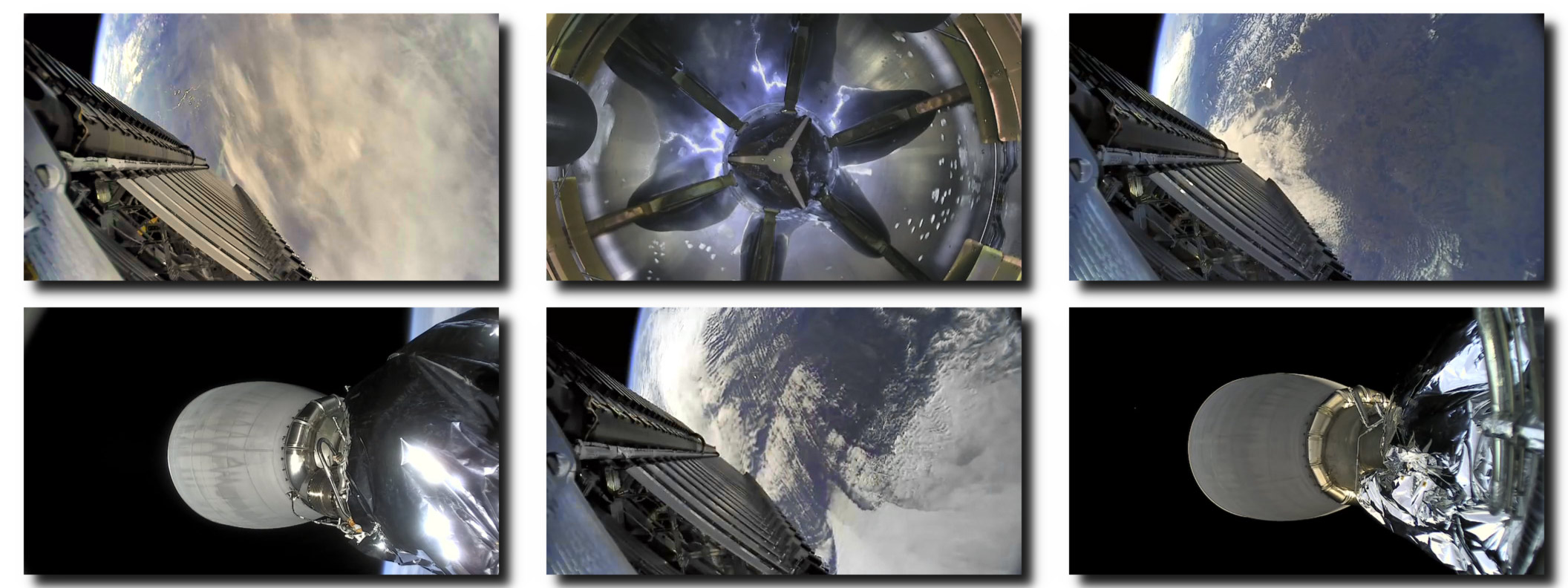
Back in early and mid March we posted about how several amateur radio hobbyists worked together to receive and figure out how to decode text telemetry as well as live video from SpaceX Falcon 9 rockets using low cost antennas and SDRs.
Unfortunately the fun has abruptly come to an end, with listeners discovering that the latest launch is now fully encrypted. Given the fact that the data stream was undiscovered and likely unencrypted for the last decade, it seems reasonable to assume that SpaceX added encryption in response to media publicity from the decoding discovery. There is also speculation that it may be due to NOAA space camera laws which caused livestream censorship back in 2018.
Over on Reddit u/derekcz has posted about the encryption, and has left us with some final still images reminding us of the fun that was had.
We also wanted to note that if you're disappointed because you ran out and bought antennas and gear specifically to receive Falcon 9 video, you could sill make use of the gear to receive GOES weather satellites, or to detect the Hydrogen line in the galactic plane.
Over on YouTube Rob from Frugal Radio has uploaded a video reviewing our new L-Band Patch antenna which we released for sale late last month. The patch is currently on a release sale for US$44.95 including free standard airmail shipping to most countries. We will be ending the sale this Wednesday at which point the price will go to US$49.95, still with free standard airmail shipping to most countries. The patch can be purchased from our web store at www.rtl-sdr.com/store.
In the video Rob demonstrates the patch receiving Inmarsat signals strongly, and decodes a few AERO signals using JAERO. He shows that the patch works on any RTL-SDR with bias tee capability as well as an Airspy Mini. Lastly he compares the unit against the SDR-Kits patch.
We note that we are also supplying a kit for a giveaway to Frugal Radio subscribers that we will announce in an upcoming video coming out a few days time.
RTL-SDR updated L-band patch antenna review - perfect for your SDR radio!
UPDATE: Giveaway information now available in the latest video below.
Over on his YouTube channel saveitforparts has uploaded a video showing how he was able to modify and old DirectTV satellite dish found in the dumpster with cardboard and foil in order to receive images from the GOES-16 geostationary weather satellite.
I wanted to download images from the GOES-16 weather satellite, but didn't have a big enough satellite dish. So I made one out of an old TV dish, cardboard, and aluminum tape! Amazingly this actually works, and I was able to pull live pictures of the earth off the satellite in geostationary orbit! The cardboard won't last long-term, so I'm looking for an antique C-band dish that I can set up as a more permanent solution. However, for a cheap and expedient ground station, this worked pretty well!
Satellite Ground Station With Trash, Cardboard, and Foil Tape!
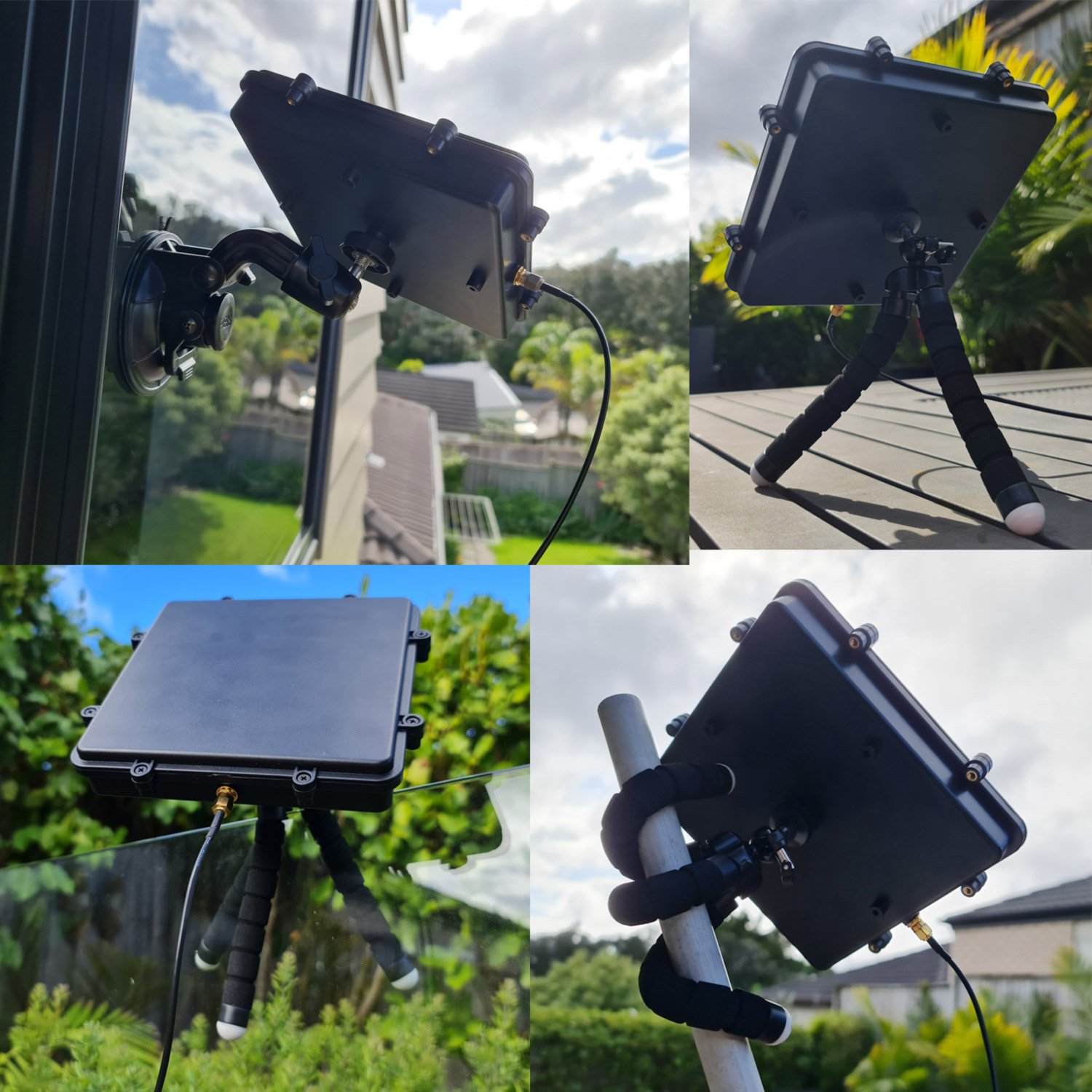
We have just received stock of our new L-band active patch antenna design. The antenna is designed for receiving RHCP L-band satellites such as Inmarsat, Iridium, GPS and other satellites that transmit between 1525 - 1660 MHz (please note that you cannot use it for weak signals that require a dish like HRPT or GOES). The antenna comes as a set with a large suction cup, 3M RG174 extension cable and bendable tripod to help with mounting. Preorder pricing is US$44.95 including free worldwide shipping to most countries shipped from our warehouse in Shanghai. At the end of this week (extended for one more week!) pricing will rise to the standard cost of US$49.95. Amazon stock will require time, and won't be in for at least 6+ weeks.
Like our previous patch design, this is an actively amplified antenna as it contains a built in low noise amplifier which takes power from a 3.3 - 5V bias tee. This power is available from from our RTL-SDR Blog V3 dongles, and other SDRs like the Airspy, HackRF and SDRplay. It also has a built in SAW filter after the LNA to help reduce terrestrial interference.
Compared to the previous design the new patch is larger (175 x 175 mm) with higher gain and wider radiation pattern. This allows for much easier pointing of the antenna and for much stronger signals. The upper frequency range has also been extended to 1660 MHz from 1625 MHz. The included suction cup is also much larger allowing for the patch to point at more angles without being restricted by the window. The patch is enclosed within a new weatherproof plastic enclosure.
L-Band Patch with AccessoriesL-Band Patch Mounting Examples
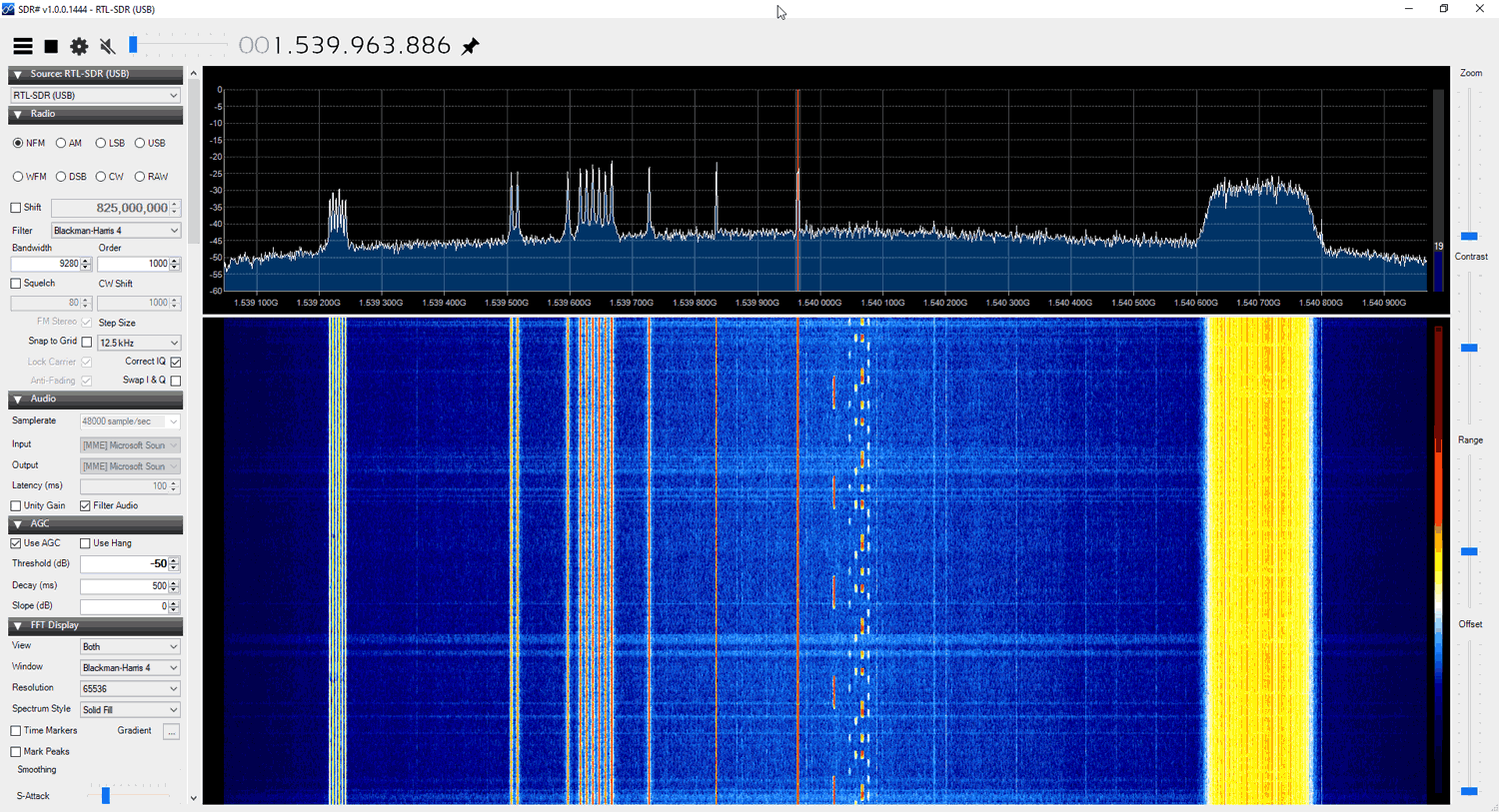
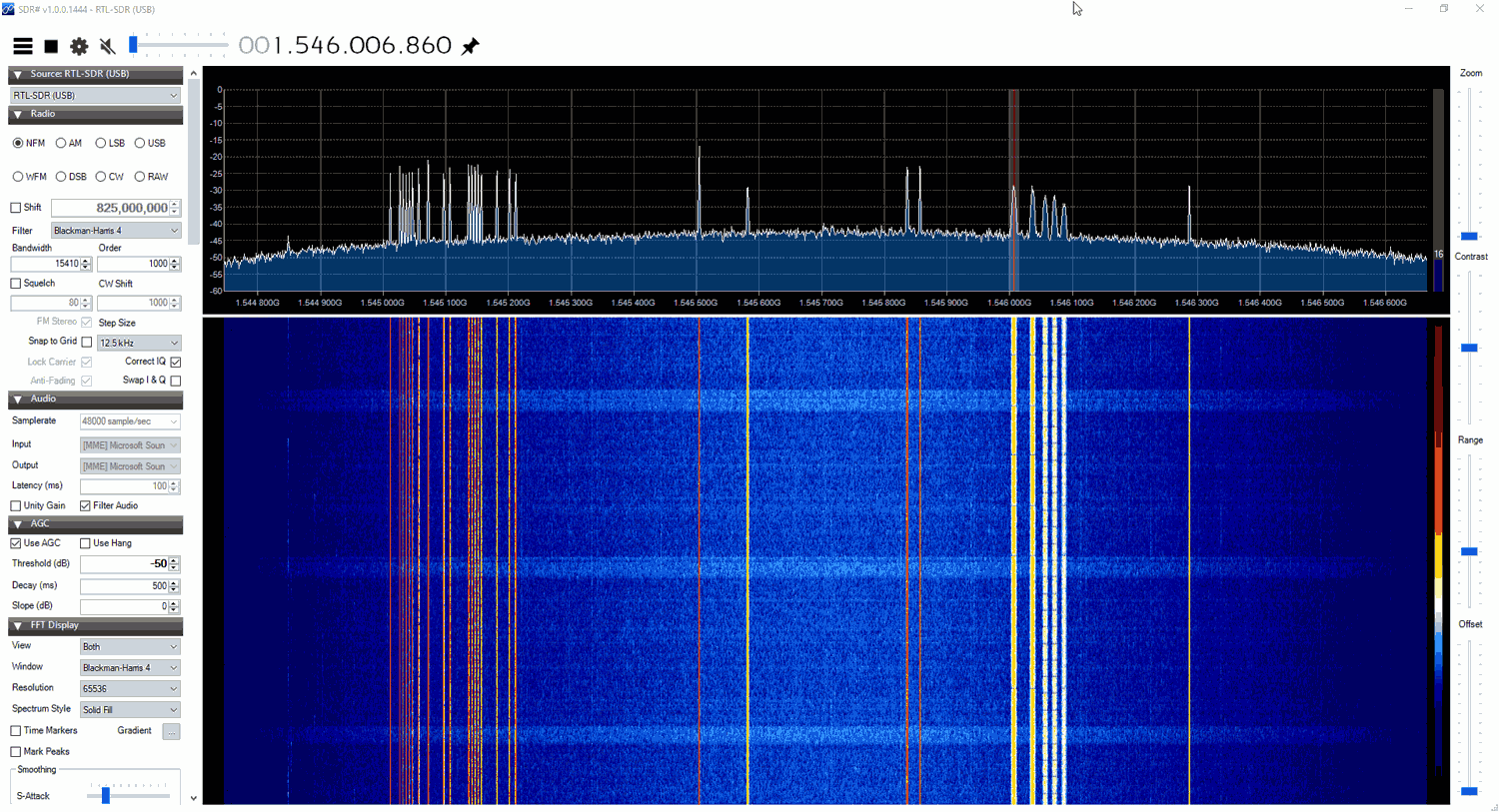
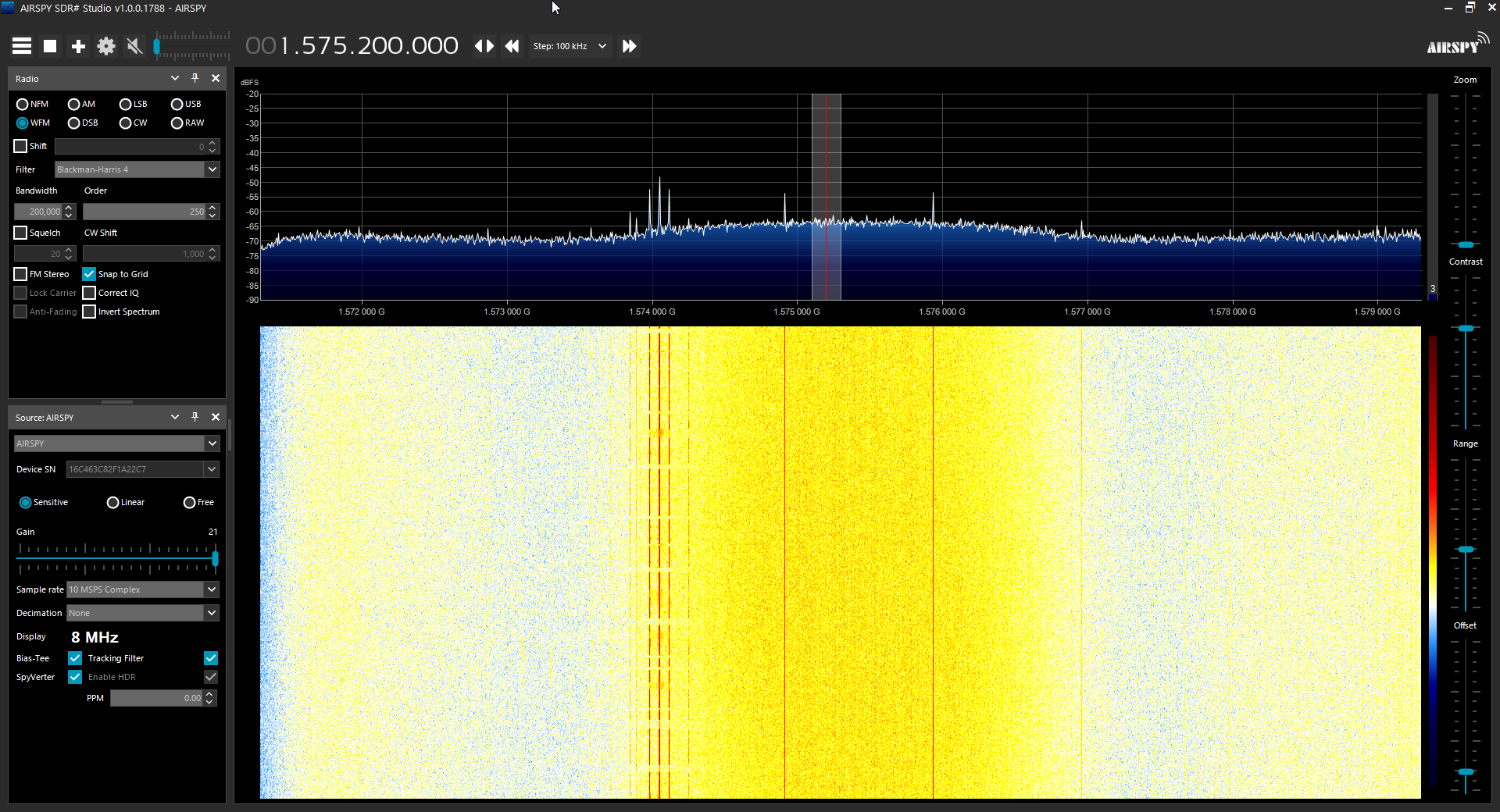
The screenshots below show the patch receiving various signals like AERO, STD-C and Iridium
The antenna should be used with one meter or more of coax cable. It may perform poorly if the RTL-SDR is placed right at the antenna due to interference. If you want to run very long cable, then low loss coax should be used.
The patch can be used flat, or angled towards the satellite. Angling it towards the satellite will yield significantly higher gain.
If you have very strong cell phone interference in your area, try using the patch a bit lower to the ground, and use buildings to block the interfering signal.
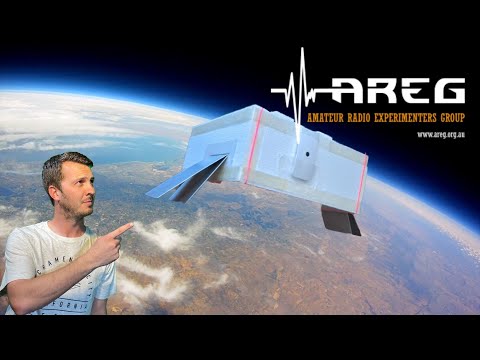
The transmission hardware onboard the balloon was a Raspberry Pi Zero which captured and compressed the video, and a LimeSDR Mini which broadcast a DVB-S signal at 445 MHz. Power amplification was provided by an 800mW LDMOS amplifier. On the ground station side, RTL-SDRs were used as the receiving hardware and SDRAngel as the software. Although high gain auto tracking Yagi's were used by the main ground station team, it's interesting to note that the balloon chase team were also able to receive the video with a simple vechicle mounted turnstile.
In the video below Mark VK5QI who was one of the people behind the project discusses the setup before the launch.
Live Amateur TV from 100,000 feet!
The video below shows the launch and some of the live video received.