Category: Applications

Using an RTL-SDR and Broadcast FM Radio RDS Signals to improve WiFi Networking

The performance of WiFi networks can depend heavily on how crowded the WiFi channels are in your area. For example when your neighbours start streaming a movie over their own separate WiFi network, it can cause your own WiFi connection to slow down. This happens because generally separate WiFi networks do not collaborate with one another, and when two packets are sent on the same channel at the same time, they collide causing no packets to get through.

There are several methods that attempt to stop collisions, but none are very efficient because WiFi nodes are not synchronized to one another. If each WiFi node could be synchronized to a common reference time, then avoiding collisions is made easier.

Marcel Flores, Uri Klarman, and Aleksandar Kuzmanovic from Northwestern University have been working on this idea and have come up with a system they have termed Wi-FM which is based on FM RDS signals. Many FM radio stations transmit a digital Radio Data System (RDS) subcarrier on their broadcast frequency. This RDS signal is often used to simply display information on the radio such as the station name and current song playing.

Since each nearby WiFi node should be able to receive the same RDS signal at the exact same time, it can be used as a common synchronization signal. Then once synchronized each WiFi node can listen to the other nodes and work out what their transmit scheduling is like and then optimize their own transmit schedule.

In their prototyping they used an RTL-SDR dongle connected to a PC running GNU Radio. The GNU Radio program decodes the RDS signal and the resulting information is sent to the Linux kernel which handles the WiFi transmit schedule processing.

This story was also covered on Hackaday.

WiFM radio processing path.

An RTL-SDR Based Smartwatch for Detecting Objects Touched by the Wearer

Disney Research have just released a paper describing an RTL-SDR based smart watch that they've developed a proof of concept for. The smart watch is unique in that it can be used to actually detect the exact object that the wearer is touching. 

The prototype watch does this by using the RTL-SDR to detect the electromagnetic (EM) noise emitted by particular objects and compare it against a stored database. They call this technology EM-Sense. In the paper the authors summarize:

Most everyday electrical and electromechanical objects emit small amounts of electromagnetic (EM) noise during regular operation. When a user makes physical contact with such an object, this EM signal propagates through the user, owing to the conductivity of the human body. By modifying a small, low-cost, software-defined radio, we can detect and classify these signals in real-time, enabling robust on-touch object detection. Unlike prior work, our approach requires no instrumentation of objects or the environment; our sensor is self-contained and can be worn unobtrusively on the body. We call our technique EM-Sense and built a proof-of concept smartwatch implementation. Our studies show that discrimination between dozens of objects is feasible, independent of wearer, time and local environment.

The frequencies required for EM detection are around 0 - 1 MHz which falls outside the range of the RTL-SDR's lowest frequency of 24 MHz. To get around this, they ran the RTL-SDR in direct sampling mode. The RTL-SDR is connected to the watch, but a Nexus 5 smartphone is used to handle the USB processing which streams the signal data over WiFi to a laptop that handles the signal processing and live classification. In the future they hope to use a more advanced SDR solution, but the RTL-SDR has given them the proof of concept needed at a very low cost.

An example use scenario of the watch that Disney suggests is as follows:

Home – At home, Julia wakes up and gets ready for another productive day at work. Her EM-Sense-capable smartwatch informs and augments her activities throughout the day. For instance, when Julia grabs her electric toothbrush, EMSense automatically starts a timer. When she steps on a scale, a scrollable history of her weight is displayed on her smartwatch automatically. Down in the kitchen, EM-Sense detects patterns of appliance touches, such as the refrigerator and the stove. From this and the time of day, EM-Sense infers that Julia is cooking breakfast and fetches the morning news, which can be played from her smartwatch. 

Fixed Structures – When Julia arrives at the office, EMSense detects when she grasps the handle of her office door. She is then notified about imminent calendar events and waiting messages: "You have 12 messages and a meeting in 8 minutes". Julia then leaves a reminder – tagged to the door handle – to be played at the end of the day: “Don’t forget to pick up milk on the way home.” 

Workshop – In the workshop, EM-Sense assists Julia in her fabrication project. First, Julia checks the remaining time of a 3D print by touching anywhere on the print bed – “five minutes left” – perfect timing to finish a complementary wood base. Next, Julia uses a Dremel to cut a piece of wood. EM Sense detects the tool and displays its rotatory speed on the smartwatch screen. If it knows the task, it can even recommend the ideal speed. Similarly, as Julia uses other tools in the workshop, a tutorial displayed on the smartwatch automatically advances. Finally, the 3D print is done and the finished pieces are fitted together.

Office – Back at her desk, Julia continues work on her laptop. By simply touching the trackpad, EM-Sense automatically authenticates Julia without needing a password. Later in the day, Julia meets with a colleague to work on a collaborative task. They use a large multitouch screen to brainstorm ideas. Their EM-Sense-capable smartwatches make it possible to know when each user makes contact with the screen. This information is then transmitted to the large touchscreen, allowing it to differentiate their touch inputs. With this, both Julia and her colleague can use distinct tools (e.g., pens with different colors); their smartwatches provide personal color selection, tools, and settings. 

Transportation – At the end of the day, Julia closes her office door and the reminder she left earlier is played back: “Don’t forget to pick up milk on the way home.” In the parking lot, Julia starts her motorcycle. EM-Sense detects her mode of transportation automatically (e.g., bus, car, bicycle) and provides her with a route overview: “You are 10 minutes from home, with light traffic”.

The EM-Sense watch detecting a door. The RTL-SDR dongle is the small square box under the watch.
EM-Sense: Touch Recognition of Uninstrumented Electrical and Electromechanical Objects

A modified dump1090 with ADS-B Heatmap and Range Alititude View

Dump1090 is one of the most popular ADS-B decoders that is used together with the RTL-SDR dongle. ADS-B stands for Automatic Dependant Surveillance Broadcast and is a system used by aircraft that broadcasts their GPS positions. It is a replacement for traditional reflection based radar systems. We have a tutorial on using the RTL-SDR to decode ADS-B here.

There is now a forked version of dump1090 by tedsluis that incorporates heatmap generation and range/altitude view. A heatmap will allow you to visualize where the most active aircraft paths in your area are and the range/altitude view allows you to see at what altitudes aircraft typically fly at in different locations. The software logs aircraft data in a CSV file, and then after collecting enough data a second program can be used to generate the heatmap. The full explanation of the software and instructions for installing and using it on a Raspberry Pi Linux system together with PiAware are posted on the flightaware.com forums.

A heatmap of aircraft flight paths.
dump1090-mutability with Heatmap ADS-B and range altitude view

Spektrum: New RTL-SDR Spectrum Analyzer Software

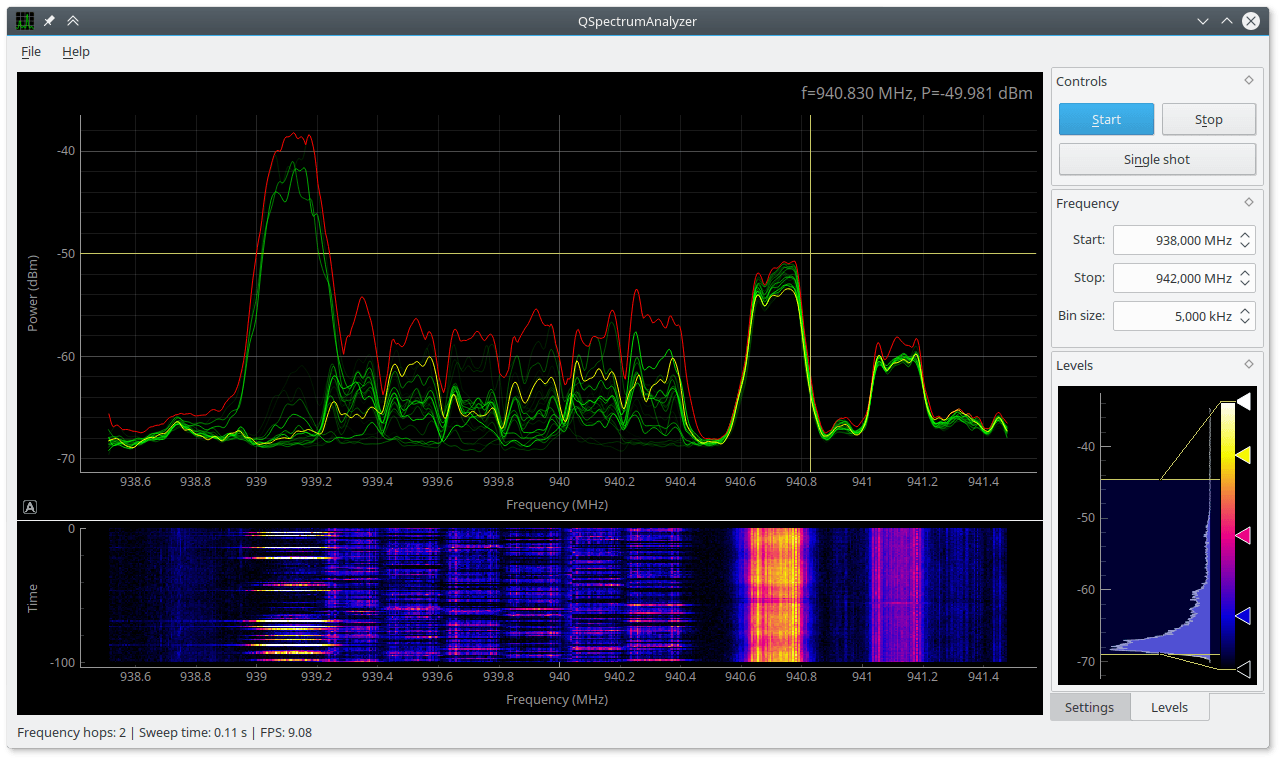
Recently a reader of RTL-SDR.com, Pavel wrote in to let us know about a new program called “Spektrum” which he has written. Spektrum runs on Windows and Linux and turns an RTL-SDR dongle into a spectrum analyzer in a similar way to rtl_power GUI front ends and RTLSDR Scanner. However one key improvement is that it is based on a version of rtl_power that has been modified by Pavel in order to make it more responsive and remove the need to wait until a full sweep is completed before you can see any results. The modified version of rtl_power can be found at https://github.com/pavels/rtl-sdr.

Spektrum also has an additional “relative mode” feature. This allows Spektrum to be easily used together with a wideband noise source to measure things like filter characteristics and the VSWR of antennas. See our previous tutorial on this here, but note that in our tutorial we used Excel instead of Spektrum to do relative measurements.

The Processing language was used to create Spektrum and Pavel has also released his processing library for accessing rtl_power functionality over at https://github.com/pavels/processing-rtlspektum-lib/releases.

Ready to use releases of Spektrum for Windows and Linux 64-Bit OSes can be downloaded from https://github.com/pavels/spektrum/releases. Note that there may be a bug with the current release which causes only a gray window to show, but we’ve contacted the author about it and it may be fixed soon.

Spektrum: A new spectrum analyzer program for the RTL-SDR

SDR-J Now Compatible with the Raspberry Pi 2

The popular software DAB (Digital Audio Broadcast) decoder SDR-J has recently been updated and can now run on the Raspberry Pi 2. In addition the author has also added experimental DRM decoding capabilities to his shortwave receiving software. The author writes about the Raspberry Pi 2:

The Raspberry PI 2 has a processor chip with 4 computing cores. By carefully spreading the computational load of the handling of DAB over these cores it is possible to run the DAB software on the Raspberry PI 2.

In my home situation the – headless – Raspberry PI 2 is located on the attic and remotely controlled through an SSH connection using the home WiFi on my laptop in my “lazy chair”. To accomodate listening remotely, the DAB software on the Raspberry PI 2 sends – if so configured – the generated PCI samples (rate 48000) also to an internet port (port 100240). On the laptop then runs a very simple piece of program reading the stream and sending it to the soundcard

DAB is a digital audio protocol that is used in some countries as a digital alternative to broadcast FM (music stations). SDR-J is a suite of programs that includes the ability to decode DAB, FM, and several shortwave modes such as AM, USB, LSB, PSK, RTTY, WeatherFax, SSTV, BPSK, QPSK, CW, NavTex (Amtor-B), MFSK, Domino, Olivia, Hell, Throb and now DRM. It can directly connect to RTL-SDR receivers as well as other hardware such as the Airspy and SDRplay.

Screenshot of SDR-J running on the Raspberry Pi 2.

An Unfiltered ADS-B co-op: ADSBexchange

Recently Dan, a reader of RTL-SDR.com wrote in to let us know about a new web project he’s started called adsbexchange.com. ADSBexchange is similar to services like FlightRadar24.com and FlightAware.com, but with one key difference. ADSBExchange explicitly states that they do not and will not filter ADS-B traffic for security reasons. Other similar services all filter FAA BARR (Block Aircraft Registration Request), military and other potentially sensitive ADS-B data. However, Dan argues that filtering the data is simply unneeded security theatre as anyone can build their own unfiltered receiver for very cheap. He writes:

I recently started a website that collects SDR ADS-B and MLAT data (typically from dump1090) worldwide, and displays it unfiltered – http://www.adsbexchange.com . This means that military, “blocked” and other “restricted” traffic is available to see, which is unique as far as I can tell.  We’ve recently tracked a U2 over the UK above 60,000 ft., Air Force One, and various diplomatic aircraft.  Additionally, there is a database of all previous aircraft “sightings” searchable on various parameters.

All of my research indicates this is legal, but perhaps “frowned upon” by local authorities.  The major flight tracking sites seem to not want to make any waves and voluntarily strip this data from their public feeds, even though they are typically fed “unfiltered” data from their volunteer participants.

The service is currently looking for RTL-SDR users who feed ADS-B data to join their feeding program so that they can expand their service coverage.

adsbexchange

Receiving Digital Amateur TV from the ISS with an RTL-SDR

The international space station (ISS) is currently testing transmission of a DVB-S digital video signal. At the moment only a blank test pattern is transmitted, but one day they hope to be able to transmit live video properly for the purposes of making live contact with astronauts, and possibly to stream video of scientific experiments, extravehicular activities, docking operations, or simply live views of the Earth from space.

Over at www.pabr.org the author Pabr has been experimenting with using an RTL-SDR dongle for the reception of these digital amateur TV (DATV) signals. Over on Reddit he also posted some extra information about his work:

I have been able to receive DVB-S broadcasts from the ISS (known as HamVideo or HamTV) with a high-gain 2.4 GHz WiFi antenna ($50), a custom downconverter ($65), a R820T2 dongle, and a software demodulator (Edmund Tse’s gr-dvb). I used to think this could only be done with much more expensive SDR hardware.

It is commonly known that rtl-sdr dongles do not have enough bandwidth to capture mainstream satellite TV broadcasts, but the ISS happens to transmit DVB-S at only 2Msymbols/s in QPSK with FEC=1/2, which translates to 2 MHz of RF bandwidth (2.7 MHz including roll-off).

Before anyone gets too excited I should mention that:

  • This was done during a favourable pass of the ISS (elevation 85°)
  • With a fixed antenna, only a few seconds worth of signal can be captured
  • Demodulation is not real-time (on my low-end PC)
  • Currently the ISS only transmits a blank test pattern.

I now believe the BoM will be less than $50 by the time the ISS begins broadcasting interesting stuff on that channel.

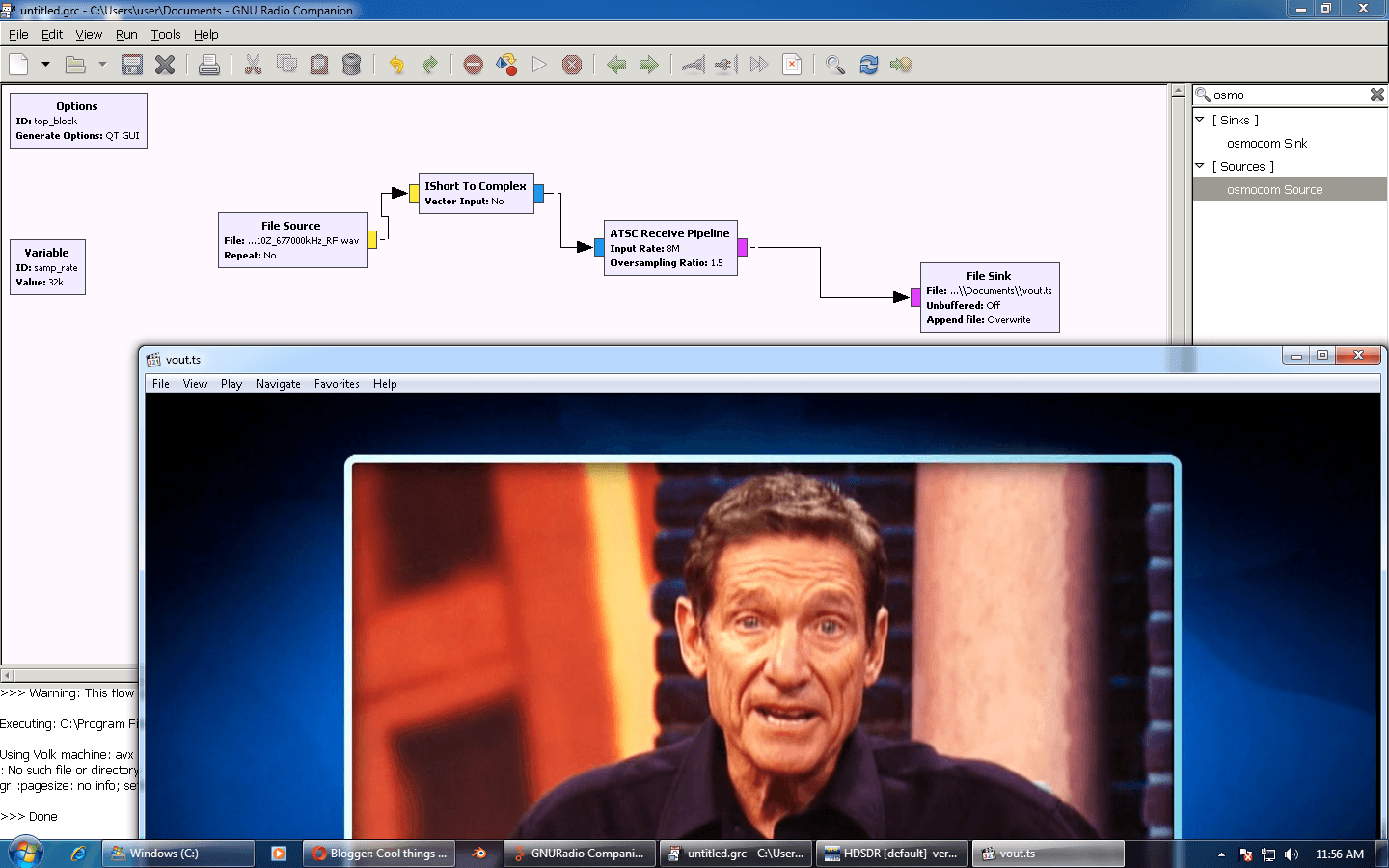
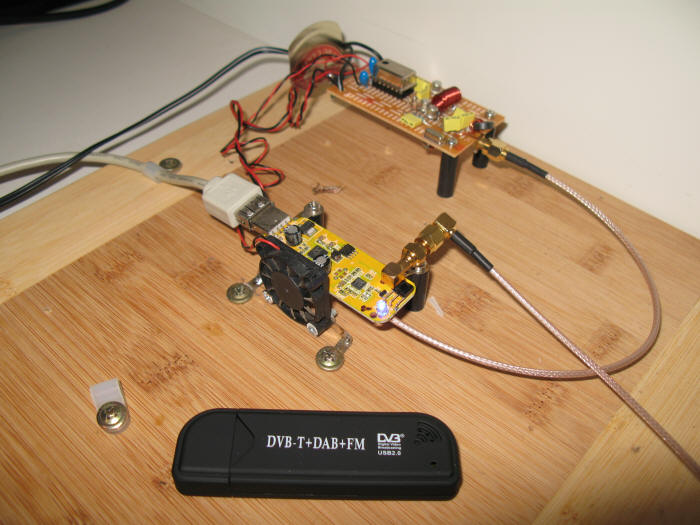
Pabr uses a 2.4 GHz parabolic WiFi antenna to receive the signal. He writes that ideally a motorized antenna tracker would be used with this antenna to track the ISS through the sky. Also since the DATV signal is transmitted at around 2.4 GHz, a downconverter is required to convert the received frequency into one that is receivable with the RTL-SDR. The DATV decoder is available on Linux and requires GNU Radio.

Receiving DATV from the ISS
Receiving DATV from the ISS with an RTL-SDR

An RTL-SDR Phase Correlative Direction Finder

Over on YouTube user Tatu Peltola has uploaded a video showing his RTL-SDR based phase correlative direction finder in action. This set up uses three RTL-SDR dongles and three antennas to measure phase differences and thus determine the direction towards a signal source. All three RTL-SDR’s must be coherent, meaning that all three of their 28.8 MHz clock signals must come from the same source. 

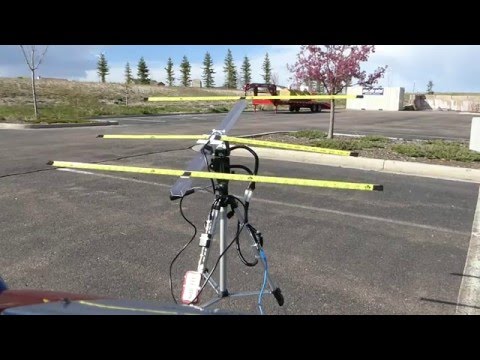
In the video Tatu walks around the three antennas with a handheld radio. An arrow on a laptop screen points in the direction of the transmitter.

A known problem with RTL-SDR’s is that even with the clock sources synchronized there is still an unknown cause of additional phase shift. To solve this problem Tatu writes:

Each rtl-sdr is fed from the same reference clock to make their phase shift remain constant. They still have unknown phase shifts and sampling time differences relative to each other. This is calibrated by disconnecting them from antennas and connecting every receiver to the same noise source. Cross correlation of the noise gives their time and phase differences so that it can be corrected.

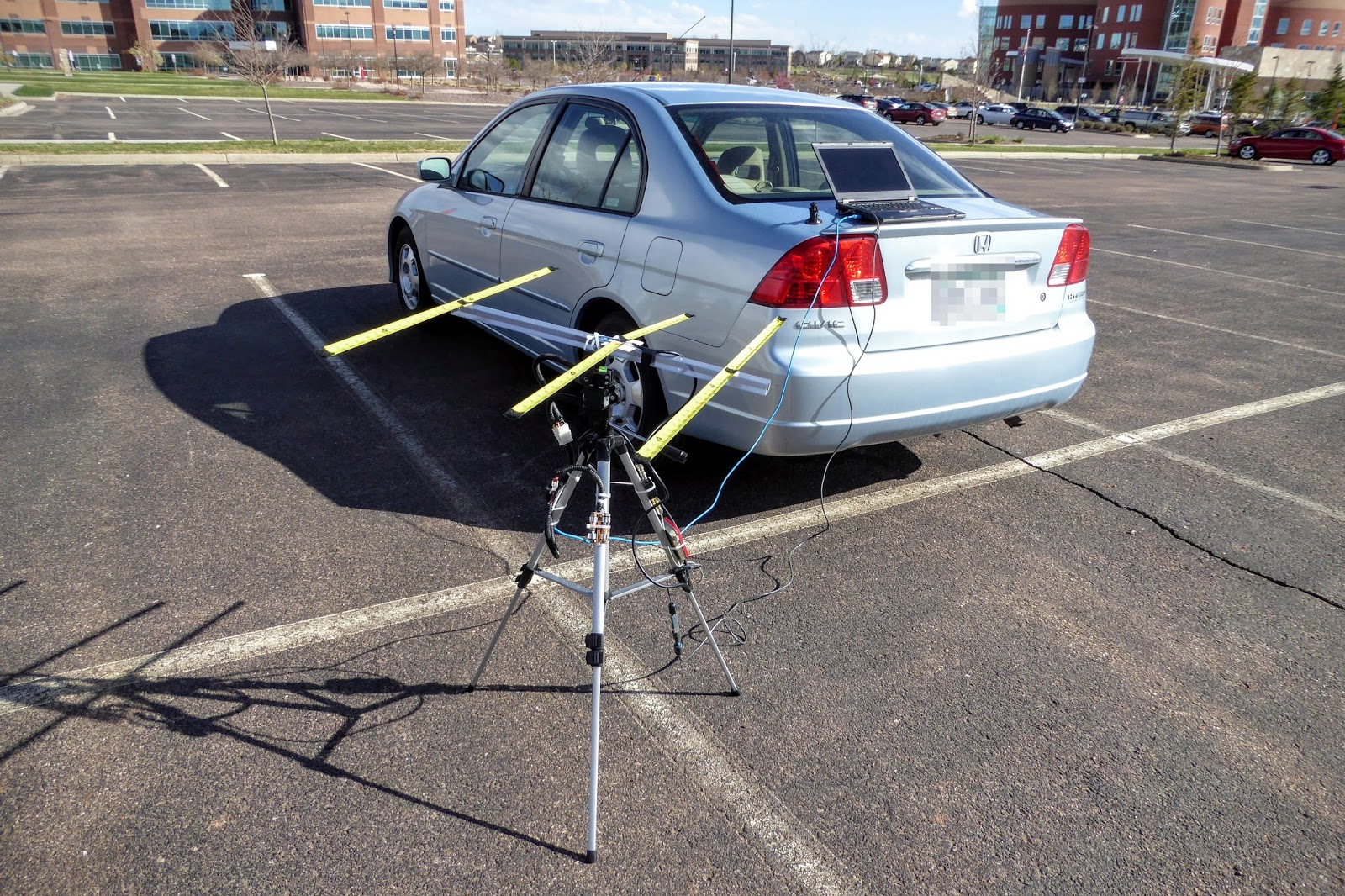
The three antennas used for direction finding.
RTL-SDR phase correlative direction finder