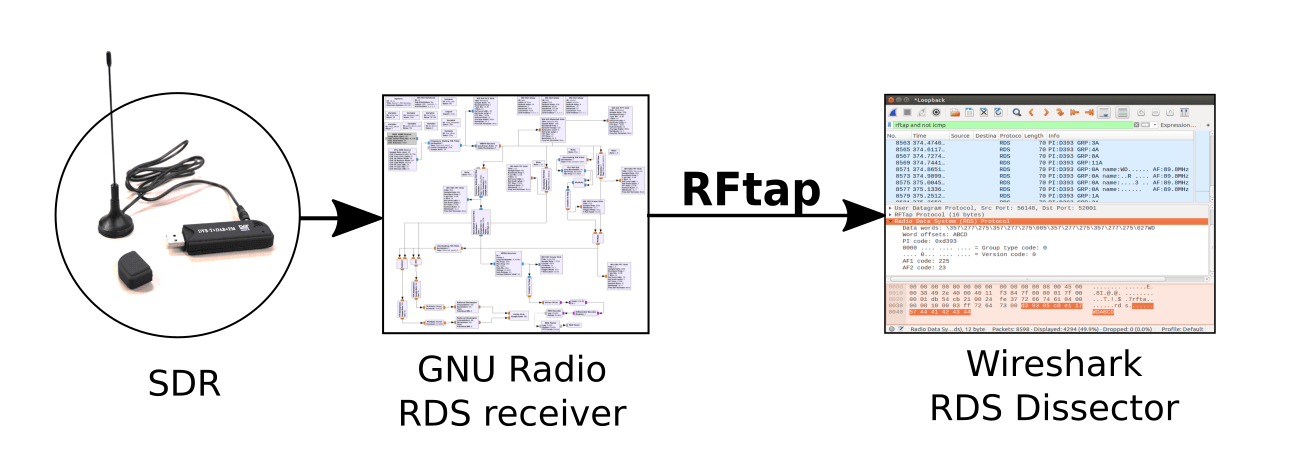
Recently a new Linux based tool called RFTap has been released. RFTap acts as a bridge between GNURadio flow graphs and Wireshark. GNU Radio is a visual based programming environment for digital signal processing applications, such as RF signal decoders. GNURadio supports many different SDR’s including the RTL-SDR. Wireshark is a network packet analyzer/dissector that aides with troubleshooting and analysis of network protocols. RFTap also supports other DSP languages like Pothos, liquidsdr, LuaRadio as well as other packet analyzers like TShark, tcpdump, Scapy.
NOTE: This tutorial is no longer valid as Outernet discontinued their L-Band service in late 2017. Please consult www.outernet.is for news on their latest delivery methods.
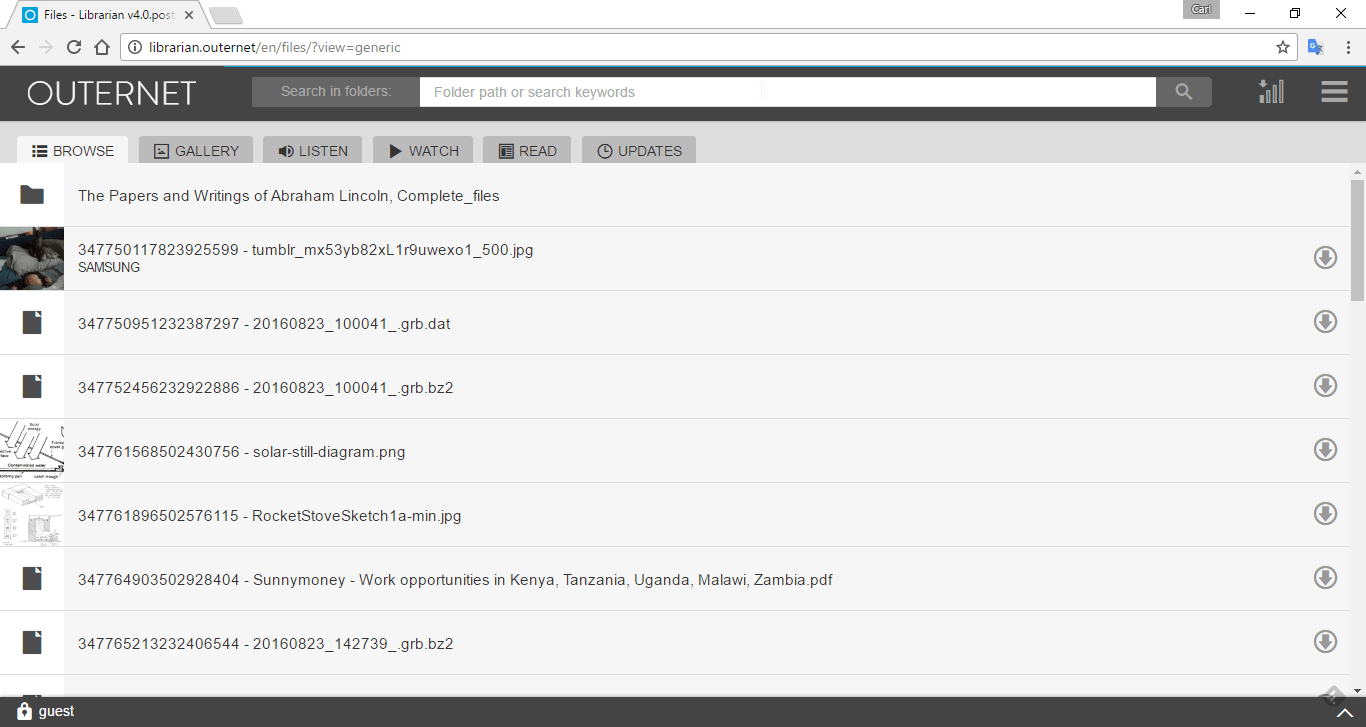
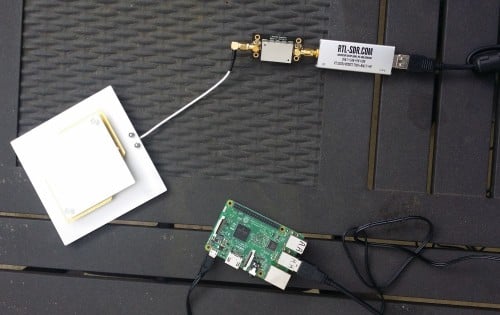
Outernet is a relatively new satellite service which aims to be a "library in the sky". Essentially their service is going to be constantly transmitting files and data like news and weather updates from geostationary satellites that cover almost the entire world. Geostationary means that the satellites are in a fixed position in the sky, and do not move over time. By simply pointing a small patch antenna at the sky (with LNA and RTL-SDR receiver), it is possible to download and decode this data from almost anywhere in the world. Their aim is to provide up to date information to users in locations with little to no internet (rural, third world and sea), or in countries with censored internet. It may also be of interest to disaster preppers who want an "off-grid" source of news and weather updates. It can kind of be thought as a kind of one-way download-only internet service.
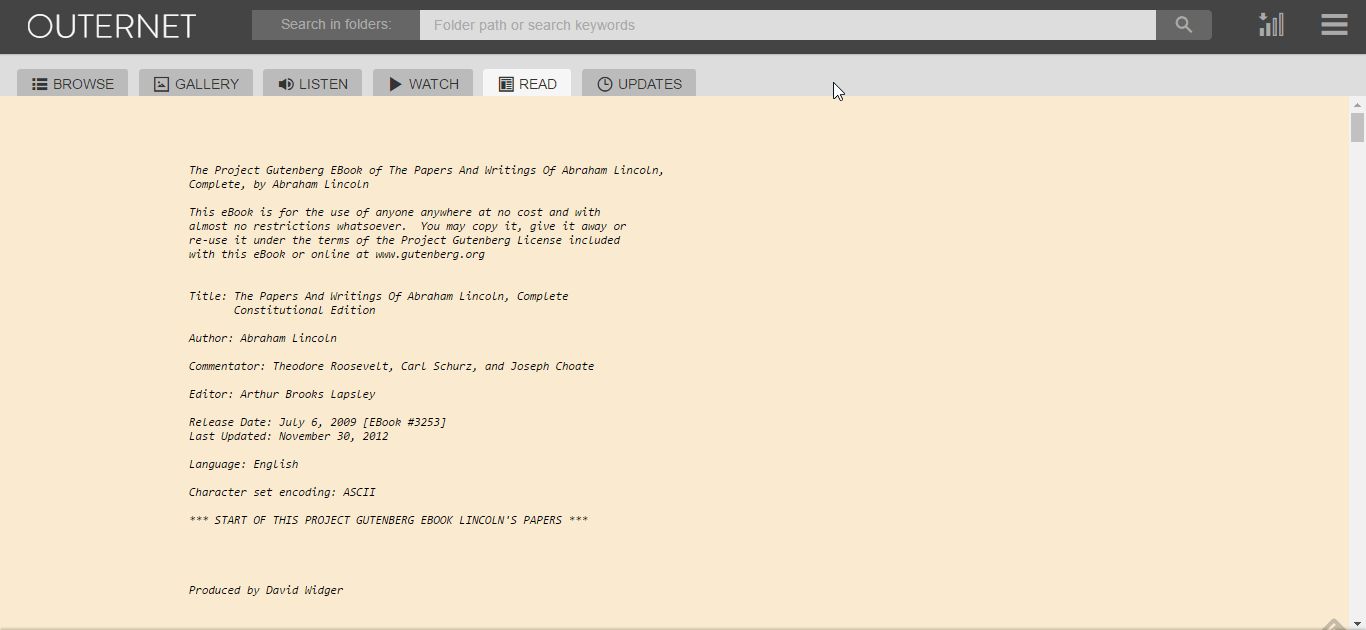
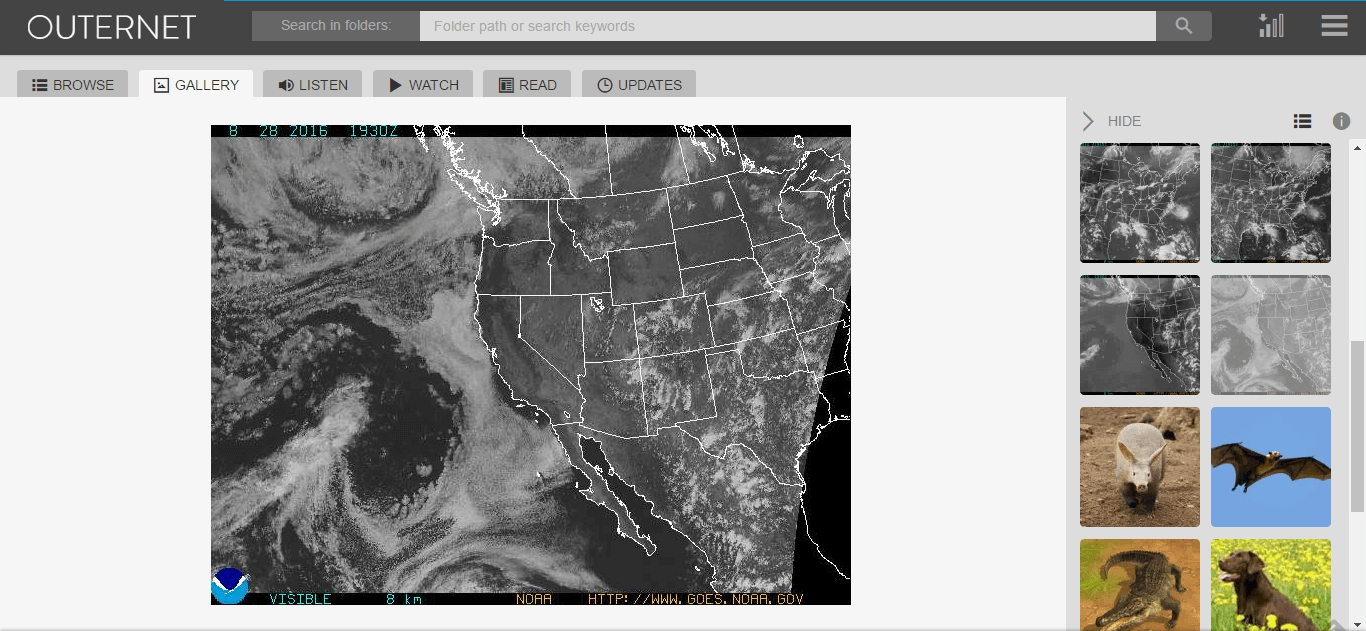
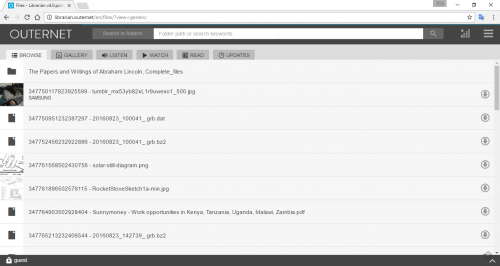
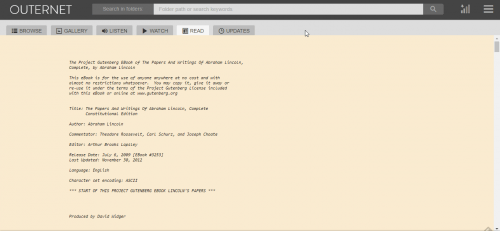
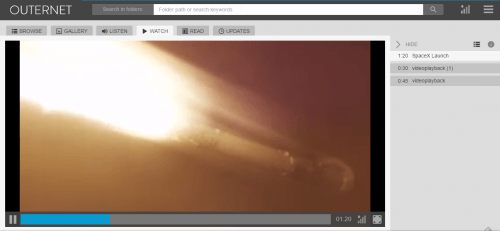
Currently the L-band service is being tested, and while they are not yet sending actual Outernet files, they are already sending several daily test files like small videos, images and text documents as well as GRIB files for mariners. At a maximum you can expect to receive up to about 20 MB of data a day from their satellite. Previously they had C-band services but these required large satellite dishes. The C-band service is due to be discontinued at some point in the future.
In this guide we'll show you how to set up an Outernet L-band receiver with an RTL-SDR dongle. If you enjoy this guide then you might also enjoy our Inmarsat STD-C EGC Decoding Tutorial which has similar hardware requirements.
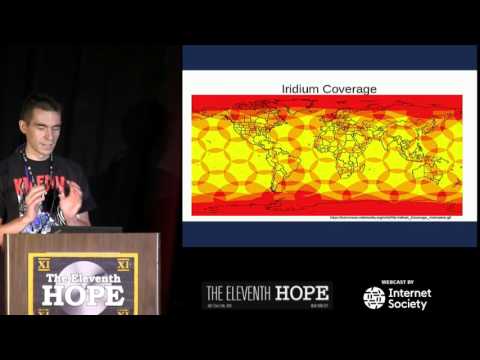
At this year’s hacker themed Eleventh Hope conference, Stefan “Sec” Zehl and Schneider gave a talk which discusses their latest work on decoding data from Iridium satellites using SDR’s. Iridium is a truly global satellite service which provides various services such as global paging, satellite phones, tracking and fleet management services, as well as services for emergency, aircraft, maritime and covert operations too. There are currently 72 operational satellites operating.
In their talk they discuss how Iridium security is moderate to relaxed, pointing out that Iridium claims that the majority of ‘security’ comes from the complexity of the system, rather than actual security implementations. They then go on to discuss how the Iridium system works, how to receive it with an RTL-SDR or HackRF/Rad1o, how the gr-iridium decoder implementation works, and how to use it to actually decode the data. Later in the presentation they show some interesting examples such as an intercepted Iridium satellite phone call to a C-37 aircraft.
A few days ago we posted a review on the Outernet LNA which can can be used to help receive their new L-band service signal. Their LNA uses a filter which restricts the frequency range from 1525 – 1559 MHz as this is the range in which the Outernet signals are located.
Additional Note Regarding the Downconverter: Also, it appears that the Outernet downconverter prototype that we posted about back in May has unfortunately been discontinued indefinitely and will not enter mass production. For now the LNA is the best option for receiving their signal.
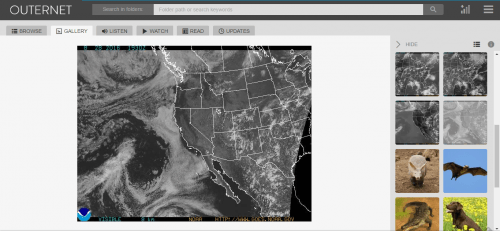
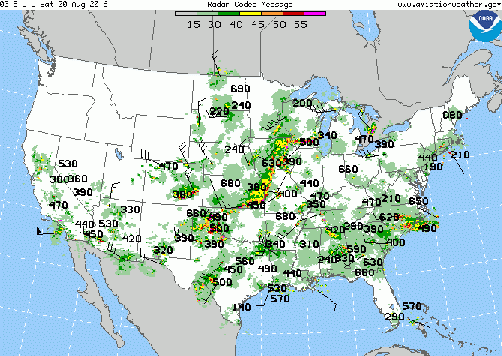
The Geostationary Operational Environmental Satellite (GOES) is a weather satellite placed in geosynchronous orbit (same position in the sky all the time) which is used for weather forecasting, severe storm tracking and meteorology research. It transmits full disk images of the earth on its Low Rate Information Transmission (LRIT) signal, and weather data images and text on its Emergency Managers Weather Information Network (EMWIN) signal. EMWIN is a service for emergency managers that provides weather forecasts, warnings, graphics and other information in real time.
In his post devnulling writes about receiving GOES:
GOES LRIT runs at 1691.0 MHz , EMWIN is at 1692.7 MHz and is broadcasted from GOES-13 and GOES-15. GOES-14 is currently in a backup position to take over in either fails.
For the hardware side, it is recommended to use roughly a 1.2m or larger dish, depending upon how far north you are, you may need a 1.8m dish (larger the better). Repurposed FTA or C-band dishes are easy to come by and work well.
I made a 5 turn helical feed with some 12ga copper wire and a piece of copper plate, and used this calculator to design it – https://jcoppens.com/ant/helix/calc.en.php
I have a short run of coax into the LNA/Filter box. The first LNA is a TriQuint TQP3M9037 which has a very low noise figure (0.3 dB NF and 22 dB gain at 1.7 GHz).
That is ran into a Lorch 1675 MHz filter (150 MHz pass band), then a LNA4ALL and another Lorch before going over a 30ft run of RG-6 to the SDR.
I am using @usa_satcom (twitter.com/usa_satcom, usa-satcom.com)’s LRIT Decoder and that feeds into XRIT2PIC to produce the images and other data streams. By default the decoder only works with the Airspy, but with a custom GNU Radio UDP block, it can be fed with other SDRs like the BladeRF/USRP/SDR Play. A regular R820T(2) RTL probably won’t work because of the higher frequency (rtls tend to not work above 1.5 GHz) and 8 bit ADC. I’m going to try and use the Outernet e4k to see if I can pickup the EMWIN signal in the near future.
EMWIN is broadcasted on 1692.7 MHz, along with being encoded in the LRIT stream at 1691 MHz. The 1692.7 MHz signal is stronger and narrower, so it is easier to pickup. For decoding EMWIN I used @usa_satcom’s EMWIN decoder that piped data into WxEmwin/MessageClient/Weather Message Server from http://weathermessage.com.
LRIT will contain the full disk images from GOES-15, and relayed images from GOES-13 and Himawari-8. It will also included zoomed in pictures of the USA, and northern/southern hemispheres. The images will be visible light, water vapor and infrared. The full disk images are transmitted every 3 hours, with the other images more often. EMWIN will contain other weather data, text, charts, and reports.
It seems as though it may be possible to receive LRIT and EMWIN signals with an RTL-SDR since the signals are at 1690 MHz, which should be covered by cooled R820T2 and E4000 dongles. The only hardware requirements would be a 1m+ dish, 1690 MHz L-band feed, and an LNA + filter.
In 2017 these satellites are due to be replaced by new ones that will use a HRIT signal, which will be about 1 MHz. New software to decode this signal will be required then, but we assume the same hardware could still be used as the frequency is not due to change significantly.
Please note that the decoding software is only available by directly contacting usa-satcom, and devnulling writes that you must have the proper equipment and be able to show that you can receive the signal first before attempting to contact him.
GOES Full Disk ImageOne of several received EMWIN images
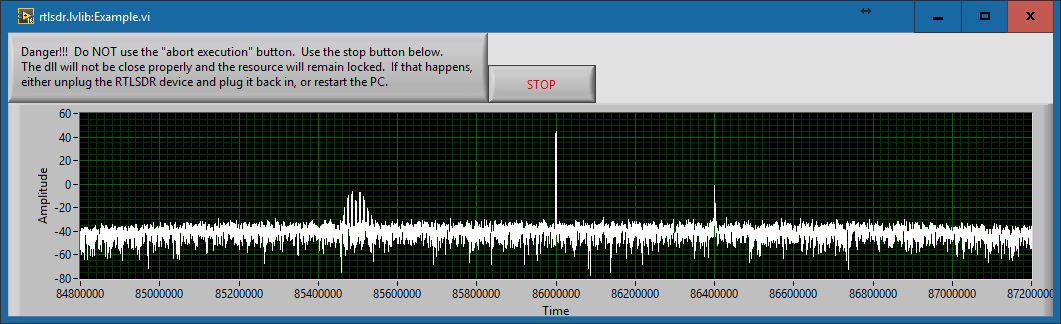
Today LabVIEW and RTL-SDR user Albert Lederer wrote in to let us know that he’s created a new LabVIEW interface for the RTL-SDR. LabVIEW is a visual programming language which is used commonly by engineers and scientists to quickly build applications for things like product testing, system monitoring, instrument control etc.
Currently there is already a LabVIEW interface for the RTL-SDR available called sdrLab. However sdrLab uses rtl_tcp for communication which can cause poor responsiveness and issues with corporate firewalls. Albert’s solution is instead a wrapper for rtlsdr.dll which allows LabVIEW to gain direct access to the RTL-SDR.
On his post Albert has created a write up that explains how his driver works, and how it can be used with LabVIEW. Keep an eye on Alberts future posts, as he writes that he intends to post a part two, where he will show how to attach an RTL-SDR to an NI myRIO.
Recently we posted news that Outernet had released their 1.5 GHz LNA, Patch Antenna and E4000 Elonics RTL-SDR + E4000/LNA Bundle. When used together, the products can be used to receive the Outernet L-band satellite signal, as well as other decodable L-band satellite signals like AERO and Inmarsat STD-C EGC. Outernet is a new satellite service that aims to be a free “library in the sky”. They continuously broadcast services such as news, weather, videos and other files from satellites.
EDIT: For international buyers the Outernet store has now started selling these products at http://store.outernet.is.
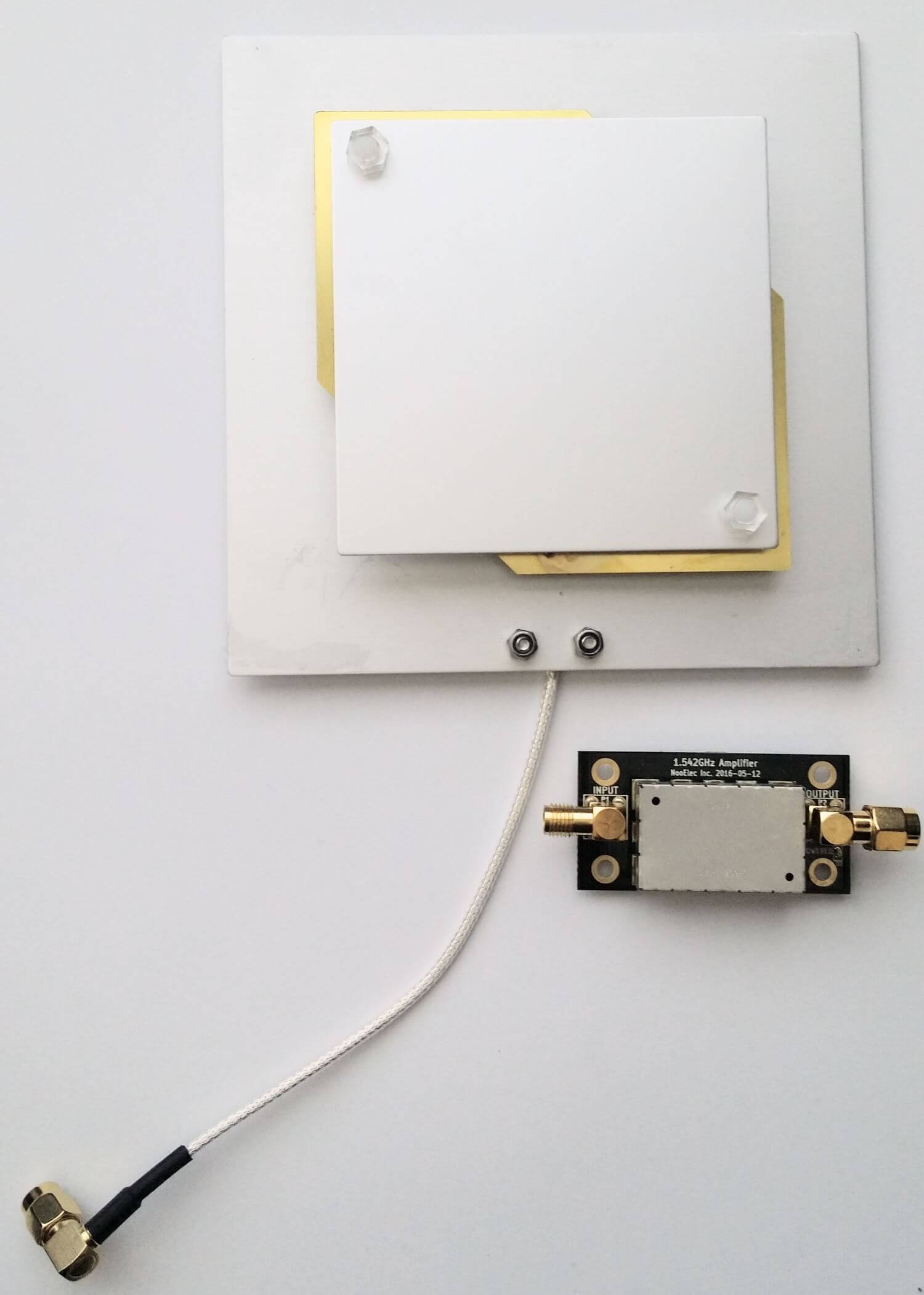
A few days ago we received the LNA and patch antenna for review. The patch antenna is similar to the one we received a while ago when writing our STD-C EGC tutorial, although this one is now slightly larger. It is roughly 12 x 12 cm in size, 100g heavy and comes with about 13 cm of high quality RG316 coax cable with a right angled SMA male connector on the end. The coax cable is clamped on the back for effective strain relief.
The Outernet patch antenna and LNA
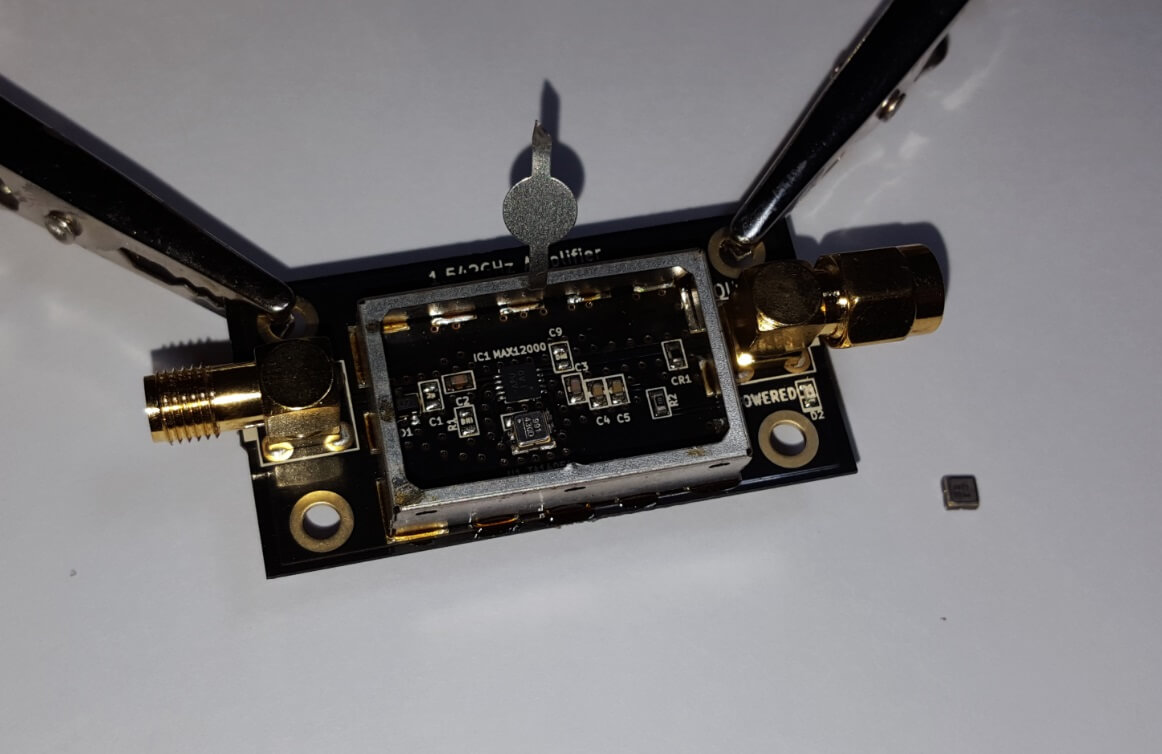
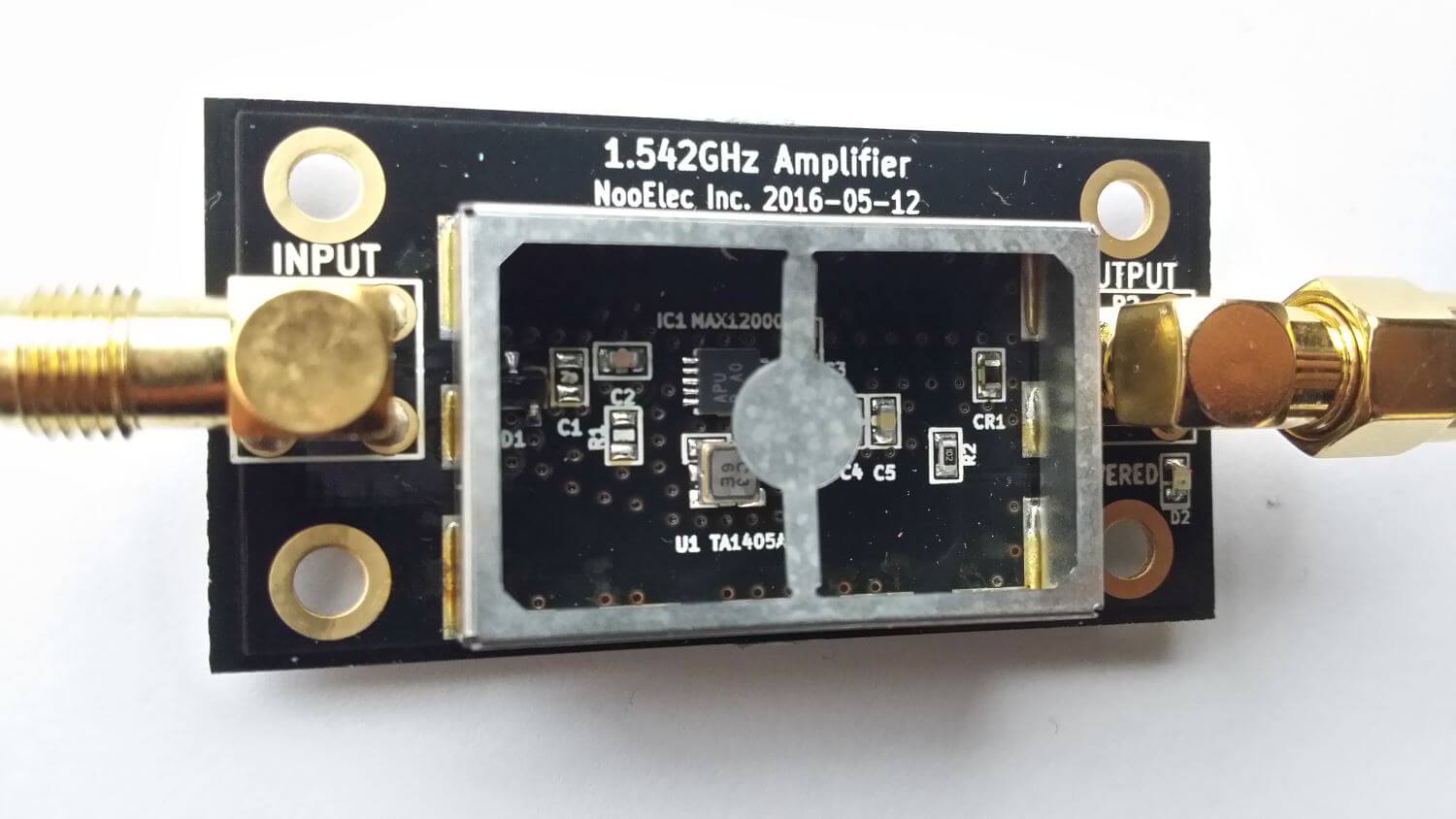
The LNA is manufactured by NooElec for Outernet. It amplifies with 34 dB gain from 1525 – 1559 MHz, with its center frequency at 1542 MHz. It must be powered via a 3 – 5.5V bias tee and draws 25 mA. The package consists of a 5 x 2.5 cm PCB board with one female and one male SMA connector. The components are protected by a shielding can. Inside the shielding can we see a MAX12000 LNA chip along with a TA1405A SAW filter. The MAX12000 (datasheet here) is an LNA designed for GPS applications and has a NF of 1 dB. It has a design where there are two amplifiers embedded within the chip, and it allows you to connect a SAW filter in between them. The TA1405A SAW filter appears to be produced by Golledge (datasheet here), and it has about a 3 dB insertion loss.
The Outernet L-Band LNAInside the Outernet LNA
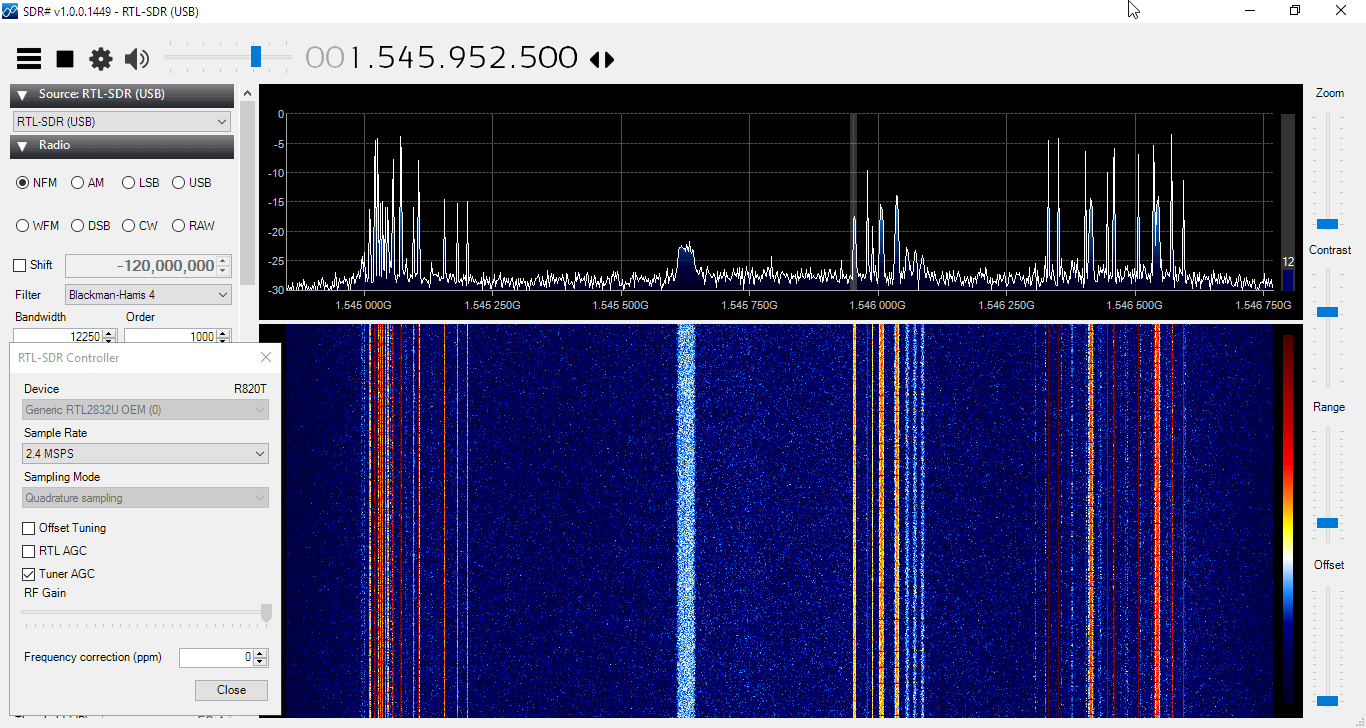
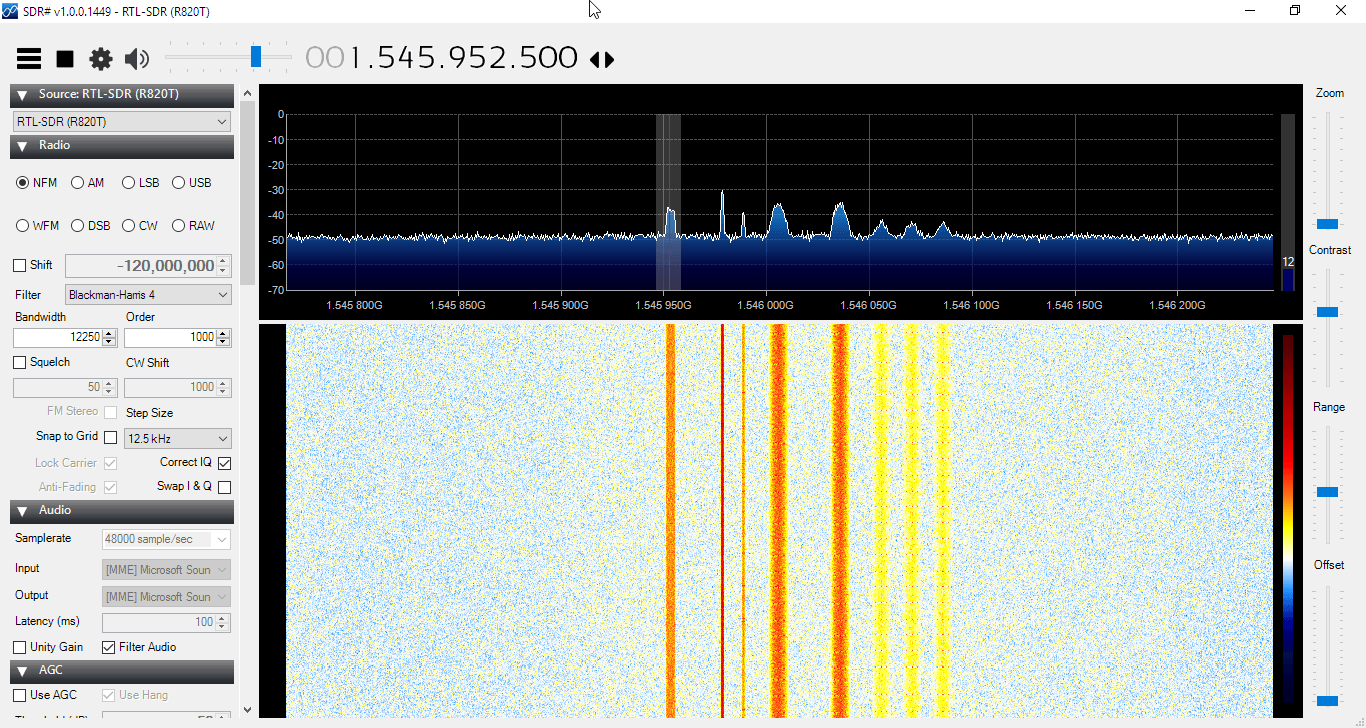
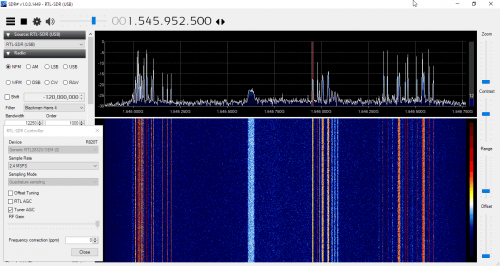
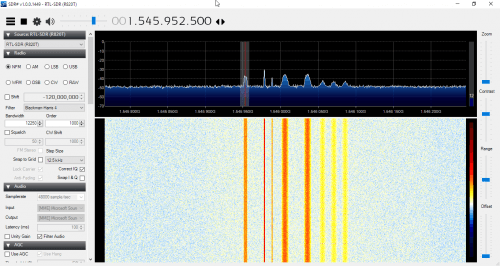
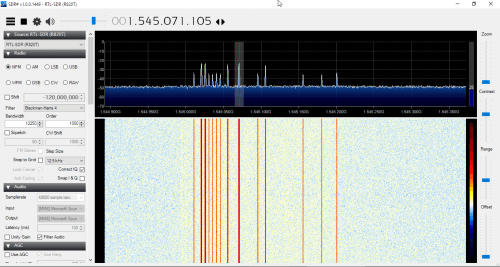
We tested the patch and LNA together with one of our V3 RTL-SDR Blog dongles, with the bias tee turned on. The LNA was connected directly to the dongle, with no coax in between. The patch antenna was angled to point towards the Inmarsat satellite. A 5 meter USB extension cord was then used to interface with a PC. The images below demonstrate the performance we were able to get.
The Outernet team writes that a SNR level of only 2 dB is needed for decoding to work on their signal. With the patch and LNA we were able to get at least 12 dB so this is more than good enough. Other signals such as AERO and STD-C EGC also came in very strongly. Even when not angled at the satellite and placed flat on a table it was able to receive the signal with about 5 dB’s of SNR.
In conclusion the patch and LNA worked very well at receiving the Outernet signal as well as AERO and STD-C EGC. We think these products are great value for money if you are interested in these L-Band signals, and they make it very easy to receive. The only minor problem with the patch antenna is that there is no stand for it, which makes it difficult to mount in a way that faces the satellite. However this issue can easily be fixed with some sellotape and your own mount.
In the future once the Outernet Rpi3 OS and decoder image is released we hope to show a demonstration and tutorial on receiving Outernet data.
RTL-SDR.com reader Mike wrote in to us today to let us know that he has released his AIS decoder for MATLAB and the RTL-SDR. MATLAB is a technical computing language used by many scientists and engineers in the world. Mike writes the following about his work:
Automatic Identification System (AIS) is a communication standard that is used by commercial and recreational maritime vessels to report a ship’s ID, position, course and other information. This data is used for collision avoidance, search and rescue and many other applications. AIS has the following characteristics:
Access protocol: Self-organizing Time Division Multiple Access (SOTDMA)
Transmission frequencies: 161.975 MHz and 162.025 MHz
Transmit Power: 2 W or 12.5 W
Modulation: Gaussian Minimum Shift Keying (GMSK)
Data Rate: 9600 bits per second
An AIS decoder that uses the RTL-SDR and MATLAB to capture AIS transmissions is posted on MATLAB Central, the MathWorks file sharing exchange. The decoder has three main components
The MATLAB Central post includes MATLAB source code for the AIS decoder, captured data files from Boston and San Francisco, an app for easy configuration and operation of the decoder, and instructions for installing the RTL-SDR Hardware Support Package and AIS Decoder app.
If you want to learn how AIS works, and how to write a decoder, then a MATLAB example like this is an excellent resource.