Gorizont-RTLSDR is an RTL-SDR focussed Linux distribution based on Xubuntu 20.04 LTS. Recently it was updated to V2.0.3. The creator Steve Cox writes:
New release and upgrade of gorizont linux, v 2.0.3. uploaded to sourceforge. The new AMSynch option in gqrx 2.14.2 works rather well for broadcast stations in direct sampling mode.
gqrx 2.14.2 - now with AMSynch mode!
SigDigger 0.1.0
Universal Radio Hacker 2.9.0
gqrx-scan
Welle.io 2.2 for all your DAB and DAB+ needs.
Baudline
fldigi
fmsg
Due to multiple issues with linux versions of Dream DRM, Dream DRM is now installed as a Win 32 .exe running under wine. It works!
w-scan for creating DVB-T/ATSC/etc. scan files for TV viewing using VLC
At the beginning of 2020 Annunaki (@StupotSinders) released his third party user interface for DSDPlus. DSDPlus is a digital speech decoder capable of decoding protocols such as P25 P1, DMR, NXDN and more with an SDR such as the RTL-SDR. As it is a command line tool, it can be a little daunting for some users, which is where the GUI comes in handy.
Recently Annunaki has released an SDR# plugin version of DSDPlusUI. This makes it so you can visualize the digital voice signals at the same time as controlling and decoding with DSDPlus. The plugin is available on the DSDPlusUI website at dsdplusui.com. To use it you will need to be using SDR# 1777 or later.
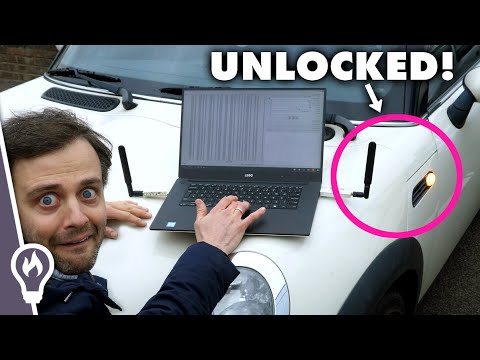
Over on YouTube popular science content creator Steve Mould has uploaded a video showing how he was able to open his own car using a HackRF software defined radio. In the video Steve first uses the Universal Radio Hacker software to perform a simple replay attack by using his HackRF (and also an RTL-SDR V3) to record the car's keyfob signal away from the car and replay it near the car.
Steve goes on to note that most cars use rolling code security, so a simple replay attack like the above is impractical in most situations. Instead he notes how a more advanced technique called "rolljam" can be used, which we have posted about a few times in the past. Later in the video Steve interviews Samy Kamkar who was the security researcher who first popularized the rolljam technique at Defcon 2015.
In this episode of Frugal Radio's ongoing SDR guide videos Rob demonstrates how you can use an RTL-SDR with DSDPlus to monitor DMR and NXDN digital voice radio communications. Rob writes:
With a simple Software Defined Radio (SDR) and some free or frugal software, you can monitor digital radio systems like DMR and NXDN in your area.
his video is a demonstration of how I set up DSDPlus to monitor DMR and NXDN networks, and shows how to modify the various files that help the software trunk track the system with your SDR.
More details with links to the software (DSDPlus) and hardware (1 x RTL-SDR v3) I used in this video can be found at https://frugalradio.com/monitor-dmr
f you are unsure about how trunking systems work, I suggest watching the overview at the beginning of Episode 6 - https://youtu.be/zuUTXHbUvpw
2020 SDR Guide Ep 7 : Trunk DMR & NXDN digital with DSDPlus and 1 RTL-SDR
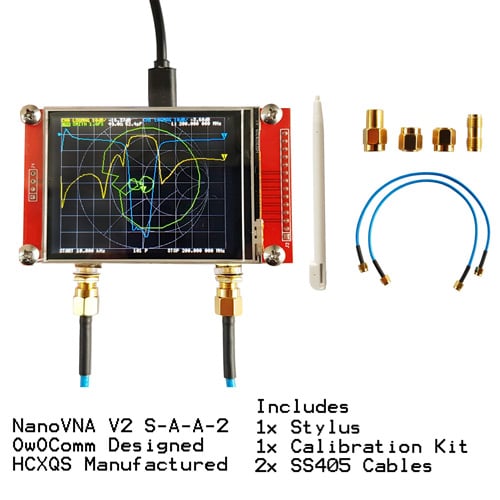
The original NanoVNA V2+ is now available in our store for a reduced price of US$64.95 with free shipping to most countries. This price will increase in the future. The NanoVNA V2+ is a low cost vector network analyzer which can be used to measure and tune antennas, filters and cables.
The model on our store is the ORIGINAL product manufactured and designed by HCQXS + OwOcomm, not a clone. So purchases from our store support the developer. It is also the newer 2.8" V2 PLUS version, which has a two times faster sweep speed compared to the older model. The price includes the calibration kit which consists of two high quality SS405 cables and a SOLT (short, open, load, through) kit. Note that in our current stock we do not include the optional acrylic case.
NanoVNA V2+ Kit
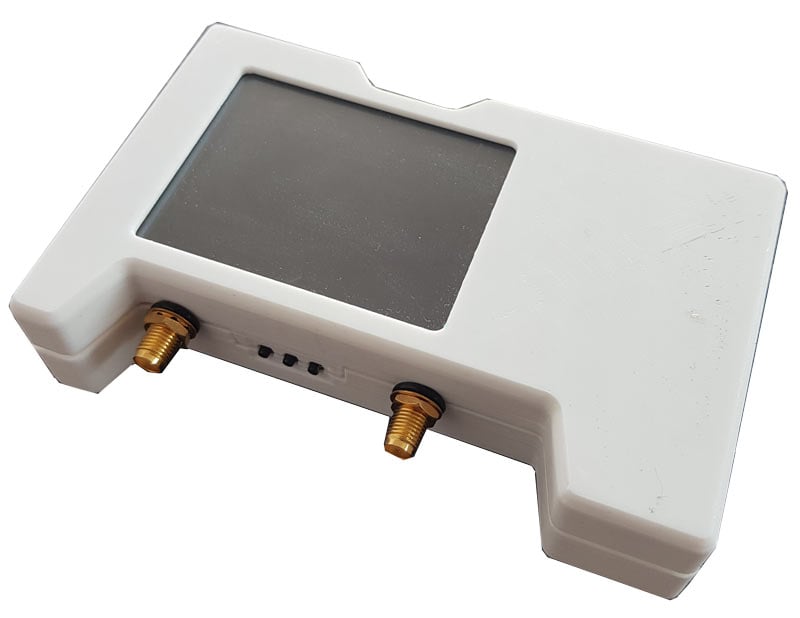
However, we do have our own third party enclosure for the NanoVNA V2 that will be released by January next year. Our enclosure will be made of rugged plastic, and will be part of a kit including an antiglare screen protector as well as a carry case. The case includes space for a standard sized (non-protected) 18650 Li-Ion battery, and will include battery terminals (the battery itself will not be included for shipping reasons, but you can find 18650 cells for a few dollars locally). Pricing is yet to be established, but we're targeting around US$14.95 to US$19.95 with free shipping included. We note that some people have requested a metal case, however after a discussion with the NanoVNA V2 designers it was noted that a metal case could actually hurt performance and is not recommended.
The Arecibo Radio Telescope has collapsed. Once the largest single dish radio telescope in the world at 305m, Arecibo was mostly used for radio astronomy research. However, the dish was made famous in 1974 for deliberating beaming a message into space as part of a search for extraterrestrial intelligence (SETI) experiment. It also played a part in popular culture, being a part of several famous films such as Golden Eye and Contact.
As part of it's goodbye we thought we'd highlight a few old posts where Arecibo was used together with SDRs for some interesting applications.
The project required finding and researching the original spacecraft documentation, and implementing the modulators and demodulators in GNU Radio. Whilst being successful in communicating with the satellite, ultimately the project failed due to the satellite's nitrogen tanks which had long leaked empty. But the fact that they were even able to find and communicate with the spacecraft using Arecibo was a major achievement. If you're interested in that project, Balint's 2015 talk on YouTube is an interesting watch.
Later in 2017 we saw how Arecibo was used for an Ionospheric heating experiment which involved transmitting 600kW of net power into the Ionosphere. This resulted in SDR users around the world being able to receive the signal. Other posts involve u/moslers Reddit post where he toured Arecibo and showed how they used a familiar program, HDSDR, as part of their monitoring suite.
So goodbye to Arecibo. However, we can look forward to the 500 meter Chinese FAST (Five-hundred-meter Aperture Spherical Radio Telescope) giving us new opportunities for single dish radio observations in the future.
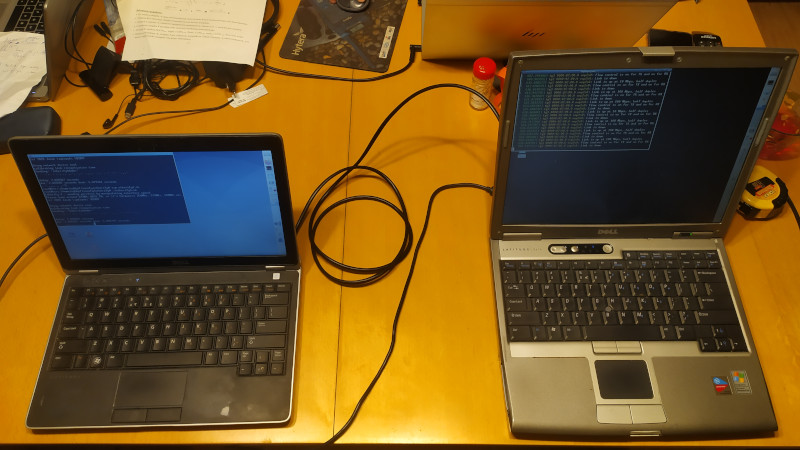
The answer is yes, there is some RF leakage, however unlike the Pi 4 the speed at which the leakage can be modulated is much slower, and also the signal strength is much lower. Despite the slow modulation speed, Jacek was still able to transmit data by using QRSS CW, which is essentially just very slow morse code. Using this idea he was able to transmit, and receive the CW signal with an RTL-SDR over a distance of 3 meters at 375 MHz, 625 MHz and 250 MHz. The signal strength is nothing like the Pi 4's Ethernet RF leakage which can be received strongly from over 50 meters away however.
Etherify: Transmitting QRSS CW via Ethernet RF leakage from PC to PC
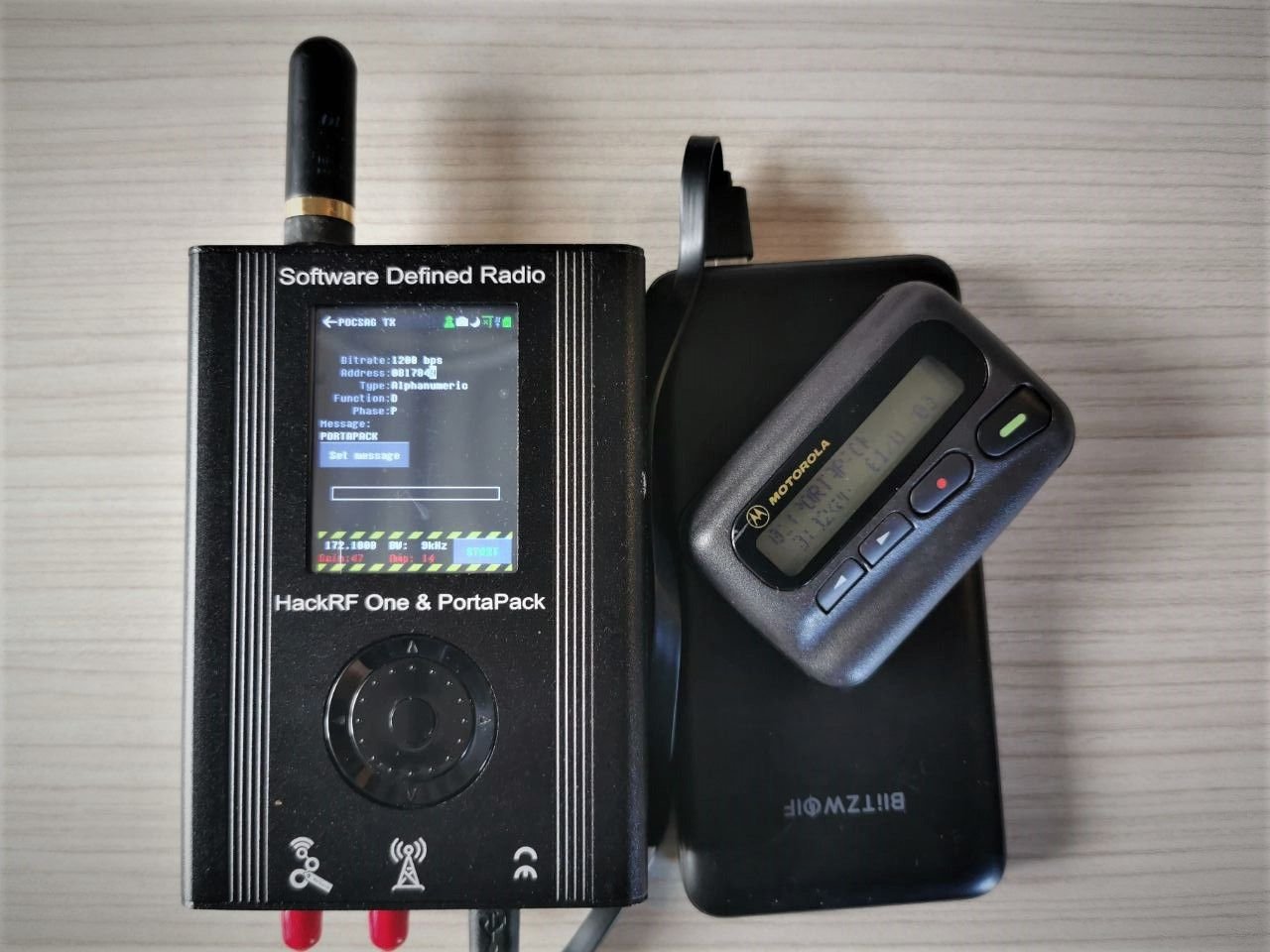
The Portapack is an add on for the popular HackRF SDR which allows the HackRF to be used portably without a PC. Recently the cost of this hardware duo has come down to below US$150 due to low cost Chinese clones now being available on the market. Generally the clones are of good quality too.
Once you have the hardware it is possible to install third party custom firmware such as "Mayhem" on the Portapack which enables many features such as the ability to receive and transmit various different types of RF protocols. Back in 2018 we did a review of Mayhems predecessor which was known as the "Havok" firmware. More recently Tech Minds did a video overview of Mayhem.
Now over on his blog A. Petazzoni has started a new blog series which aims to introduce the basics of the Mayhem firmware, including installation and some hands on testing with RF spoofing, denial-of-service (DoS) and replay attacks. Currently only his first post is out, and in the post he show how to install Mayhem onto the Portapack, then goes on to briefly overview some applications such as RF replay attacks, replicating wireless remote controls, receiving and transmitting POCSAG, receiving and transmitting ADS-B, and creating a jammer.
Obviously a lot of what you can do with a Portapack and the Mayhem firmware is extremely illegal and very dangerous, so please do be careful with what and where you transmit especially if you are new to RF hobby. These signals should remain in your test area only, and not leak out into the wider environment.